Article tag

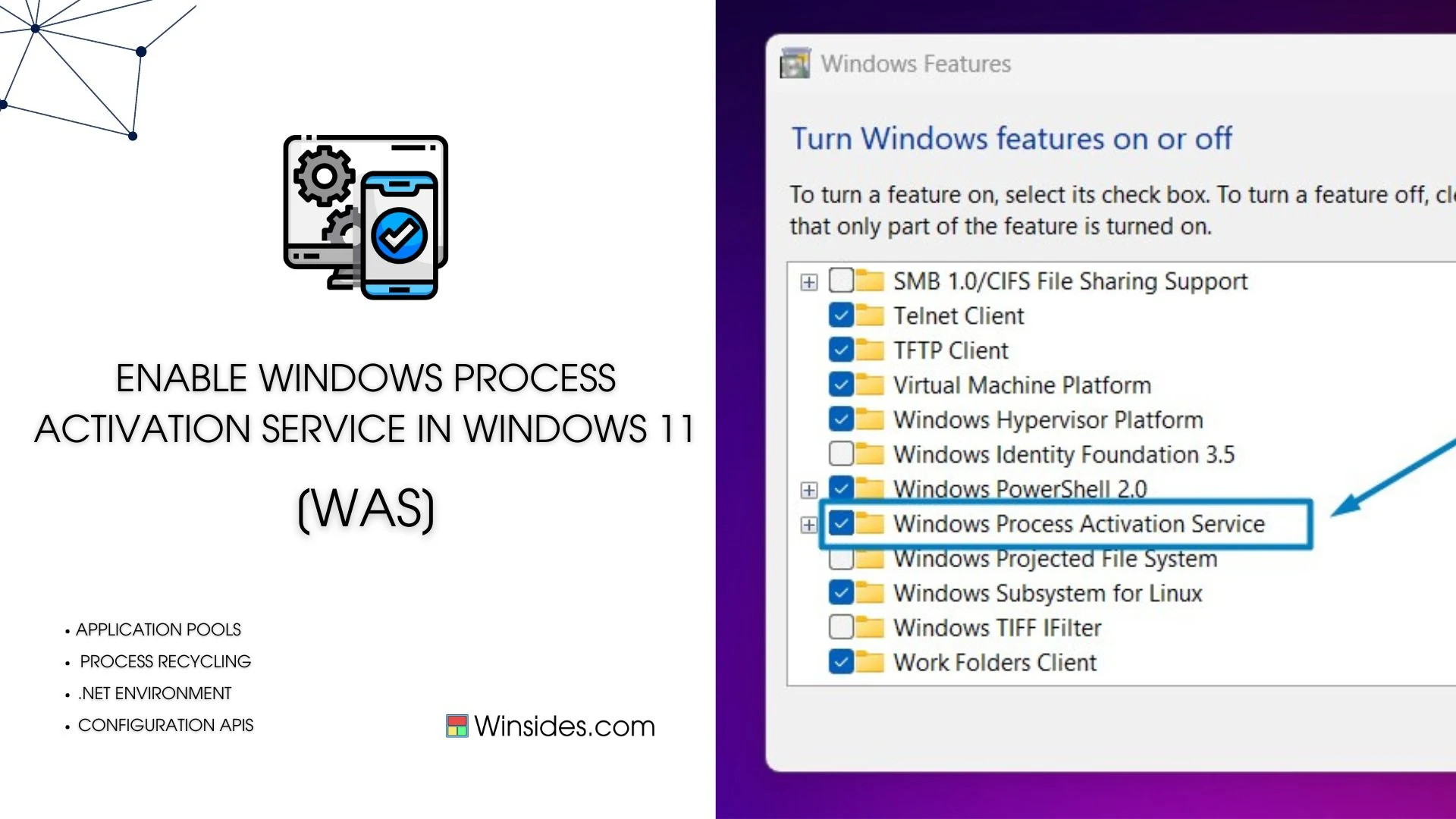
Windows Process Activation Service

4 guides

Windows 11

How to Enable Process Model for WAS on Windows 11?

Process Model for WAS: It enables the core Windows service that creates and manages worker processes for activated applications. It provides the infrastructure for starting, stopping, recycling, and monitoring application processes, including creating w3wp.exe instances used by IIS application pools. In this article, let’s check out how to enable Process Model for WAS on Windows […]

Read guide
Windows Features

Enable .NET Environment for WAS in Windows 11

.NET Environment for Windows Process Activation Service: This optional feature is a component within the Windows Process Activation Service (shortly called WAS) that is crucial for managing and activating applications like Internet Information Services. When you enable the .NET Environment feature in WAS, it allows applications that are built using the .NET Framework to run […]

Read guide

Windows Features

Enable Configuration APIs of WAS in Windows 11

Configuration APIs in general are tools that allow developers to programmatically manage and modify the settings. In Windows Process Activation Service shortly called WAS, configuration APIs allow developers to create and manage Application Pools, Configure Sites and Applications, Set Protocols, and adjust security settings. This article will walk you through the steps of How to […]

Read guide

Windows Features

Enable Windows Process Activation Service in Windows 11

Windows Process Activation Service, also known as WAS, is a Windows operating system component that provides process model and activation services for applications that use Internet Information Services (IIS). It’s particularly important for hosting applications that require a process model beyond what the traditional IIS worker process (w3wp.exe) provides. WAS plays a crucial role in […]

Read guide