

Topic library

Powertoys

From FancyZones to PowerToys Run, learn how to make Windows work better for you with Microsoft PowerToys.

3 published guides

Powertoys

How to Batch Rename Files using PowerRename in Windows 11?

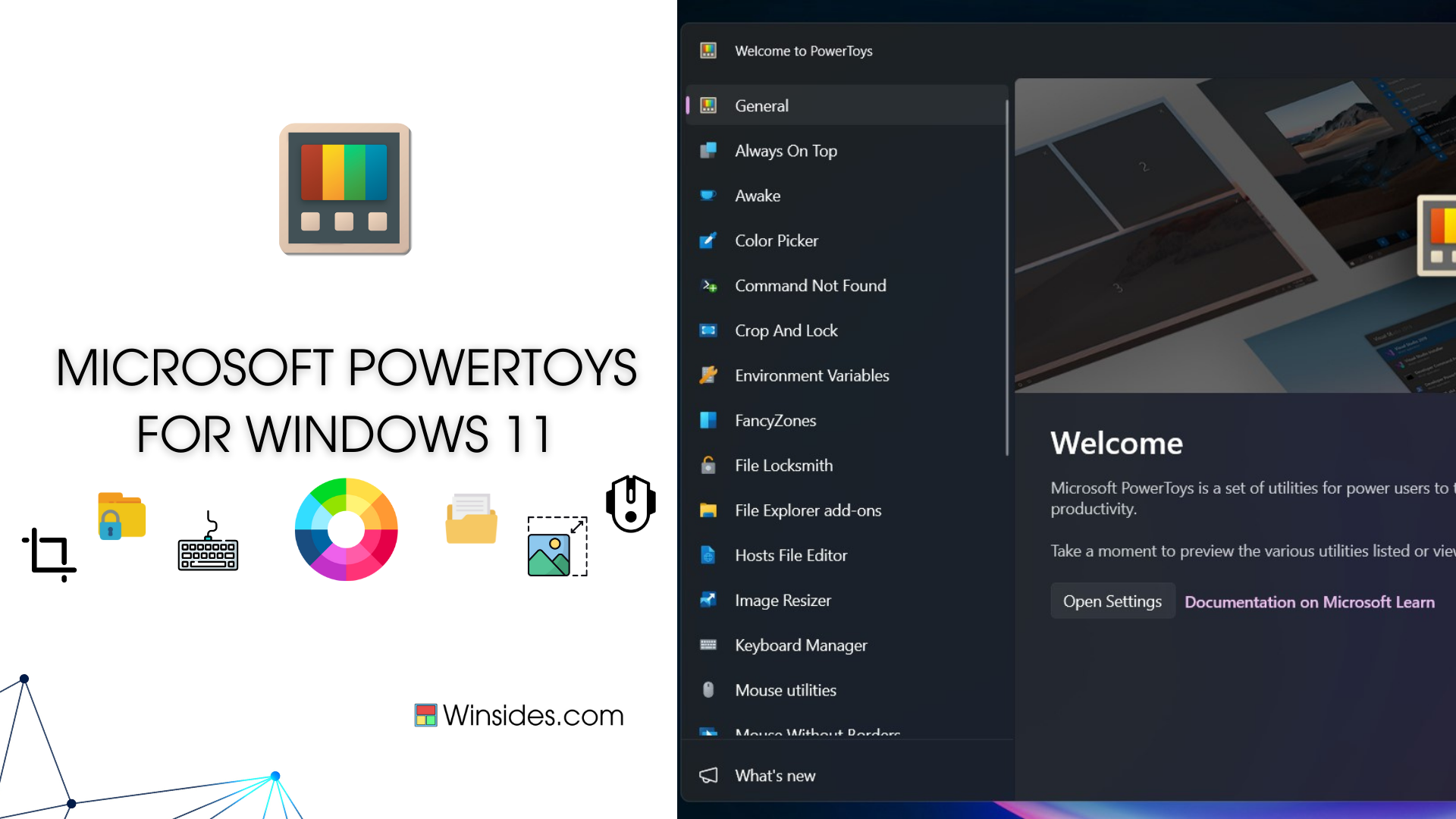
PowerToys is a collection of helpful tools made by Microsoft to make using Windows easier and more efficient. These tools allow you to manage windows, change keyboard shortcuts, pick colors, rename multiple/bulk files at once, and more. PowerToys is open source, which means anyone can use and improve it. It is especially useful for people […]

Read guide

Powertoys

How to Use Color Picker in Windows 11 using PowerToys?

Today, I discovered a best PowerToys utility for Windows 11 users called Color Picker. As a web developer, I often need to pick colors, whether it’s for backgrounds or other design elements. I get inspiration for background colors from images and other websites. For example, I use the Color Picker from image tool developed by […]

Read guide

Microsoft

Download and Install Microsoft Powertoys for Windows 11

Microsoft Powertoys for Windows 11: is a set of utilities and tools developed by Microsoft that are designed to enhance productivity and customize the Windows operating system’s user experience. Originally introduced for Windows 95, PowerToys was revived for Windows 10 and later versions with a new set of features. In his guide, we will check […]

Read guide