Threads Video Downloader
Threads Video Downloader - Winsides
Download Threads videos, photos, and carousel media online from public posts.Download Threads videos, photos.
How Does This Threads Downloader Work Visually?
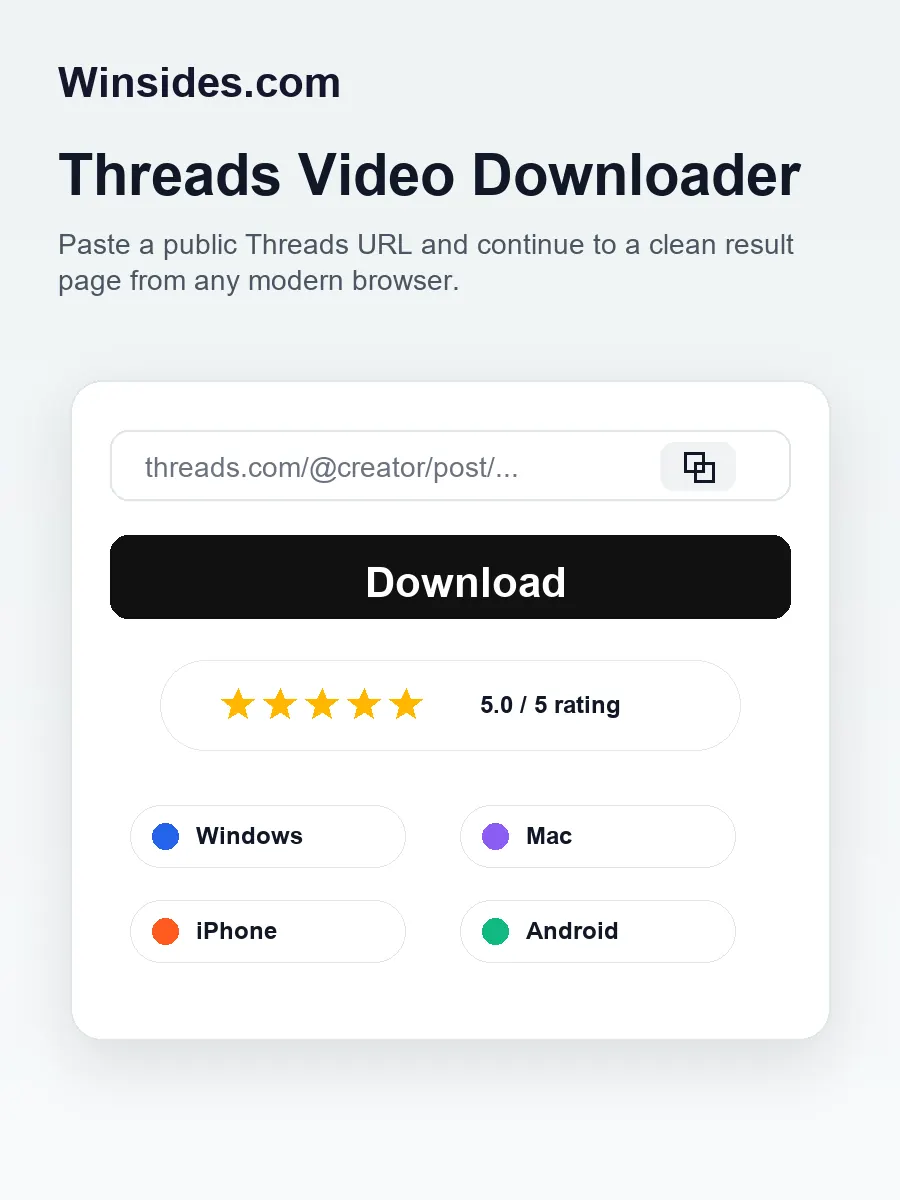
Winsides keeps the main Threads video downloader flow simple: paste a public Threads post link, review the detected media, and choose the file you want to save.
The tool is designed for people who want a fast online Threads downloader without installing a Windows app, a Mac app, a browser extension, or a mobile downloader package.
Paste A Public Link
Start with the URL of a public Threads post. A normal Threads link from desktop, Windows laptop, MacBook, iPhone, Android phone, or tablet can be pasted into the input box.
Review Media Files
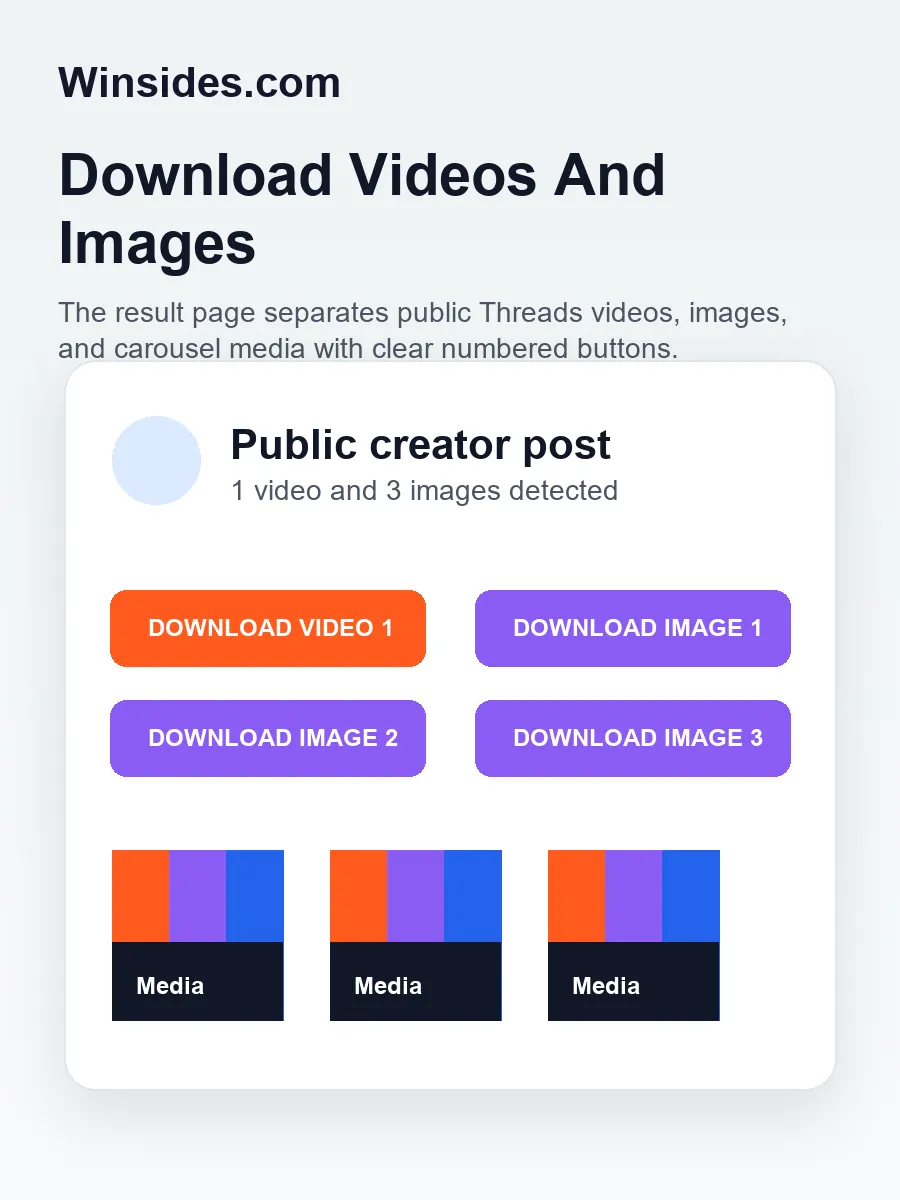
The result page shows the media that is available from the public post. If the post includes one MP4 video, several images, or a mixed carousel, each detected item gets its own clear download option.
Save With Progress
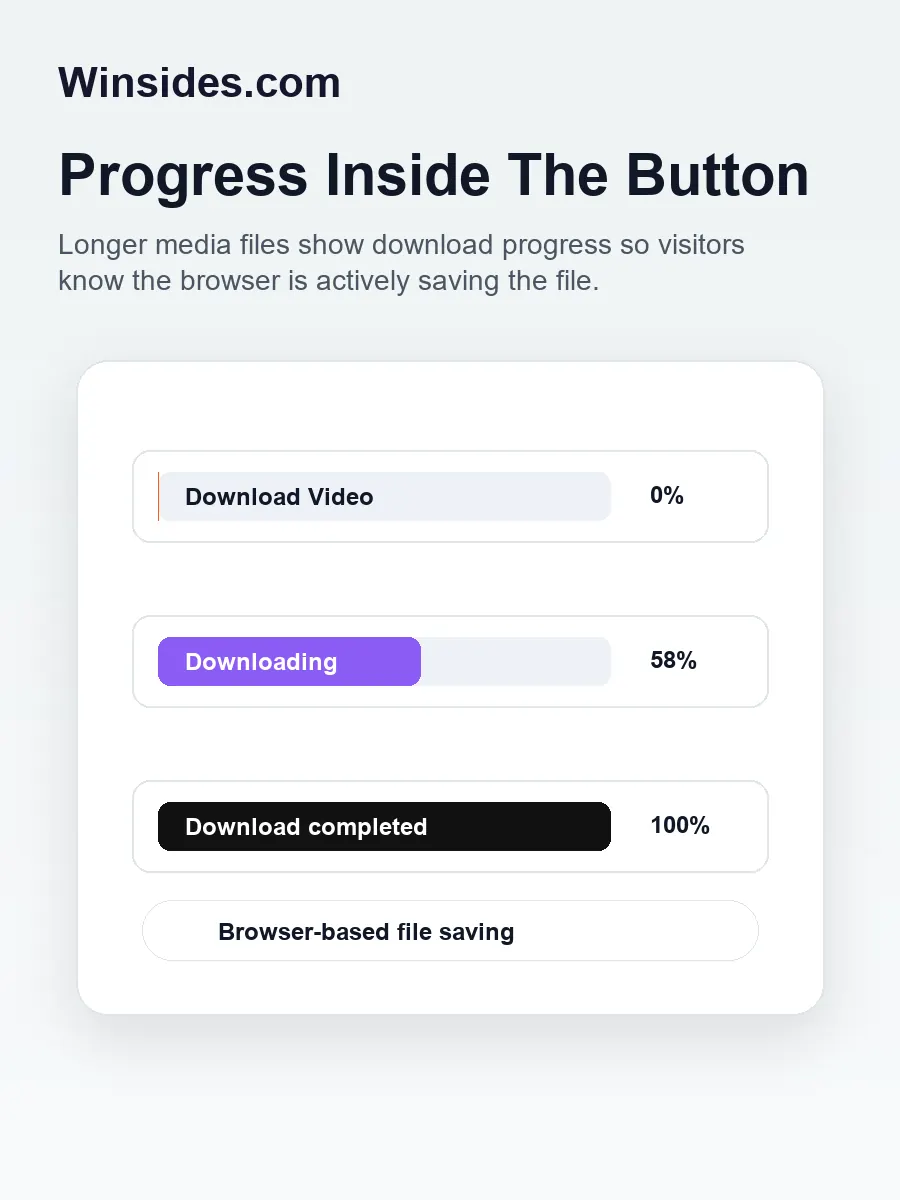
When you click a download button, the button shows a live percentage when the browser can read the file size. Once the file is ready, the text changes to show that the download completed.
How Do You Use The Online Threads Video Downloader?
- Open Threads in your browser or app and find the public post that contains the video, image, carousel, or Instagram-shared media you want to save.
- Copy the post URL. On desktop you can copy the address from the browser bar, and on mobile you can use the share menu to copy the public Threads link.
- Return to this Winsides Threads video downloader page and paste the link into the input box above.
- Press Download. The tool will take you to a clean result page where the detected media items are grouped as videos and images.
- Choose Download Video when the post contains a video, or choose Download Image when the post contains photos or carousel media.
- If multiple media files are found, use the numbered buttons such as Download Video 1, Download Image 2, or Download Image 3 to save the exact file you need.
- Watch the download button text. For supported media responses, the button displays a percentage so you can see that the file is actively downloading.
- After the button changes to Download completed, check your browser downloads folder or your device download manager for the saved media file.
The online downloader runs in your browser, so it is useful for everyday media saving on Windows 11, Windows 10, Windows 8.1, Windows 8, Windows 7, macOS, iPhone, Android, Chromebooks, and tablets.
You do not need to install a dedicated Threads video downloader for Windows, a separate Threads video downloader for Mac, or an unknown APK file just to save public media from a Threads post.
Features Of The Winsides Threads Downloader
This page is built for users who want a practical Threads media downloader that feels fast, understandable, and easy to use.
It focuses on public post links, browser-based downloads, and clear media buttons instead of exposing technical details that do not help the person saving a file.
HD Threads Video Downloader
When a public Threads post provides a video file, Winsides presents it as a direct video download option.
This makes the page useful as a Threads video downloader, online MP4 downloader, HD video saver, and browser video downloader for short clips, creator posts, educational clips, product demonstrations, public announcements, and social media reference material.
The tool is especially helpful when you need to keep a public Threads video for offline viewing, content review, presentation preparation, marketing research, creator inspiration, or personal archiving.
The download button is intentionally large and clear so users on desktop and mobile can understand which media item they are saving.
Threads Image And Carousel Downloader
Threads posts can include photos, screenshots, design previews, quote graphics, memes, product photos, event images, and mixed carousel media.
If the post contains images, the result page creates image download buttons for each available photo so you can save only the image you need instead of guessing which file belongs to which preview.
This makes the tool useful as a Threads image downloader, carousel downloader, social media image downloader, and online media downloader.
It is convenient for content creators, digital marketers, bloggers, educators, research teams, and regular users who need to organize public media from Threads posts.
Works On Windows, Mac, iPhone, And Android
Winsides is a browser-based Threads downloader, so it works across modern operating systems.
You can use it as a Threads video downloader for Windows 11, Threads video downloader for Windows 10, Threads video downloader for Windows 8.1, Threads video downloader for Windows 8, and Threads video downloader for Windows 7 as long as the browser is modern enough to handle online media downloads.
It also works as a Threads video downloader for Mac and macOS browsers, plus a mobile Threads downloader for iPhone, iPad, and Android devices. The experience remains simple: paste the link, open the result page, and use the available media buttons.
Supports Public Threads Posts And Shared Media
Threads often contains original posts, reposted media, carousel posts, and Instagram videos shared on Threads.
When the public Threads post exposes an available media file, Winsides can list the detected video or image options. That gives users a single place to check for downloadable media without switching between several tools.
For best results, use a normal public post URL.
Private posts, deleted posts, region-restricted media, age-restricted content, and posts that do not expose a media file may not return a downloadable result.
This limitation keeps the tool focused on public media access and clean user-facing downloads.
Download Progress Inside The Button
Large video files can take longer to save, especially on mobile networks or slower connections.
A plain button that only says Downloading can make users wonder whether the browser is actually working.
Winsides now shows percentage completion inside the media button when the browser can calculate the transfer size.
The button state is designed to be clear: it starts at 0%, updates during the download, reaches 100%, and then changes to Download completed. For files where the browser cannot read the total size, the button still shows an active downloading state so the page does not feel frozen.
Clean Result Page For Multiple Media Types
The result page separates videos and images with numbered labels when a post contains more than one media item. This is important for carousel posts because a single public Threads post can include several photos, a video plus images, or multiple visual assets that users may want to save separately.
A clean result page helps avoid accidental downloads, repeated clicks, and confusing file choices. It also improves the experience for users who are collecting public media for a content calendar, design reference folder, brand monitoring report, online course material, or personal collection.
Threads Video Downloader For Windows, Mac, And Mobile Browsers
For Windows PCs And Laptops
Many Winsides readers use Windows as their main desktop operating system, so this tool is written with Windows users in mind.
It can be used as a Threads video downloader for Windows 11, Windows 10, Windows 8.1, Windows 8, and Windows 7 through a modern browser.
If you manage social media assets on a PC, the workflow is simple enough for repeated use: open a public Threads post, copy the URL, paste it into Winsides, and save the MP4 video or image file from the result page.
A browser-based Threads downloader is useful on workstations, gaming PCs, office laptops, school computers, and creator machines because it does not require local installation.
That matters when you are on a managed device where installing a downloader app is not allowed, or when you only need a quick online tool for public Threads media.
For Mac, macOS, iPhone, And Android
Mac users can use the same page as a Threads video downloader for Mac and a Threads video downloader for macOS.
It works in common modern browsers and keeps the interaction familiar: paste, continue, and download.
This is helpful for creators who edit videos on macOS, designers who save public image references, and social teams who need to collect public Threads media for planning and reporting.
Mobile users can also use the tool from iPhone, iPad, and Android browsers.
Mobile download behavior can vary by browser and device settings, but the page is responsive, the form fits small screens, and the result buttons are built for touch.
If a mobile browser previews a file instead of saving it immediately, the media controls or share menu can usually help complete the save.
Who Is This Threads Media Downloader Useful For?
A public Threads video downloader is useful for content creators who need to collect their own posted videos, save public inspiration, prepare editing references, or keep an offline copy of media that may be used in a future project.
It can also help social media managers who monitor public brand mentions, competitor posts, campaign examples, product announcements, customer testimonials, or event clips shared on Threads.
Bloggers and journalists may use a Threads media downloader to save public assets for research notes, fact-checking workflows, or editorial planning.
Educators, students, and small businesses can keep public educational clips, carousel graphics, product media, creator collaborations, launch clips, and visual references organized in one local folder.
The tool also helps everyday users who simply want to save a public Threads video or image before it disappears in the feed.
Threads posts move quickly, and many users prefer to save useful public videos, travel clips, recipes, tutorial snippets, design ideas, repair tips, software demos, motivational clips, and public announcements for later viewing.
Because this is an online Threads downloader, it is also convenient for people who switch between devices.
You can use it from a Windows laptop at work, a Mac at home, or a mobile browser while traveling. The same public post link works through the same input flow, which keeps the experience consistent across devices.
Using Threads Downloads In A Real Content Workflow
A good Threads downloader should fit into the way people already work.
A content creator may save a public Threads video as inspiration for editing style, caption structure, pacing, hook ideas, or thumbnail planning.
A social media manager may collect public posts for a weekly brand report, competitor review, campaign analysis, influencer discovery, or customer feedback archive.
A blogger may save public images and videos to keep research notes organized before writing an article.
In each case, the value is not just the download itself. The value is having a clean, repeatable way to move public media from a fast-moving feed into a folder where it can be reviewed later.
For marketing and business teams, public Threads media can become part of a larger digital asset management workflow.
A team might save a product mention, event recap, public creator collaboration, software tutorial, customer story, or visual campaign reference.
The media can then be renamed, sorted by topic, added to a spreadsheet, attached to a planning document, or reviewed during a meeting.
This is why a browser-based social media video downloader needs a clear result page, numbered media buttons, and visible progress feedback.
For personal use, the workflow is even simpler. You may want to save a recipe clip, a travel video, a workout idea, a repair tip, a public announcement, a design reference, or a funny Threads carousel before it disappears in the timeline.
A public Threads post can be hard to find again after a few days, especially if you do not remember the creator handle or exact caption.
Saving the public media file to your device helps you keep useful content available when you are offline, switching devices, or cleaning up saved posts.
Winsides keeps this workflow focused on relevant public media. It does not ask you to choose from technical formats, expose sensitive internals, or install separate software for every operating system.
Whether you search for a Threads video downloader for Windows, a Threads video downloader for Mac, an online MP4 video downloader, a Threads image downloader, or a mobile Threads media saver, the goal is the same.
Paste the public post link and download the available media in a way that is easy to understand.
Getting Better Results From Public Threads Links
For the best chance of a successful download, use the direct URL of the public Threads post, not a screenshot, profile link, search result, or copied text snippet.
A post URL usually includes the creator handle and a post identifier. If you are copying from the Threads app, use the share menu and choose the option that copies the link.
If you are copying from a desktop browser, open the post itself and copy the full address from the browser bar.
Some posts include only text, some include one image, some include one video, and some include carousel media with several files.
The result page depends on what the public post makes available. If the post includes an Instagram video shared on Threads, an embedded clip, or a cross-posted media item, availability can vary.
Winsides will show download buttons only for media files that can be detected from the public post.
If a download does not start, check that the post is public, refresh the source post, copy the URL again, and retry.
Also make sure the original post still exists. Public social media content can be edited, deleted, restricted, or moved.
Browser extensions, privacy tools, ad blockers, and strict network firewalls can sometimes affect media requests as well, so testing in another browser may help if the file does not save.
Tips For Better Downloads
Keep the downloader tab open while the file is saving. Large MP4 videos may take longer on mobile networks, public Wi-Fi, or overloaded connections.
The percentage text inside the button gives you a clearer idea of progress, but the browser still needs the page to remain active until the download is ready.
Use the numbered buttons carefully when a post contains multiple images or videos. Carousel posts can include similar-looking visuals, so preview the media cards before clicking if you want a specific file.
Numbered video and image buttons reduce confusion and help you save exactly the item you intended.
Organize downloaded Threads media into folders by project, campaign, topic, or creator. This is especially useful for content creator tools, social media marketing workflows, digital asset management, brand monitoring, and research projects where several public posts may need to be reviewed later.
Why Use Winsides For Threads Downloads?
Fast Browser Flow
The page focuses on the shortest practical path: paste a public Threads URL, review the result, and download the available video or image.
No App Install
You can use the downloader from Windows, macOS, iPhone, Android, and other modern browsers without installing a separate desktop or mobile app.
Video And Image Support
The result page can show MP4 video buttons, image buttons, and numbered carousel downloads when a public post includes multiple media files.
Progress Feedback
Download buttons display progress percentage when the browser can calculate it, which is helpful for larger public Threads videos.
Creator Friendly
Creators, marketers, bloggers, educators, and social teams can use it for public media reference, planning, archiving, and content review workflows.
Clear Interface
The page avoids unnecessary controls. It keeps the input, media buttons, previews, and download another option easy to scan on desktop and mobile.
Responsible Use And Public Media Notes
This Threads downloader is intended for public posts and personal or legitimate workflow use.
Downloading a public video or image does not automatically give you ownership of the content. Respect the original creator, platform rules, copyright, licensing, privacy expectations, and any local requirements that apply to how you store or reuse media.
If you plan to repost, edit, publish, sell, or use media in a commercial campaign, get permission from the rights holder first.
For business users, responsible use is especially important. Social media managers, agencies, publishers, ecommerce teams, and brand monitoring teams often save public content for review, reporting, or documentation.
Keep records organized, credit creators where appropriate, and avoid presenting downloaded media as your own work. A downloader is a convenience tool, not a license transfer tool.
Winsides does not need to show sensitive technical details to be useful. The page is designed around the user-facing task: finding the public media that the post makes available and giving you a clear way to save it from your browser.
That keeps the interface simple while still supporting practical workflows for Windows users, Mac users, mobile users, content creators, and everyday Threads readers.
FAQ
What is a Threads video downloader?
A Threads video downloader is an online tool that helps you save video media from a public Threads post. Winsides focuses on public Threads links and displays the downloadable media that is available from the post.
Is this Threads downloader free?
Yes. The Winsides Threads downloader is free to use from a modern browser. You can paste a public Threads URL and continue to the result page without installing a desktop program or mobile app.
Can I download Threads videos in HD?
The result depends on the media made available by the public post. When Threads provides an HD video file, the downloader can show that available file as a video download option.
Can I download Threads images and carousel posts?
Yes. If a public Threads post includes images or a carousel, the result page can show separate image download buttons. Multiple images are numbered so you can choose the correct file.
Can I use this as a Threads video downloader for Windows?
Yes. It works in modern browsers on Windows 11, Windows 10, Windows 8.1, Windows 8, and Windows 7. It is useful for PCs, laptops, and managed Windows devices where installing separate downloader software may not be convenient.
Does it work as a Threads video downloader for Mac?
Yes. Mac and macOS users can use the same browser-based downloader. Open the page, paste the public post link, and save the available video or image media from the result page.
Can I use it on iPhone and Android?
Yes. The page is responsive and can be used from iPhone, iPad, and Android browsers. Mobile download behavior depends on the browser, but the page is built so the input, preview, and download buttons fit smaller screens.
Can I download Instagram videos shared on Threads?
If the Instagram video is shared in a public Threads post and the post exposes an available media file, Winsides can show the detected download option. Some shared or restricted media may not expose a downloadable file.
Why does the download button show a percentage?
The percentage helps you understand that the file is actively downloading. This is useful for longer public Threads videos, slower connections, and mobile networks where a file may take more time to save.
Why did a Threads link not work?
The most common reasons are that the post is private, deleted, restricted, text-only, or not exposing a media file. Copy the direct post URL again and make sure the original Threads post is public.
Do I need a browser extension?
No. Winsides works as an online Threads downloader in the browser. You do not need a Chrome extension, Windows installer, Mac app, Android APK, or separate iPhone shortcut to use the core download flow.
Can businesses and creators use this tool?
Yes, when used responsibly. Content creators, social media managers, bloggers, educators, and marketing teams can use it for public media review, offline reference, brand monitoring, campaign planning, and digital asset organization while respecting creator rights.