
WinSides library

Latest guides

Page 49 of 55

How To?

How to Check .Net Framework Version in Windows 11?

I’m a Windows enthusiast and a web app developer. I recently upgraded my PC to the MSI Vector series and enhanced its RAM and CPU to match my programming needs. When I tried to install the Microsoft legacy IDE, Visual Studio Code, I was stopped by a requirement for the .NET framework. My new PC […]

Read guide
Windows Features

How to Enable Hyper V in Windows 11?

Hyper-V is a native hypervisor feature in Windows 11 that allows you to create and manage virtual machines (VMs) on your computer. It lets you spin up different operating systems, whether it’s Linux, an older version of Windows, or even another instance of Windows 11, all without needing extra devices. eliminates the need for multiple […]

Read guide

Windows Features

How do I Enable Containers in Windows 11?

Enable Containers in Windows 11: This feature is super handy for developers and IT pros who need to test stuff, run different versions of an app, or play around with configurations without risking the stability of their main system. It’s more of a Pro, Enterprise, or Education edition kind of deal, aimed at those who […]

Read guide

Windows Features

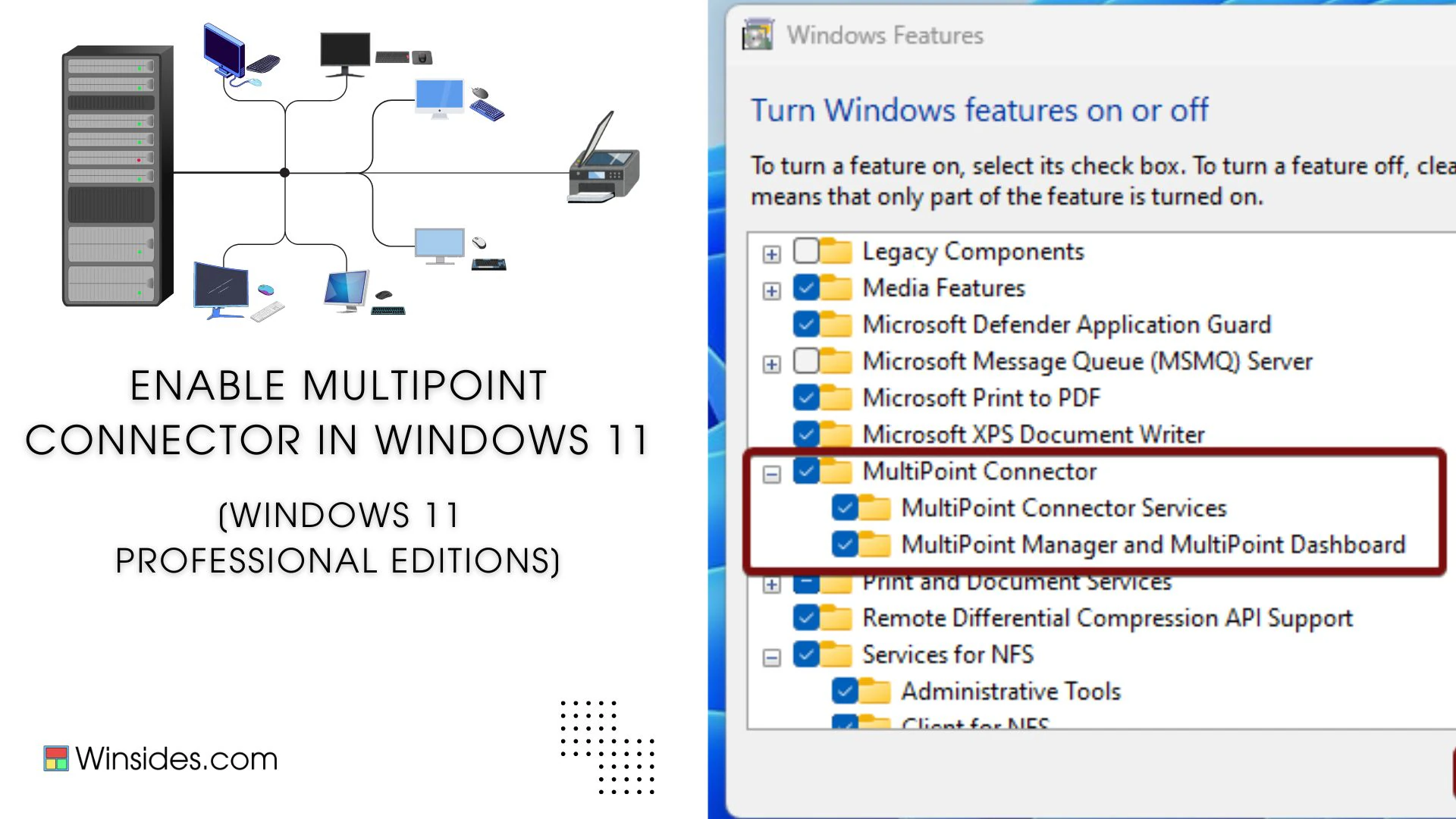
Enable MultiPoint Connector Services in Windows 11

Enable MultiPoint Connector Services in Windows 11: It is a part of Microsoft Multipoint Services, which allows multiple users to connect to and share a single computer simultaneously, using separate monitors, keyboards, mice, and other peripheral devices. Imagine a classroom where every student needs to use a computer, but instead of having individual PCs for […]

Read guide

Windows Features

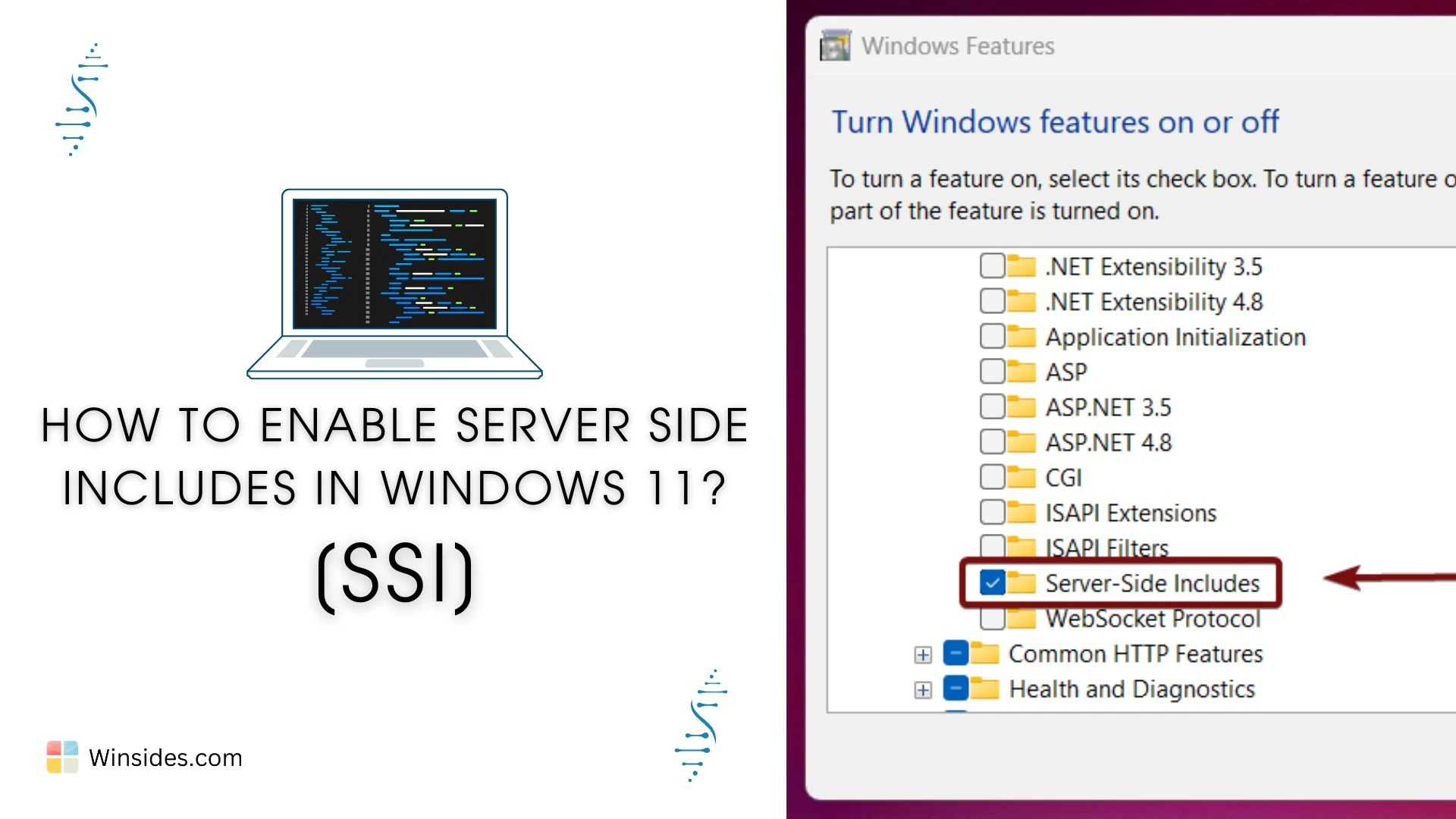
Enable Server Side Includes [SSI] in Windows 11

Imagine you’ve got a website with 50 pages, all sharing the same header, footer, or menu. If you need to update any of these elements, normally you’d have to edit all 50 pages, super tedious, right? Instead of editing each page every time you make a change, Server Side Includes, known as SSI, lets you […]

Read guide

Windows Security

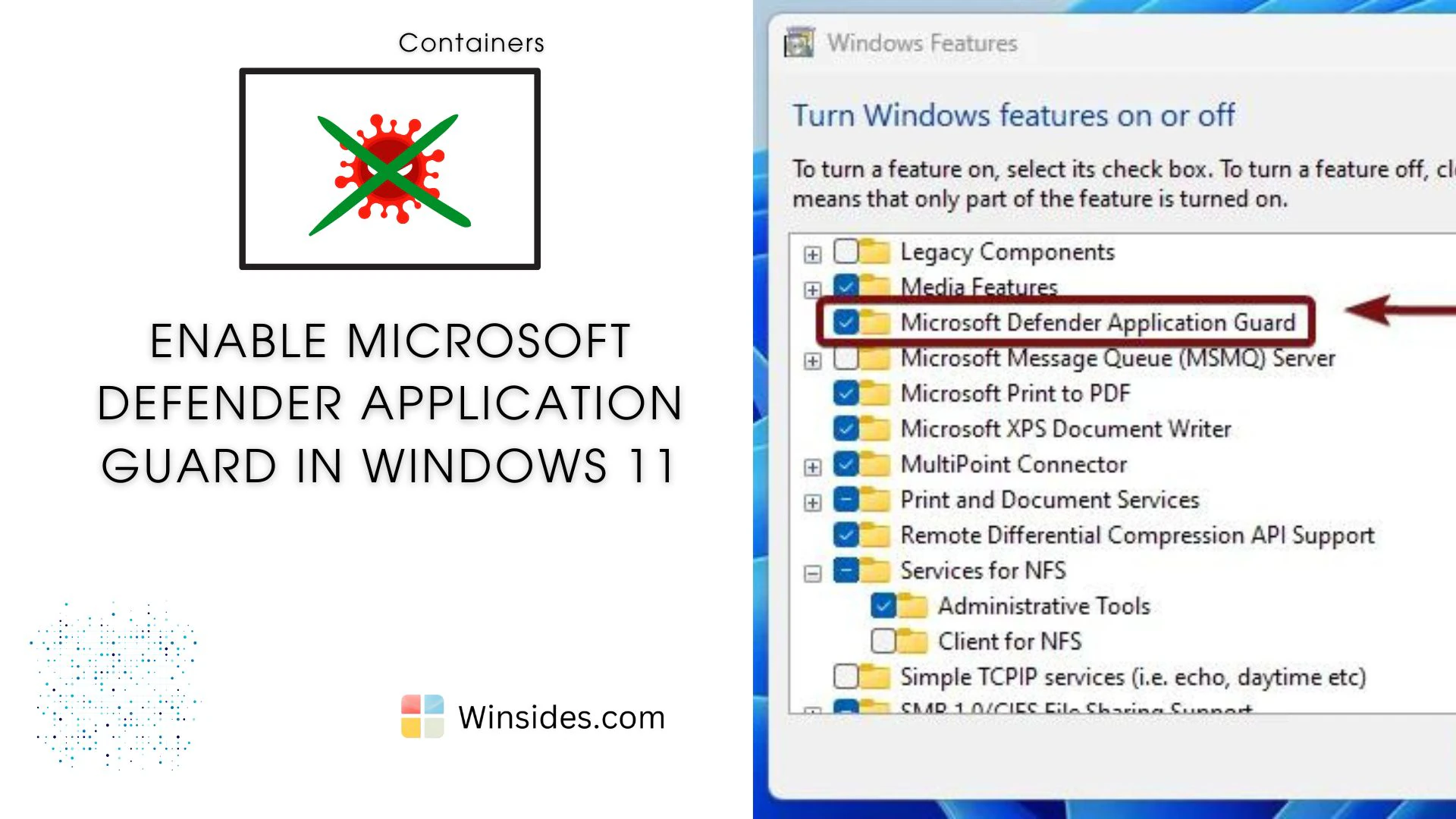
Enable Microsoft Defender Application Guard in Windows 11

Microsoft Defender Application Guard (MDAG) is a powerful security feature designed to protect Windows Enterprise environments from advanced threats such as malware, phishing, and cyber-attacks. It utilizes hardware-based virtualization to isolate potentially harmful tasks from the host operating system, ensuring that if a malicious attack occurs, it is contained and cannot affect the rest of […]

Read guide

Windows Features

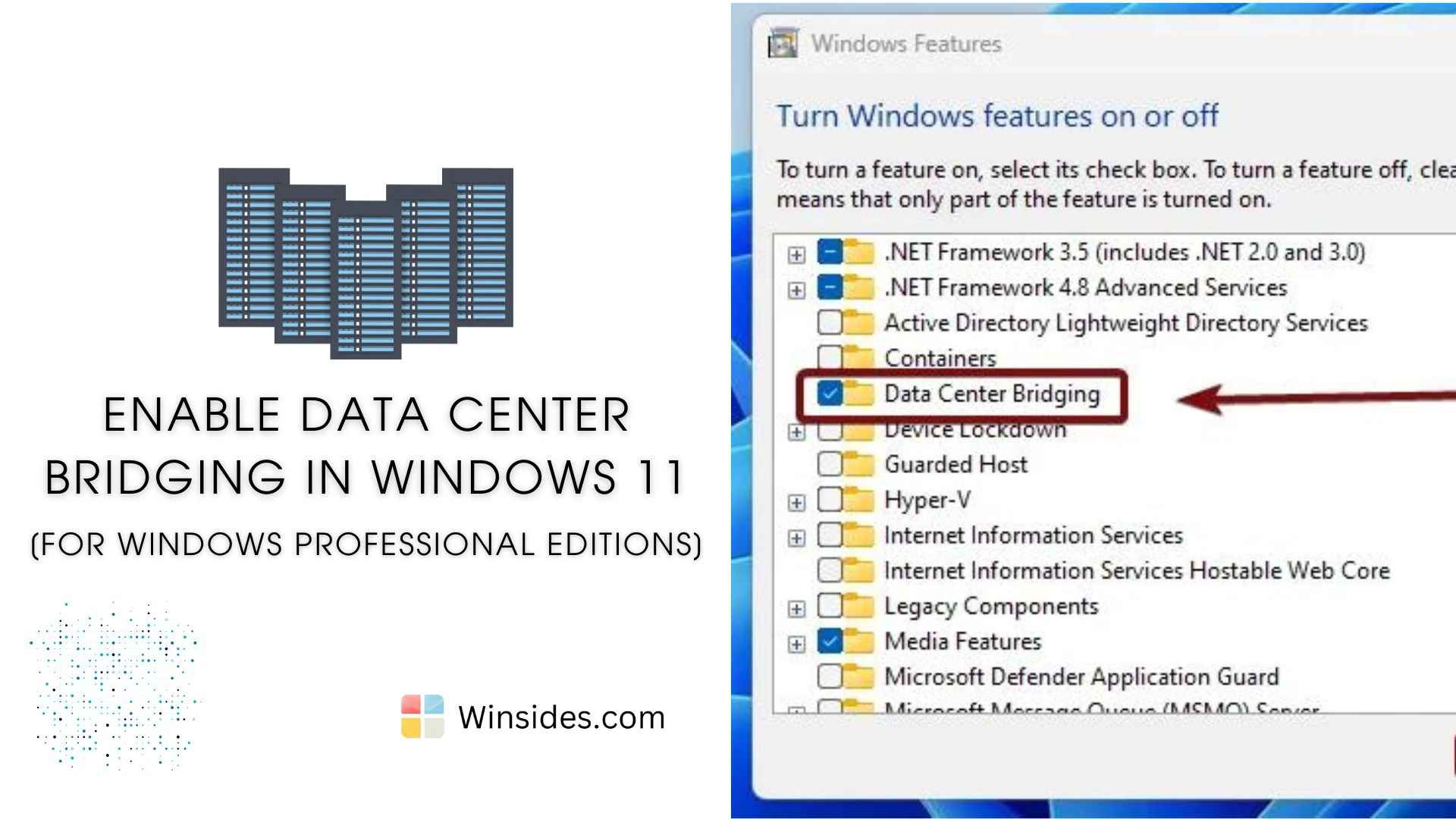
Enable Data Center Bridging in Windows 11

Data Center Bridging (DCB) is a suite of IEEE (Institute of Electrical and Electronics Engineers) standards designed to enhance Ethernet networks by providing lossless and low-latency data transmission. DCB is an optional feature in professional editions of Windows 11, such as Pro and Enterprise. This feature is particularly beneficial for data centers, ensuring that various […]

Read guide

How To?

10+Methods to Fix Windows 11 Won’t ShutDown Issue(How to)?

After the recent update from Windows 10 to Windows 11, users have faced a unique issue: Windows won’t shut down properly. This can happen due to many causes that I have listed below. To overcome this issue, I suggest you follow the 10+ methods to get rid of the Windows 11 shutdown issue. This problem […]

Read guide

Windows 11

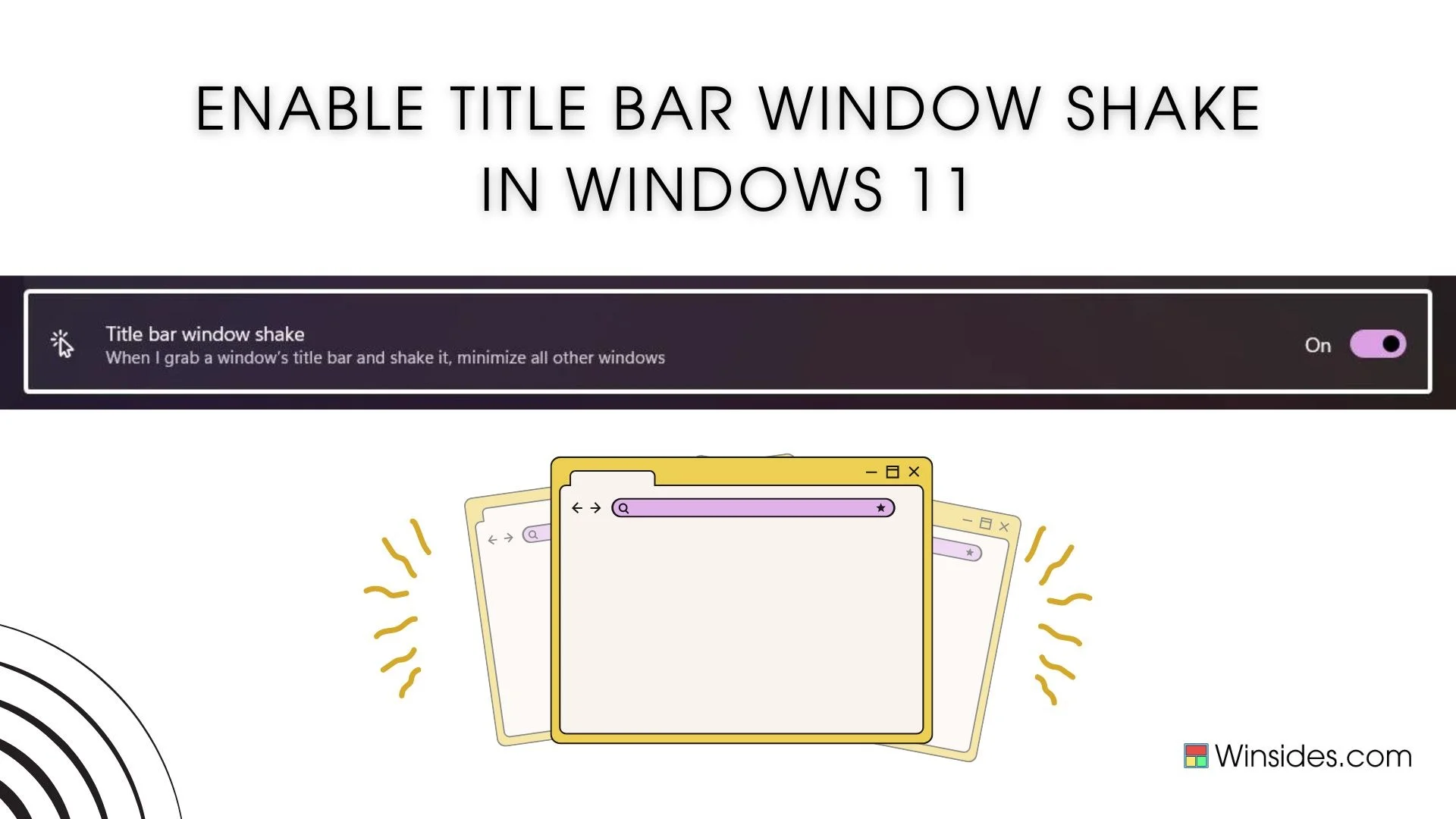
Turn on Title Bar windows Shake in Windows 11

Title Bar Windows Shake, also known as Aero Shake, is a nifty feature introduced in Windows 7 and carried forward to Windows 11, allowing users to quickly minimize all open windows except the one they are working on. This feature can be particularly useful for those who often work with multiple applications and need to […]

Read guide

Error Fixes

Fixing the CLOUDSTRIKE Blue Screen of Death (BSOD) Issue Windows 11!

Crowd Strike’s BSOD errors can shake the world. During the weekend of July 19 to 20th, entire networks went offline airports, shipping companies, banks, and stock exchanges all experienced issues. Imagine you’re working on an important project when suddenly, your computer screen turns blue and displays an error message. This is the Blue Screen of […]

Read guide

Windows Features

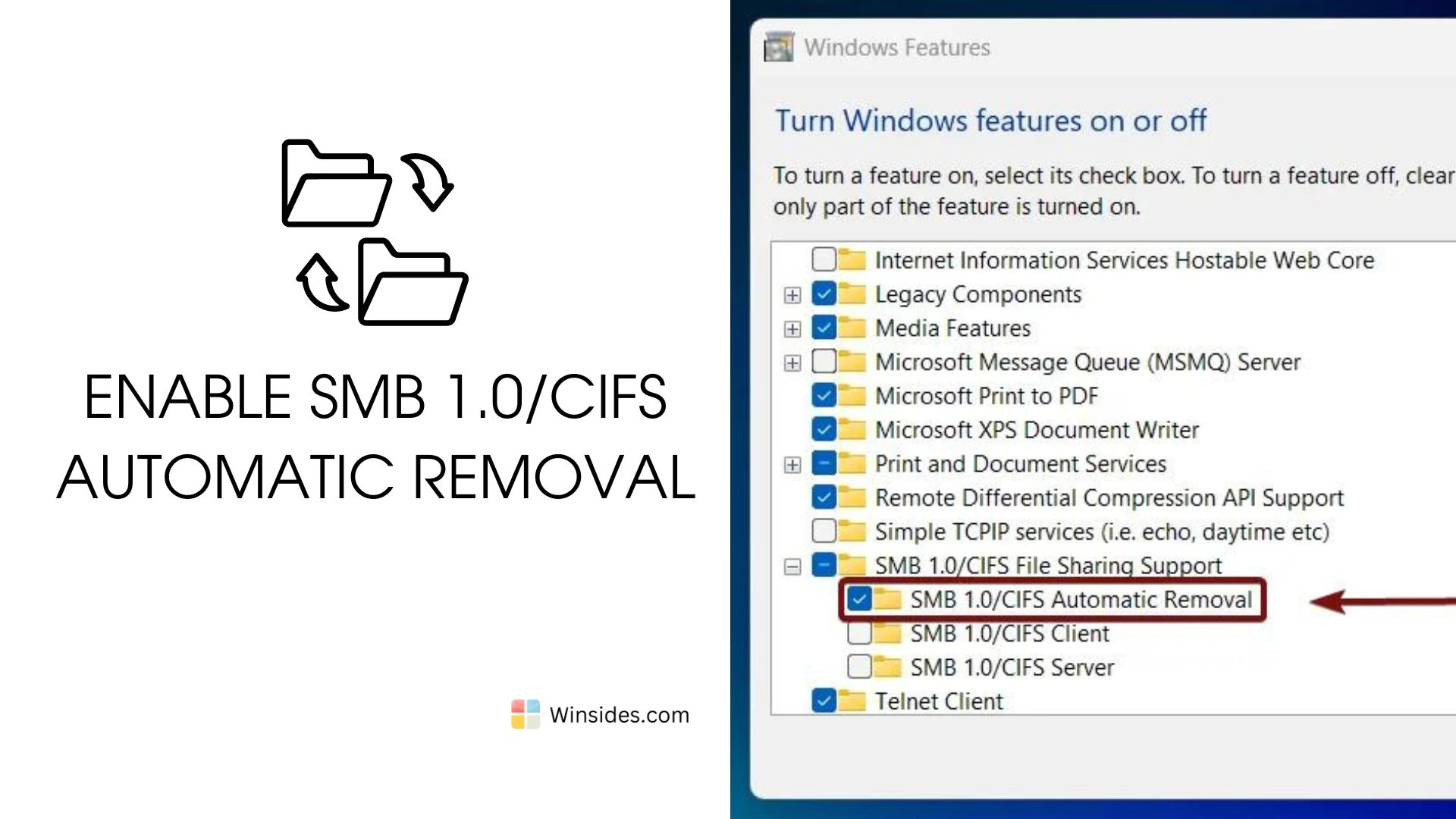
How to Enable SMB 1.0/CIFS Automatic Removal in Windows 11?

SMB 1.0/CIFS is an outdated protocol with known security vulnerabilities. These vulnerabilities have been exploited by ransomware and other malware, most notably in the WannaCry and NotPetya attacks and in general, cyber attacks. SMB 1.0/CIFS Automatic Removal is a feature in Windows 11 that automatically disables and removes the legacy Server Message Block (SMB) 1.0/CIFS […]

Read guide

Windows 11

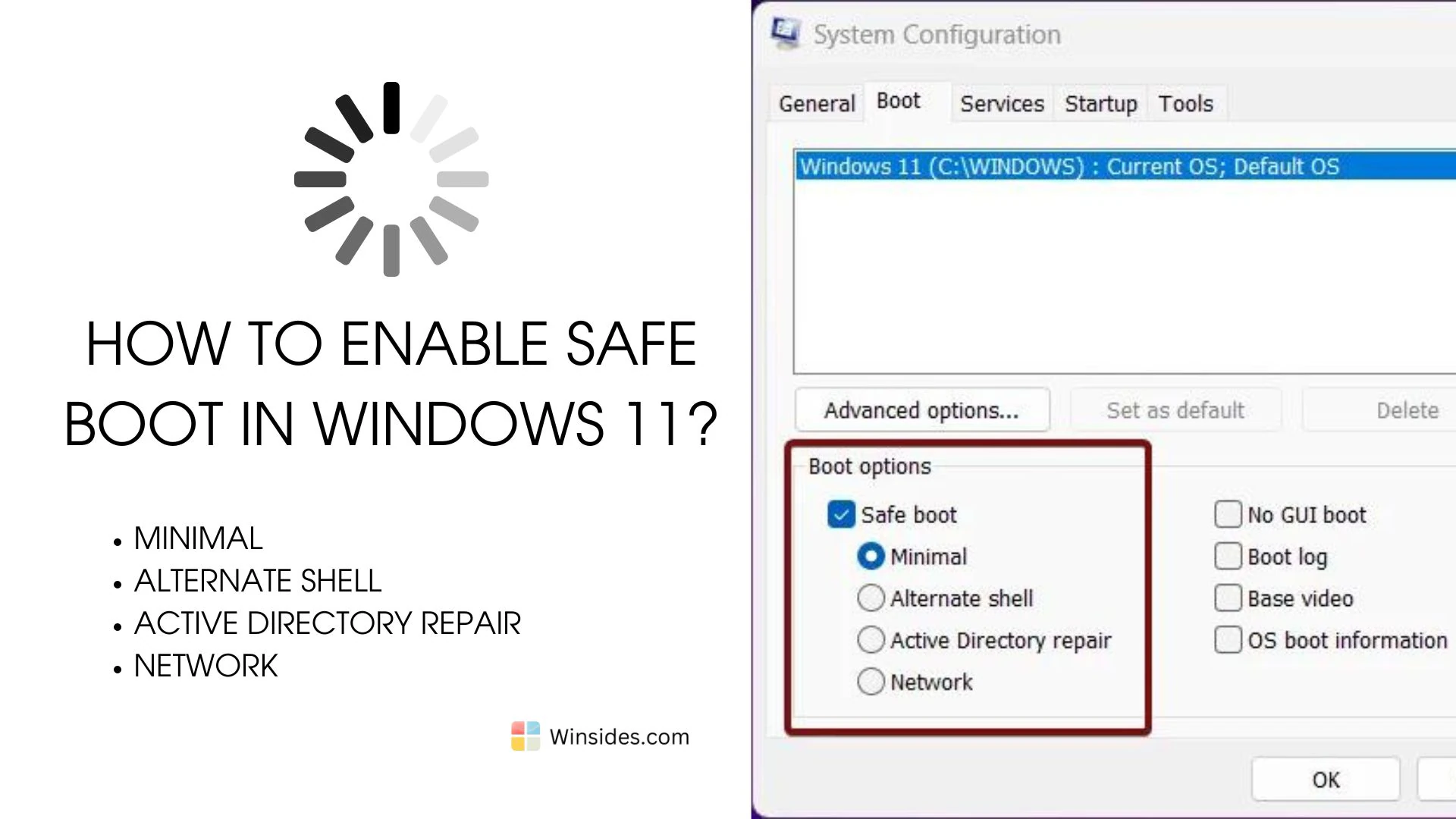
How to Enable Safe Boot in Windows 11?

Enable Safe Boot in Windows 11: The Safe Boot option in Windows 11 is a troubleshooting feature that allows you to start your computer with a minimal set of drivers and services. This mode is designed to help diagnose and fix issues that might be preventing your system from starting normally or running correctly. By […]

Read guide