WinSides library

Latest guides

Page 50 of 55

Windows 11

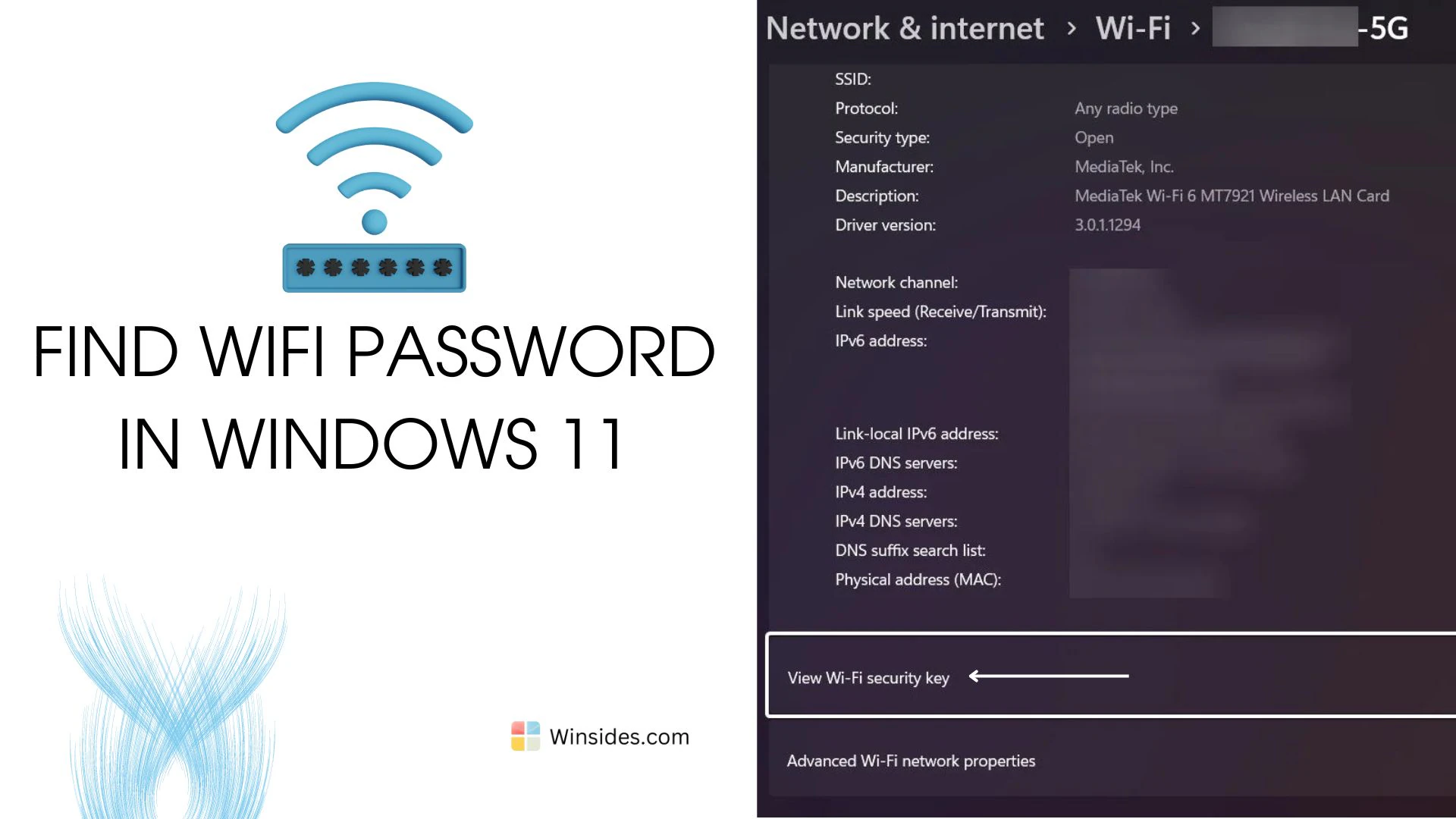
How to find WiFi Password in Windows 11?

Find WIFI Password in Windows 11: Gone are the days when you had to scribble down passwords on sticky notes or dig through old emails to find them. With Windows 11, you can easily access and retrieve your Wi-Fi credentials, which is a pretty straightforward process. Android offers a handy feature that allows you to […]

Read guide
News

Global Outage of Microsoft Services

On July 19, 2024, Microsoft experienced a significant global outage that affected a wide range of its services, causing major disruptions in various sectors. This event highlighted the critical dependence on cloud-based services and the necessity for robust IT infrastructure and contingency planning. What caused the issue? According to experts, the outages stem partly from […]

Read guide

Windows 11

How to Enable CGI in Windows 11?

Enable CGI in Windows 11: CGI, or Common Gateway Interface, is a standard protocol used to enable web servers to execute programs and generate dynamic content. It is an essential feature for web development, allowing interaction between the server and client through scripts written in various programming languages like Perl, Python, and C++. It needs […]

Read guide

Windows 11

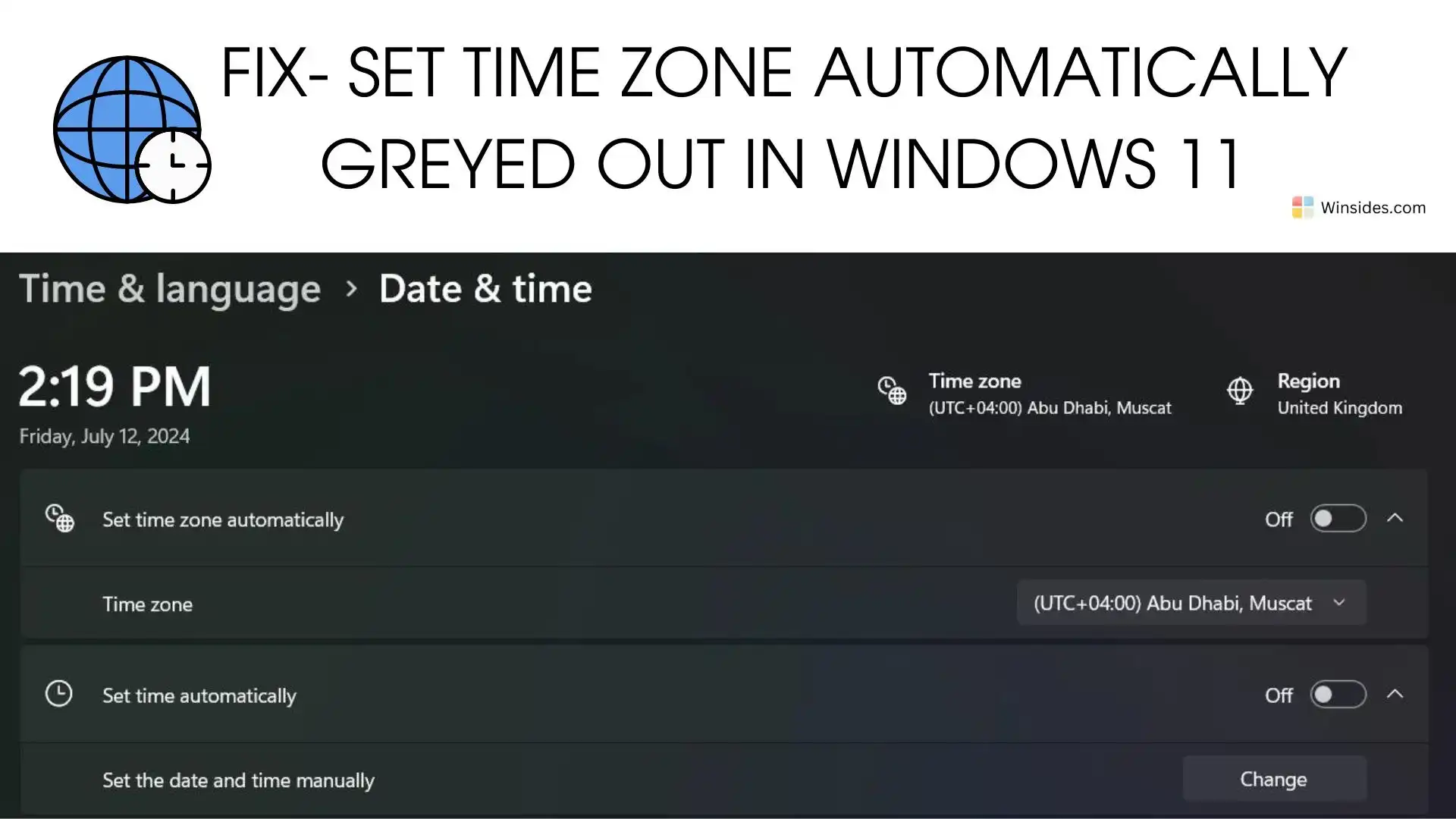
Set Time zone Automatically Greyed out in Windows 11 – Fix

Set Time Zone Automatically Greyed out in Windows 11: Imagine traveling to a new city and expecting your Windows 11 device to adjust the time zone automatically, but you find that the “Set time zone automatically” option is greyed out. Frustrating, right? This common issue can disrupt your schedule, making it essential to find a […]

Read guide

Windows Security

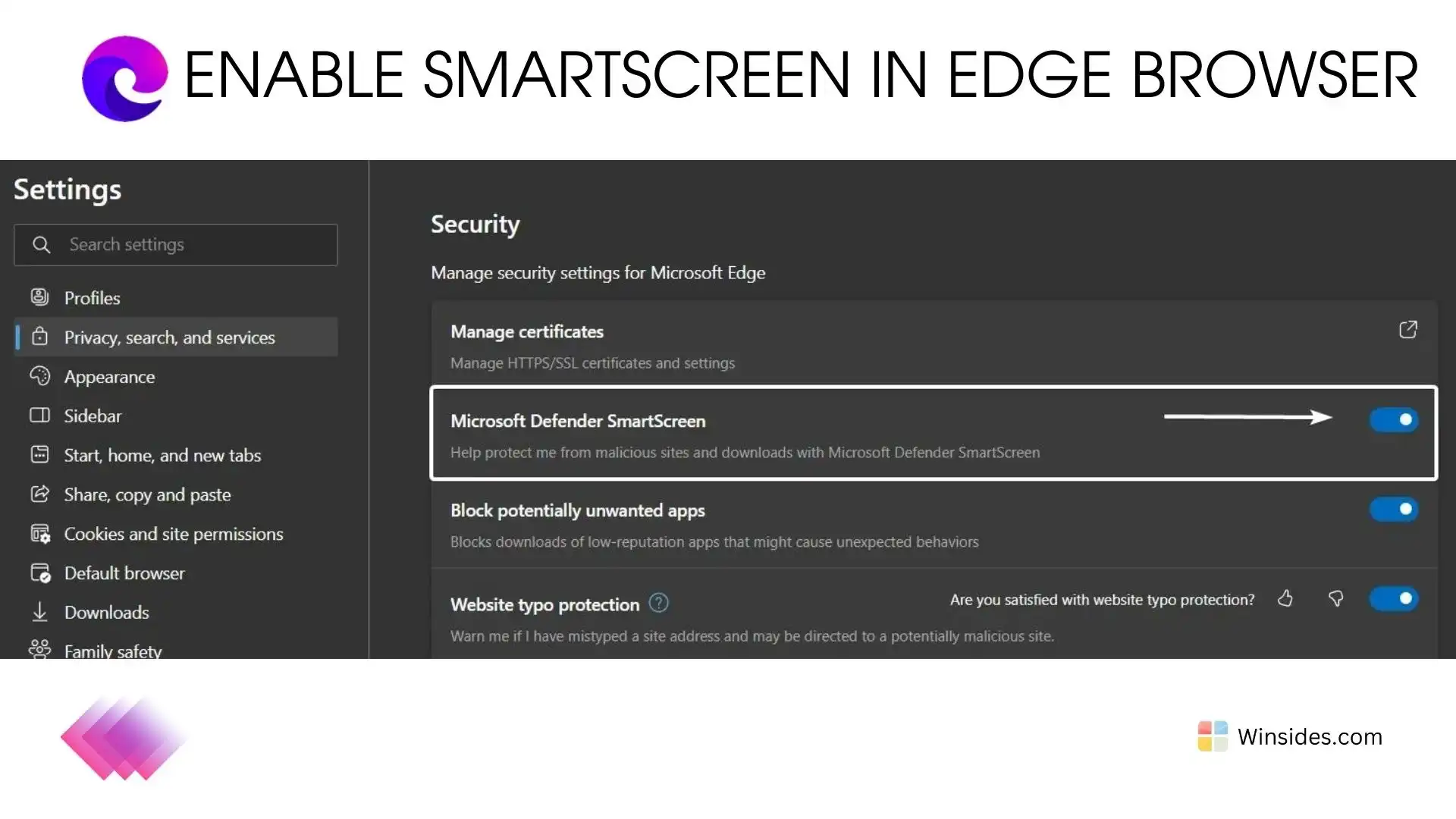
Enable SmartScreen for Microsoft Edge Browser in Windows 11

SmartScreen for Microsoft Edge: SmartScreen is a security feature integrated into Microsoft Edge, designed to protect users from malicious websites, phishing attacks, and downloading potentially harmful files. It works by checking visited websites and downloaded files against a continuously updated list of reported phishing sites and malicious software sites. This article navigates through the steps […]

Read guide

Windows 11

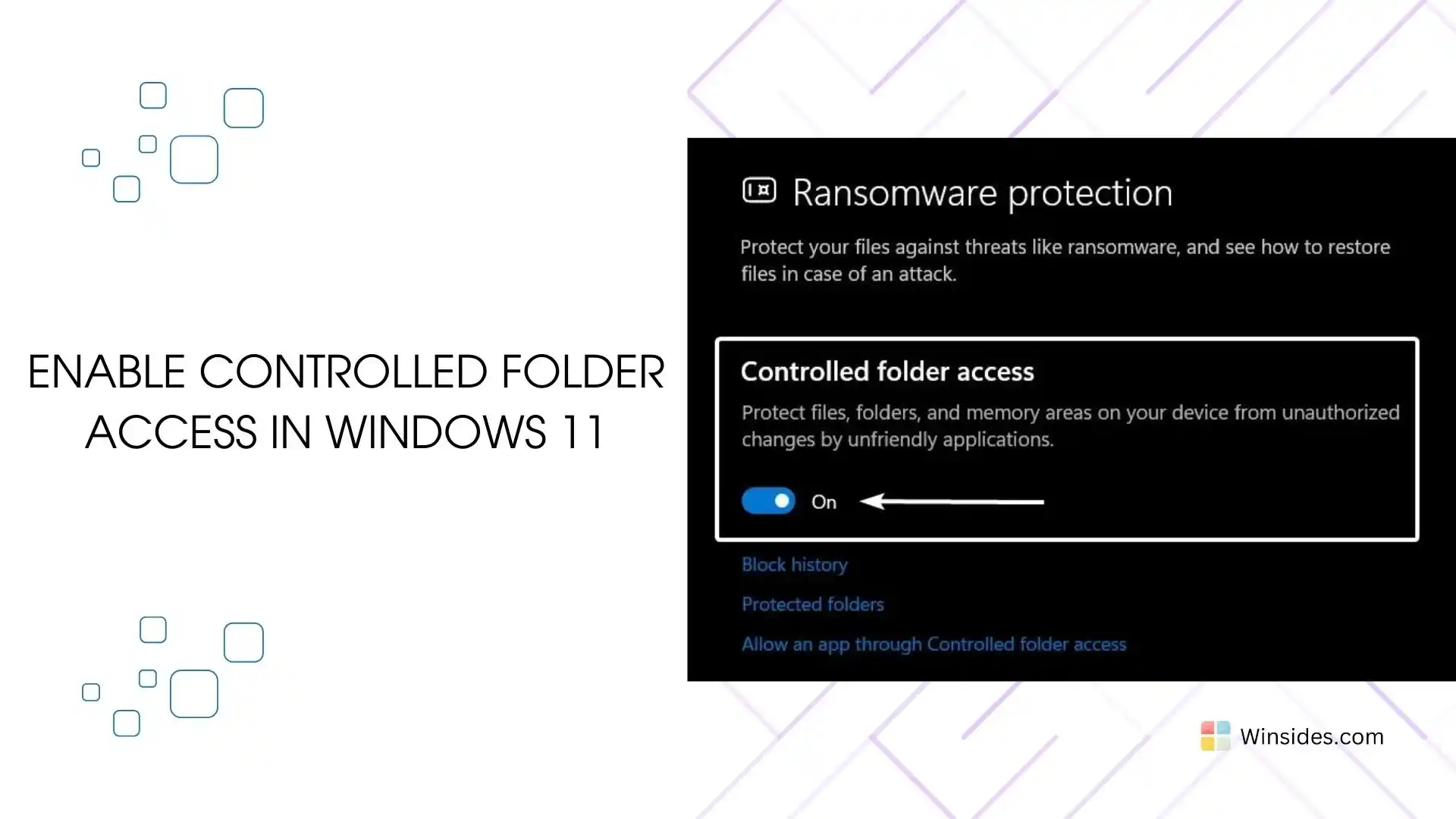
How to Enable Controlled Folder Access in Windows 11?

Controlled Folder Access in Windows 11: It is a security feature in Windows 11 designed to protect your files and folders from unauthorized changes by malicious applications, such as ransomware. A protected folder is a directory safeguarded from unauthorized changes by untrusted applications, especially malware and ransomware. When a folder is protected, only trusted and […]

Read guide

Windows Features

Enable HTTP Redirection Service in IIS, Windows 11

HTTP Redirection Service in IIS: Ever found yourself clicking on a link only to be met with a “404 Page Not Found” error? Enter the HTTP Redirection Service in Internet Information Services (IIS) on Windows 11—the unsung hero of web management. In the ever-evolving world of online content, ensuring that users effortlessly land on the […]

Read guide

Windows Features

Enable Static Content Service in IIS in Windows 11

Static Content Service in Internet Information Services: The Static Content Service in Internet Information Services (IIS) on Windows 11 is designed to optimize the delivery of static content on websites. Static content typically includes elements like images, stylesheets, JavaScript files, and other resources that don’t change frequently. This guide delves into the world of Static […]

Read guide

Windows Features

Enable Application Development Features IIS in Windows 11

How to Enable Application Development Features IIS in Windows 11? Application Development Features: Discover the game-changing features of Internet Information Services (IIS) in Windows 11 for your app development needs! IIS is like a superhero for your apps, making them run smoothly on the web. In this guide, we’ll explore how IIS in Windows 11 […]

Read guide

How To?

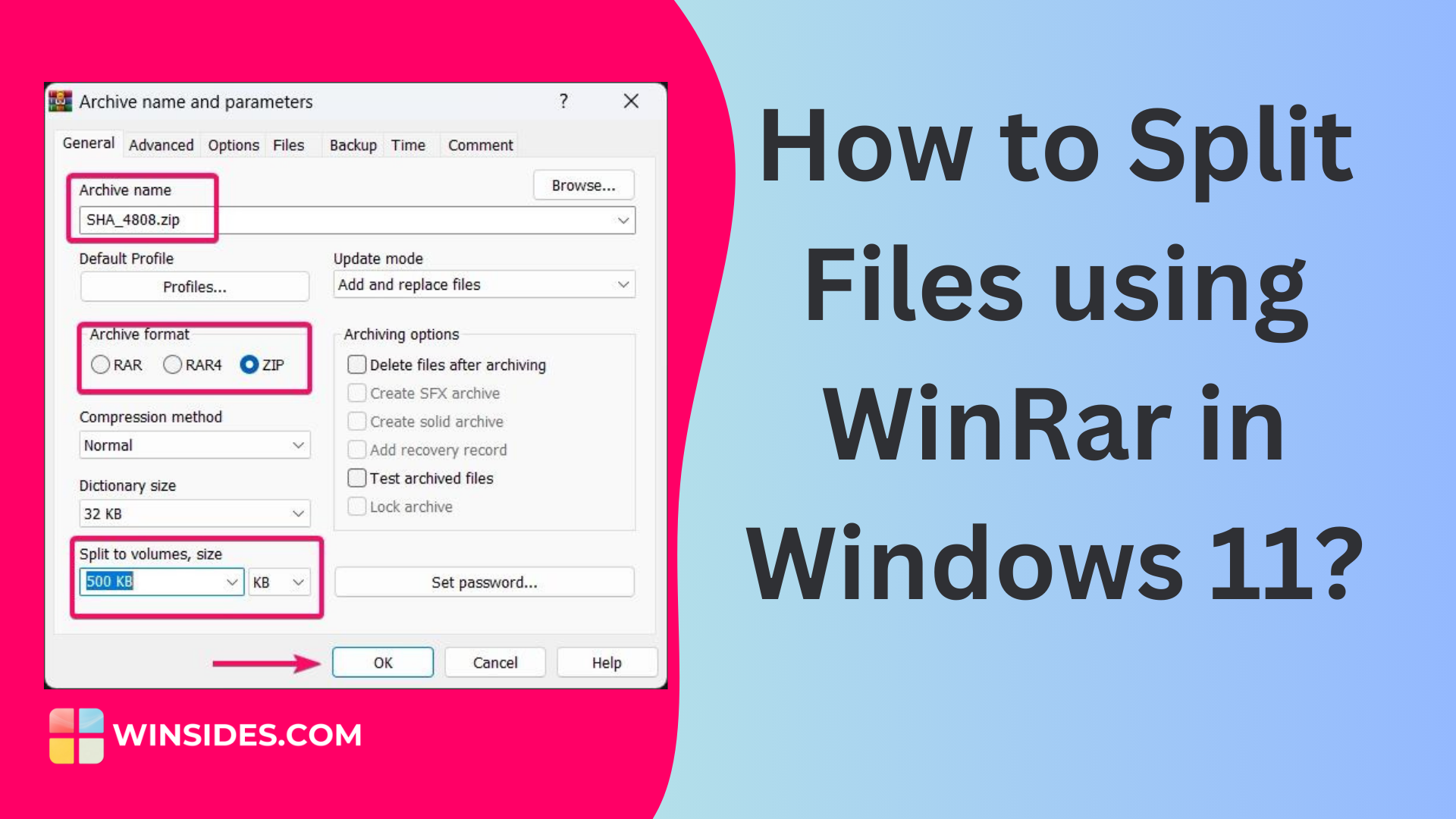
How to Split Files using Winrar in Windows 11?

Splitting a single large file is crucial when trying to upload and transfer it to someone. Most online platforms restrict the uploading of large files to save on their server bandwidth costs. While input bandwidth is often free, output bandwidth, especially for downloading large files, can be expensive. Many online file transfer websites limit single […]

Read guide

Windows 11

70+ Windows 11 URI Commands You Can Access Through Run Window!

Windows 11 has a unique feature named URI Commands! URI stands for Uniform Resource Identifier, and it is used to open specific settings pages or perform actions on your Windows PC. You need to use these URI commands in the Run Dialog box or Run Window to access these tasks. You can simply launch the […]

Read guide

Windows 11

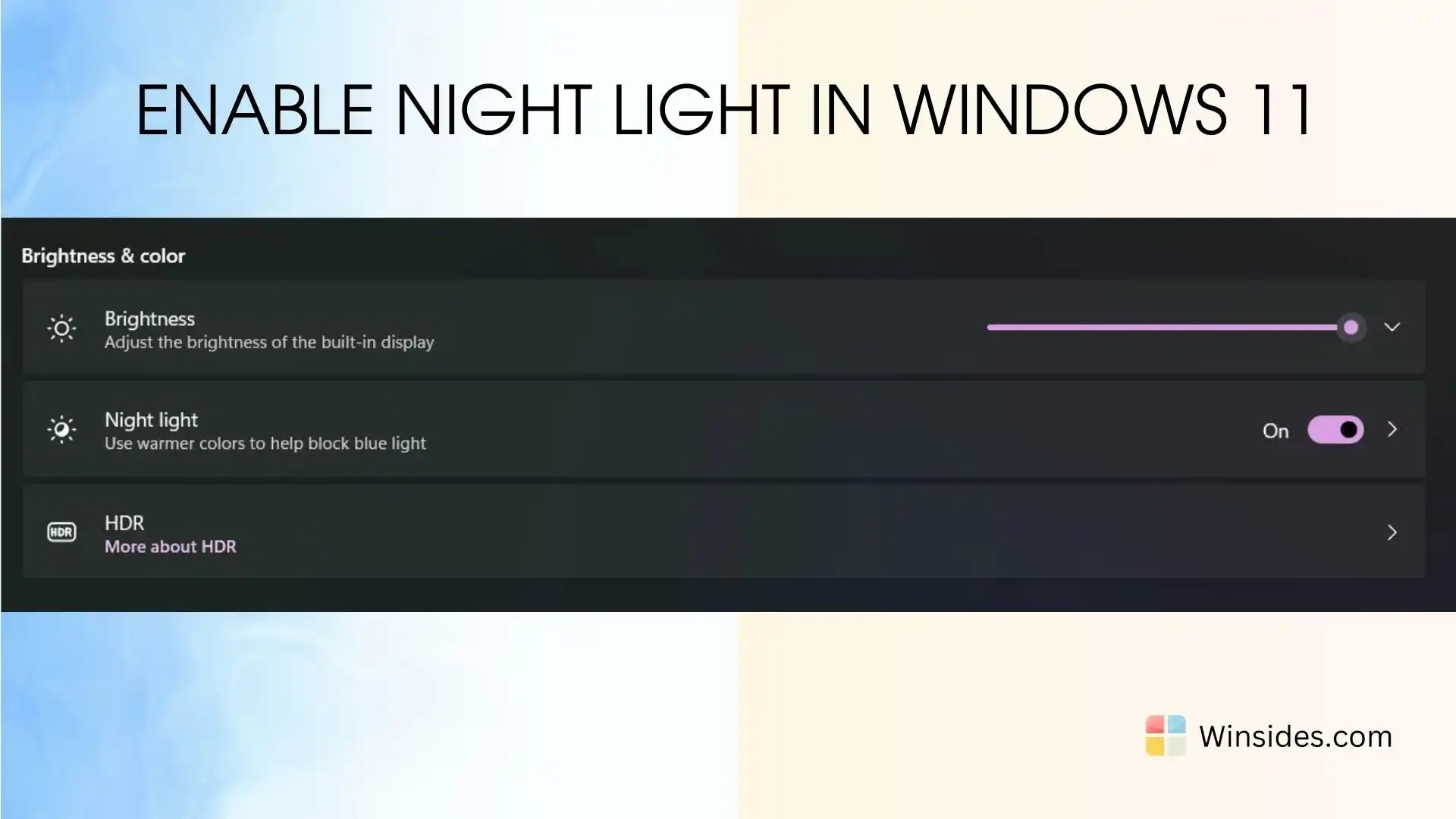
How to Enable Night Light in Windows 11?

Windows 11 Night Light: Night Mode in Windows 11 is a valuable feature designed to reduce eye strain and improve sleep quality by adjusting the screen’s color temperature to warmer tones during evening and night hours. This feature, also known as Night Light, helps mitigate the impact of blue light emitted from screens, which can […]

Read guide