
WinSides library

Latest guides

Page 51 of 55

How To?

5+ Easy Methods to Delete Font Cache in Windows 11!

Before getting into the tutorial, it’s important to understand a little about the font cache in Windows 11. Cache is a technology that stores temporary files essential for software to work quickly and efficiently. Font cache works similarly. The Windows 11 OS caches the installed and activated fonts in a temporary folder, which helps ensure […]

Read guide
Windows Features

Enable Directory Browsing in IIS in Windows 11

Directory Browsing Service in IIS: This guide delves into the capabilities of the Directory Browsing Service in IIS on Windows 11, showcasing how it transforms your server into a user-friendly hub, allowing visitors to explore and locate content effortlessly. Join us on a journey to harness the user-centric benefits of directory browsing, providing a visually […]

Read guide

Windows Features

How to Enable HTTP Errors Service IIS in Windows 11

HTTP (Hypertext Transfer Protocol) Error Service IIS in Windows 11: HTTP Errors Service: This guide explores the capabilities of the HTTP Errors Service in IIS on Windows 11, showcasing how it empowers web administrators to present informative error pages, redirect users seamlessly, and maintain a professional and user-friendly online environment. Join us on a journey […]

Read guide

Windows Features

Enable Dynamic Content Compression in IIS, Windows 11

Dynamic Content Compression Performance Feature in Windows 11: Enable Dynamic Content Compression: Unleash the speed and efficiency of your web applications with Dynamic Content Compression in Internet Information Services (IIS) on Windows 11. In the fast-paced digital landscape, user experience is paramount, and page loading times can significantly impact engagement. Enter Dynamic Content Compression, a […]

Read guide

Windows Features

Enable FTP Publishing on a Web Server in Windows 11

How to Enable FTP Publishing on a Web Server? FTP Publishing on a Web Server: If you’re operating a web server powered by Windows 11, enabling FTP publishing can provide a streamlined method for content deployment, maintenance, and collaboration. This guide will walk you through the process of setting up FTP publishing on a Windows […]

Read guide

Windows Features

Enable WebDAV Publishing IIS in Windows 11

Web Distributed Authoring and Versioning Publishing in Windows 11: WebDAV (Web Distributed Authoring and Versioning) takes center stage as a versatile protocol that extends IIS functionality, allowing seamless access and collaboration on web-based documents. This guide dives into WebDAV Publishing in IIS on Windows 11, unveiling a powerful solution for secure, real-time file sharing and […]

Read guide

Windows Security

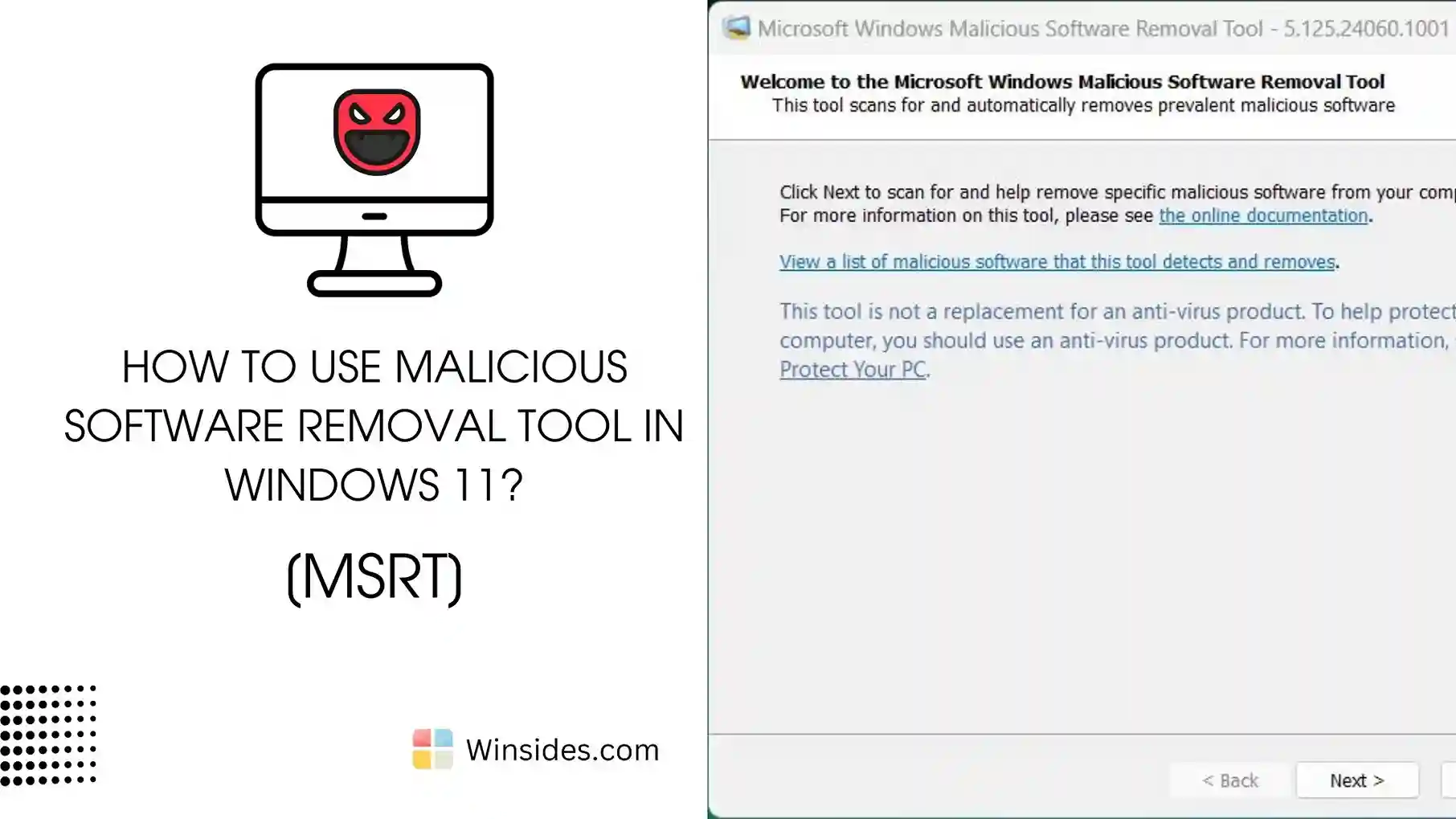
Malicious Software Removal Tool (MRT) in Windows 11?

MSRT Windows 11: The Microsoft Malicious Software Removal Tool (MSRT) is a free security utility provided by Microsoft to help users detect and remove specific prevalent malicious software from their Windows systems. It is updated regularly and released as part of Windows Update on the second Tuesday of each month, commonly known as “Patch Tuesday.” […]

Read guide

Windows 11

Easy Upgrade Windows 10 to Windows 11

Upgrade from Windows 10 to Windows 11: Microsoft has announced that Windows 10 will reach the end of support on October 14, 2025. As we approach the end of an era for Windows 10, the current version, 22H2, and all editions of Windows 10 will continue to receive monthly security updates, ensuring users remain protected […]

Read guide

How To?

How to Enable Task View in Windows 11? 4 Best Methods!

As a web app developer myself, I always work with multiple windows and tabs on my PC. I often need to switch between tabs based on my requirements. Recently, I upgraded from Windows 10 to Windows 11, and the experience was totally new for me. I had to complete my work on time, but the […]

Read guide

How To?

How to Enable Airplane Mode in Windows 11?- 4+ Best Ways

Recently, I was on a flight and needed to disable all wireless communications on my Windows 11 laptop to comply with airline regulations. I wasn’t sure how to enable Airplane mode, so I did some research. After finding multiple methods, I realized how useful this information could be for others in similar situations. Here, I’m […]

Read guide

Windows Features

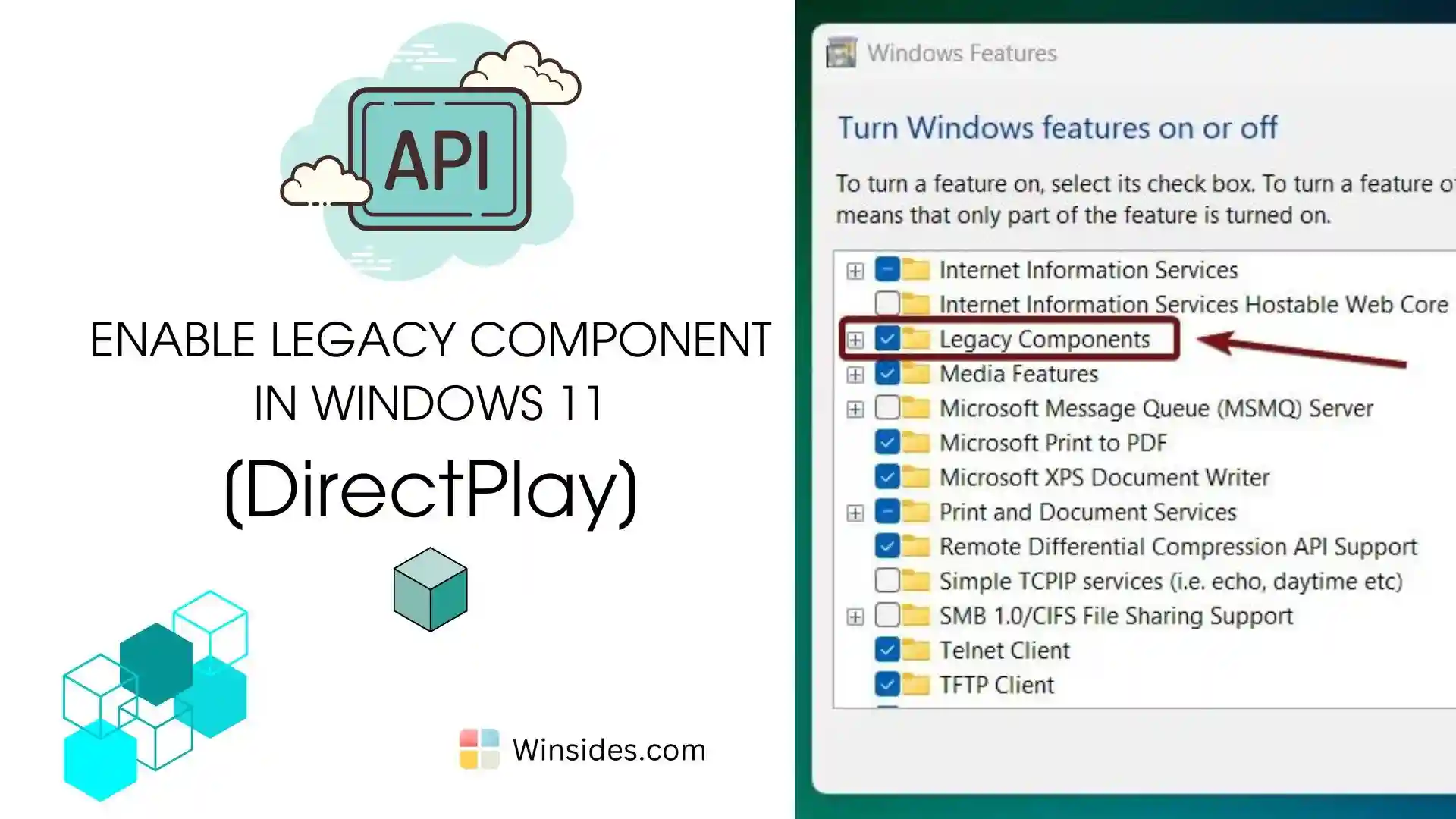
How to Enable Legacy Components in Windows 11?

Enable Legacy Components in Windows 11: Legacy Components refer to older software features and technologies that are maintained for compatibility with previous versions of Windows or older applications. These components are not actively developed with new features but are retained to ensure that older software can still run on modern Windows systems. Components such as […]

Read guide