WinSides library

Latest guides

Page 52 of 55

How To?

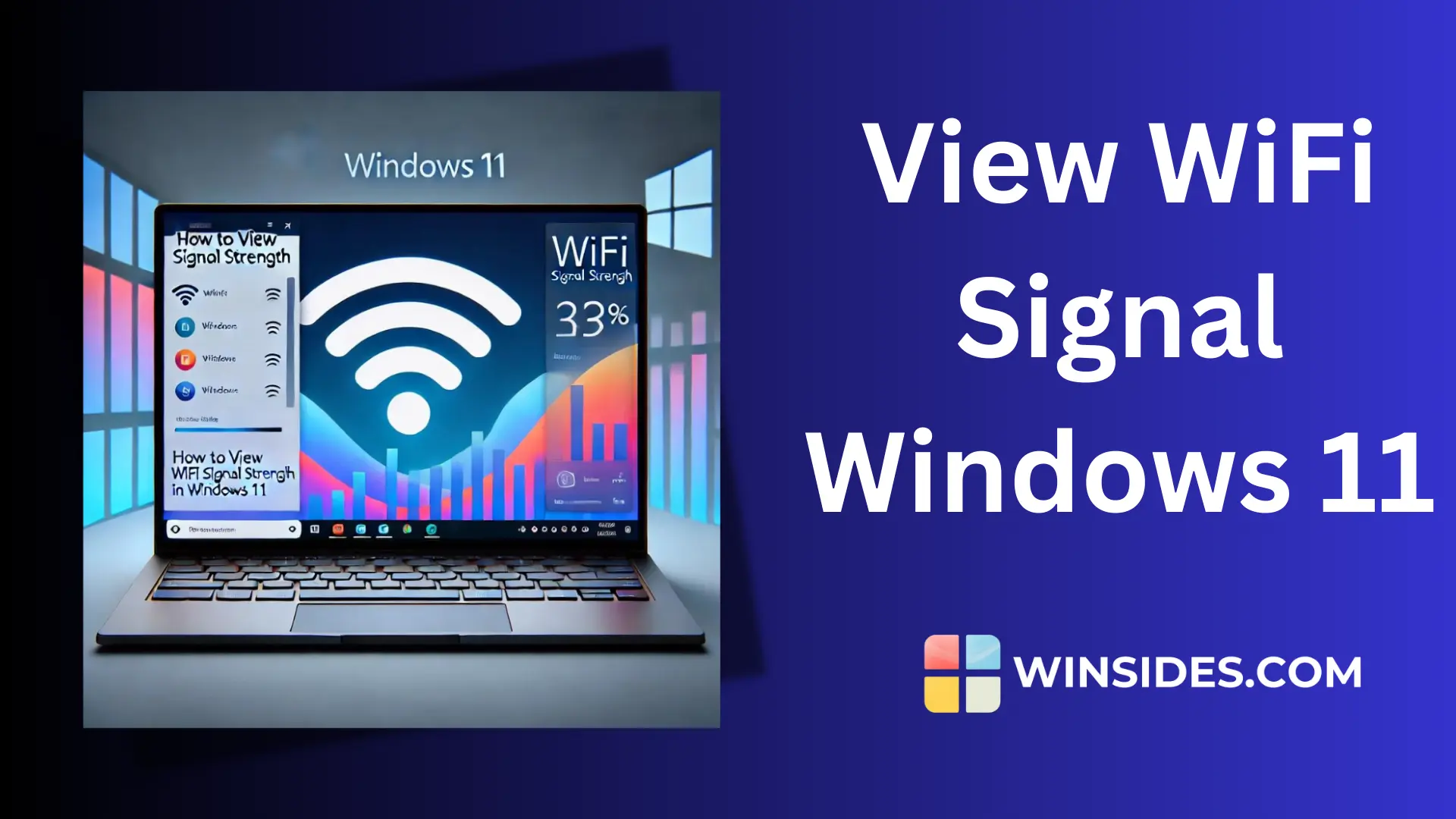
How to Check/View WiFi Signal Strength in Windows 11?

Everything was working fine until the internet connection suddenly weakened. As a web app developer who spends most of the day in front of a PC, a stable internet connection is essential. Using optical fiber internet shared by a WiFi device, it was frustrating to deal with a volatile connection. To ensure a constant internet […]

Read guide
Edge Browser

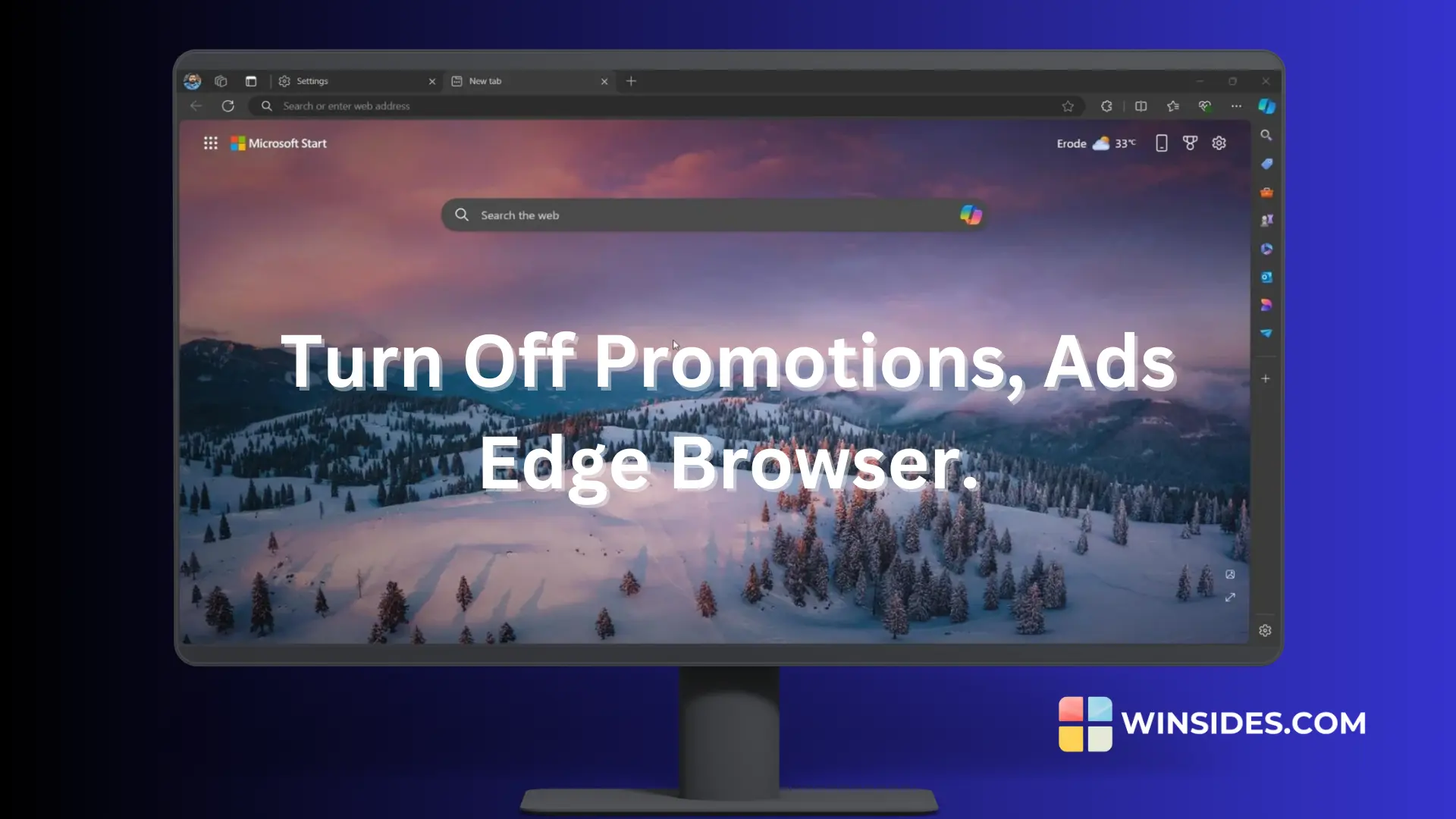
Turn Off Show Promoted Links(Disabled) In Microsoft Edge Browser!

First of all, I’m a Google Chrome guy. I have been using this browser since my younger years. I feel comfortable using Chrome and I always use the Microsoft browser to download Chrome when installing a new OS on my PC. It was quite a shock when Microsoft announced the termination of Internet Explorer and […]

Read guide

Error Fixes

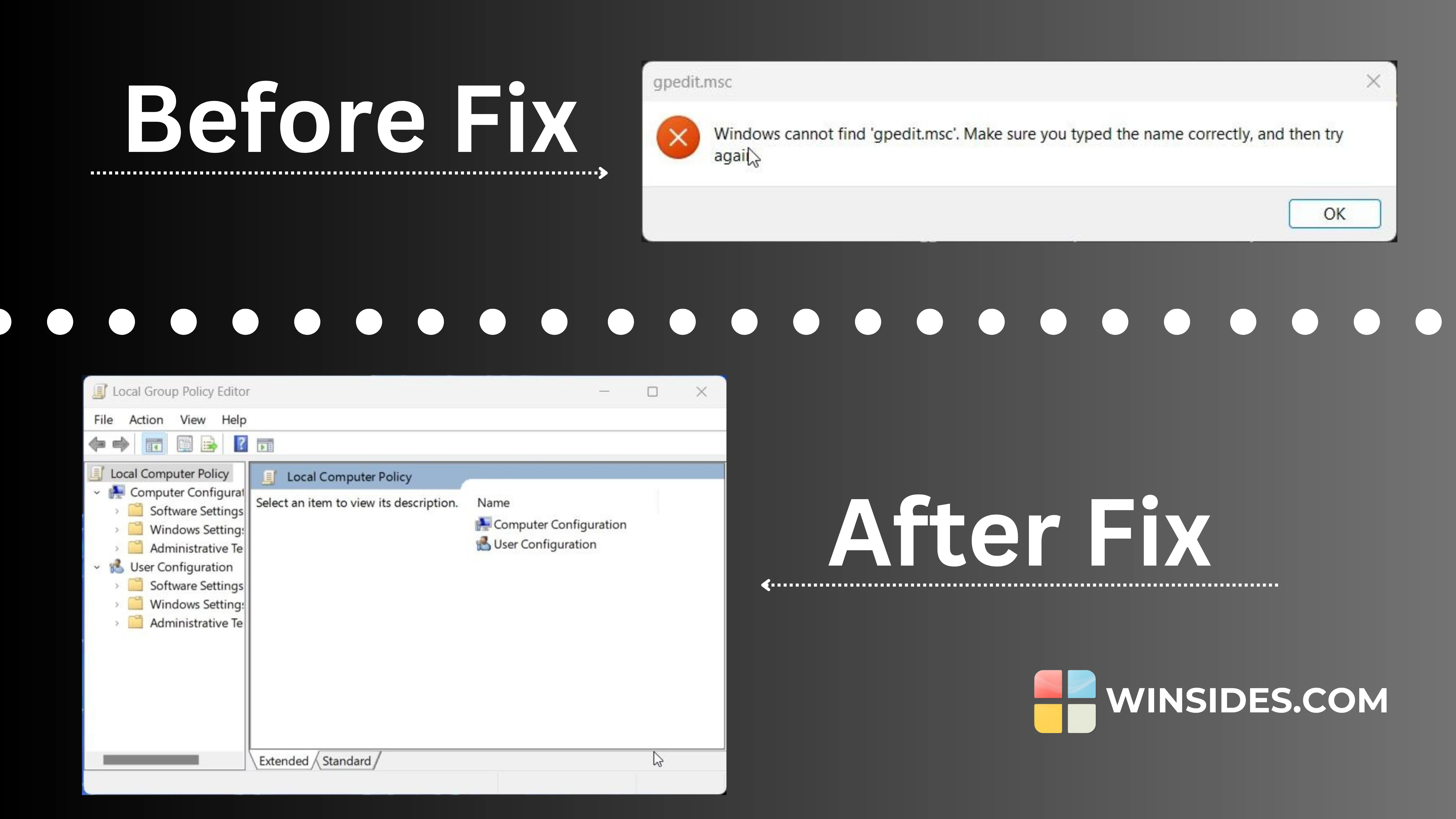
Instant 2 Steps Fix Windows Cannot Find ‘gpedit.msc’ in Windows 11

I recently encountered an issue on my Windows 11 PC where I tried to open the Group Policy Editor by typing gpedit.msc, only to be met with a frustrating error message: “Windows cannot find ‘gpedit.msc’.” I tried to disable the default ads and recommendations appearing redundantly in the Microsoft Edge browser. By default, the toggle […]

Read guide

Copilot

Instantly Remove Copilot from Taskbar without Disabling it!

Windows Copilot is a useful assistant built into Windows 11, providing quick access to features and tools to boost productivity. It sits on the taskbar, ready to help with tasks like web searches, settings management, and reminders. However, for me, having the Copilot icon constantly visible on the taskbar can be distracting, especially true for […]

Read guide

Windows 11

How to Enable Windows Insider Program in Windows 11?

Enable Windows Insider Program in Windows 11: The Windows Insider Program is a community-based program developed by Microsoft that allows users to sign up for pre-release versions of Windows 11. It is designed to give participants early access to new features, improvements, and bug fixes before they are released to the general public. This article […]

Read guide

Windows 11

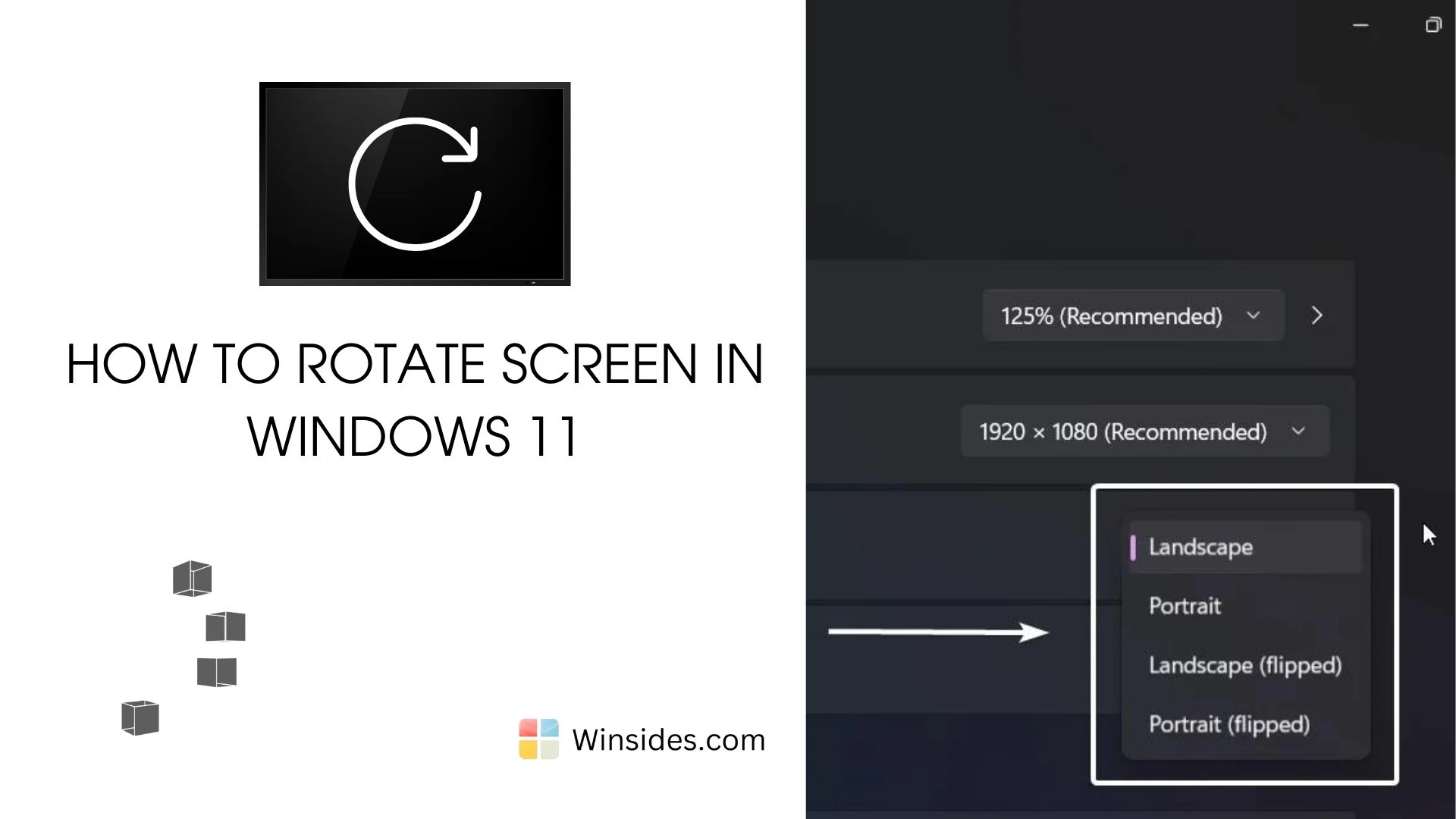
How to Rotate Screen on Windows 11 PC?

Rotating the screen on your Windows 11 PC can be incredibly useful for a variety of scenarios, whether you’re working on a presentation, reading documents in portrait mode, or setting up a multi-display workstation. In this guide, we’ll walk you through the straightforward method to rotate your screen in Windows 11, ensuring you can easily […]

Read guide

Windows 11

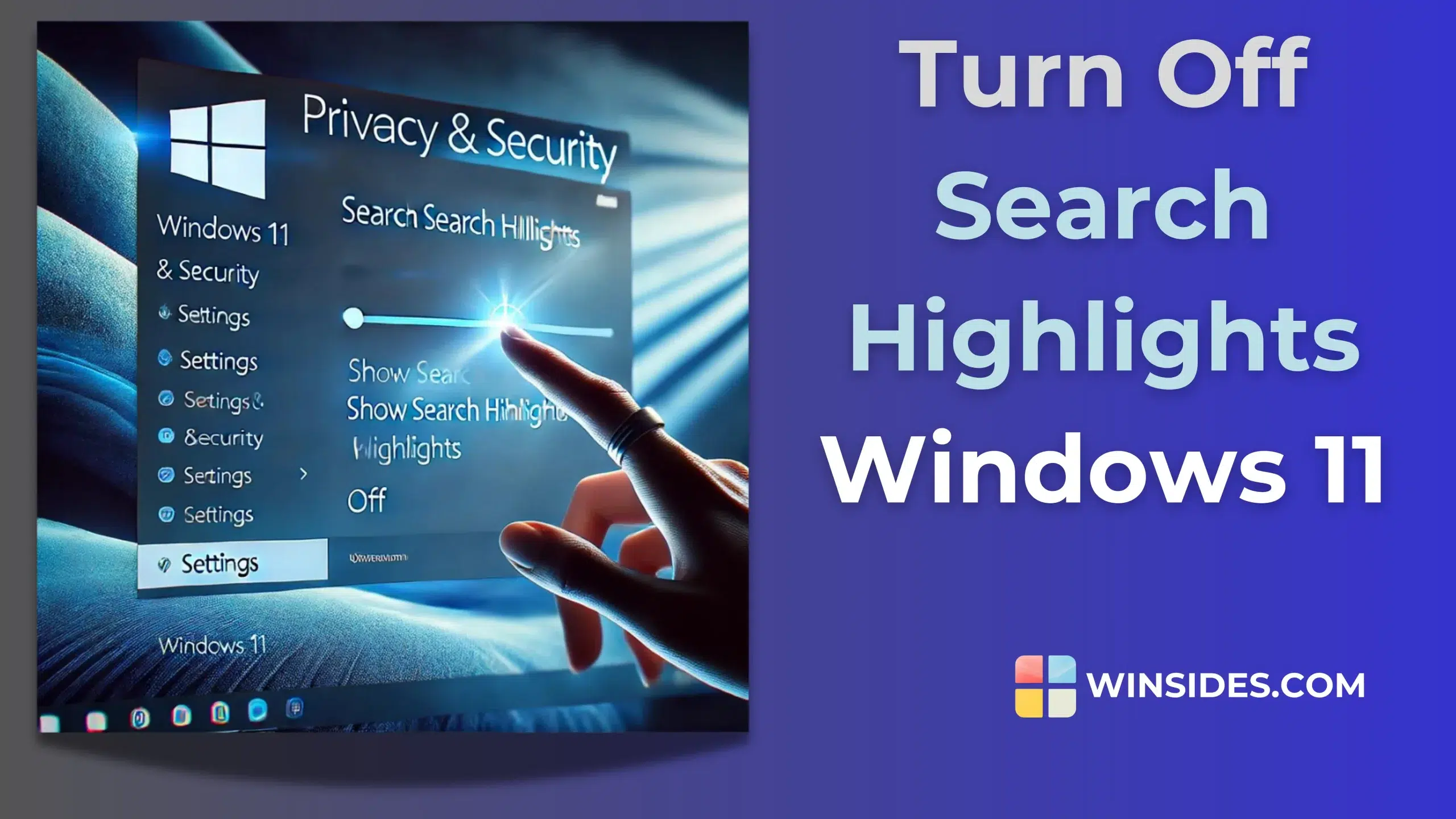
How to Turn Off Search Highlights in Windows 11?

I have been using Windows 11 for more than a year now, and I have always been distracted by the new search highlights feature. Some may find it effective, but for me, it is a kind of disturbance. It affects my productivity and somehow impacts my PC’s performance too. I personally like to keep my […]

Read guide

Windows 11

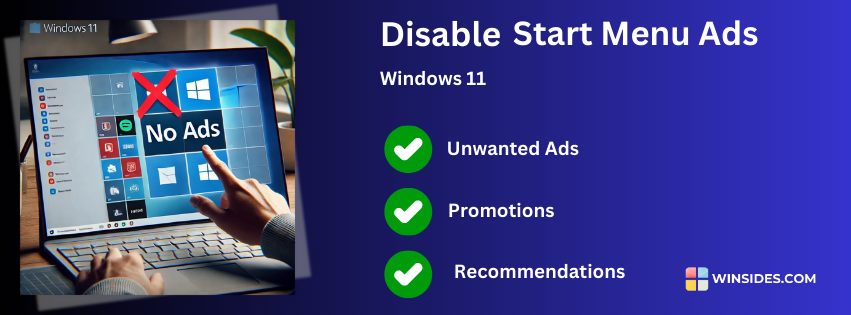
How to Disable Start Menu Ads in Windows 11?

Windows 11 is one of the most futuristic operating systems ever released. However, it does have some cons, and one of them is the presence of ads. If you have started using Windows 11, you may notice ads in various places, especially in the Start Menu. These ads are not exactly advertisements but rather recommendations […]

Read guide

Windows 11

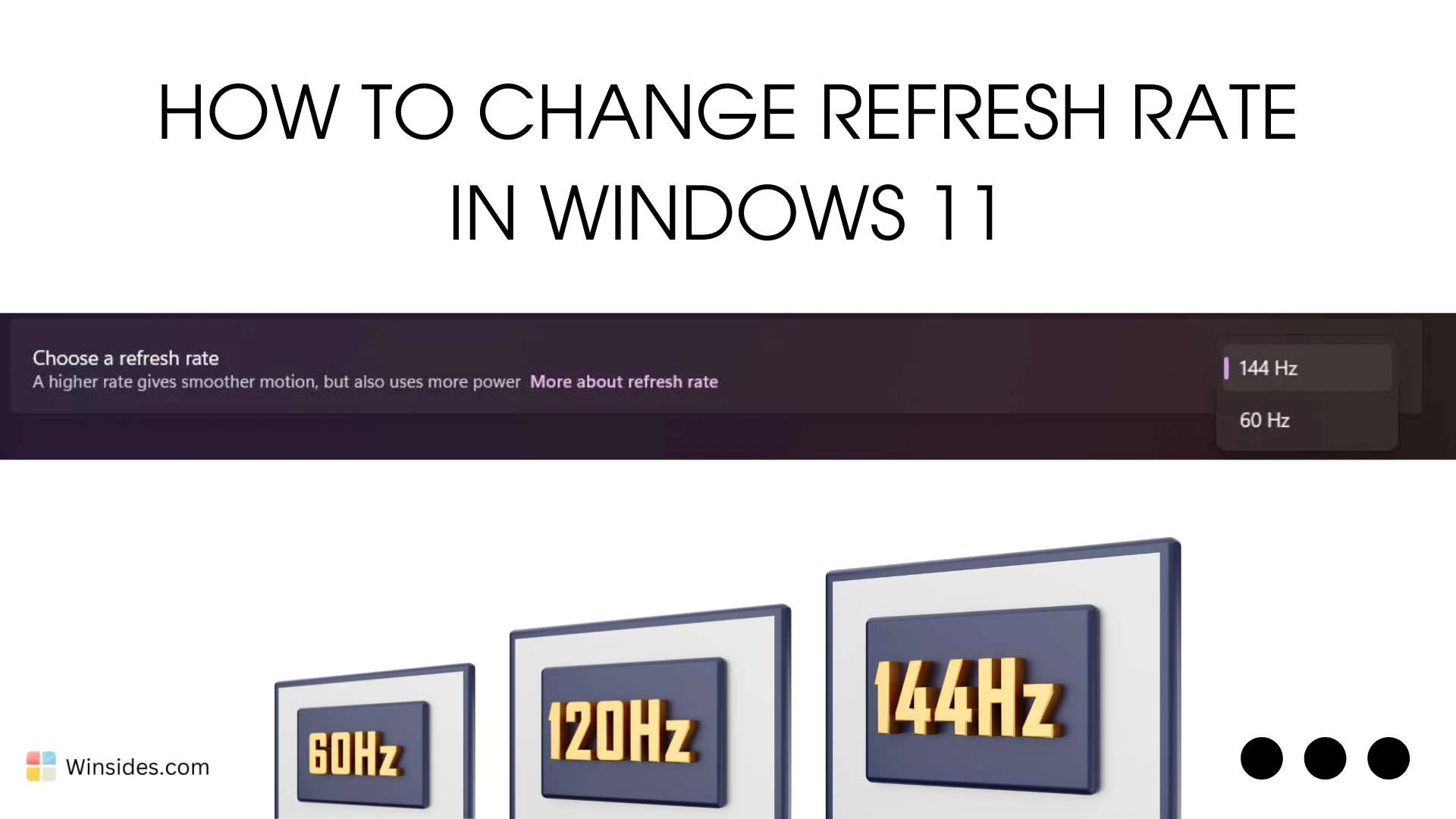
How to Change Refresh Rate in Windows 11 PC?

Change Refresh Rate in Windows 11: The refresh rate on your Windows 11 PC can significantly enhance your visual experience, providing smoother motion and reducing eye strain. The refresh rate, measured in hertz (Hz), dictates how often your screen updates per second. Higher refresh rates can be especially beneficial for gaming, video editing, and other […]

Read guide

Desktop Shortcuts

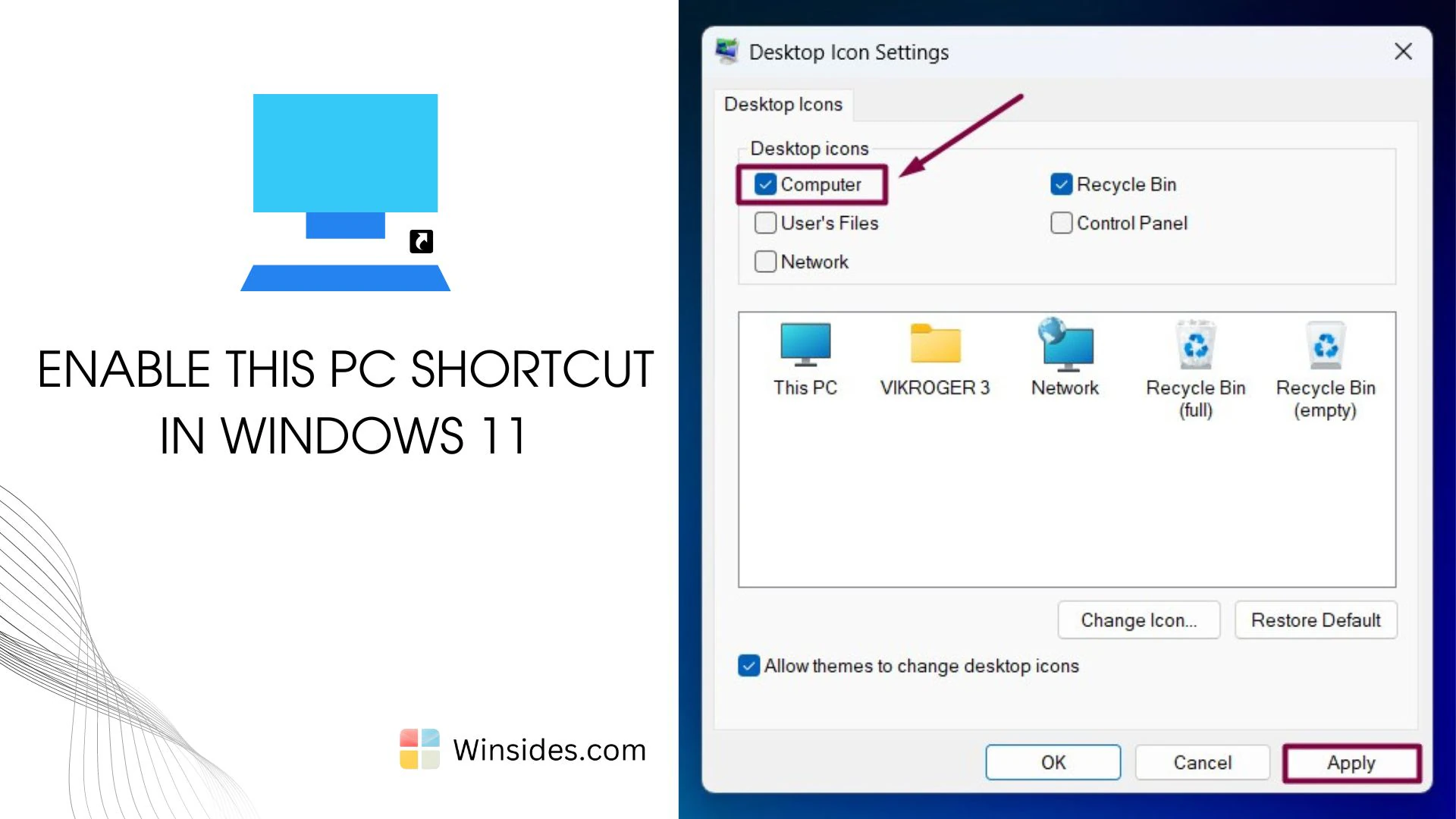
Enable This PC Shortcut in Windows 11 Desktop

The “This PC” shortcut has long been a staple of the Windows desktop, offering quick access to files and system settings. It is one of the most popular and convenient features that users have relied on in earlier versions of Windows. However, Windows 11, by default, does not include this familiar shortcut on the desktop. […]

Read guide

Windows 11

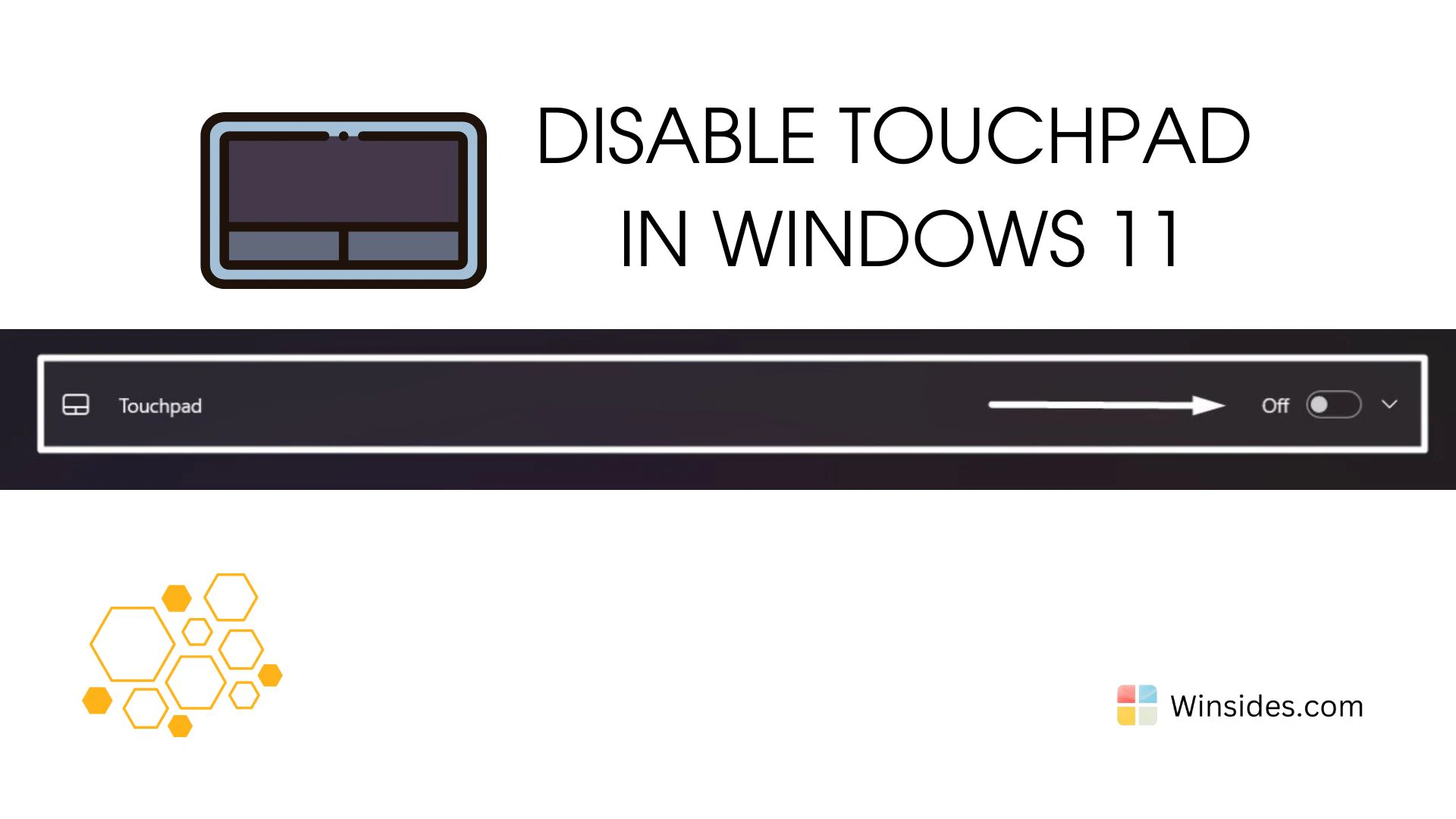
How to Disable Touchpad in Windows 11 PC?

Disable Touchpad in Windows 11: The touchpad is an essential component for navigating your laptop, but there are times when you might prefer to disable it. Whether you are using an external mouse for better precision, dealing with an unresponsive touchpad, or simply finding the touchpad a distraction while typing. This guide will walk you […]

Read guide

Windows Security

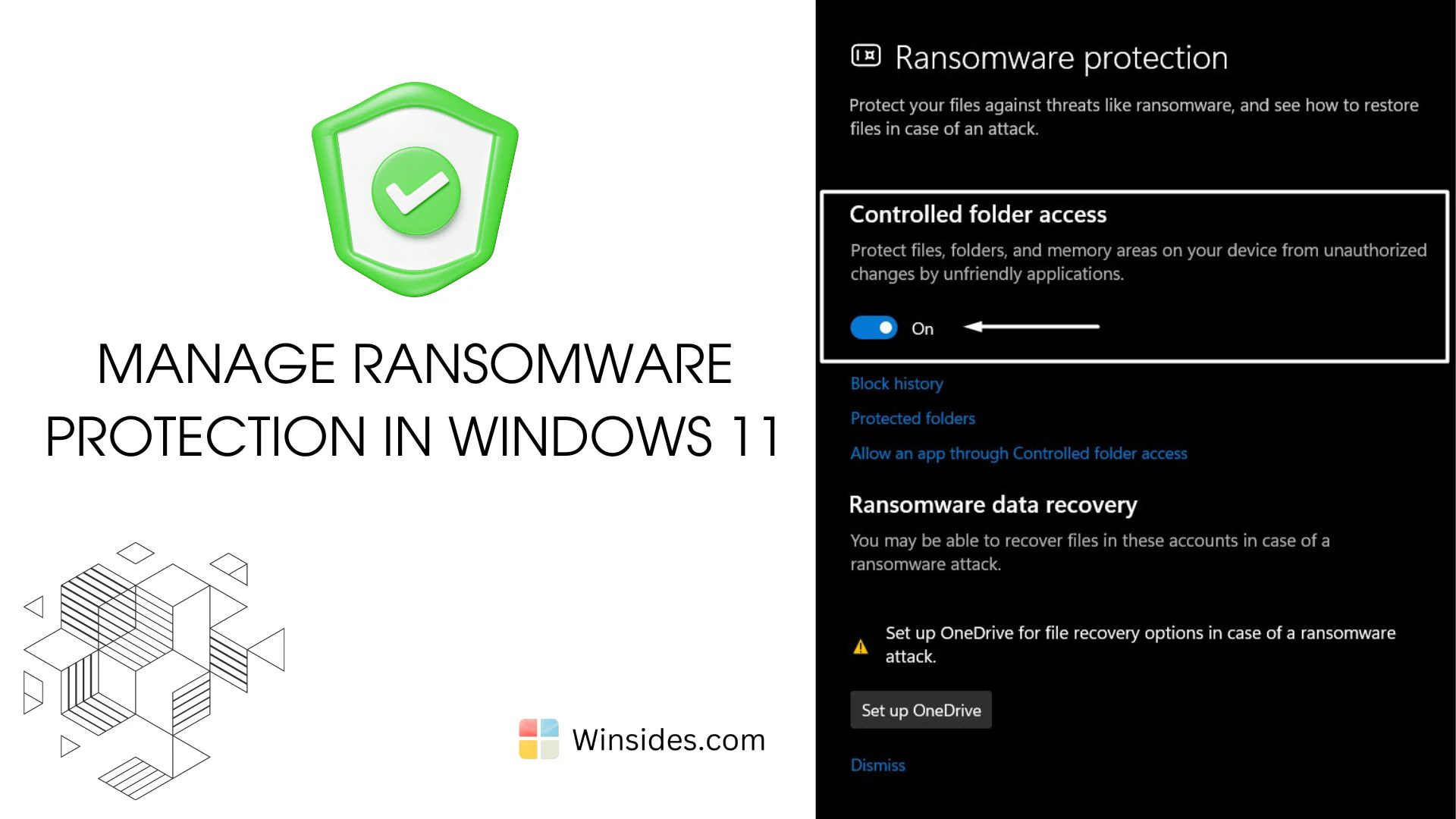
Manage Ransomware Protection in Windows 11?

Ransomware Protection in Windows 11: It is a malicious software (malware) designed to encrypt files on a victim’s computer or network, rendering them inaccessible until a ransom is paid. The attackers then typically demand payment in cryptocurrency to provide the decryption key and restore access to the encrypted data. Ransomware protection is crucial in Windows […]

Read guide