WinSides library

Latest guides

Page 53 of 55

Windows Features

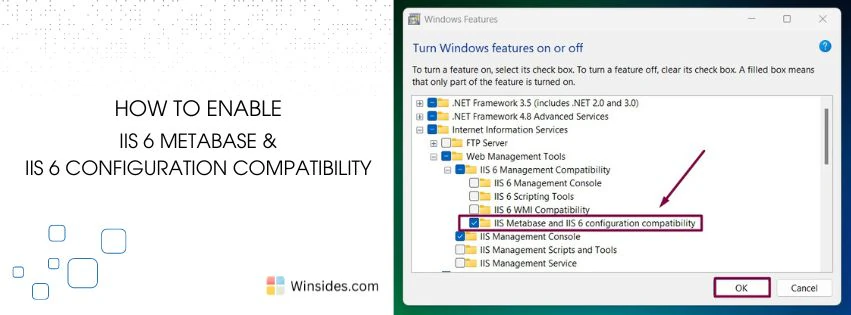
Enable IIS 6 Metabase and IIS Configuration Compatibility in Windows 11

IIS 6 Metabase and IIS Configuration Compatibility: The IIS 6 Metabase Compatibility feature enables users to utilize metabase, which is a hierarchical store for most IIS configuration settings in IIS 6.0 and earlier. On the other hand, the IIS 6 Configuration Compatibility feature makes sure that IIS 7.0 and later versions (including IIS 10.0 in […]

Read guide

Windows Features

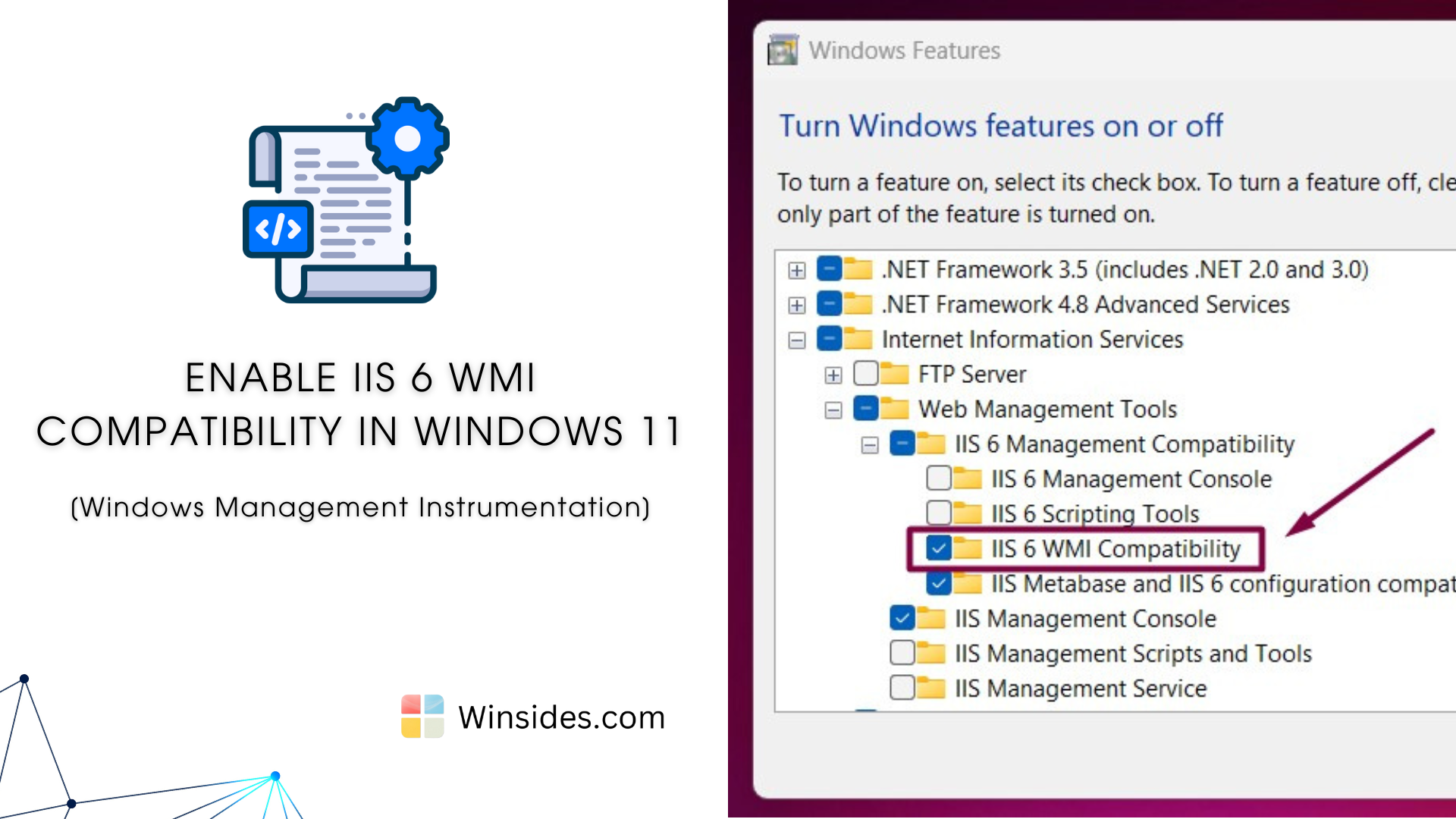
How to Enable IIS 6 WMI Compatibility in Windows 11?

Enable IIS 6 WMI Compatibility in Windows 11: It provides a set of tools and interfaces that allow administrators to manage IIS 6.0 using Windows Management Instrumentation (WMI). WMI is a powerful feature in Windows that enables scripting and automation of management tasks across local and remote machines. This feature bridges the gap between the […]

Read guide

Desktop Shortcuts

Create a Calculator Shortcut on the Windows 11 Desktop in Seconds!

The calculator is one of the most unique devices ever created by humans. We rely on calculators daily, and almost everyone in the world might use a calculator at least once in their life. Calculators play a vital role across various platforms. They are available in many forms, including hardware and software. You can access […]

Read guide

Windows Features

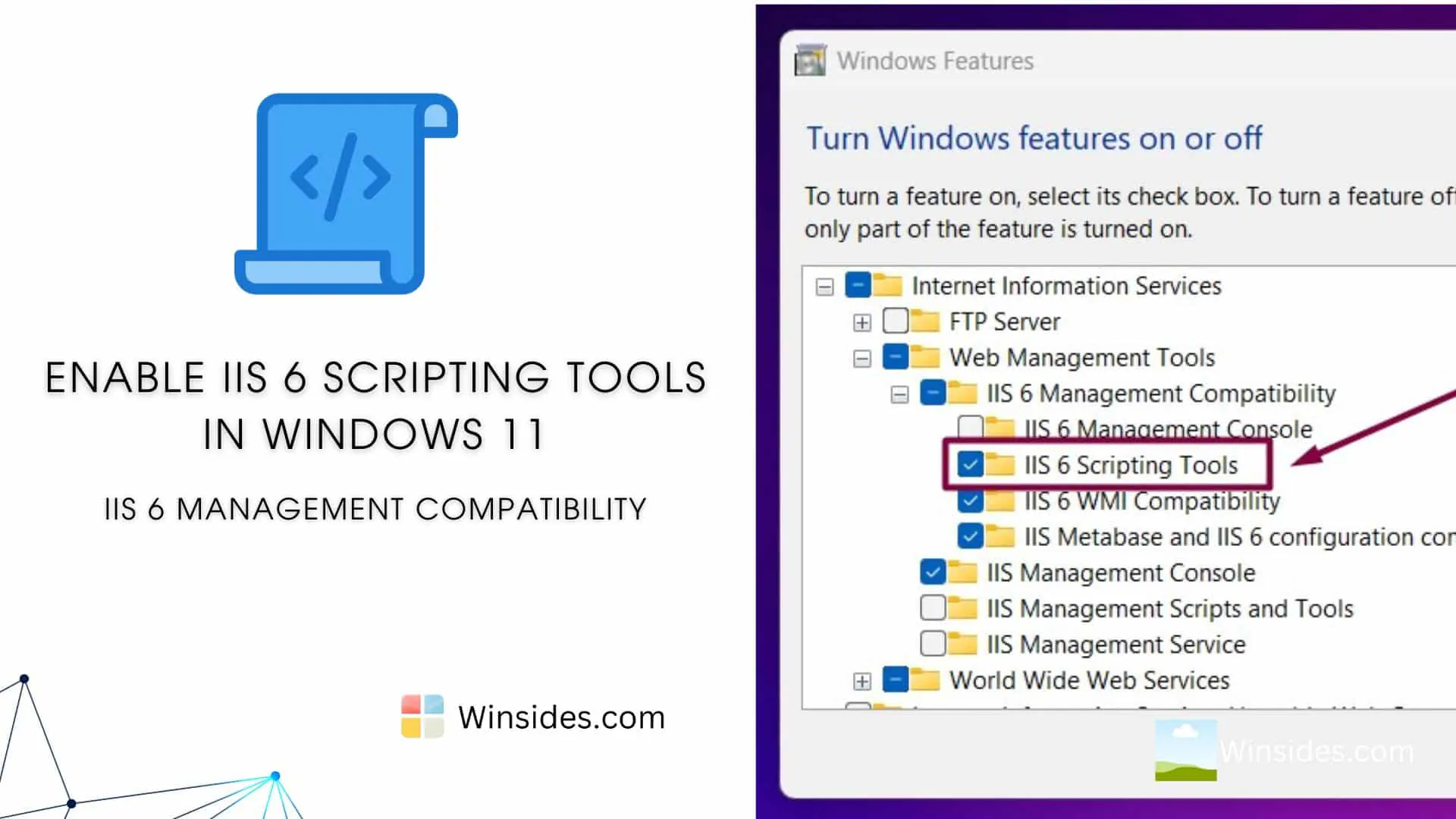
Enable IIS 6 Scripting Tools in Windows 11

IIS 6 Scripting Tools in Windows 11 provide backward compatibility for scripting management tasks using IIS 6.0 scripts. These tools are handy for administrators and developers who need to manage IIS servers using legacy scripts and command-line tools originally designed for IIS 6.0. In this article, we will check out how to Enable IIS 6 […]

Read guide

Open AI

ChatGPT Free Users to Gain Access to GPT-4 Omniverse & Free Tools.

ChatGPT-4 Omiverse: Recently, OpenAI launched its newest flagship model, which features more functionalities than earlier versions and is completely free for public use. The OpenAI team has a focused mission to advance AI technology to meet future needs while ensuring accessibility and benefits for people around the globe. On May 13, 2024, the OpenAI team […]

Read guide

Keyboard Shortcuts

Create Screen Recorder Shortcut for Windows 11

Screen Recorder Shortcut for Windows 11: Screen recording is an essential tool for various purposes, from creating tutorials and demonstrations to capturing gameplay and troubleshooting issues. Windows 11 offers built-in features to facilitate screen recording, but many users find it cumbersome to navigate through multiple steps to start a recording session or to rely on […]

Read guide

Windows Features

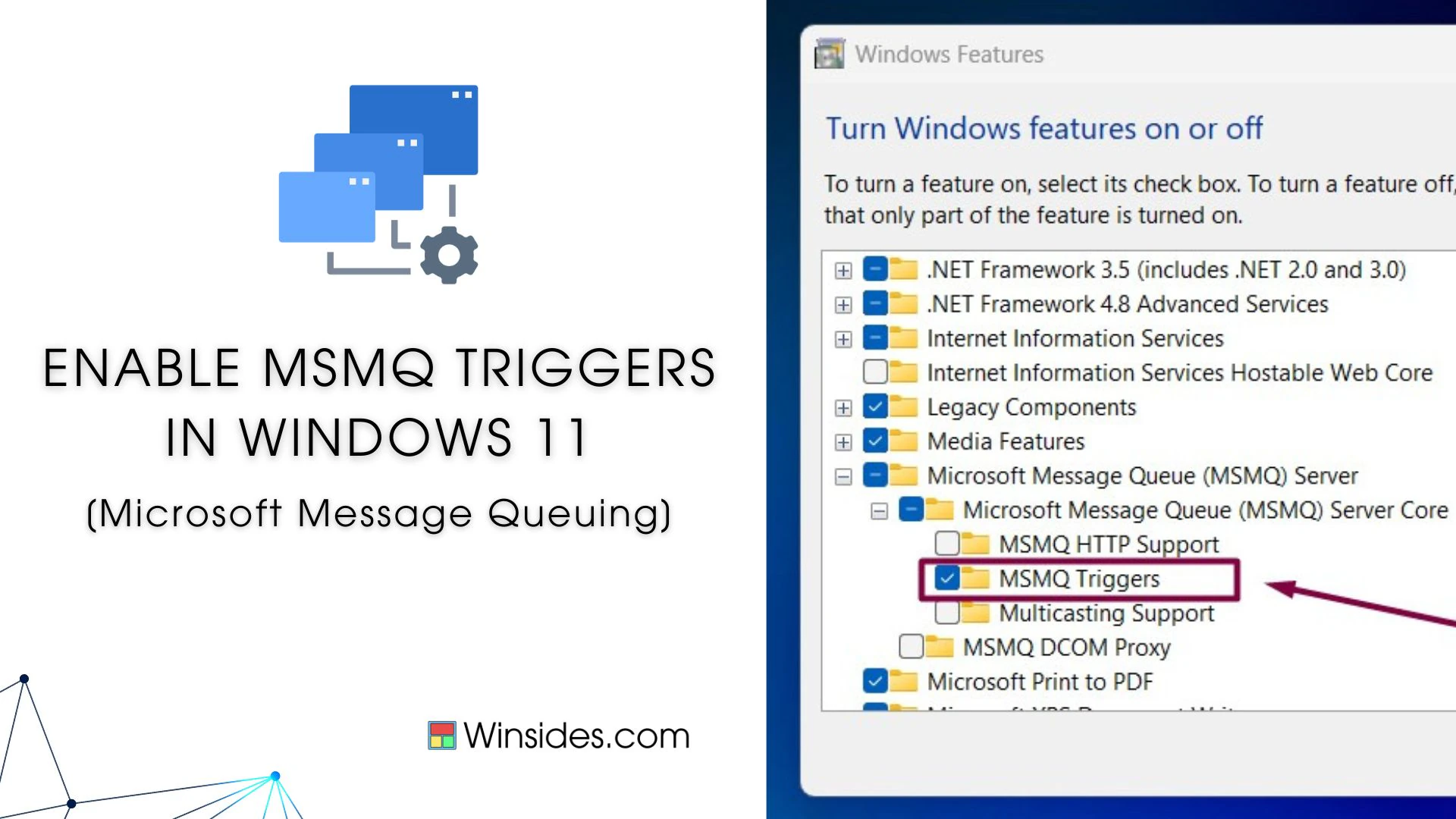
How to Enable MSMQ Triggers in Windows 11?

Enable MSMQ Triggers in Windows 11: MSMQ (Microsoft Message Queuing) Triggers in Windows 11 are a feature that allows the execution of specific actions, such as running a COM (Component Object Model) component or an executable, in response to incoming messages in a message queue. It provides a mechanism to associate the arrival of messages […]

Read guide

Keyboard Shortcuts

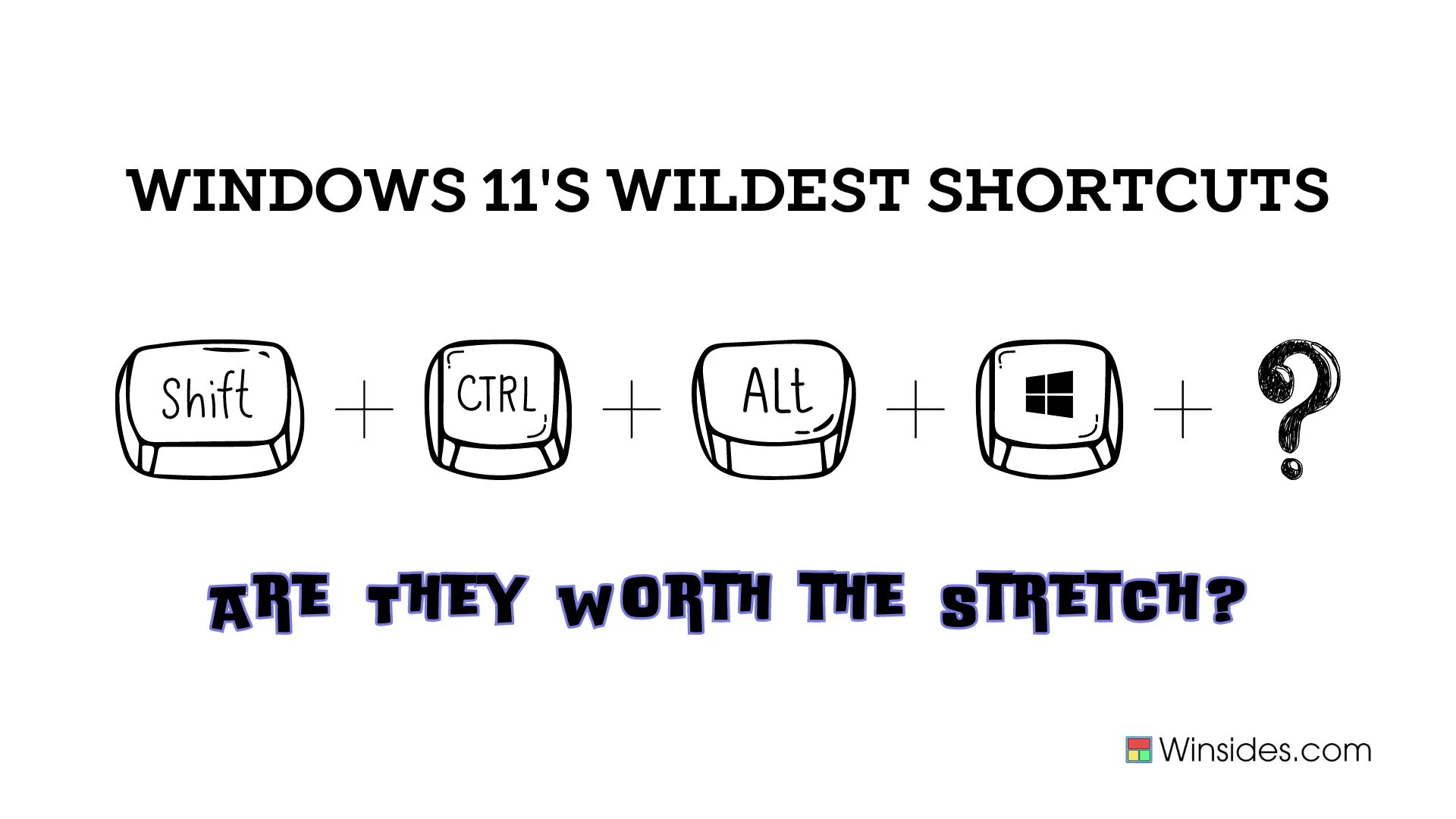
Windows 11 Shortcut Keys – Most Intricate Shortcuts

Windows 11 Shortcut Keys: We’ve all heard of the legendary shortcuts that supposedly save time and make our digital lives a breeze. But what happens when these shortcuts turn into cryptic incantations, requiring the dexterity of a concert pianist to execute? Windows 11 doesn’t just dip its toes in the water, it dives headfirst into […]

Read guide

Windows Features

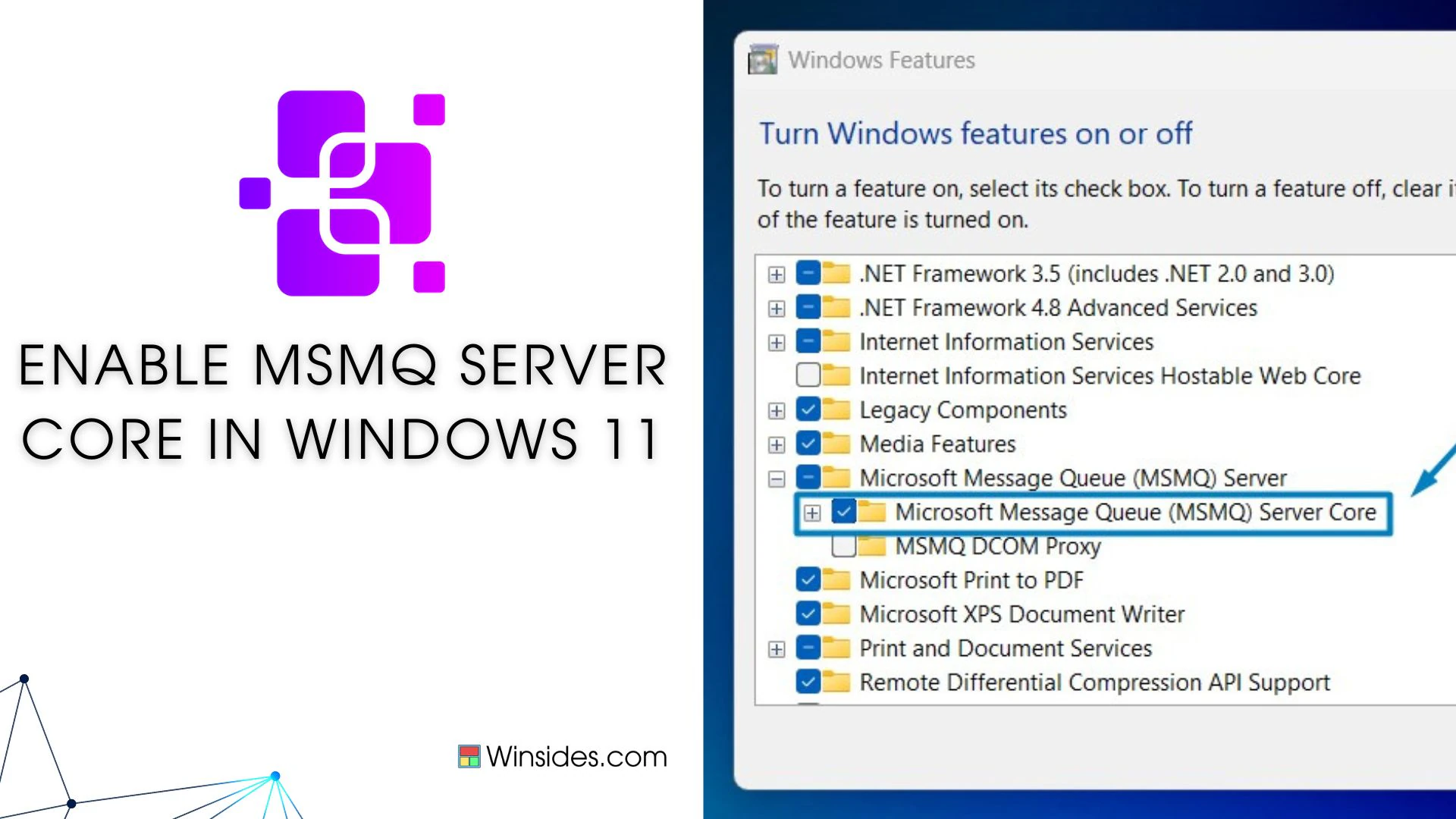
Enable Microsoft Message Queue (MSMQ) Server Core in Windows 11

Enable Microsoft Message Queue Server Core in Windows 11: It is a messaging infrastructure that enables applications to communicate across heterogeneous networks and systems reliably and asynchronously. MSMQ allows applications running on different servers to exchange messages securely, transaction-based, and fault-tolerant, making it essential for building robust and scalable distributed systems. In this guide, we […]

Read guide

Windows Features

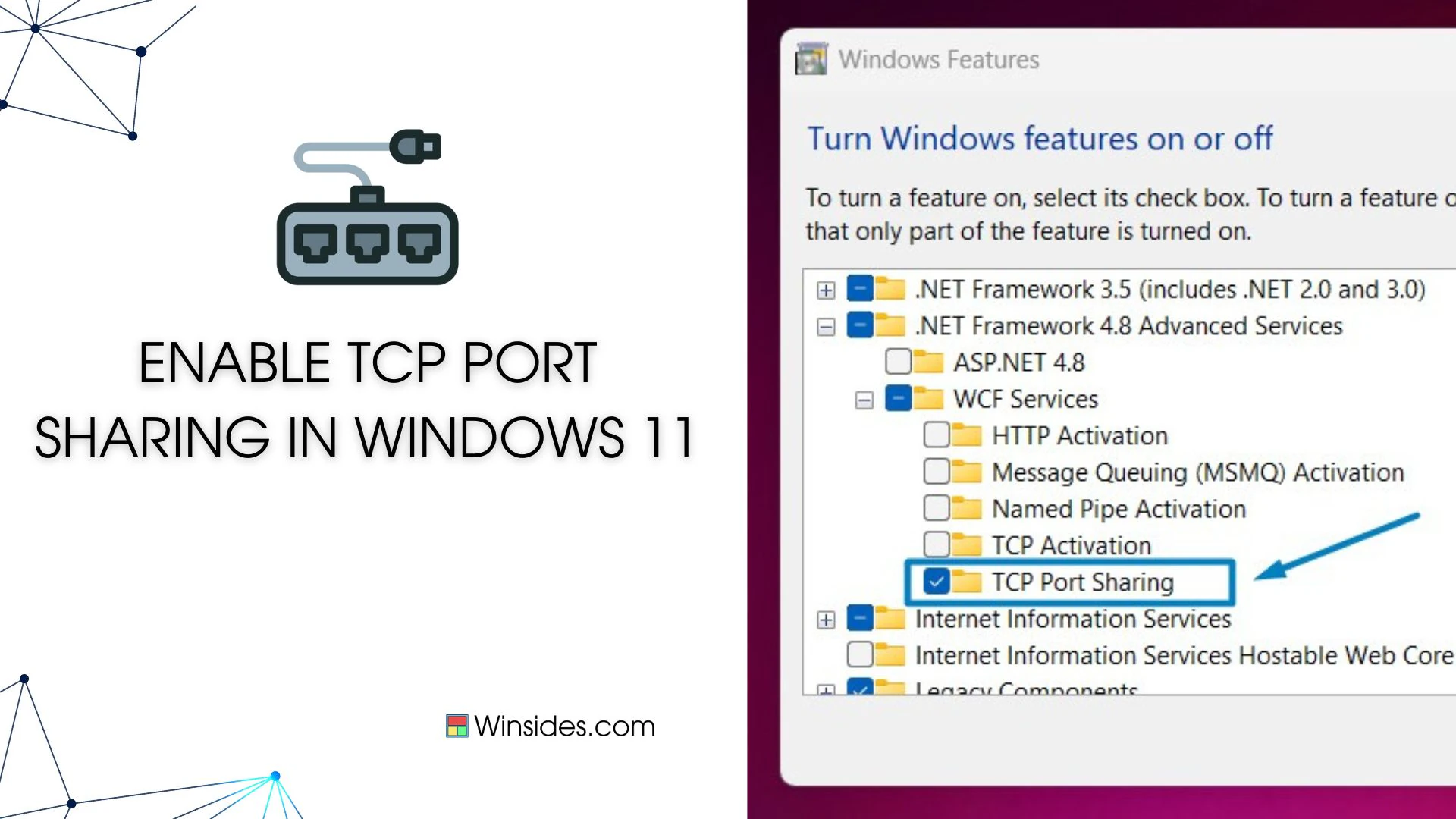
How to Enable TCP Port Sharing in Windows 11?

Enable TCP Port Sharing in Windows 11: TCP Port Sharing in Windows 11 refers to the ability of multiple network services or applications to share the same TCP port on a single machine. This feature is particularly useful in scenarios where multiple services need to be accessible over the network but have restrictions on the […]

Read guide

Windows 11

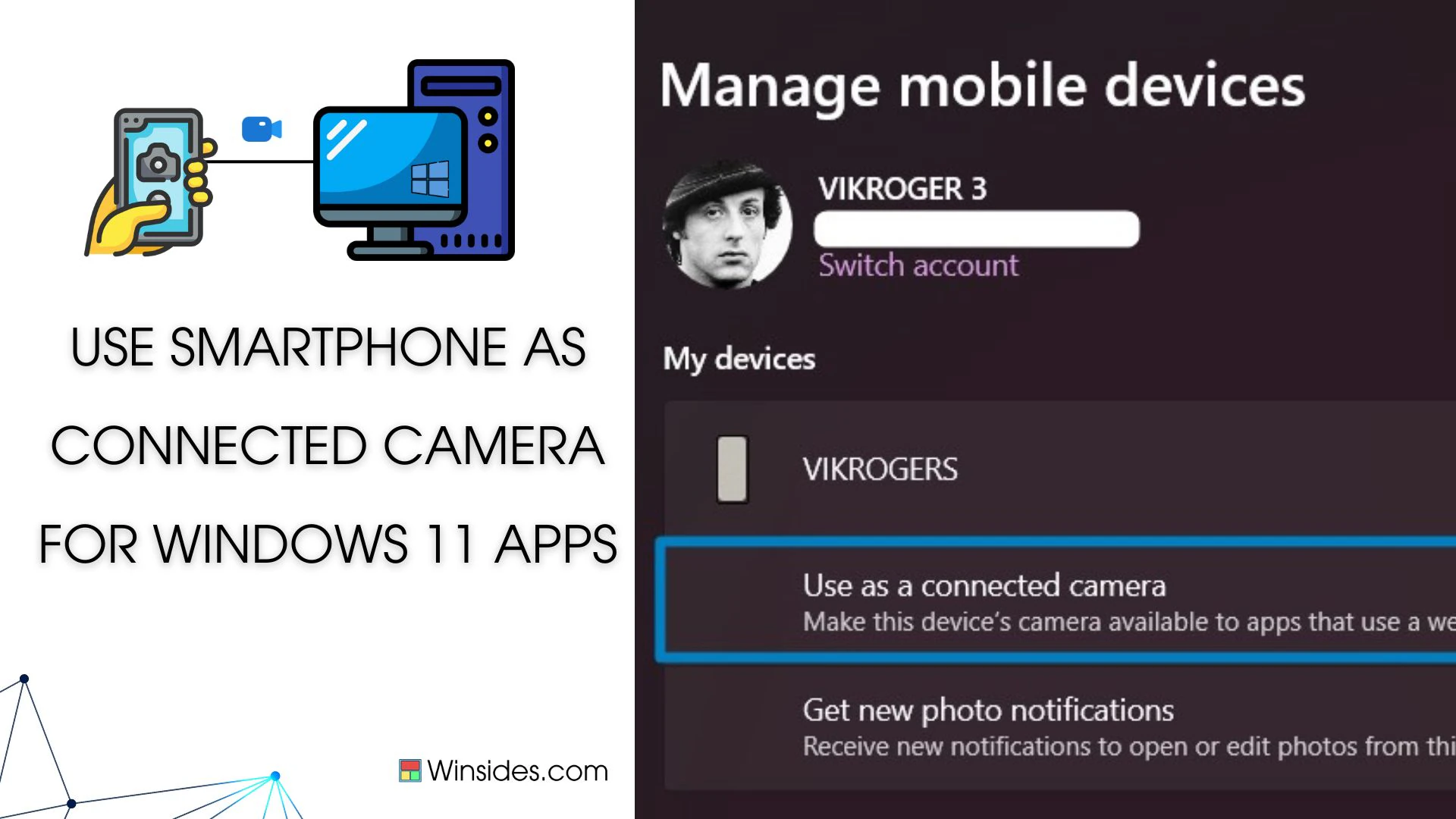
Use Smartphone Camera as Webcam for Apps in Windows 11

Use Smartphone Camera as Webcam for Apps in Windows 11: Why buy a webcam when you can use your smartphone as your webcam? Imagine a scenario where your computer or laptop lacks a built-in webcam, or perhaps the webcam’s quality leaves much to be desired. Fret not, as Windows 11 brings a game-changing solution: using […]

Read guide

Windows Features

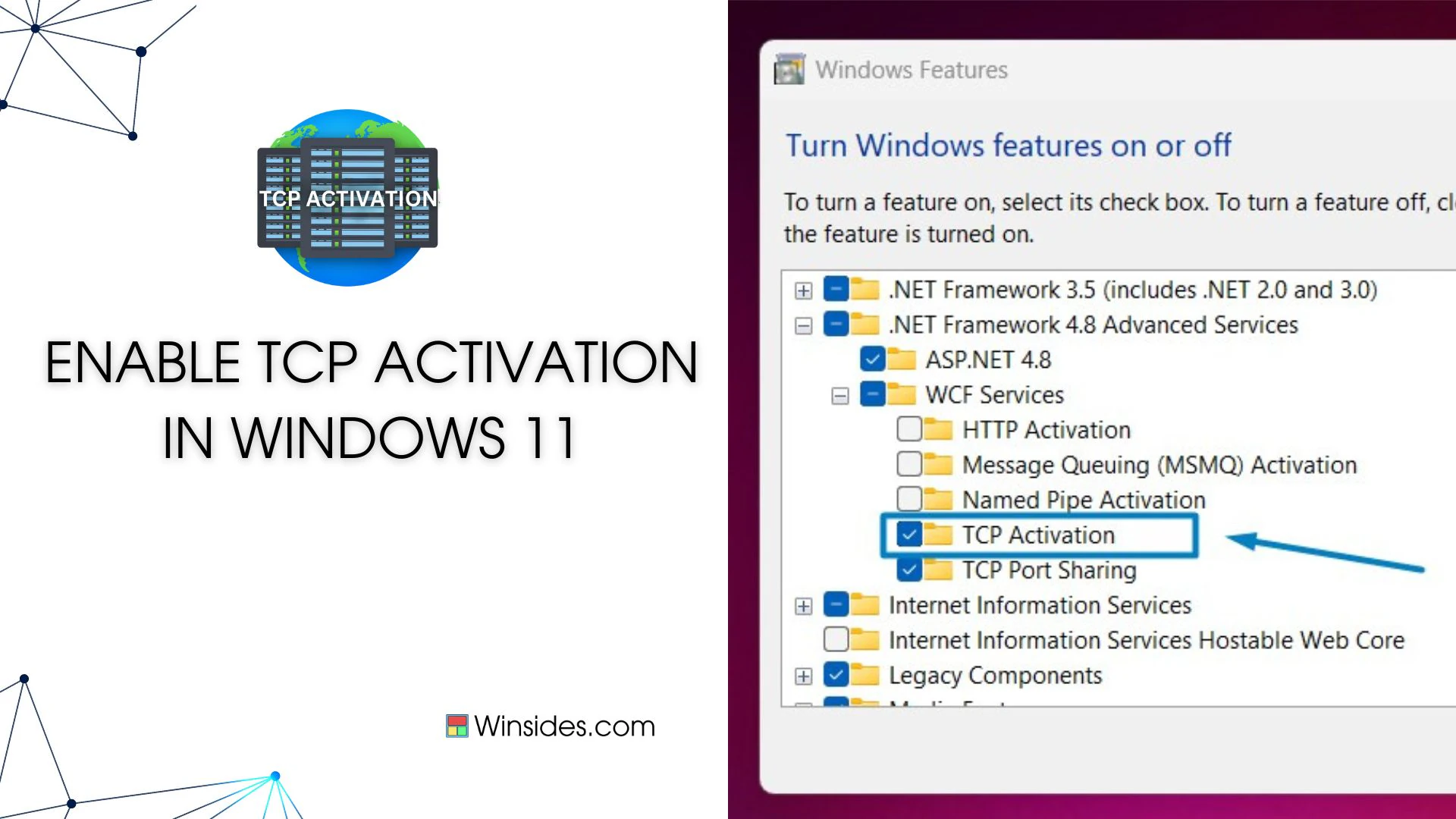
How to Enable TCP Activation in Windows 11?

TCP Activation in Windows 11 refers to the capability provided by Windows Process Activation Service (WAS) to activate Windows Communication Foundation (WCF) services over TCP/IP protocol. WAS is a component of Windows that manages the activation and lifetime of WCF services and other application components. When a WCF service is configured for TCP Activation, it […]

Read guide