WinSides library

Latest guides

Page 54 of 55

Windows Features

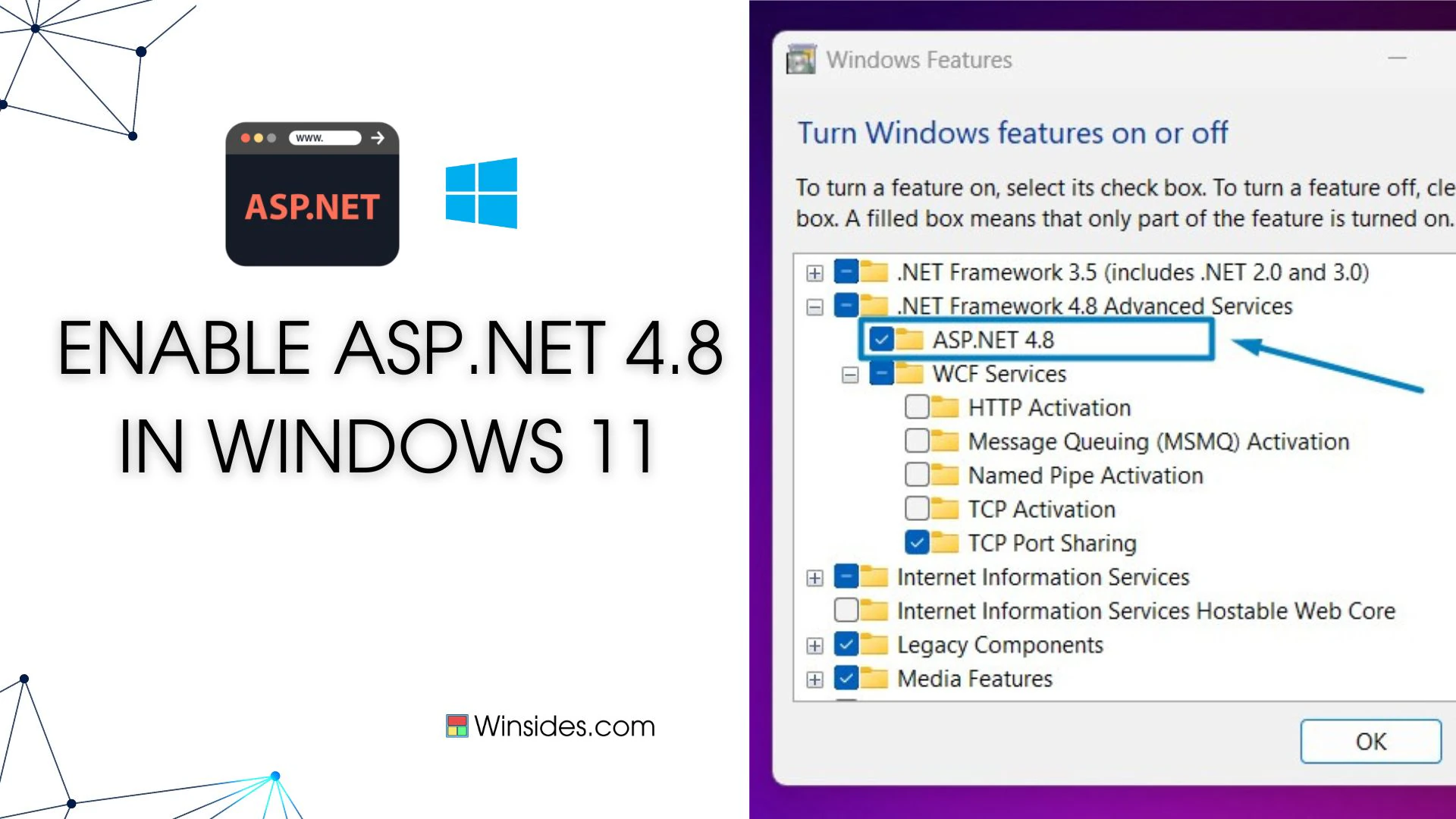
How to Enable ASP.NET 4.8 in Windows 11?

Enable ASP.NET 4.8 in Windows 11: ASP.NET 4.8 is a robust web application framework by Microsoft, facilitating dynamic web page creation, web services development, and web application building. Operating server-side, it leverages .NET Framework or .NET Core to execute code written in languages like C# or VB.NET. Its applications span from creating interactive web apps, […]

Read guide
Microsoft

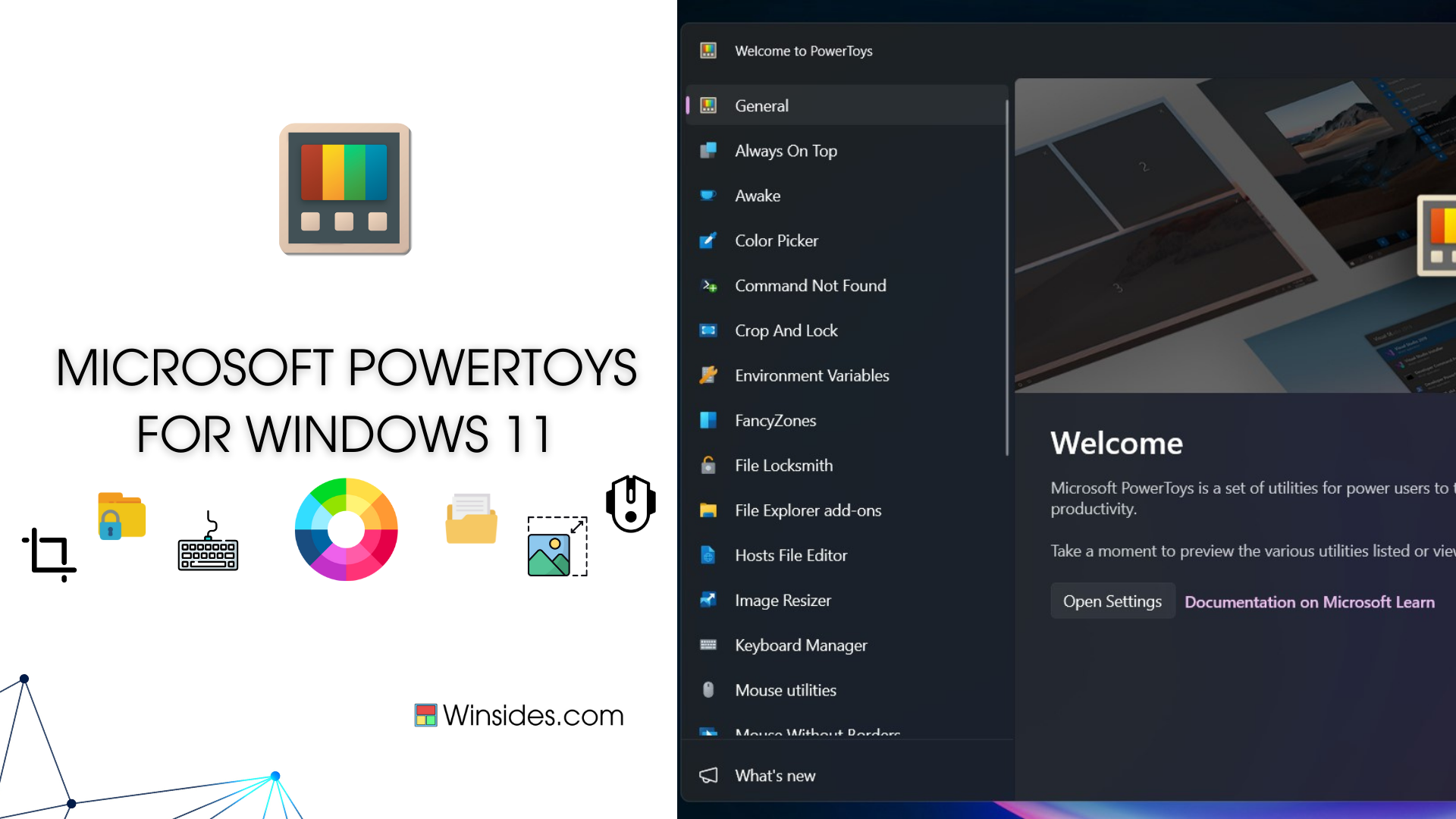
Download and Install Microsoft Powertoys for Windows 11

Microsoft Powertoys for Windows 11: is a set of utilities and tools developed by Microsoft that are designed to enhance productivity and customize the Windows operating system’s user experience. Originally introduced for Windows 95, PowerToys was revived for Windows 10 and later versions with a new set of features. In his guide, we will check […]

Read guide

Windows Features

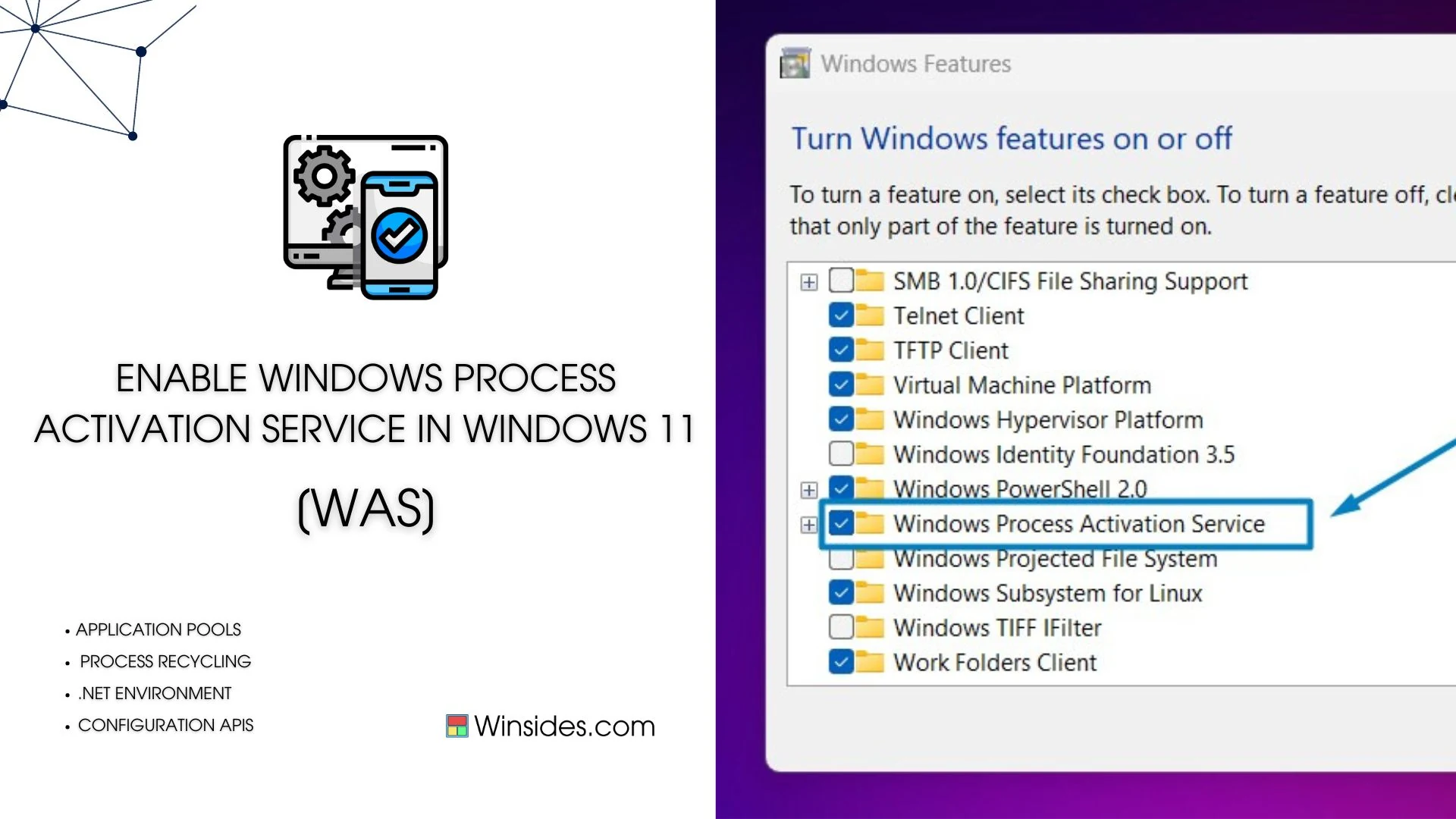
Enable Windows Process Activation Service in Windows 11

Windows Process Activation Service, also known as WAS, is a Windows operating system component that provides process model and activation services for applications that use Internet Information Services (IIS). It’s particularly important for hosting applications that require a process model beyond what the traditional IIS worker process (w3wp.exe) provides. WAS plays a crucial role in […]

Read guide

Clarity

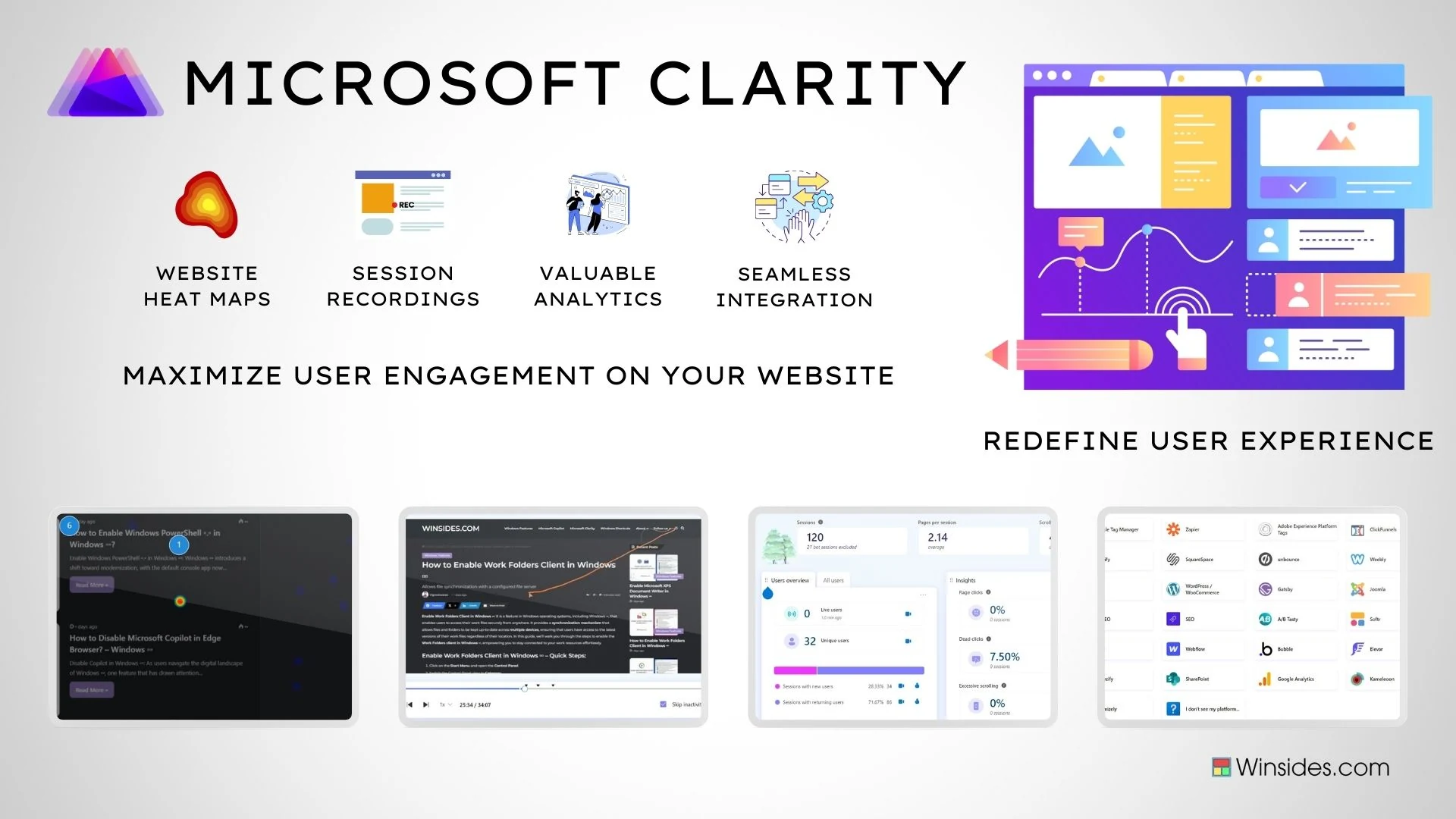
Harness the Power of Microsoft Clarity – Invaluable Insights

Microsoft Clarity: It emerged as a potent tool in this quest, offering a comprehensive suite of analytics features designed to illuminate user behavior patterns with precision. From dynamic heatmaps that visualize user interactions to session recordings that reveal the nuances of user navigation, Clarity empowers website owners with invaluable data-driven insights. Microsoft Introduced it in […]

Read guide

Windows Features

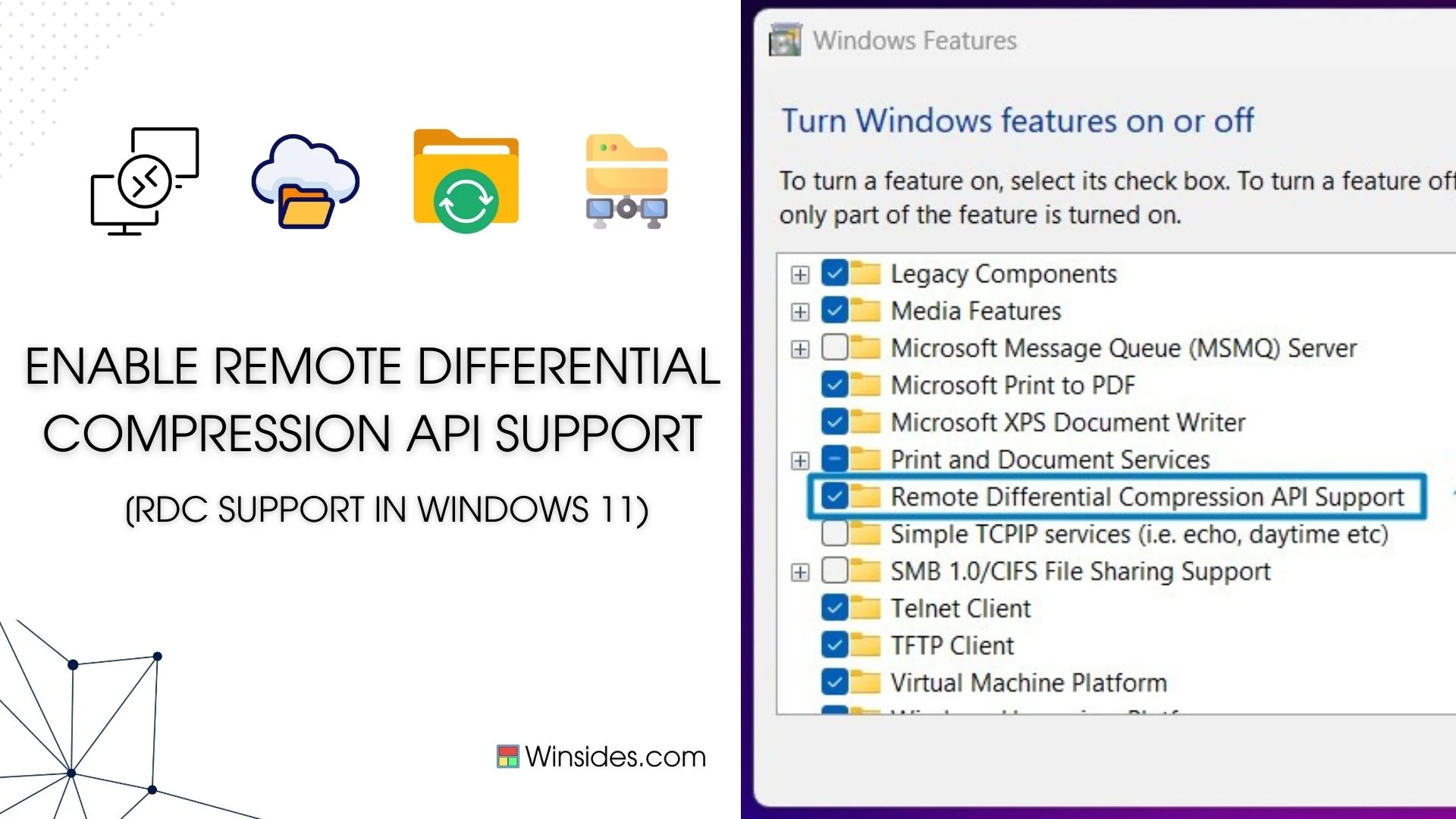
Enable Remote Differential Compression API Support in Windows 11

Enable Remote Differential Compression API Support in Windows 11: Windows 11 includes Remote Differential Compression (RDC) API support, which is a technology that helps in efficient data synchronization and transfer over a network. This API is beneficial for applications that need to transfer large amounts of data while minimizing bandwidth usage. RDC allows for comparing […]

Read guide

Windows Features

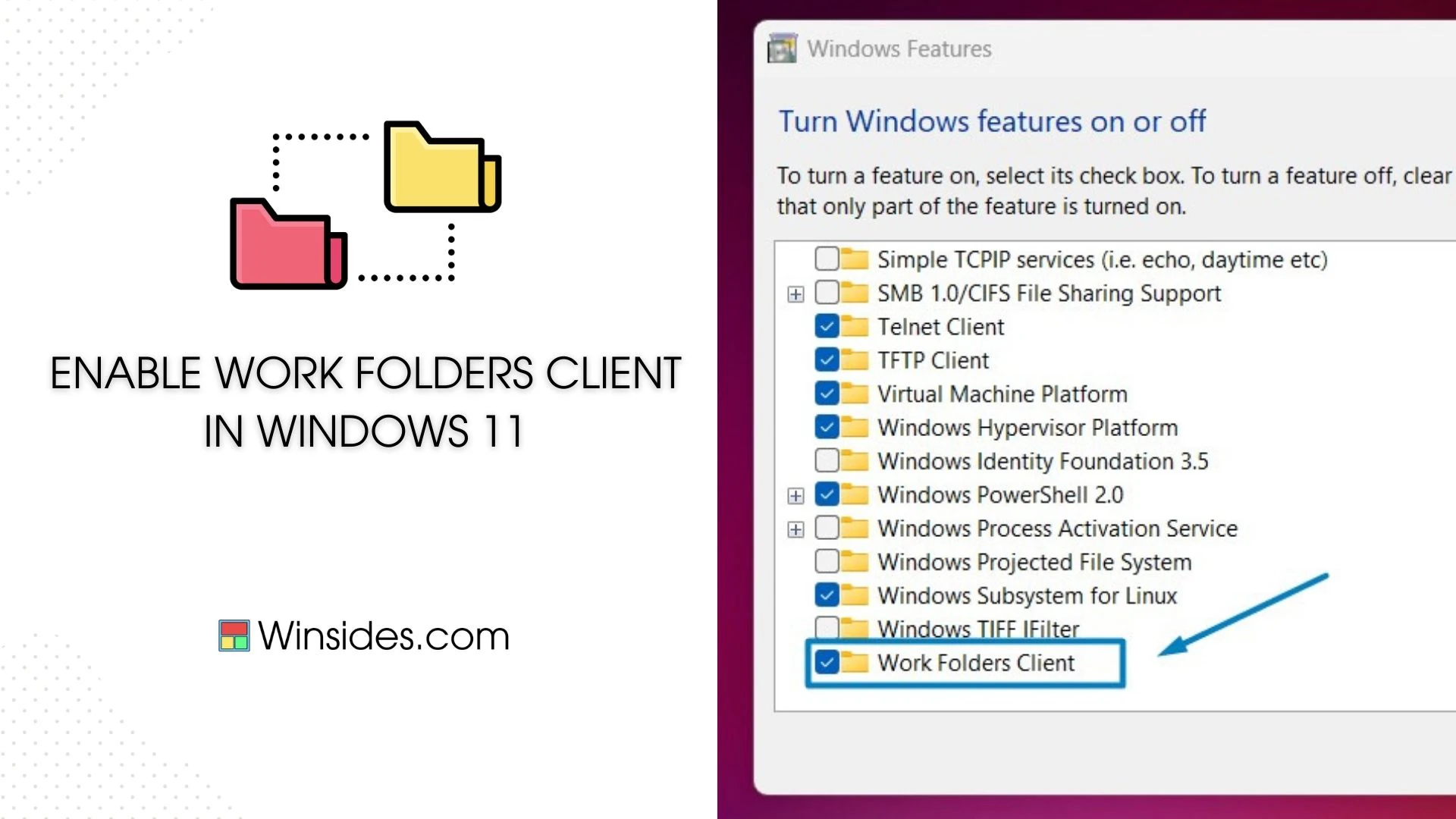
How to Enable Work Folders Client in Windows 11

Enable Work Folders Client in Windows 11: It is a feature in Windows operating systems, including Windows 11, that enables users to access their work files securely from anywhere. It provides a synchronization mechanism that allows files and folders to be kept up-to-date across multiple devices, ensuring that users have access to the latest versions […]

Read guide

Keyboard Shortcuts

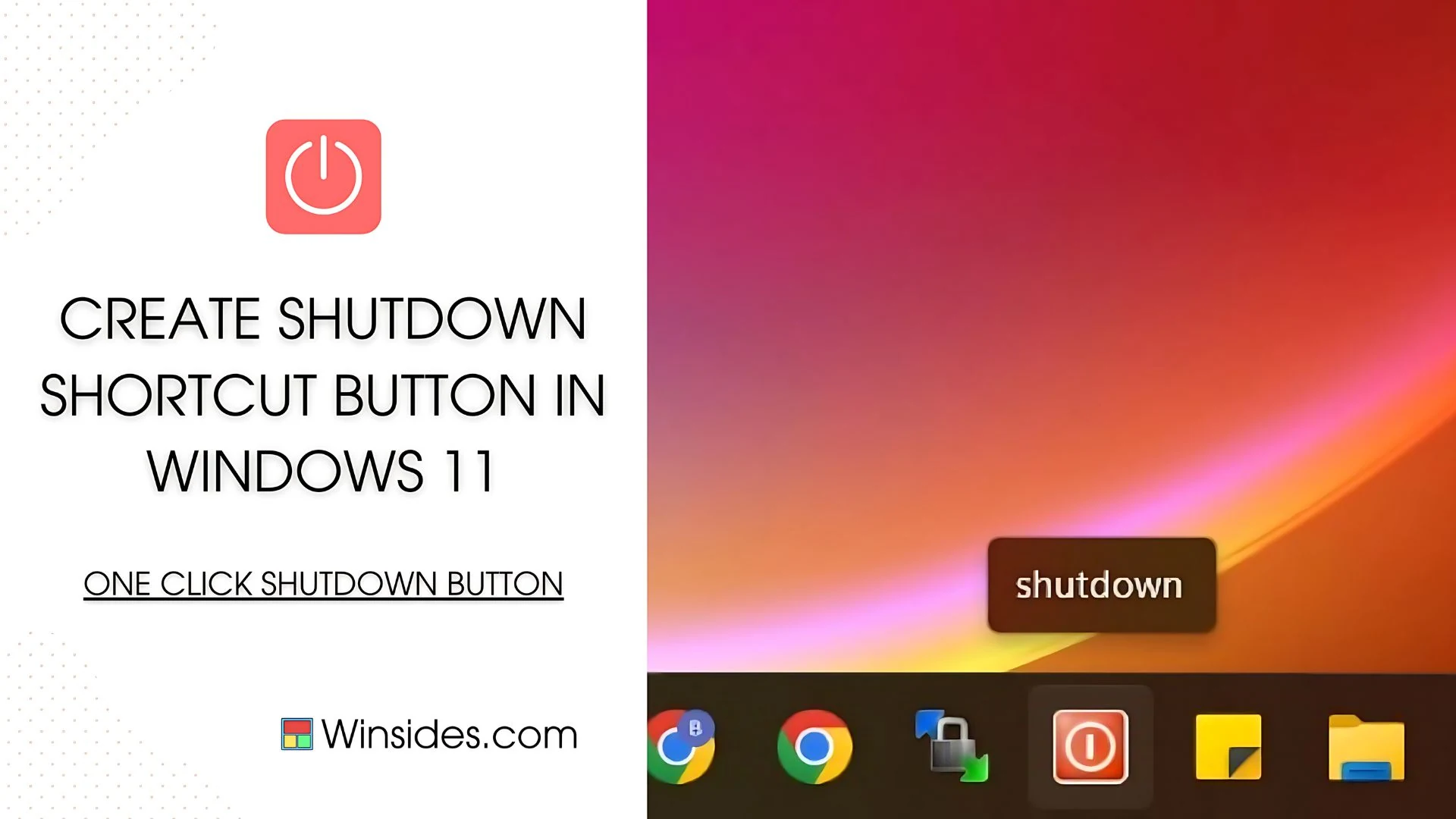
Create Shutdown Shortcut Button Windows 11

Create Shutdown Shortcut Button Windows 11: Are you tired of the same old shutdown routine on Windows 11? Let’s shake things up and add a dash of funk to your desktop experience! Say hello to a custom Shutdown button that’s as funky as your playlist. How cool it is!! After a long day, if you […]

Read guide

Windows Features

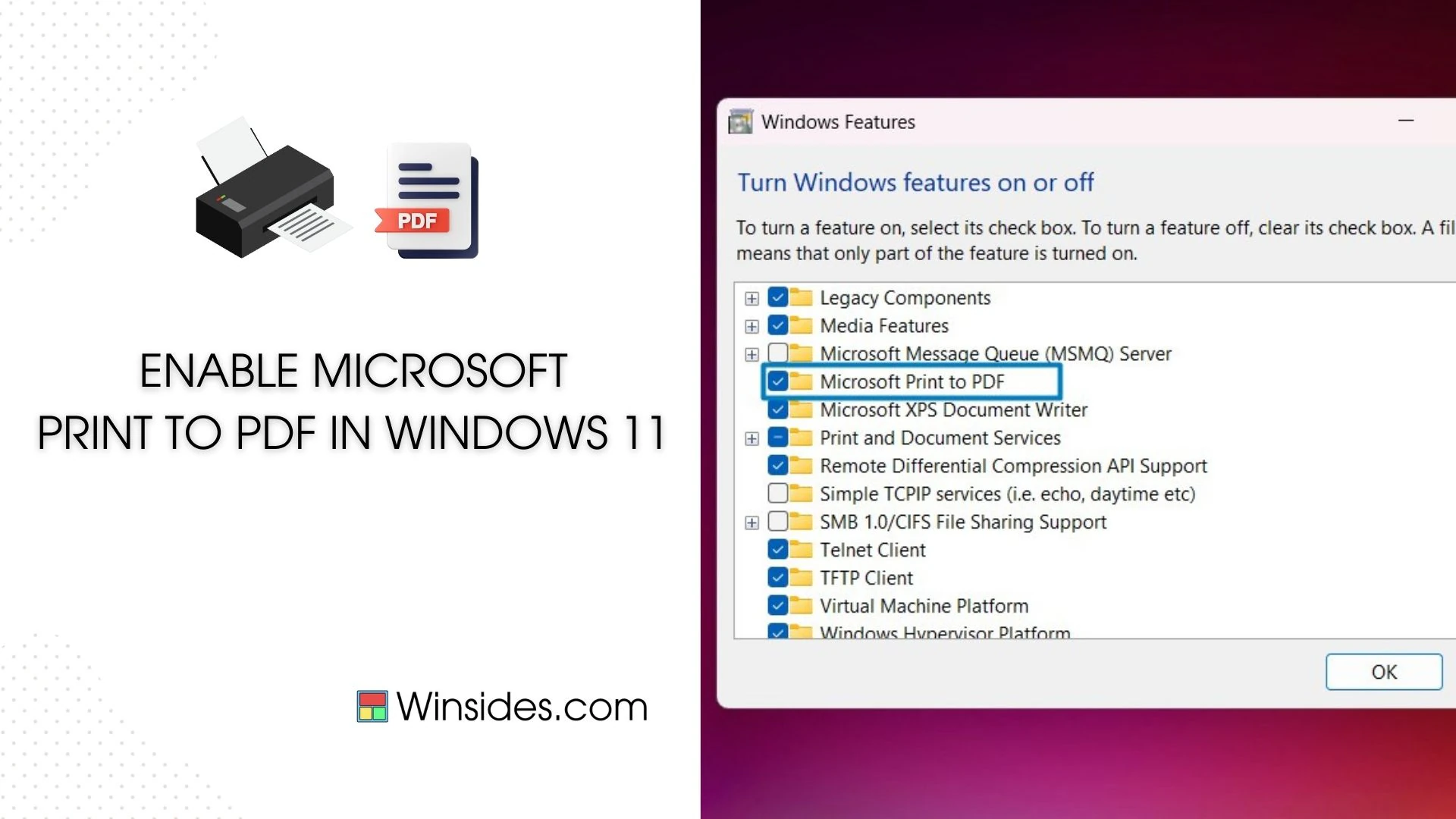
How to Enable Microsoft Print to PDF in Windows 11?

Microsoft Print to PDF is a built-in feature in Windows 11 that allows users to convert documents, web pages, and images into PDF format effortlessly. This handy tool eliminates the need for third-party software and simplifies the process of creating PDF files. In this guide, we’ll walk you through the steps to enable and use […]

Read guide

Copilot

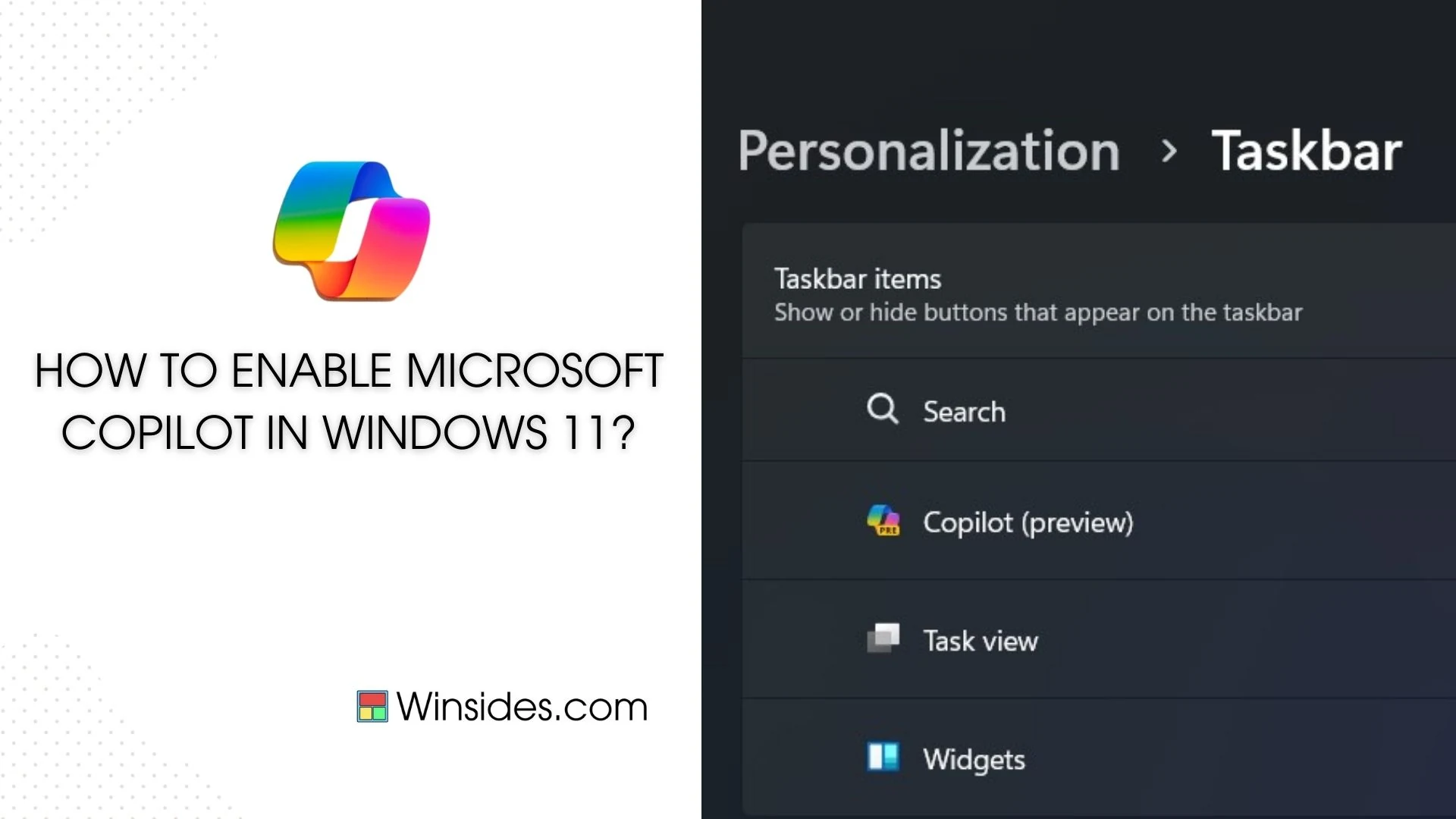
How to Enable Microsoft Copilot in Windows 11?

Enable Microsoft Copilot in Windows 11: Microsoft Copilot is a powerful AI assistant that enhances productivity by providing natural language answers, personalized recommendations, and smart solutions. It also works seamlessly with popular code editors like Visual Studio Code. It leverages machine learning models to understand your code context and provides intelligent suggestions, snippets, and even […]

Read guide

Copilot

How to Disable Microsoft Copilot in Edge Browser? – Windows 11

Disable Copilot in Windows 11: As users navigate the digital landscape of Windows 11, one feature that has drawn attention is Microsoft Copilot. While Copilot offers innovative assistance and productivity tools, some users may prefer to disable it for various reasons. In this article, we delve into the steps and methods to effectively disable Microsoft […]

Read guide

Copilot

How to Quickly Disable Copilot in Windows 11?

Disable Copilot in Windows 11: Copilot in Windows is an AI-driven assistant that aids in accessing information and drawing inspiration from the internet. It fosters creativity, supports collaborative efforts, and aids in maintaining focus on tasks. It combines the power of large language models (LLMs) with your data in the Microsoft Graph (including your calendar, […]

Read guide

Windows Features

How to Enable Virtual Machine Platform in Windows 11?

Enable Virtual Machine Platform in Windows 11: The Virtual Machine Platform is a key feature in Windows 11, enabling users to run virtualized instances with ease and efficiency. Enabling this platform unlocks a wide range of capabilities, including support for running Linux distributions and other virtualized environments seamlessly within Windows 11. In this guide, we’ll […]

Read guide