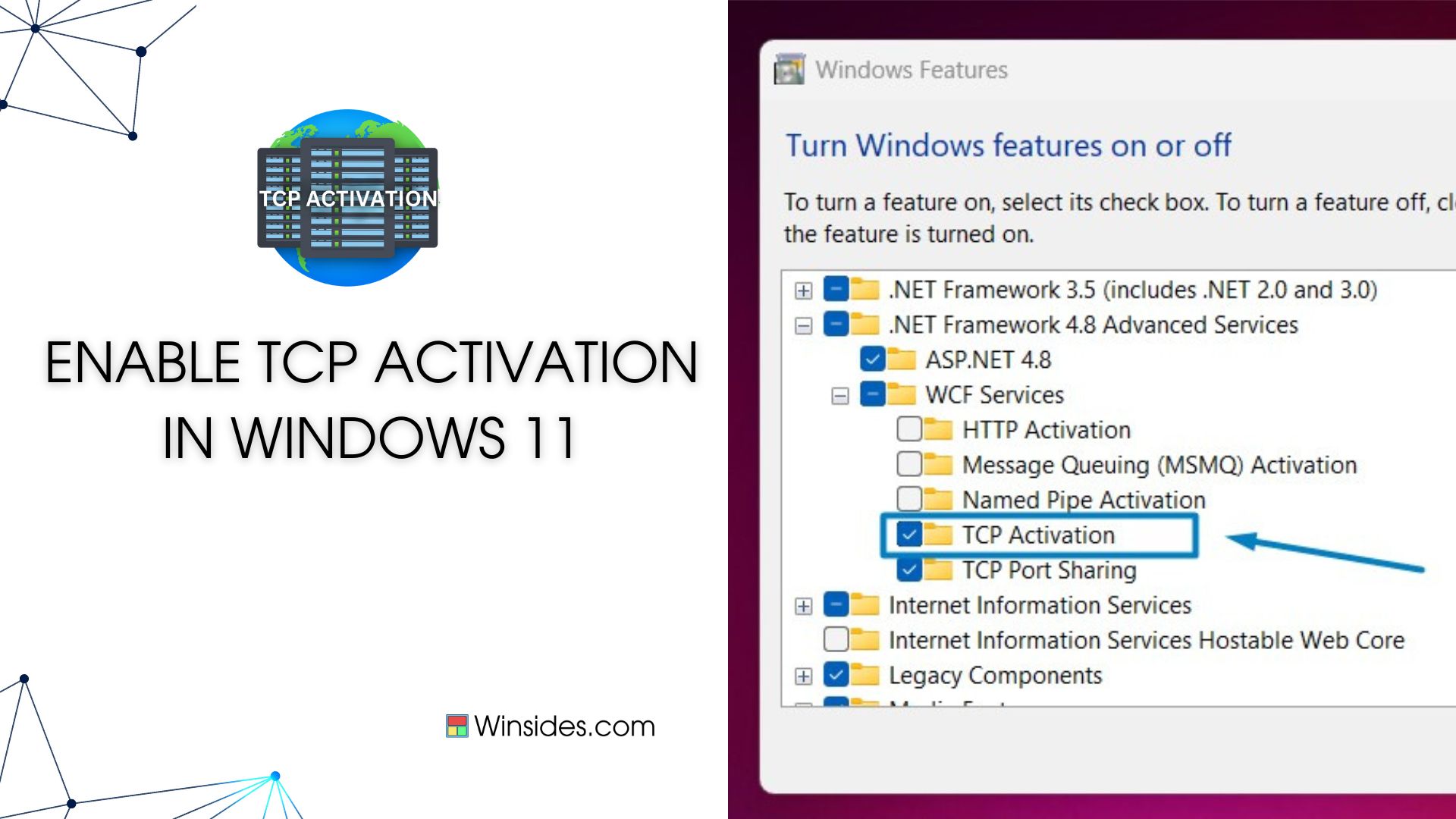
How to Enable TCP Activation in Windows 11?

TCP Activation in Windows 11 refers to the capability provided by Windows Process Activation Service (WAS) to activate Windows Communication Foundation (WCF) services over TCP/IP protocol. WAS is a…
Read More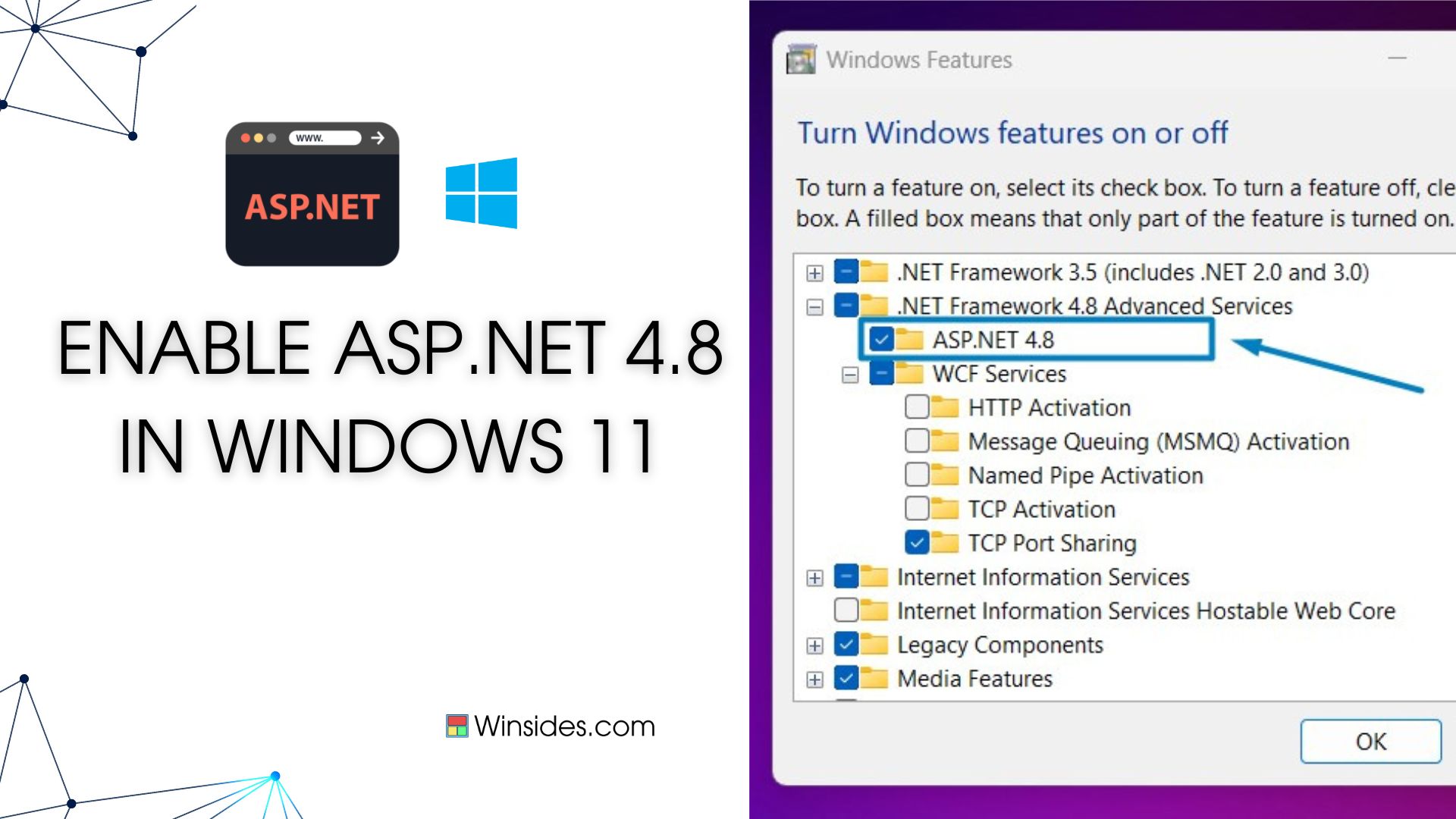
How to Enable ASP.NET 4.8 in Windows 11?
Enable ASP.NET 4.8 in Windows 11: ASP.NET 4.8 is a robust web application framework by Microsoft, facilitating dynamic web page creation, web services development, and web application building.…
Read More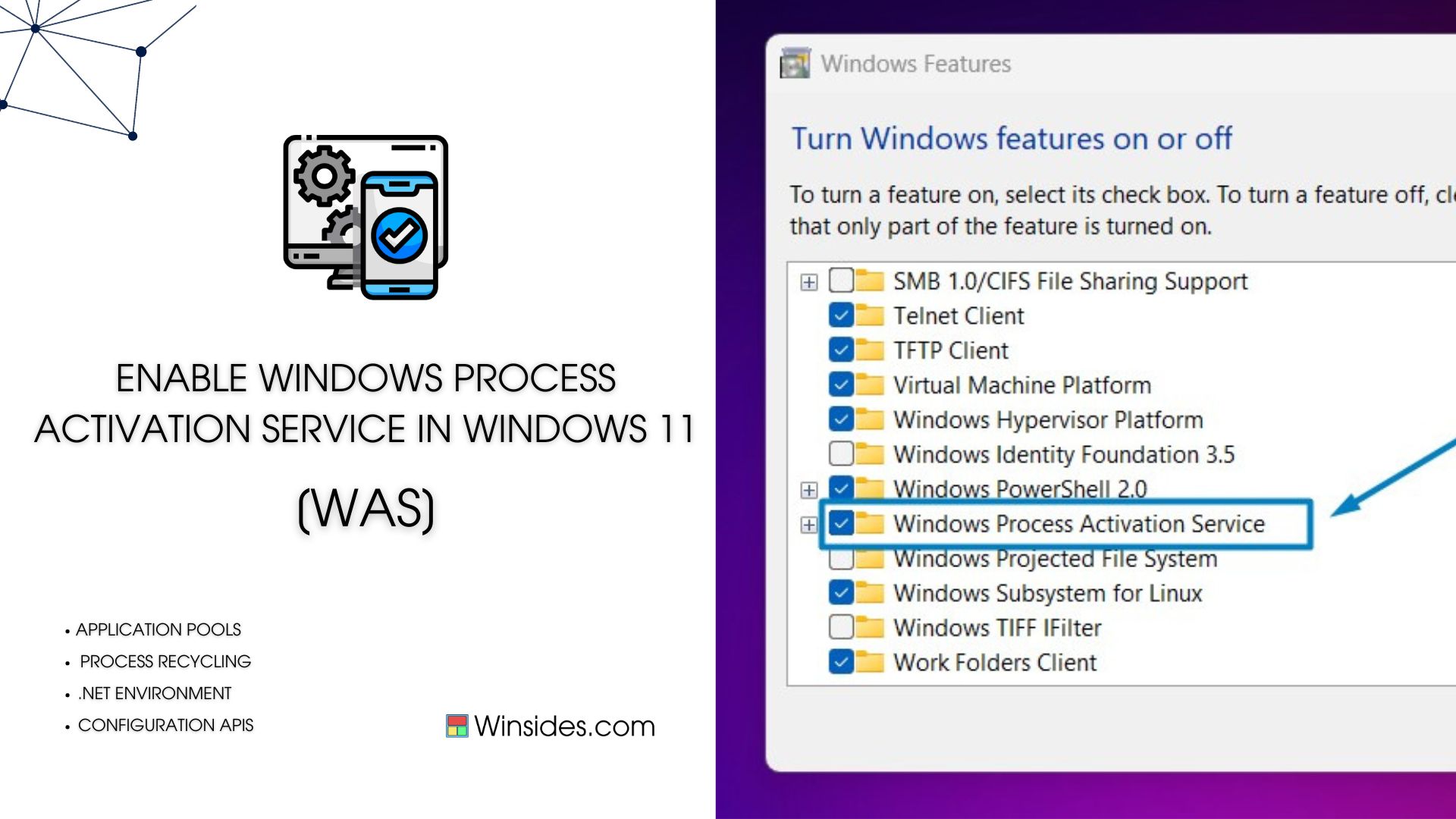
Enable Windows Process Activation Service in Windows 11
Windows Process Activation Service, also known as WAS, is a Windows operating system component that provides process model and activation services for applications that use Internet Information…
Read More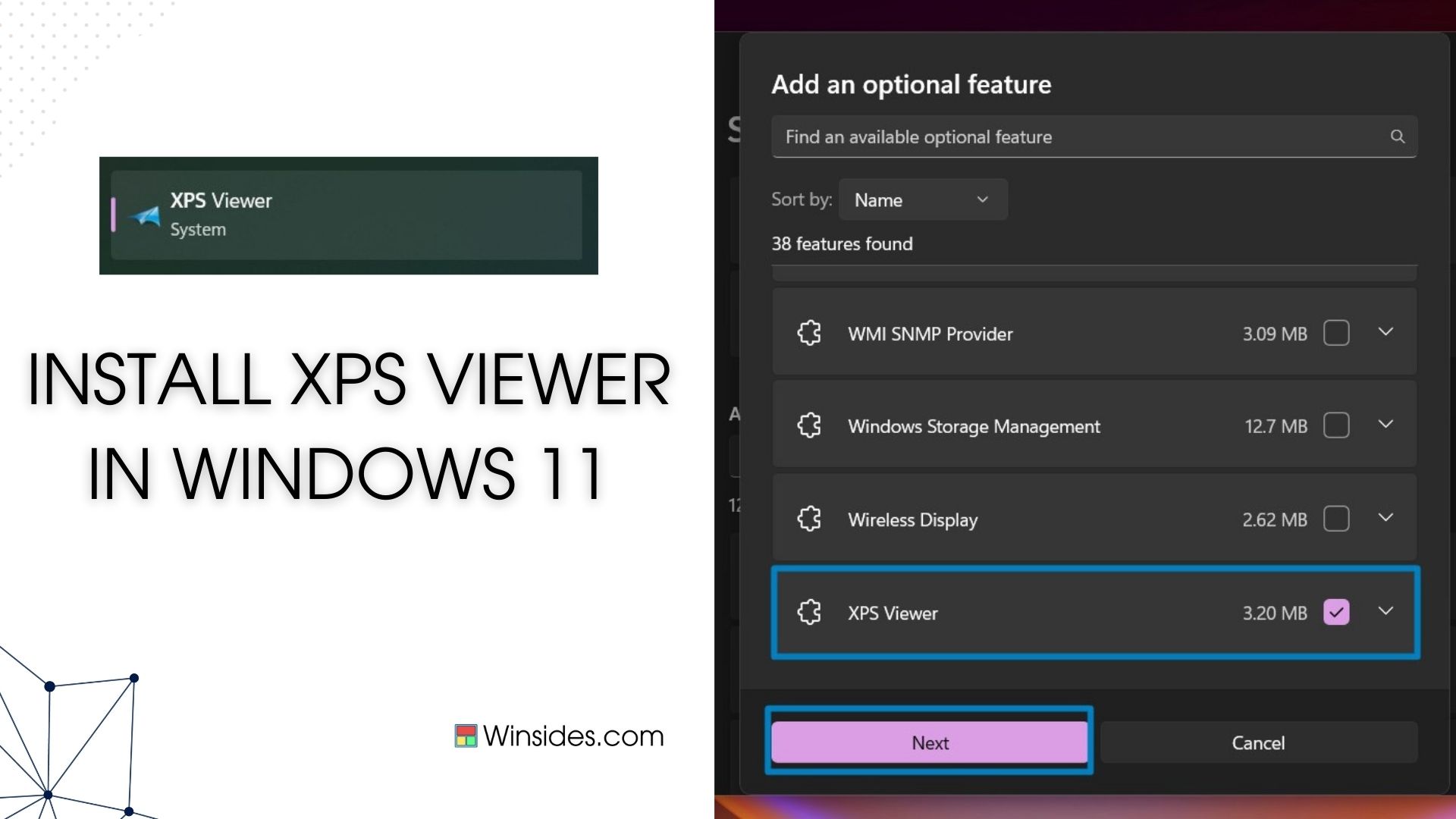
How to Add XPS Viewer in Windows 11?
Install XPS Viewer in Windows 11: XPS(XML Paper Specification) is a file format developed by Microsoft that preserves document formatting and ensures document fidelity across different devices and…
Read More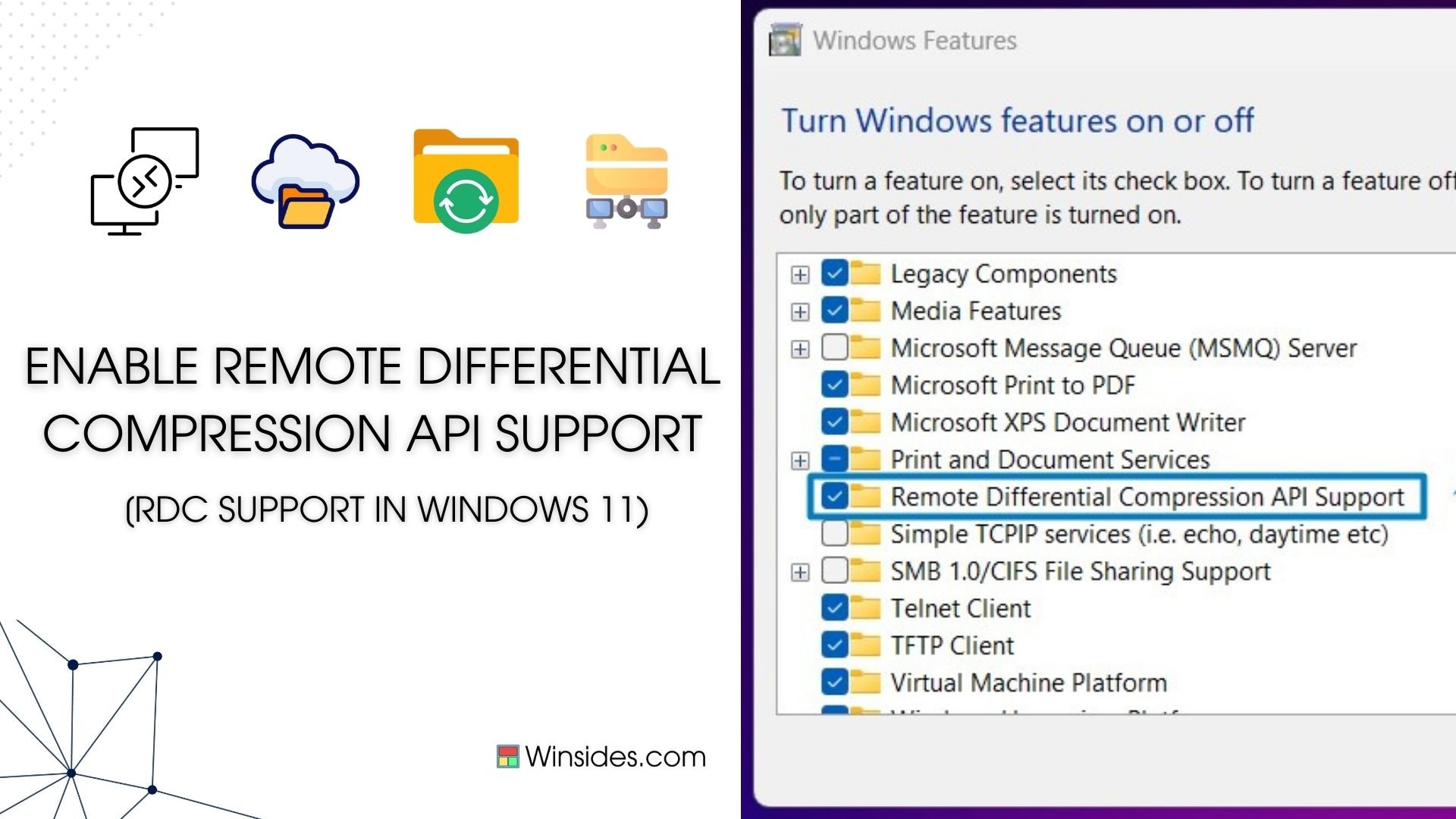
Enable Remote Differential Compression API Support in Windows 11
Enable Remote Differential Compression API Support in Windows 11: Windows 11 includes Remote Differential Compression (RDC) API support, which is a technology that helps in efficient data…
Read More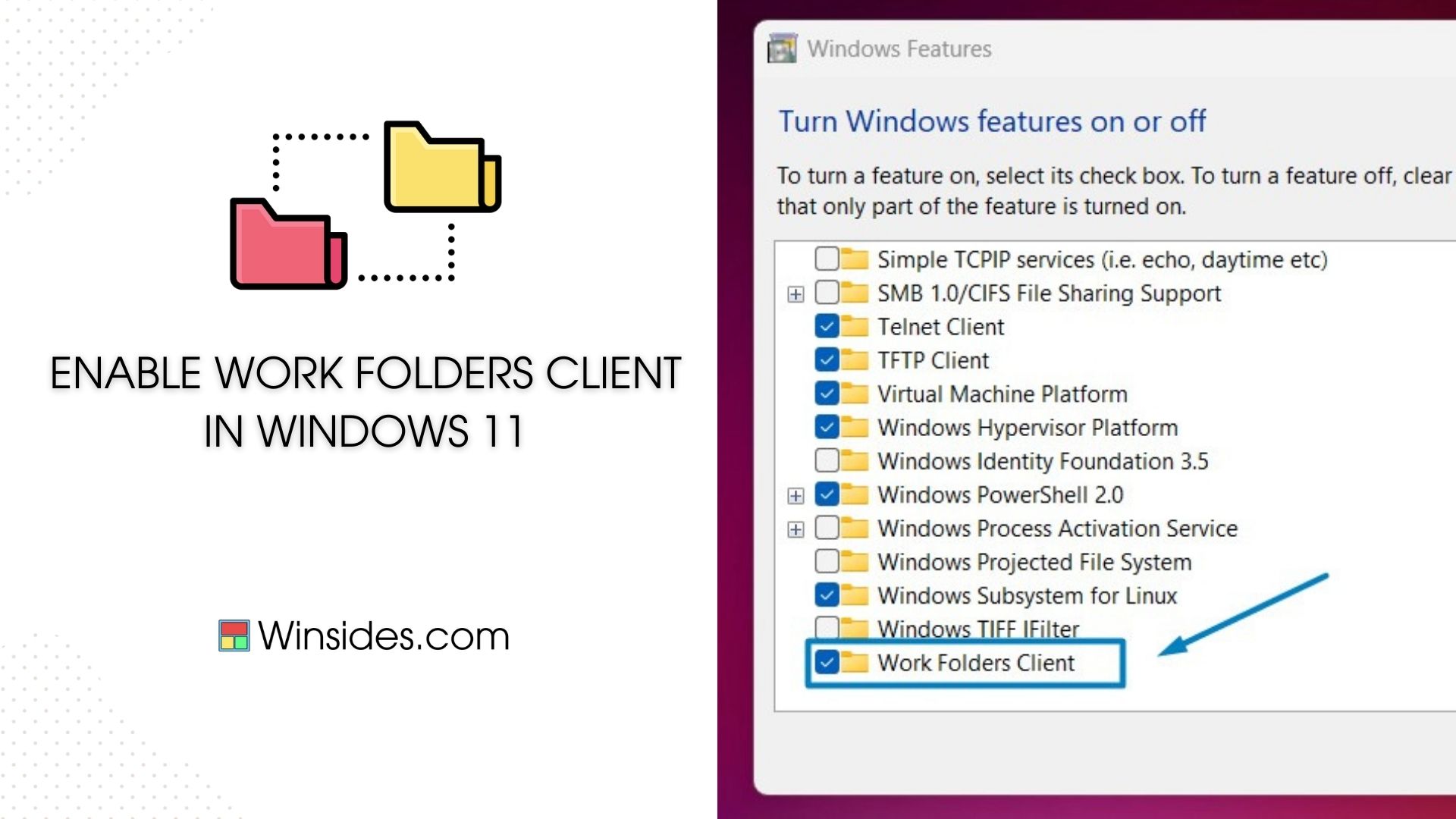
How to Enable Work Folders Client in Windows 11
Enable Work Folders Client in Windows 11: It is a feature in Windows operating systems, including Windows 11, that enables users to access their work files securely from anywhere. It provides a…
Read More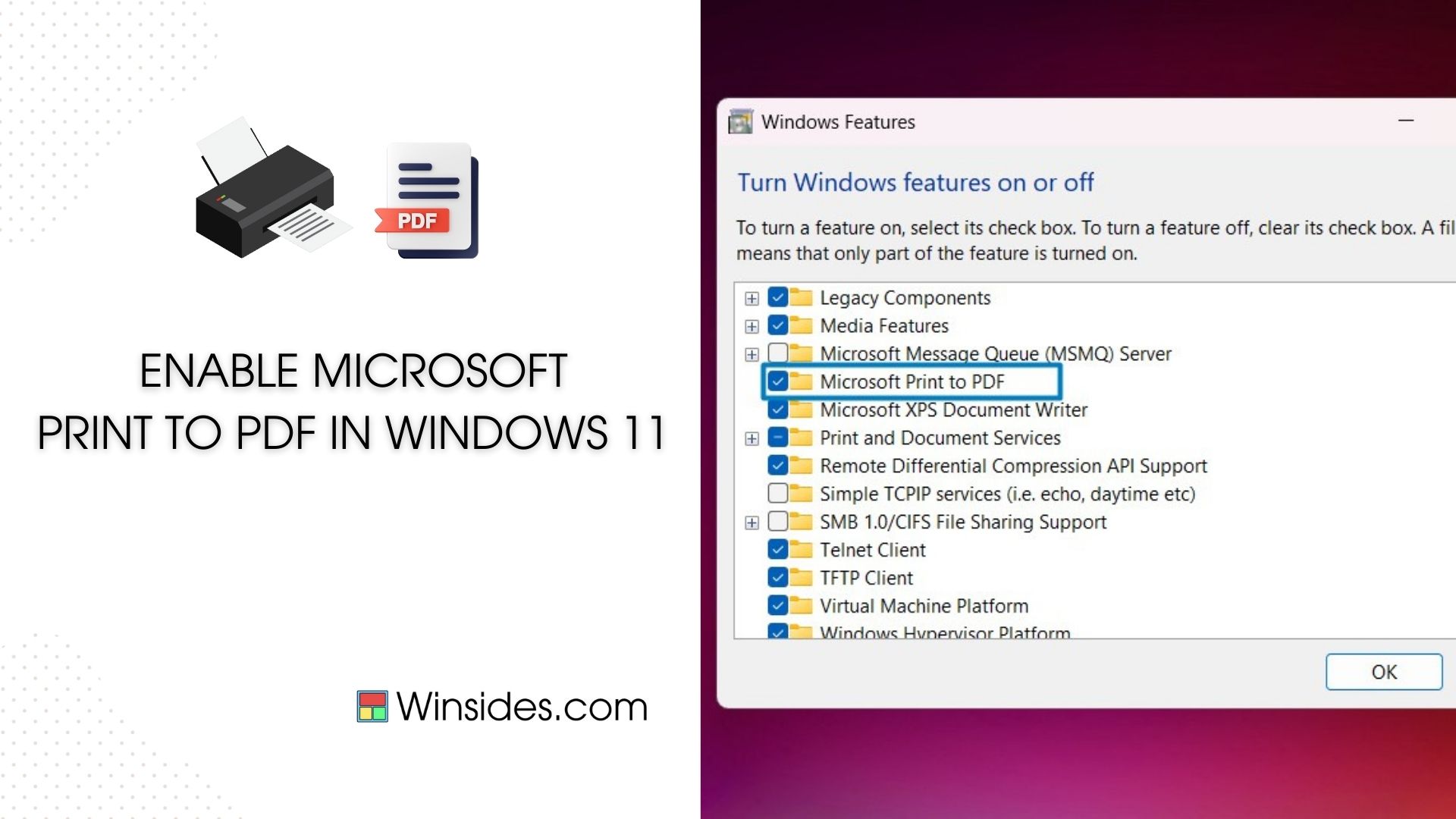
How to Enable Microsoft Print to PDF in Windows 11?
Microsoft Print to PDF is a built-in feature in Windows 11 that allows users to convert documents, web pages, and images into PDF format effortlessly. This handy tool eliminates the need for…
Read More
How to Enable Telnet Client in Windows 11?
Enable Telnet Client in Windows 11: It is a powerful tool that enables users to establish remote connections to other devices over a network, making it a valuable asset for network troubleshooting…
Read More
How to Enable Virtual Machine Platform in Windows 11?
Enable Virtual Machine Platform in Windows 11: The Virtual Machine Platform is a key feature in Windows 11, enabling users to run virtualized instances with ease and efficiency. Enabling this…
Read More
Enable Windows Hypervisor Platform in Windows 11
The Windows Hypervisor Platform in Windows 11 is a fundamental component of virtualization in Windows 11, allowing users to run virtual machines with enhanced performance and compatibility. Enabling…
Read More