Article tag

How to Enable in Windows 11

107 guides · Page 3 of 4

Windows Features

How to Enable ASP.NET 3.5 Support for IIS in Windows 11?

Enable ASP.NET 3.5 in Windows 11: If you are thinking why to enable this feature in Windows 11 as it is very old and outdated, you may be partially correct, however, there are a lot of legacy web apps or old business software developed with ASP.NET 3.5 and still running on the .NET 3.5 Framework. […]

Read guide
Windows Features

Enable ASP.NET 4.8 Support in IIS on Windows 11

Enable ASP.NET 4.8 on Windows 11: If you’re looking to host ASP.NET 4.8 applications on Windows 11, enabling support within Internet Information Services (IIS) is essential. IIS is Microsoft’s built-in web server, widely used for deploying Windows applications, websites, and services. By default, Windows 11 includes .NET Framework 4.8, the foundation required to run ASP.NET 4.8 applications, […]

Read guide
Windows Features

Enable SMB Direct in Windows 11 (Easy way)

Enable SMB Direct in Windows 11: Microsoft introduced an enterprise-level feature with SMB 3.0 in Windows Server 2012 and Windows 8. Regarding SMB Direct, the key qualities are High Performance and Low Latency Data Transfers making it a blessing for Windows 11 Professional, Server, and Enterprise Editions. Many data centers are running on Windows Servers, and […]

Read guide
Windows Features

Enable Tracing for ASP.NET Apps in Windows 11 – Quick way

Tracing in ASP.NET applications and failed request tracing in Windows 11 are diagnostic tools used to help identify and resolve performance or functional issues in web applications and their hosting environments. It helps in monitoring and troubleshooting web applications by logging detailed information about the requests processed by the application. It can track request timing, […]

Read guide
Windows Features

Easy way to enable ISAPI Extensions in Windows 11

ISAPI Extensions in Windows 11: ISAPI Extensions enable dynamic web applications to interact more deeply with IIS, allowing customized handling of web requests, enhanced performance, and extended functionalities. Like ISAPI Filters, ISAPI Extensions are also a component of Internet Information Services. These components are still supported in Windows 11 for compatibility with legacy applications and […]

Read guide
Windows Features

How Do I Enable ISAPI Filters in Windows 11?

Enable ISAPI Filters in Windows 11: ISAPI is a set of Windows programming interfaces that allow developers to create high-performance web applications that run on an Internet Information Services (IIS) web server. It is commonly used for developing dynamic web content, such as generating HTML pages on the go and processing HTTP requests at the server level. ISAPI is the short form […]

Read guide

Windows Features

How to Enable .NET Extensibility 3.5 in Windows 11? Quick Guide!

DOT NET Extensibility 3.5 in Windows 11: It is a component of Internet Information Services that allows developers to create and register their own custom HTTP modules and handlers for web applications running on the .NET Framework 3.5. HTTP Modules are classes that can participate in the ASP.NET application’s request processing pipeline. On the other […]

Read guide

Windows Features

Instantly Enable .NET Extensibility 4.8 in Windows 11 PC!

DOT NET Extensibility 4.8 for Windows 11: The .NET Extensibility 4.8 feature in Windows 11 is a component that extends the capabilities of Internet Information Services (IIS), the web server platform in Windows. This feature specifically allows IIS to run web applications built on the .NET Framework 4.8, enabling applications that use .NET technologies like […]

Read guide

Windows Features

Enable .NET Environment for WAS in Windows 11

.NET Environment for Windows Process Activation Service: This optional feature is a component within the Windows Process Activation Service (shortly called WAS) that is crucial for managing and activating applications like Internet Information Services. When you enable the .NET Environment feature in WAS, it allows applications that are built using the .NET Framework to run […]

Read guide

Windows Features

Enable Configuration APIs of WAS in Windows 11

Configuration APIs in general are tools that allow developers to programmatically manage and modify the settings. In Windows Process Activation Service shortly called WAS, configuration APIs allow developers to create and manage Application Pools, Configure Sites and Applications, Set Protocols, and adjust security settings. This article will walk you through the steps of How to […]

Read guide

Windows Features

How to Enable No GUI Boot in Windows 11?

This is one of the interesting features available in Windows operating systems. However, I want to caution you while using this No GUI Boot in Windows 11. It is primarily useful for users who want a faster and simpler boot experience. When this option is enabled, instead of seeing the familiar Windows logo and animation […]

Read guide

Windows Features

How to Enable Unbranded Boot in Windows 11?

Unbranded Boot in Windows 11 refers to a boot experience that removes the Windows logo and other branding during startup, shutdown, or when resuming from hibernation. It’s often used by OEMs (Original Equipment Manufacturers) to customize the appearance of the boot process or by those wanting a cleaner, minimalist boot screen. I use the Asus […]

Read guide

Windows Features

How to Enable Hyper V in Windows 11?

Hyper-V is a native hypervisor feature in Windows 11 that allows you to create and manage virtual machines (VMs) on your computer. It lets you spin up different operating systems, whether it’s Linux, an older version of Windows, or even another instance of Windows 11, all without needing extra devices. eliminates the need for multiple […]

Read guide

Windows Features

How do I Enable Containers in Windows 11?

Enable Containers in Windows 11: This feature is super handy for developers and IT pros who need to test stuff, run different versions of an app, or play around with configurations without risking the stability of their main system. It’s more of a Pro, Enterprise, or Education edition kind of deal, aimed at those who […]

Read guide

Windows Features

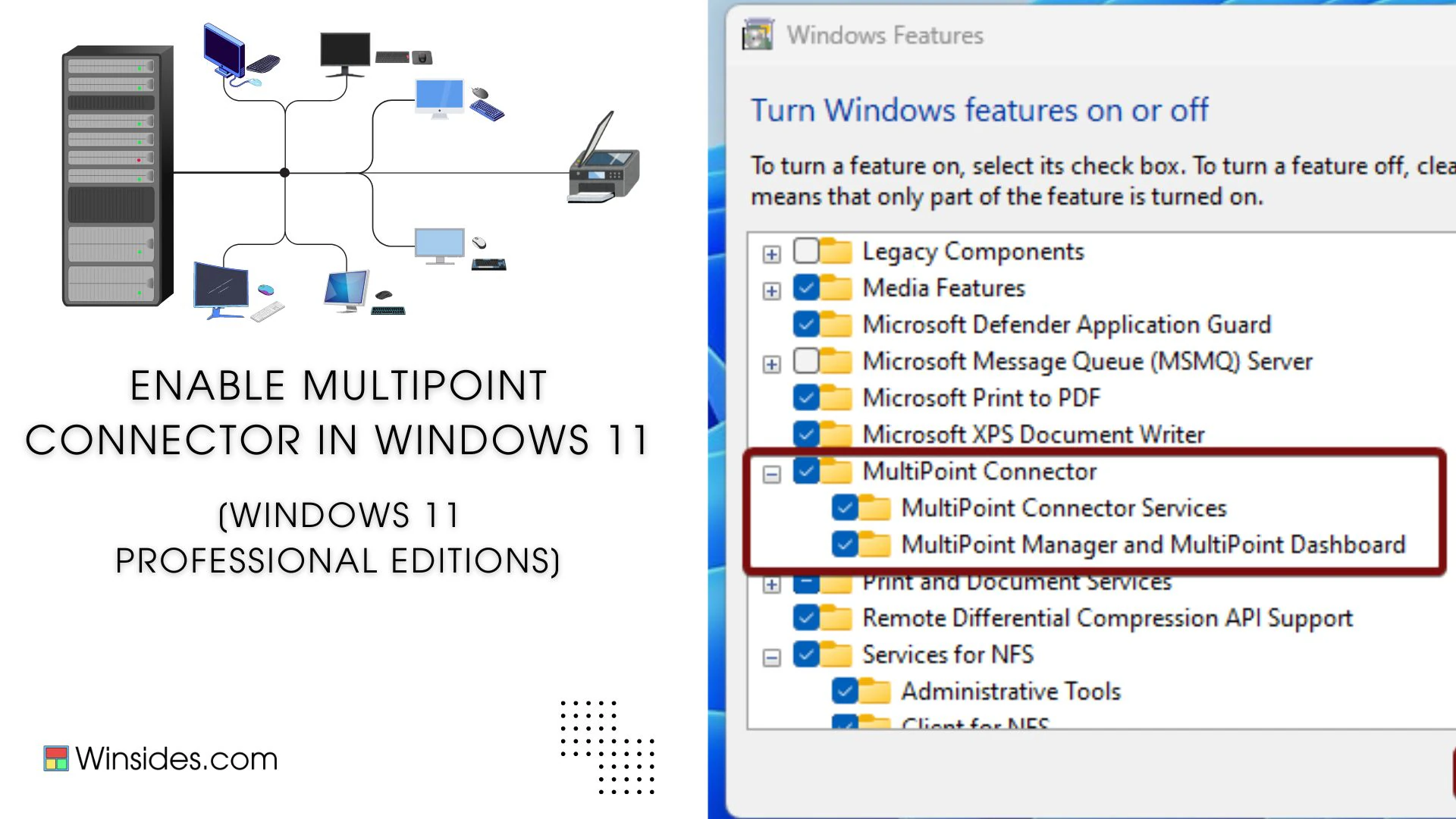
Enable MultiPoint Connector Services in Windows 11

Enable MultiPoint Connector Services in Windows 11: It is a part of Microsoft Multipoint Services, which allows multiple users to connect to and share a single computer simultaneously, using separate monitors, keyboards, mice, and other peripheral devices. Imagine a classroom where every student needs to use a computer, but instead of having individual PCs for […]

Read guide

Windows Features

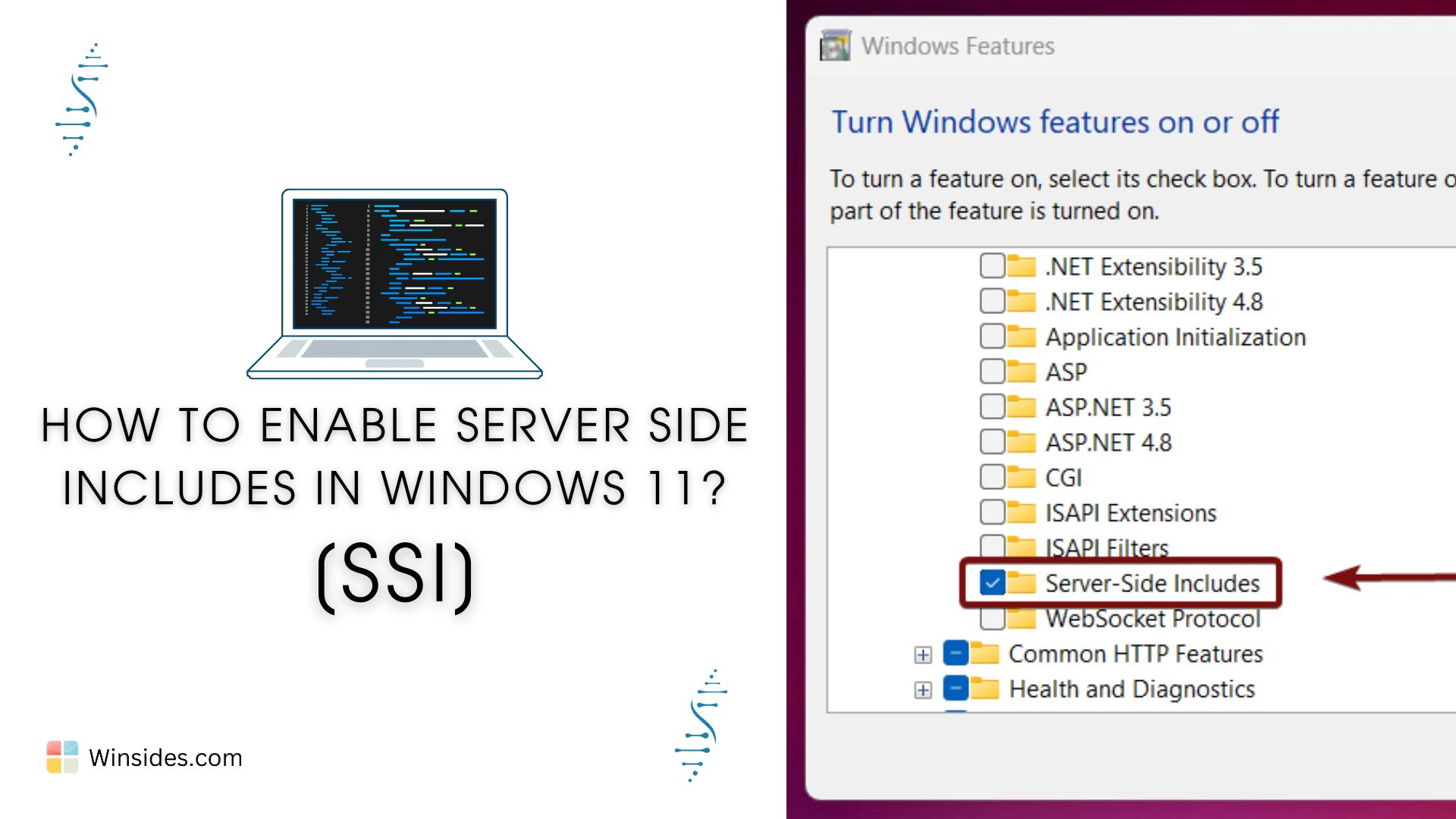
Enable Server Side Includes [SSI] in Windows 11

Imagine you’ve got a website with 50 pages, all sharing the same header, footer, or menu. If you need to update any of these elements, normally you’d have to edit all 50 pages, super tedious, right? Instead of editing each page every time you make a change, Server Side Includes, known as SSI, lets you […]

Read guide

Windows Features

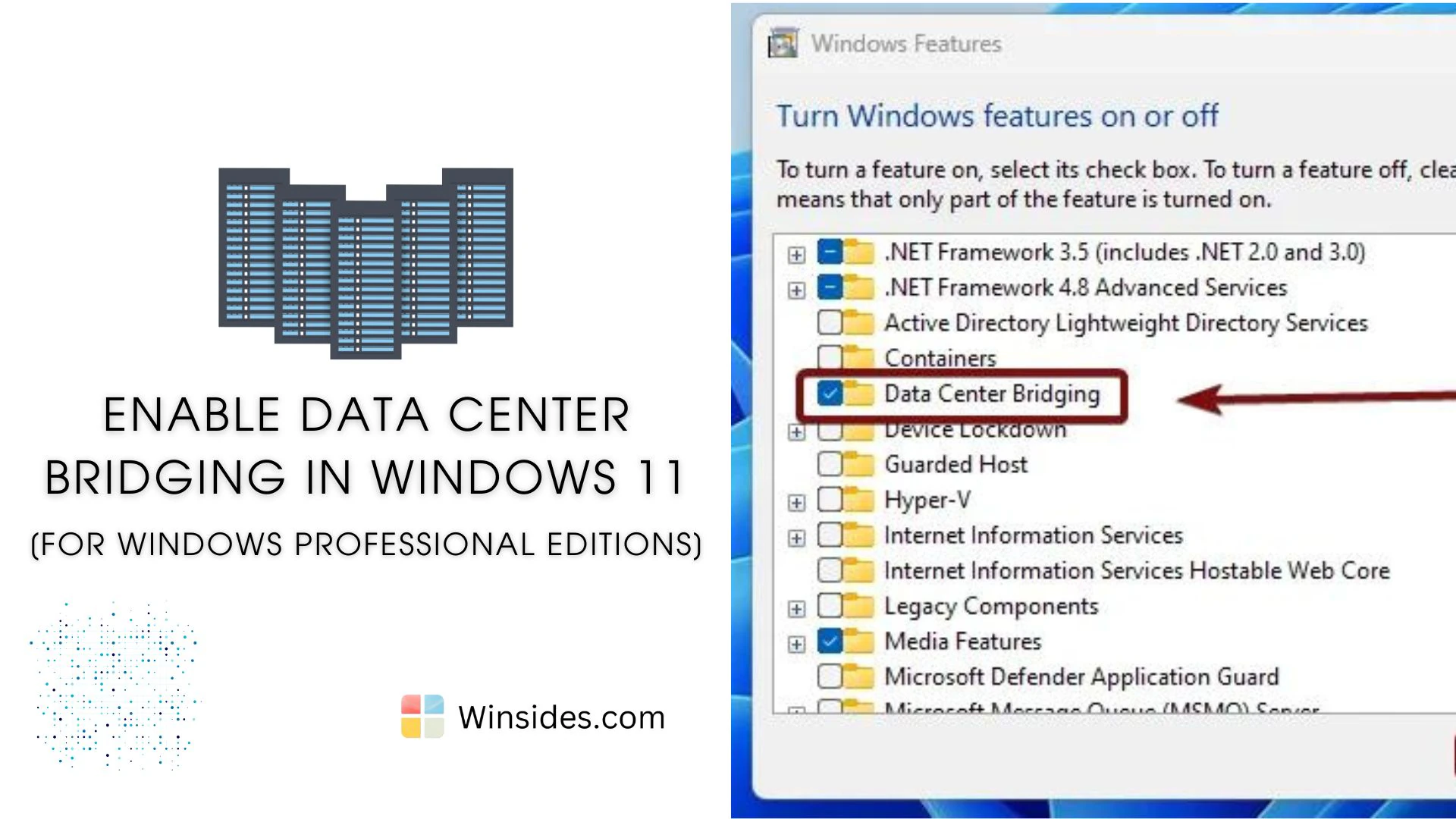
Enable Data Center Bridging in Windows 11

Data Center Bridging (DCB) is a suite of IEEE (Institute of Electrical and Electronics Engineers) standards designed to enhance Ethernet networks by providing lossless and low-latency data transmission. DCB is an optional feature in professional editions of Windows 11, such as Pro and Enterprise. This feature is particularly beneficial for data centers, ensuring that various […]

Read guide

Windows 11

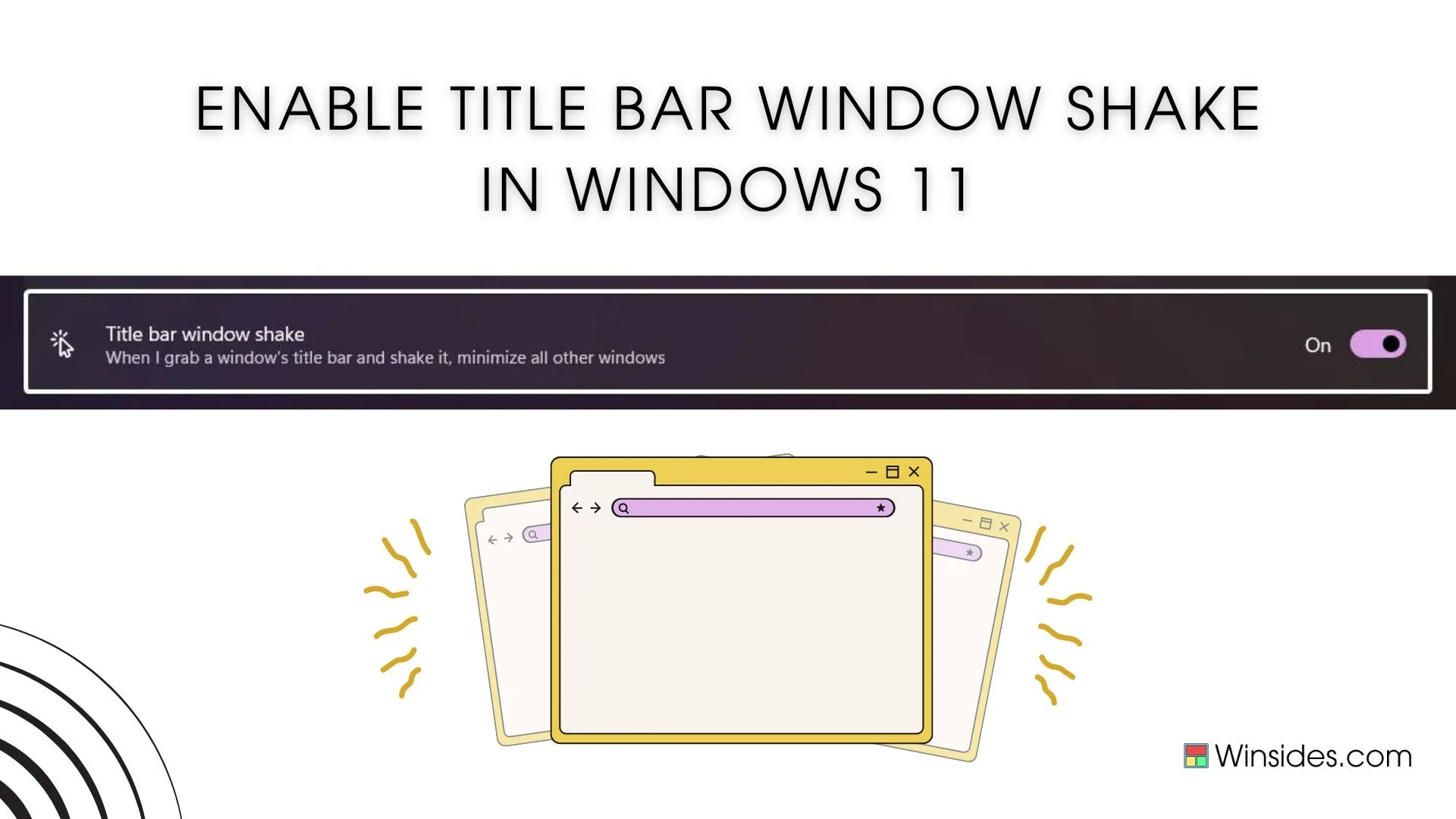
Turn on Title Bar windows Shake in Windows 11

Title Bar Windows Shake, also known as Aero Shake, is a nifty feature introduced in Windows 7 and carried forward to Windows 11, allowing users to quickly minimize all open windows except the one they are working on. This feature can be particularly useful for those who often work with multiple applications and need to […]

Read guide

Windows Features

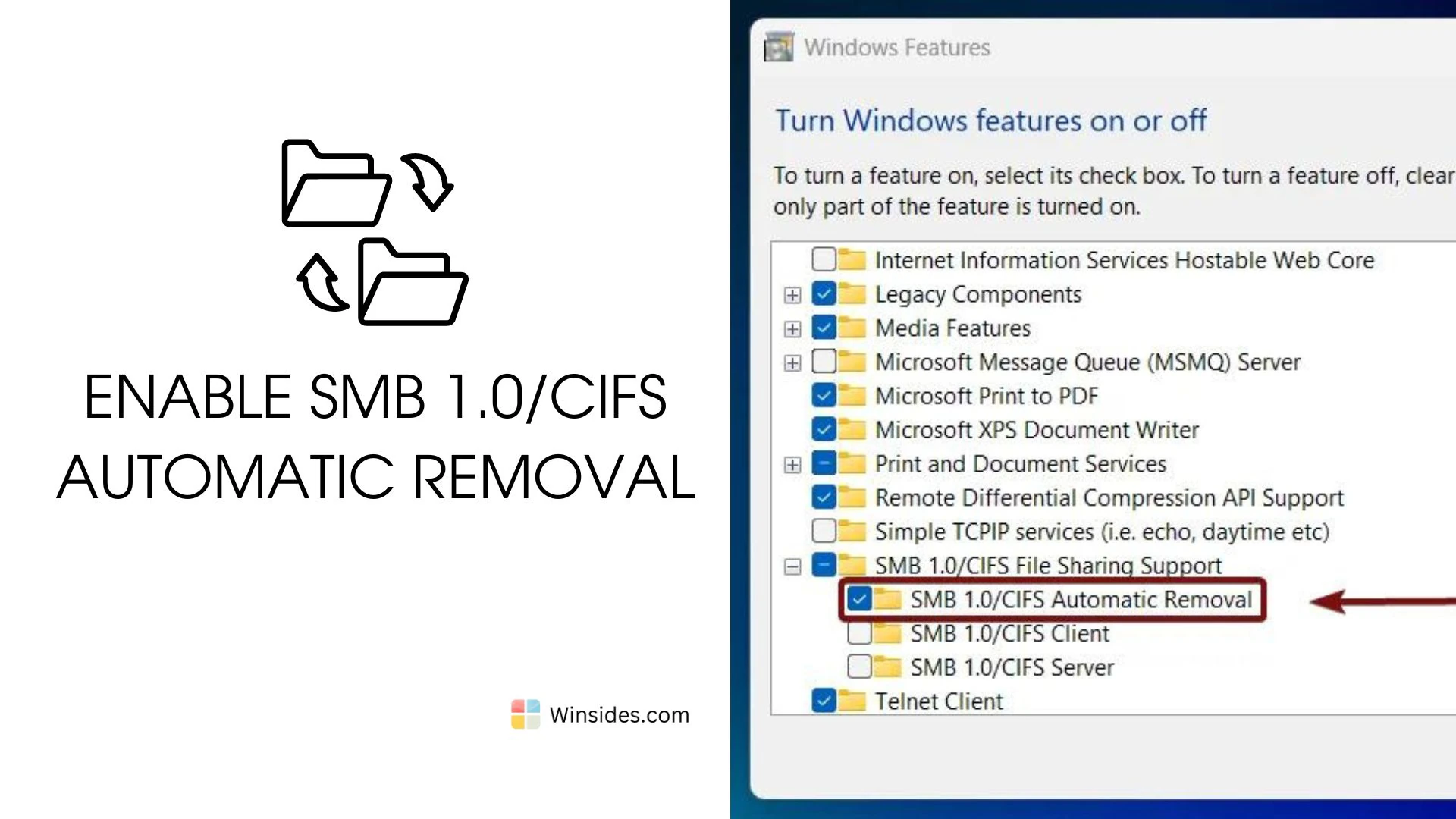
How to Enable SMB 1.0/CIFS Automatic Removal in Windows 11?

SMB 1.0/CIFS is an outdated protocol with known security vulnerabilities. These vulnerabilities have been exploited by ransomware and other malware, most notably in the WannaCry and NotPetya attacks and in general, cyber attacks. SMB 1.0/CIFS Automatic Removal is a feature in Windows 11 that automatically disables and removes the legacy Server Message Block (SMB) 1.0/CIFS […]

Read guide

Windows Features

Enable HTTP Redirection Service in IIS, Windows 11

HTTP Redirection Service in IIS: Ever found yourself clicking on a link only to be met with a “404 Page Not Found” error? Enter the HTTP Redirection Service in Internet Information Services (IIS) on Windows 11—the unsung hero of web management. In the ever-evolving world of online content, ensuring that users effortlessly land on the […]

Read guide

Windows Features

Enable Static Content Service in IIS in Windows 11

Static Content Service in Internet Information Services: The Static Content Service in Internet Information Services (IIS) on Windows 11 is designed to optimize the delivery of static content on websites. Static content typically includes elements like images, stylesheets, JavaScript files, and other resources that don’t change frequently. This guide delves into the world of Static […]

Read guide

Windows Features

Enable Application Development Features IIS in Windows 11

How to Enable Application Development Features IIS in Windows 11? Application Development Features: Discover the game-changing features of Internet Information Services (IIS) in Windows 11 for your app development needs! IIS is like a superhero for your apps, making them run smoothly on the web. In this guide, we’ll explore how IIS in Windows 11 […]

Read guide

Windows Features

Enable Directory Browsing in IIS in Windows 11

Directory Browsing Service in IIS: This guide delves into the capabilities of the Directory Browsing Service in IIS on Windows 11, showcasing how it transforms your server into a user-friendly hub, allowing visitors to explore and locate content effortlessly. Join us on a journey to harness the user-centric benefits of directory browsing, providing a visually […]

Read guide

Windows Features

How to Enable HTTP Errors Service IIS in Windows 11

HTTP (Hypertext Transfer Protocol) Error Service IIS in Windows 11: HTTP Errors Service: This guide explores the capabilities of the HTTP Errors Service in IIS on Windows 11, showcasing how it empowers web administrators to present informative error pages, redirect users seamlessly, and maintain a professional and user-friendly online environment. Join us on a journey […]

Read guide

Windows Features

Enable Dynamic Content Compression in IIS, Windows 11

Dynamic Content Compression Performance Feature in Windows 11: Enable Dynamic Content Compression: Unleash the speed and efficiency of your web applications with Dynamic Content Compression in Internet Information Services (IIS) on Windows 11. In the fast-paced digital landscape, user experience is paramount, and page loading times can significantly impact engagement. Enter Dynamic Content Compression, a […]

Read guide

Windows Features

Enable FTP Publishing on a Web Server in Windows 11

How to Enable FTP Publishing on a Web Server? FTP Publishing on a Web Server: If you’re operating a web server powered by Windows 11, enabling FTP publishing can provide a streamlined method for content deployment, maintenance, and collaboration. This guide will walk you through the process of setting up FTP publishing on a Windows […]

Read guide

Windows Features

Enable WebDAV Publishing IIS in Windows 11

Web Distributed Authoring and Versioning Publishing in Windows 11: WebDAV (Web Distributed Authoring and Versioning) takes center stage as a versatile protocol that extends IIS functionality, allowing seamless access and collaboration on web-based documents. This guide dives into WebDAV Publishing in IIS on Windows 11, unveiling a powerful solution for secure, real-time file sharing and […]

Read guide

Windows Features

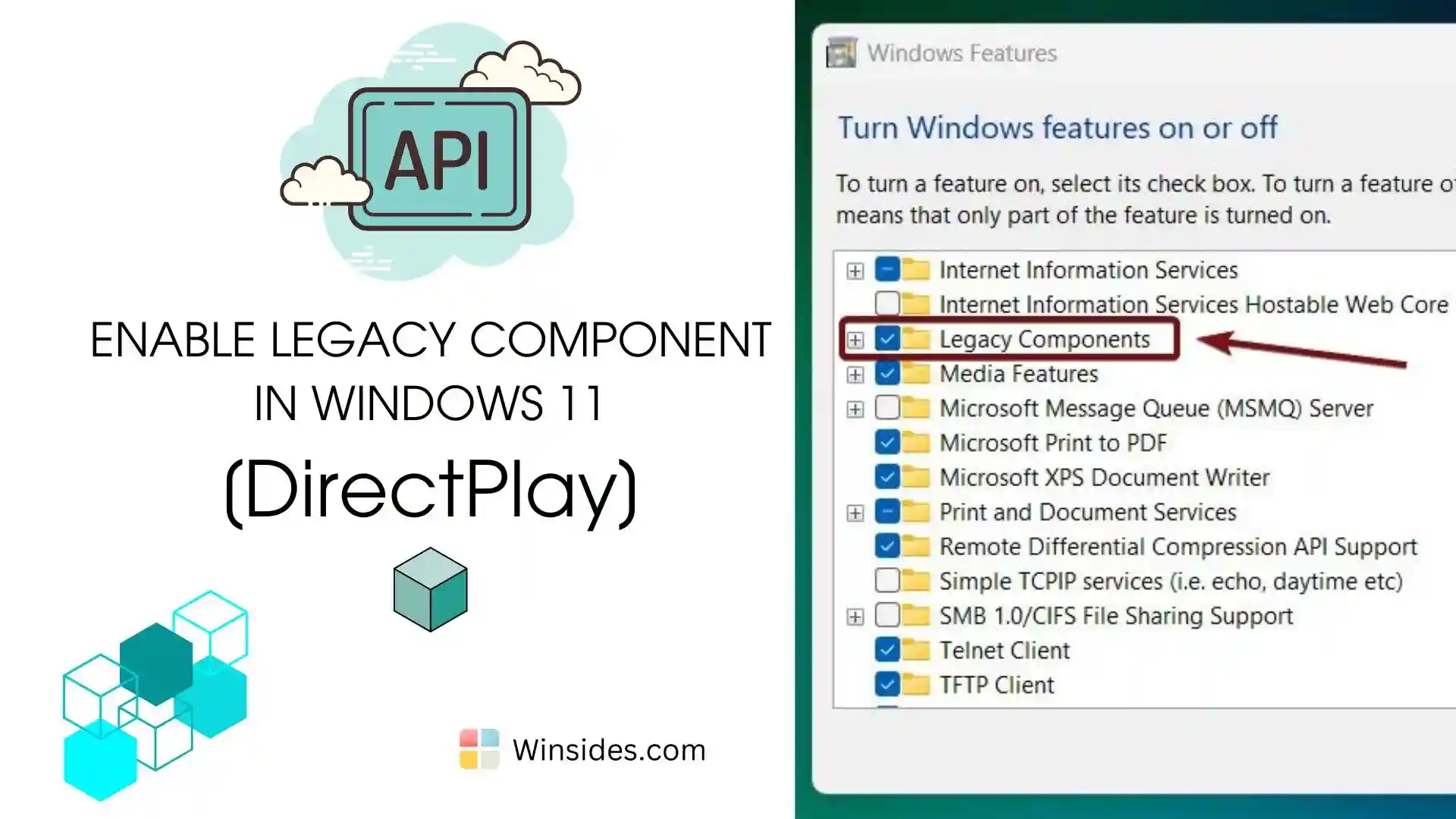
How to Enable Legacy Components in Windows 11?

Enable Legacy Components in Windows 11: Legacy Components refer to older software features and technologies that are maintained for compatibility with previous versions of Windows or older applications. These components are not actively developed with new features but are retained to ensure that older software can still run on modern Windows systems. Components such as […]

Read guide

Windows Features

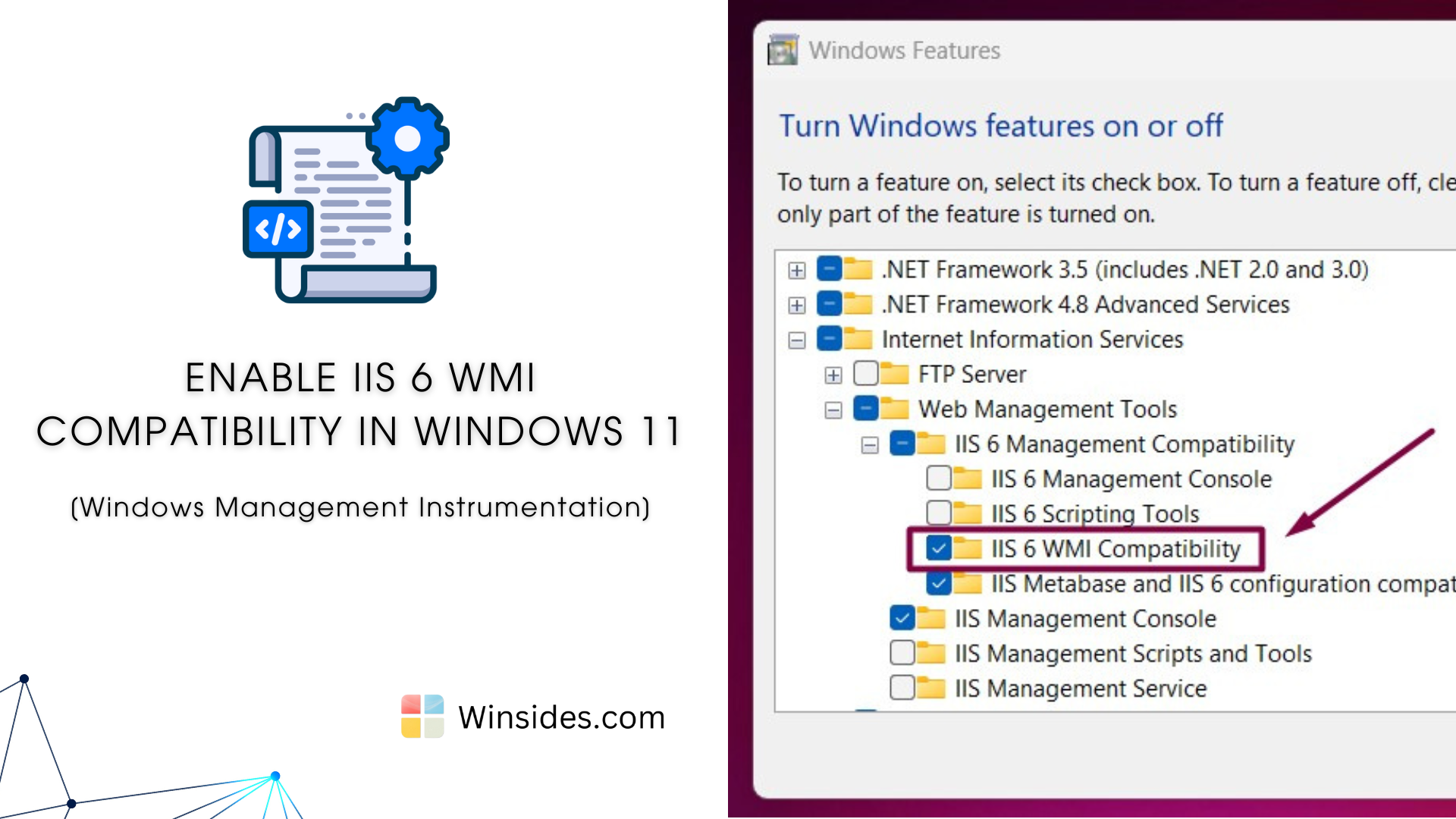
How to Enable IIS 6 WMI Compatibility in Windows 11?

Enable IIS 6 WMI Compatibility in Windows 11: It provides a set of tools and interfaces that allow administrators to manage IIS 6.0 using Windows Management Instrumentation (WMI). WMI is a powerful feature in Windows that enables scripting and automation of management tasks across local and remote machines. This feature bridges the gap between the […]

Read guide

Windows Features

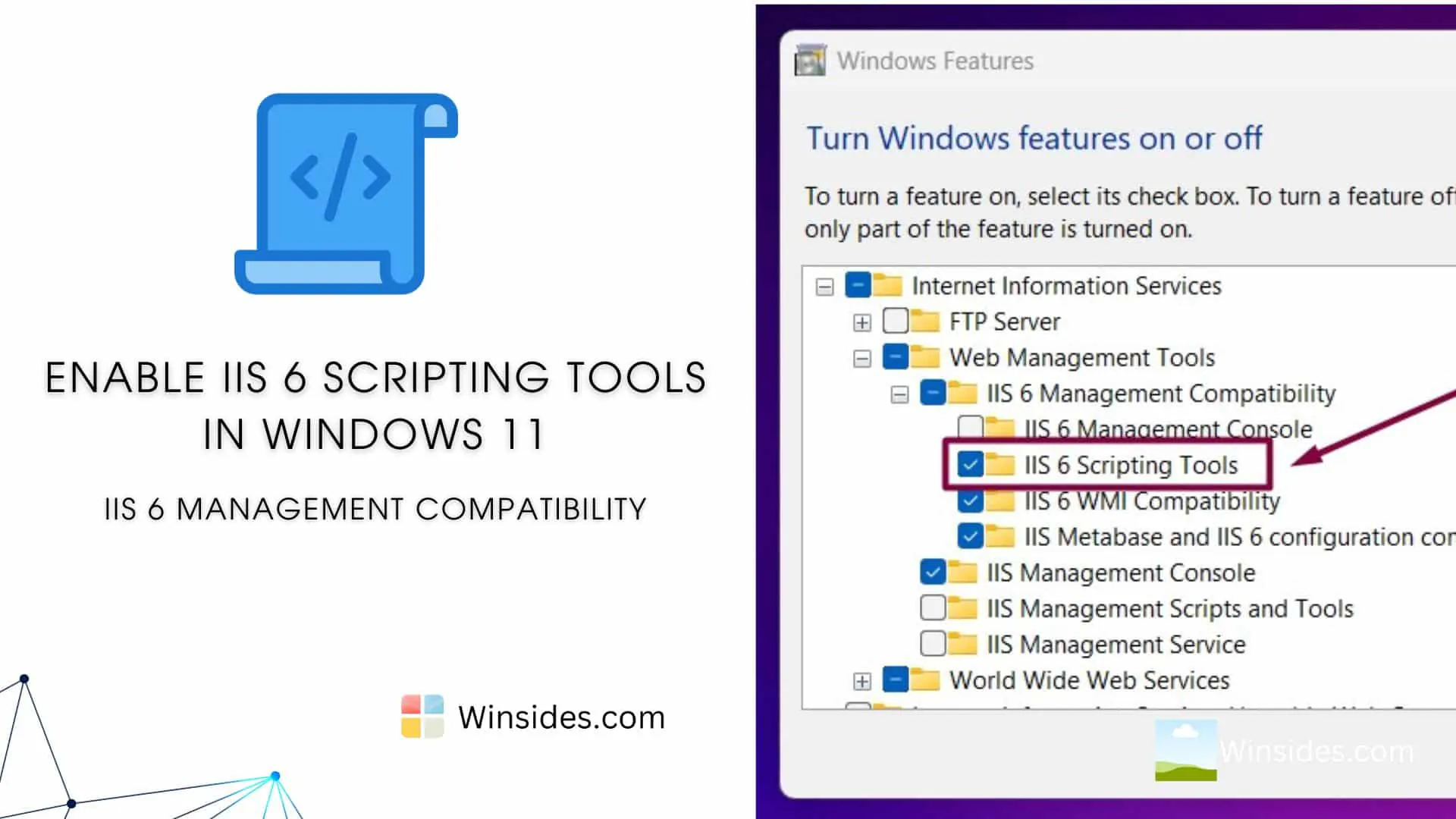
Enable IIS 6 Scripting Tools in Windows 11

IIS 6 Scripting Tools in Windows 11 provide backward compatibility for scripting management tasks using IIS 6.0 scripts. These tools are handy for administrators and developers who need to manage IIS servers using legacy scripts and command-line tools originally designed for IIS 6.0. In this article, we will check out how to Enable IIS 6 […]

Read guide