Article tag

How to Enable in Windows 11

107 guides · Page 4 of 4

Windows Features

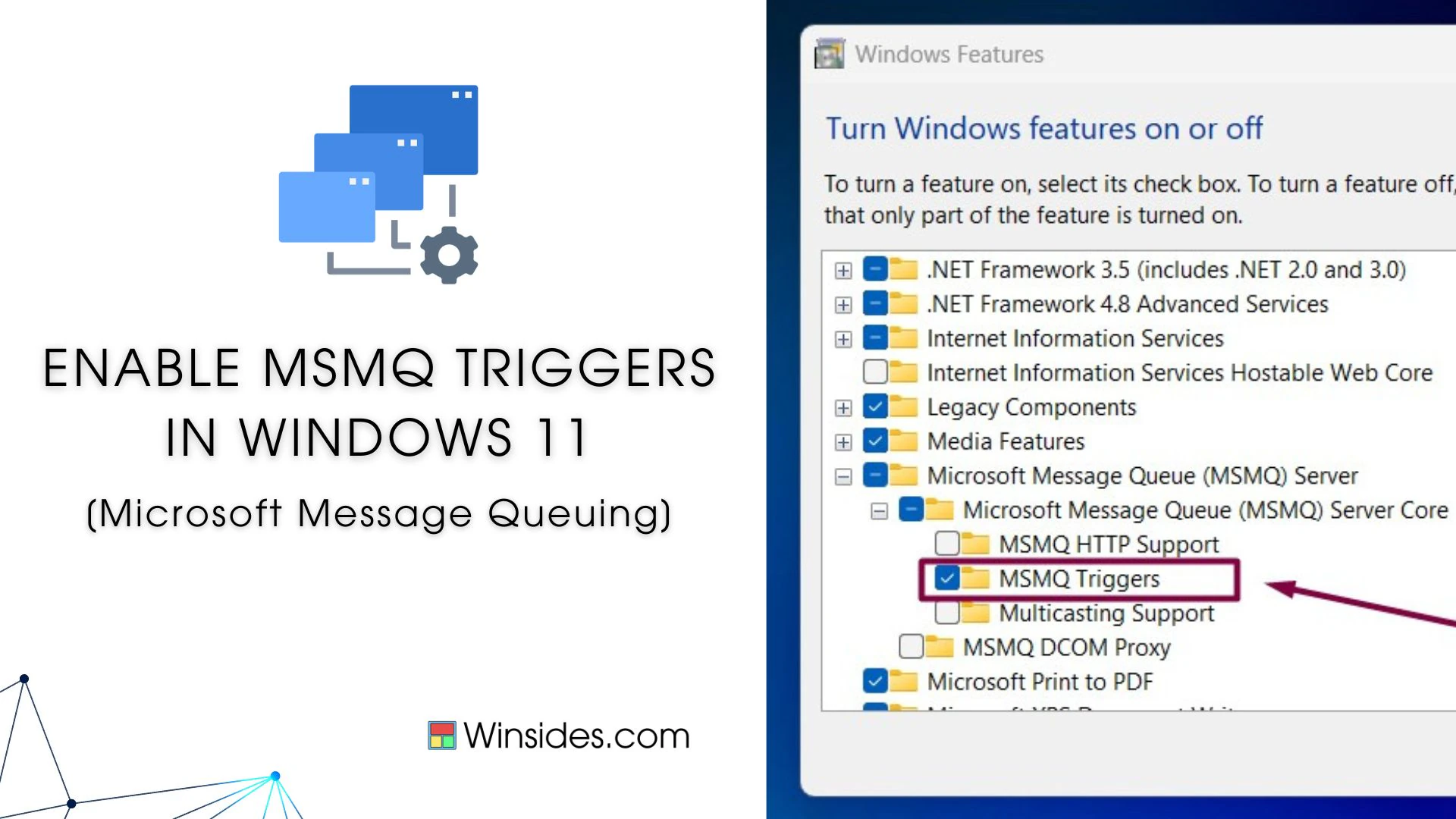
How to Enable MSMQ Triggers in Windows 11?

Enable MSMQ Triggers in Windows 11: MSMQ (Microsoft Message Queuing) Triggers in Windows 11 are a feature that allows the execution of specific actions, such as running a COM (Component Object Model) component or an executable, in response to incoming messages in a message queue. It provides a mechanism to associate the arrival of messages […]

Read guide
Windows Features

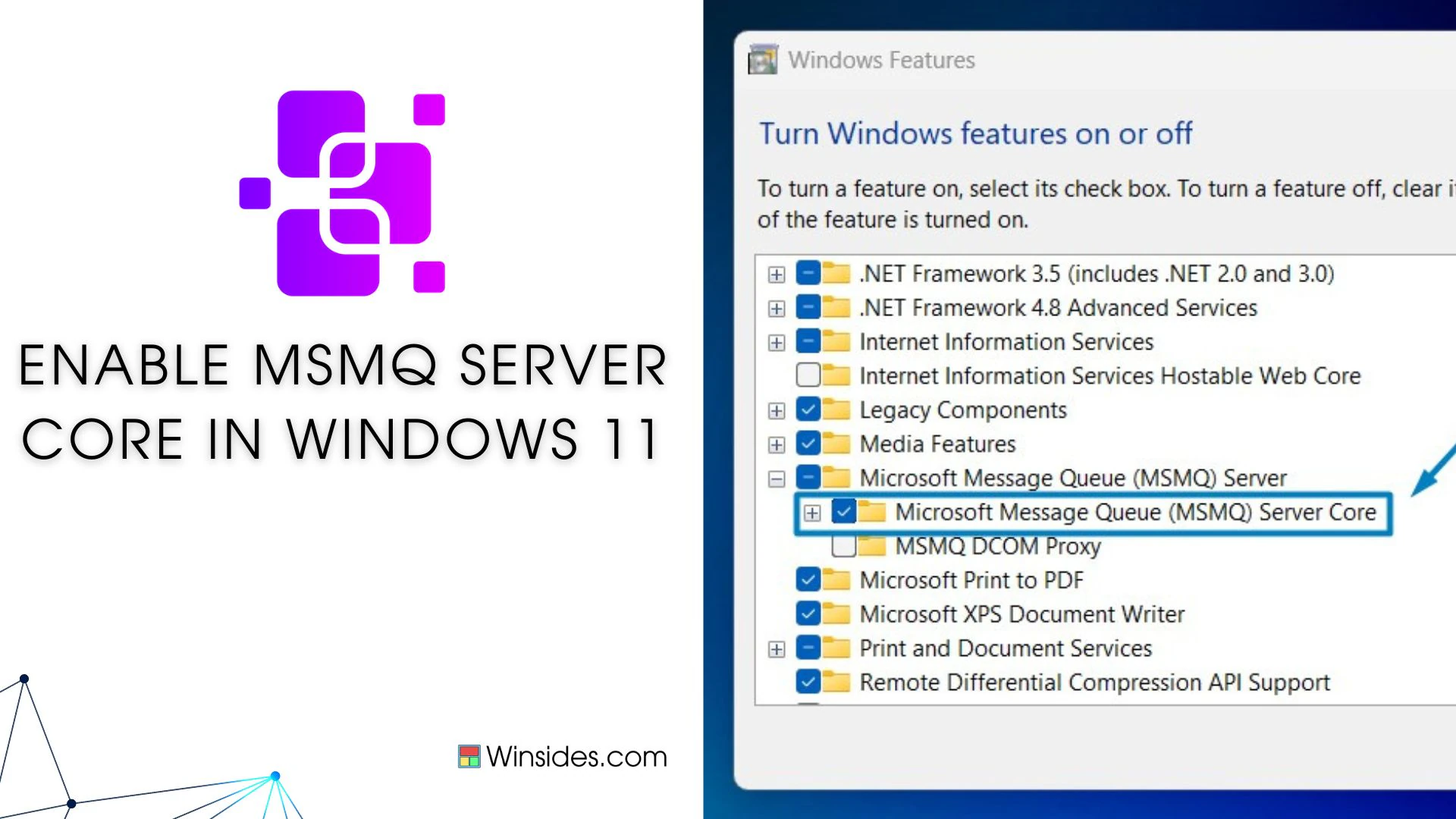
Enable Microsoft Message Queue (MSMQ) Server Core in Windows 11

Enable Microsoft Message Queue Server Core in Windows 11: It is a messaging infrastructure that enables applications to communicate across heterogeneous networks and systems reliably and asynchronously. MSMQ allows applications running on different servers to exchange messages securely, transaction-based, and fault-tolerant, making it essential for building robust and scalable distributed systems. In this guide, we […]

Read guide

Windows Features

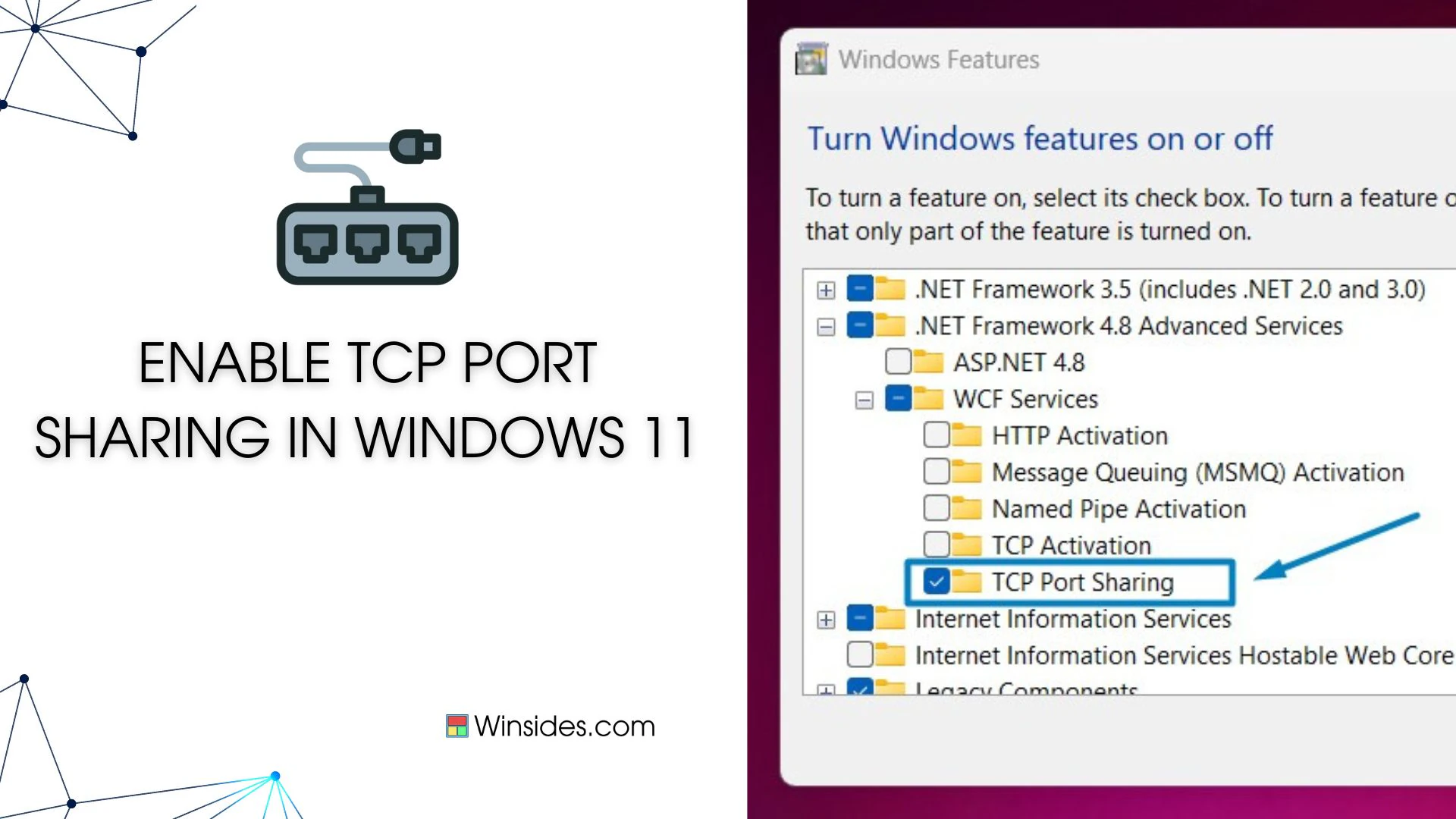
How to Enable TCP Port Sharing in Windows 11?

Enable TCP Port Sharing in Windows 11: TCP Port Sharing in Windows 11 refers to the ability of multiple network services or applications to share the same TCP port on a single machine. This feature is particularly useful in scenarios where multiple services need to be accessible over the network but have restrictions on the […]

Read guide

Windows Features

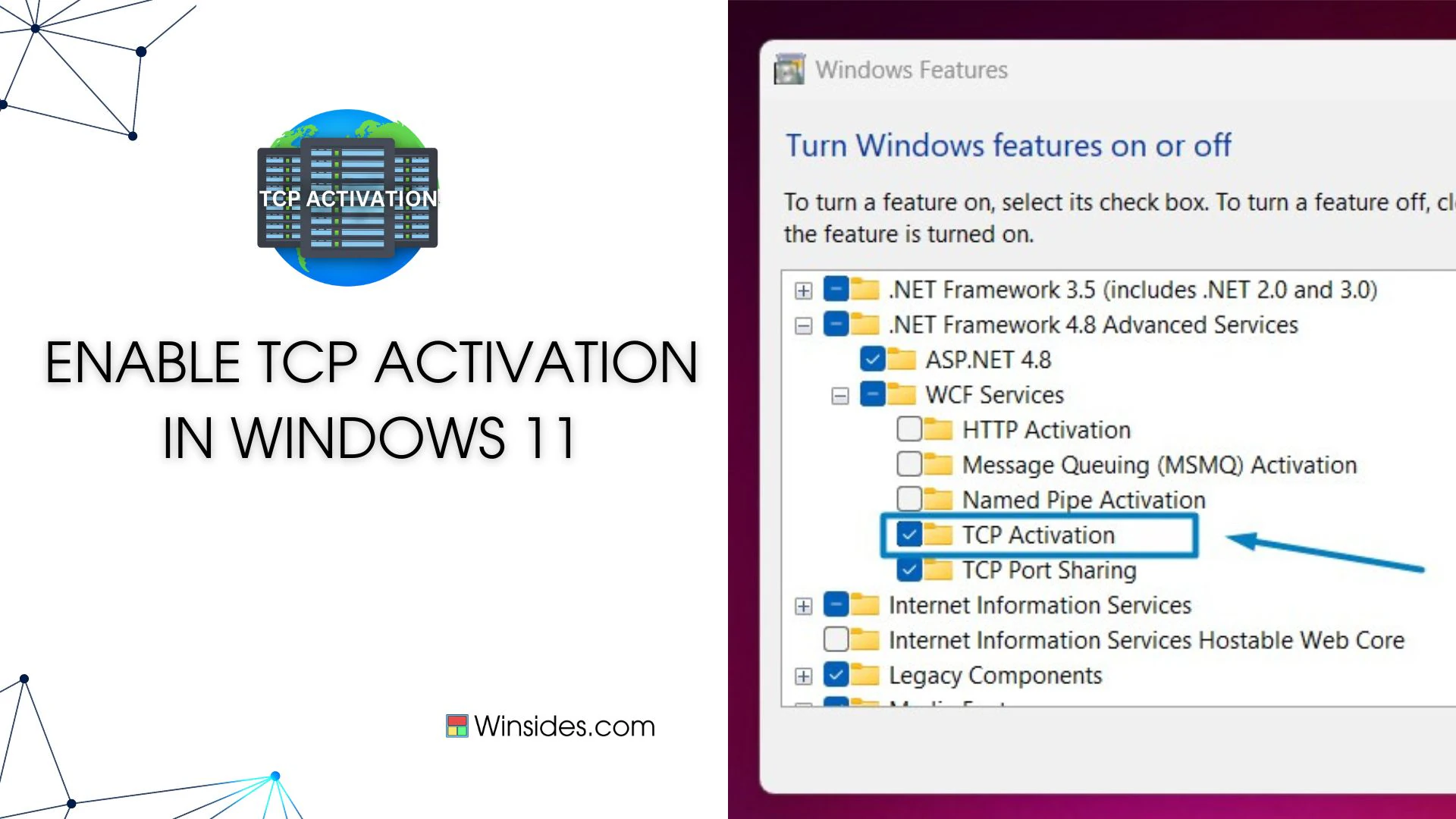
How to Enable TCP Activation in Windows 11?

TCP Activation in Windows 11 refers to the capability provided by Windows Process Activation Service (WAS) to activate Windows Communication Foundation (WCF) services over TCP/IP protocol. WAS is a component of Windows that manages the activation and lifetime of WCF services and other application components. When a WCF service is configured for TCP Activation, it […]

Read guide

Windows Features

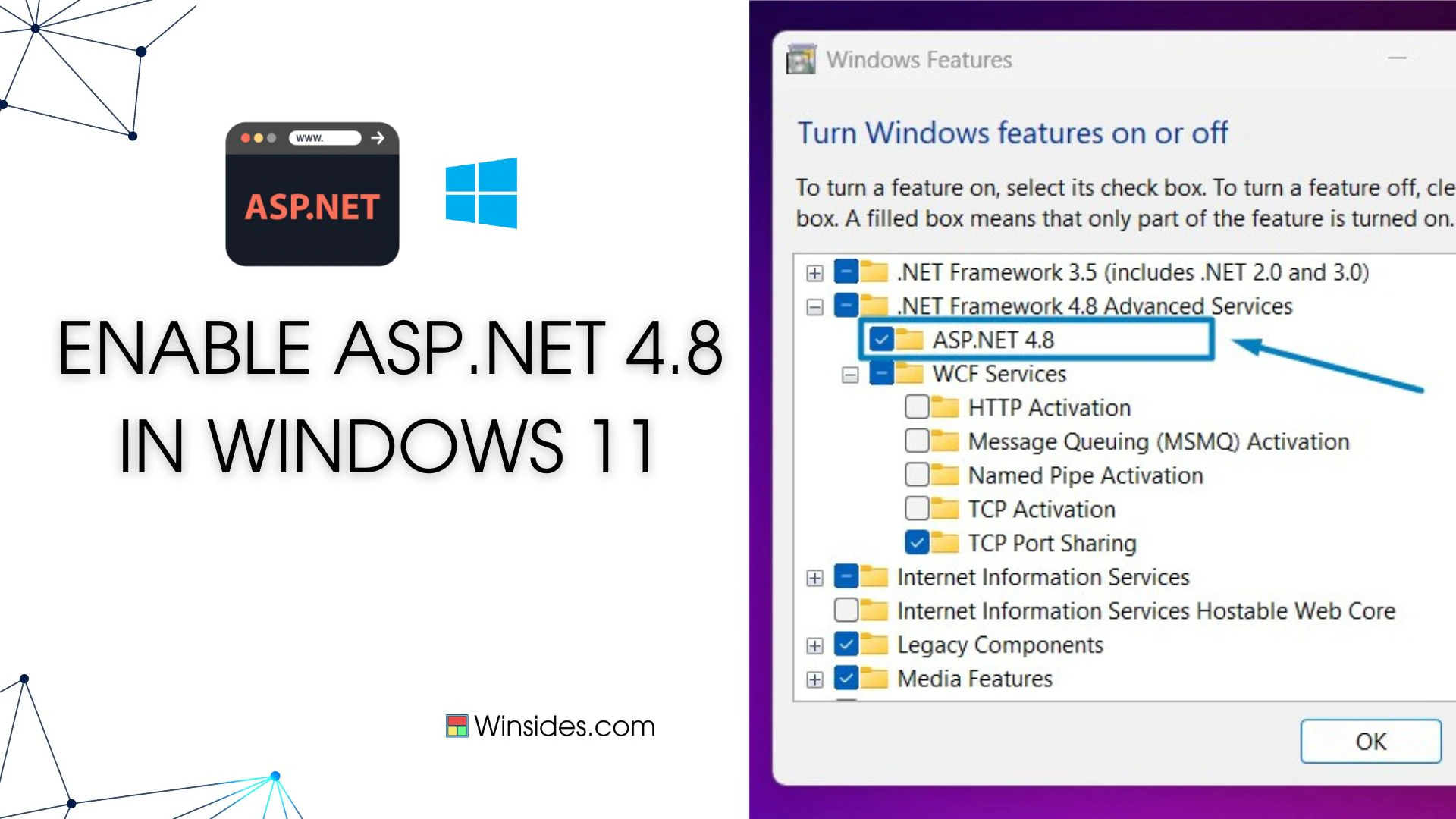
How to Enable ASP.NET 4.8 in Windows 11?

Enable ASP.NET 4.8 in Windows 11: ASP.NET 4.8 is a robust web application framework by Microsoft, facilitating dynamic web page creation, web services development, and web application building. Operating server-side, it leverages .NET Framework or .NET Core to execute code written in languages like C# or VB.NET. Its applications span from creating interactive web apps, […]

Read guide

Windows Features

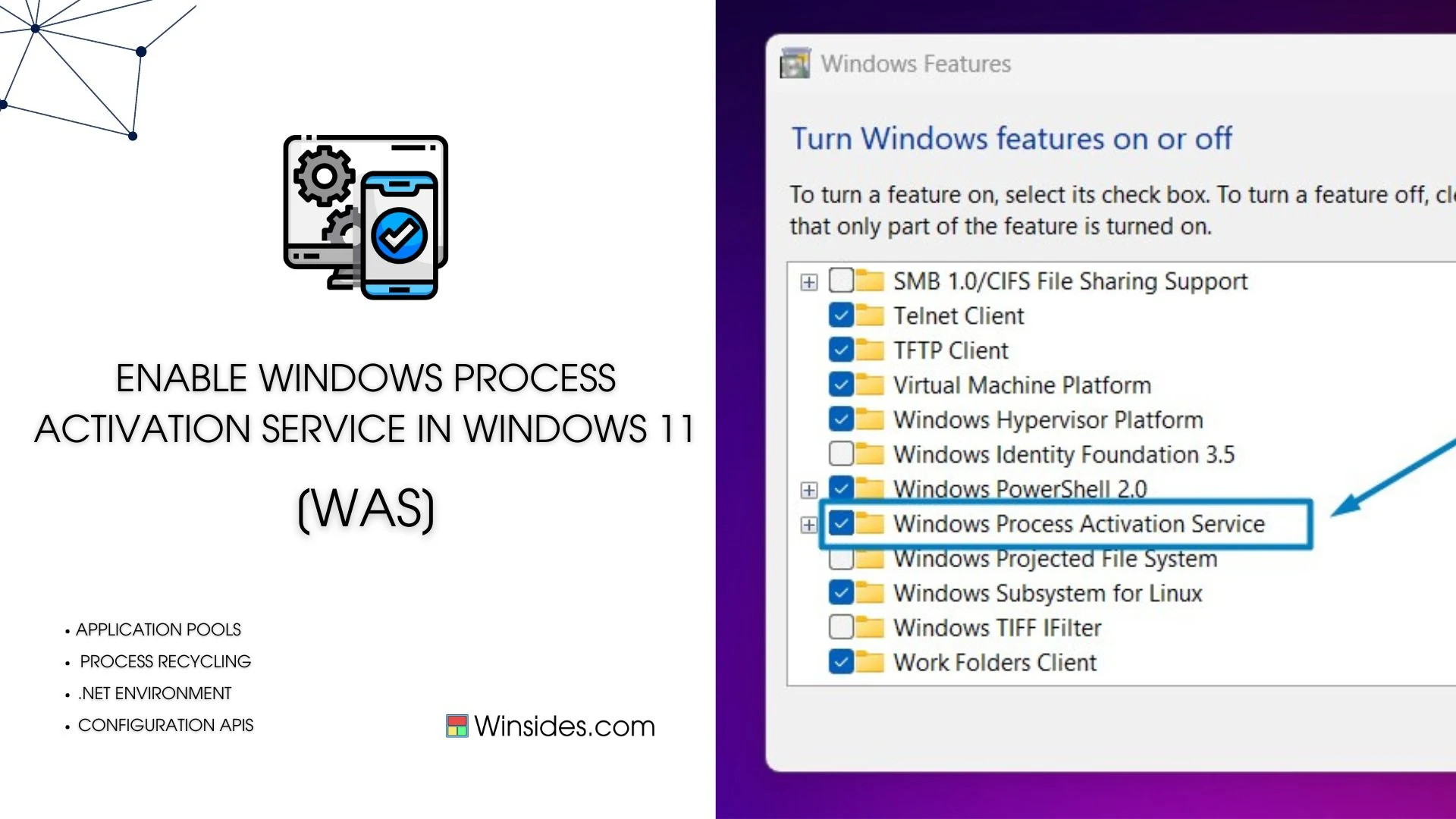
Enable Windows Process Activation Service in Windows 11

Windows Process Activation Service, also known as WAS, is a Windows operating system component that provides process model and activation services for applications that use Internet Information Services (IIS). It’s particularly important for hosting applications that require a process model beyond what the traditional IIS worker process (w3wp.exe) provides. WAS plays a crucial role in […]

Read guide

Windows Features

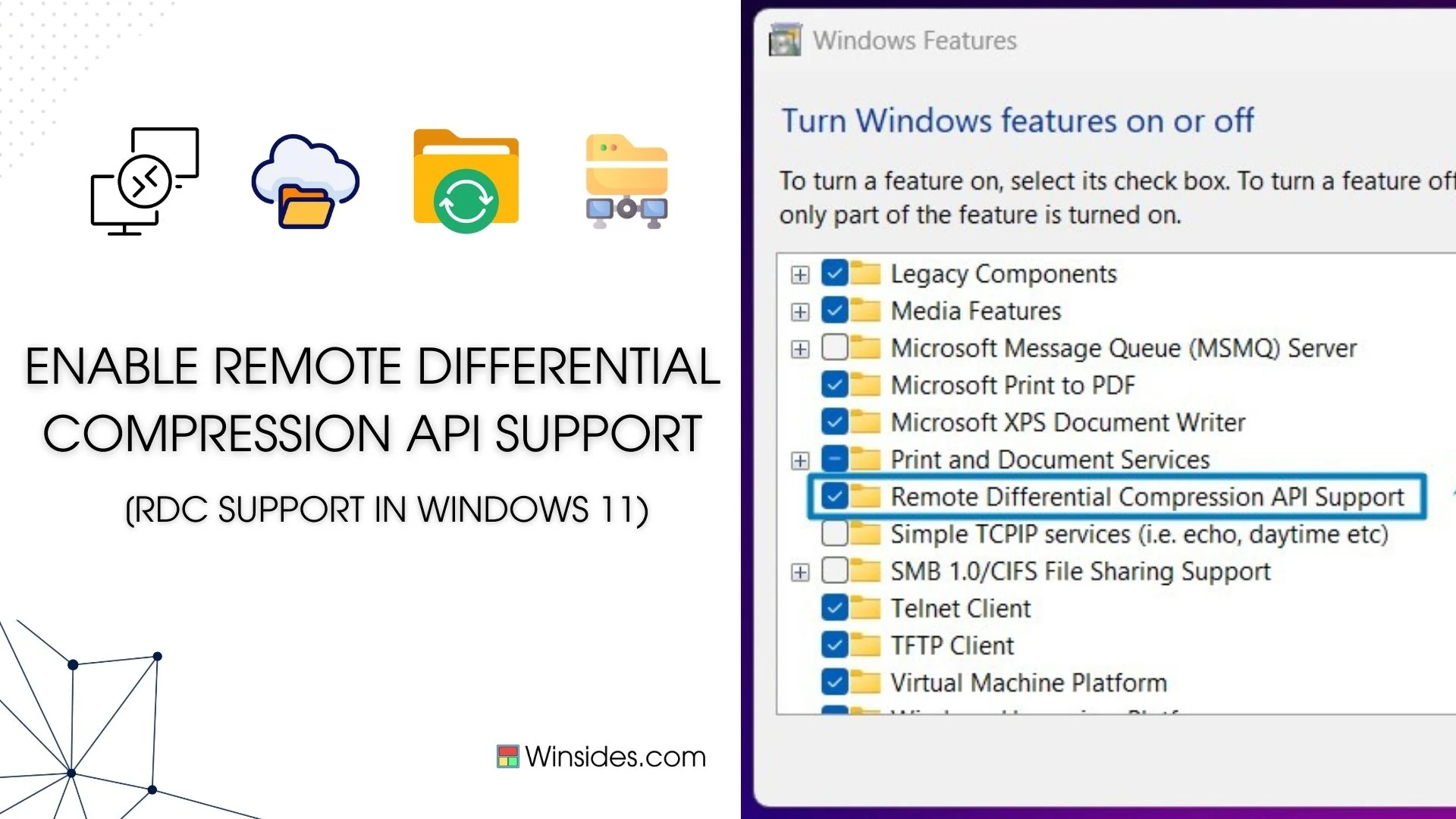
Enable Remote Differential Compression API Support in Windows 11

Enable Remote Differential Compression API Support in Windows 11: Windows 11 includes Remote Differential Compression (RDC) API support, which is a technology that helps in efficient data synchronization and transfer over a network. This API is beneficial for applications that need to transfer large amounts of data while minimizing bandwidth usage. RDC allows for comparing […]

Read guide

Windows Features

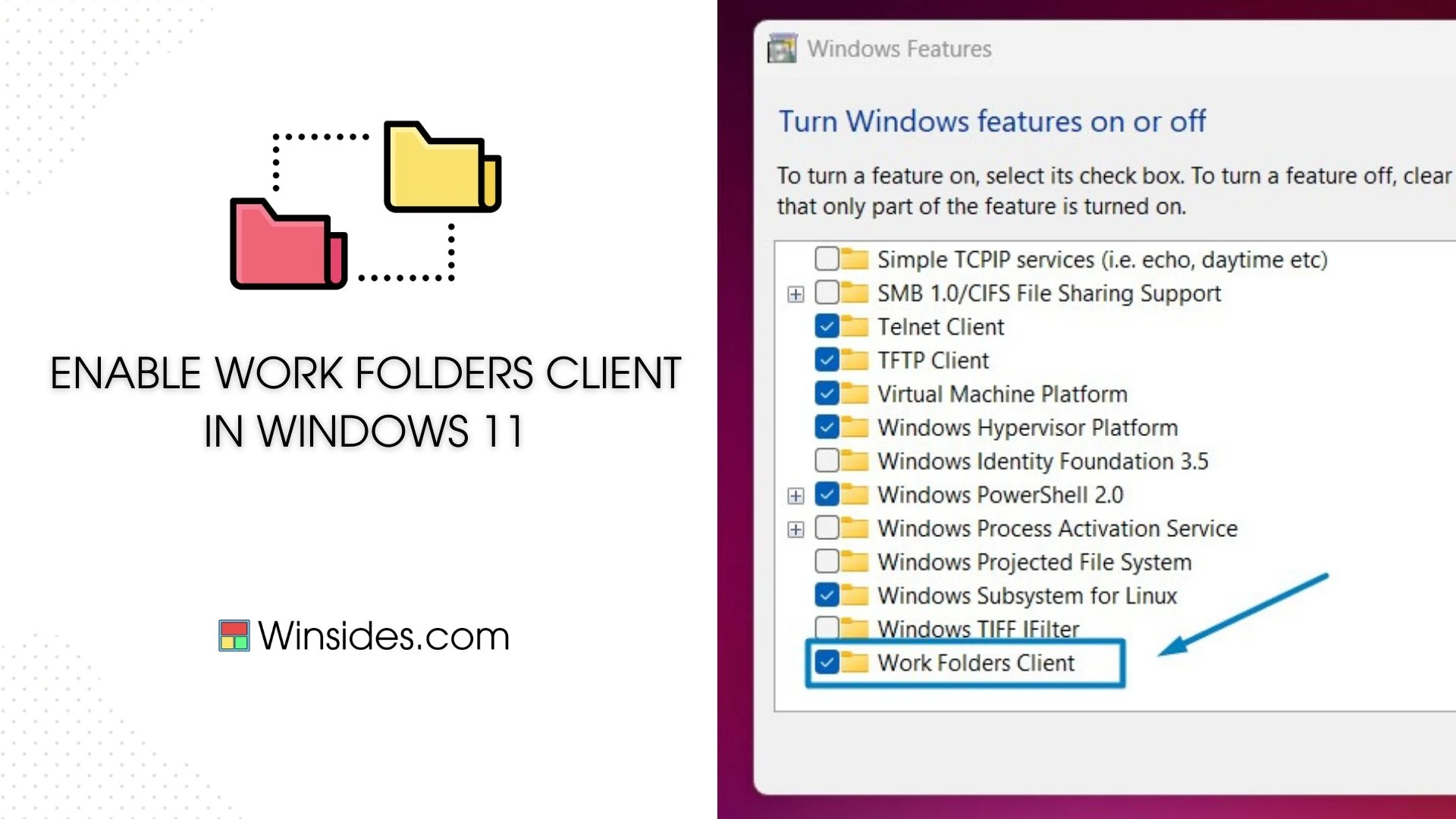
How to Enable Work Folders Client in Windows 11

Enable Work Folders Client in Windows 11: It is a feature in Windows operating systems, including Windows 11, that enables users to access their work files securely from anywhere. It provides a synchronization mechanism that allows files and folders to be kept up-to-date across multiple devices, ensuring that users have access to the latest versions […]

Read guide

Windows Features

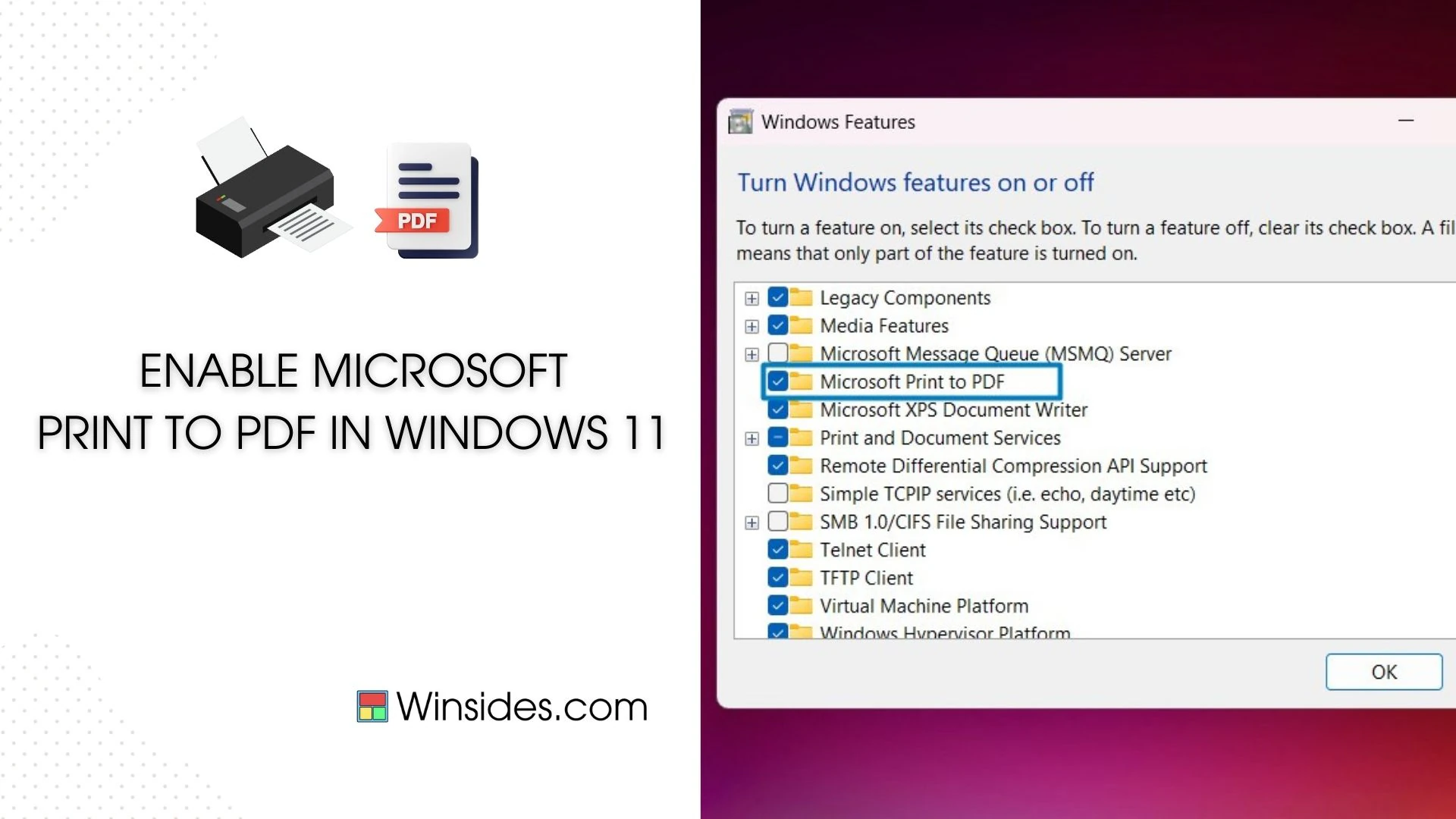
How to Enable Microsoft Print to PDF in Windows 11?

Microsoft Print to PDF is a built-in feature in Windows 11 that allows users to convert documents, web pages, and images into PDF format effortlessly. This handy tool eliminates the need for third-party software and simplifies the process of creating PDF files. In this guide, we’ll walk you through the steps to enable and use […]

Read guide

Windows Features

How to Enable Virtual Machine Platform in Windows 11?

Enable Virtual Machine Platform in Windows 11: The Virtual Machine Platform is a key feature in Windows 11, enabling users to run virtualized instances with ease and efficiency. Enabling this platform unlocks a wide range of capabilities, including support for running Linux distributions and other virtualized environments seamlessly within Windows 11. In this guide, we’ll […]

Read guide

Windows Features

Enable Windows Hypervisor Platform in Windows 11

The Windows Hypervisor Platform in Windows 11 is a fundamental component of virtualization in Windows 11, allowing users to run virtual machines with enhanced performance and compatibility. Enabling the Windows Hypervisor Platform unlocks many features, including support for Hyper-V and other virtualization technologies. In this guide, we’ll walk you through the simple steps to enable […]

Read guide

Windows Features

How to Enable Windows Identity Foundation 3.5 in Windows 11?

Windows Identity Foundation 3.5 in Windows 11: Windows Identity Foundation 3.5 shortly called WIF 3.5 is a set of .NET Framework classes that can be used for implementing claims-based identity in .NET 3.5 and .NET 4.0 applications. WIF 3.5 has been superseded by WIF Classes that are provided as a part of .NET 4.5. Microsoft […]

Read guide

Windows Features

How to Enable Windows Projected File System in Windows 11

Windows Projected File System is a powerful feature in Windows 11 that allows users to access files stored remotely on another device as if they were stored locally. This feature comes in handy when you want to access files from another device without the need for complex network configurations. In this guide, we’ll walk you […]

Read guide

Windows Features

Enable TIFF IFilter in Windows 11

Enable TIFF IFilter in Windows 11: In Windows 11, unleashing the full potential of file search capabilities can significantly enhance productivity and efficiency. One often overlooked feature is the TIFF iFilter, coupled with Optical Character Recognition (OCR) technology, enabling seamless indexing and searching within TIFF (Tagged Image File Format) documents. By activating the TIFF iFilter […]

Read guide

Windows Features

How to Enable IIS Hostable Web Core in Windows 11?

The purpose of Internet Information Services (IIS) Hostable Web Core is to provide developers with a lightweight and modular web server engine that can be embedded directly within their applications. It allows developers to host web applications and services within their own processes, providing greater control and flexibility over how web content is served. Hostable […]

Read guide

Windows Features

Enable .NET Framework 4.8 Advanced Services in Windows 11

.NET Framework 4.8 Advanced Services represents a leap forward in the capabilities and performance of the .NET Framework, offering developers a powerful toolkit to create cutting-edge applications. While Windows 11 embodies modernity, it also recognizes the importance of supporting developers by providing access to the latest technologies. In this guide, we’ll delve into the process […]

Read guide

Windows Features

Enable Default Document Service IIS in Windows 11

By activating the Default Document Service, web administrators can effortlessly guide visitors to the right landing page, eliminating the need for users to specify individual files. In this guide, we’ll explore the simple steps to enable the Default Document Service in IIS on Windows 11, ensuring your website becomes a user-friendly oasis in the vast […]

Read guide