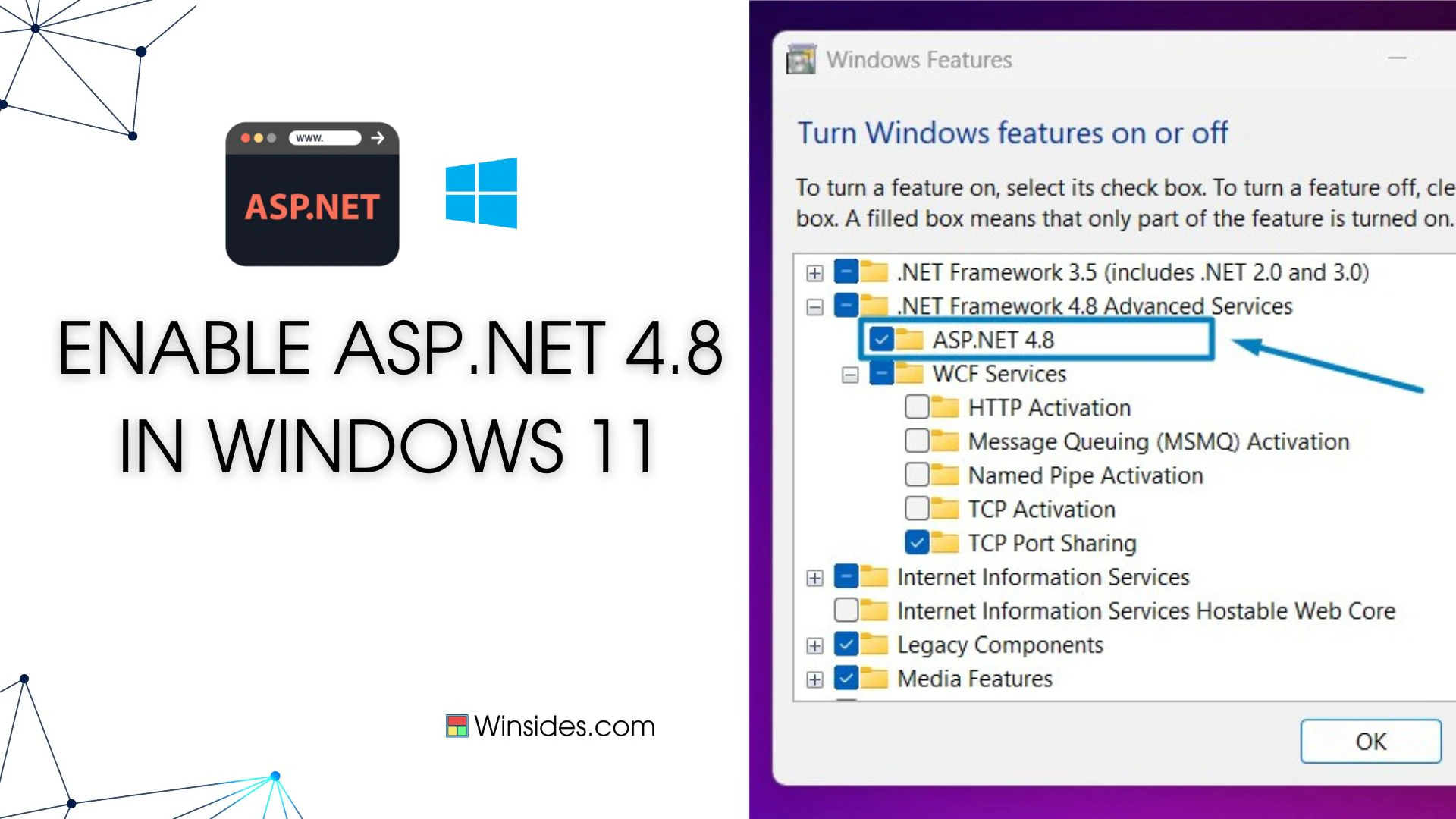
Enable ASP.NET 4.8 Support in IIS on Windows 11
Enable ASP.NET 4.8 on Windows 11: If you’re looking to host ASP.NET 4.8 applications on Windows 11, enabling support within Internet Information Services (IIS) is essential. IIS is Microsoft’s…
Read MoreEnable SMB Direct in Windows 11 (Easy way)
Enable SMB Direct in Windows 11: Microsoft introduced an enterprise-level feature with SMB 3.0 in Windows Server 2012 and Windows 8. Regarding SMB Direct, the key qualities are High Performance and…
Read MoreEnable Tracing for ASP.NET Apps in Windows 11 – Quick way
Tracing in ASP.NET applications and failed request tracing in Windows 11 are diagnostic tools used to help identify and resolve performance or functional issues in web applications and their hosting…
Read MoreEasy way to enable ISAPI Extensions in Windows 11
ISAPI Extensions in Windows 11: ISAPI Extensions enable dynamic web applications to interact more deeply with IIS, allowing customized handling of web requests, enhanced performance, and extended…
Read MoreHow Do I Enable ISAPI Filters in Windows 11?
Enable ISAPI Filters in Windows 11: ISAPI is a set of Windows programming interfaces that allow developers to create high-performance web applications that run on an Internet…
Read MoreHow to Enable .NET Extensibility 3.5 in Windows 11? Quick Guide!
DOT NET Extensibility 3.5 in Windows 11: It is a component of Internet Information Services that allows developers to create and register their own custom HTTP modules and handlers for web…
Read MoreInstantly Enable .NET Extensibility 4.8 in Windows 11 PC!
DOT NET Extensibility 4.8 for Windows 11: The .NET Extensibility 4.8 feature in Windows 11 is a component that extends the capabilities of Internet Information Services (IIS), the web server platform…
Read MoreHow to use Emoji Picker in Windows 11?
Emoji Picker in Windows 11: Emojis have become a part of our lives, with the arrival of social media platforms, chat platforms, and smartphones, our way of communicating with each other is greatly…
Read MoreDesktop Shortcut for Adjust ClearType Text in Windows 11
Adjust ClearType Text in Windows 11 is a useful feature from Microsoft that fine-tunes the fonts when connected to an external display for Screen Mirroring, Extended Displays, etc. Whether you are…
Read MoreHow to use ClearType Text in Windows 11?
Adjust ClearType Text in Windows 11: I have a Sony Bravia LED TV in my office. It has been lying idle for quite a time, so I connected it to my laptop using an HDMI cable to have a bigger screen. To…
Read More