Topic library

Windows 11

Explore the latest features and enhancements of the Windows 11 Operating System at Winsides.com. Whether you’re upgrading or just curious, we provide tips and tutorials to help you make the most of Windows 11’s innovative tools and seamless performance.

228 published guides · Page 10 of 10

Windows 11

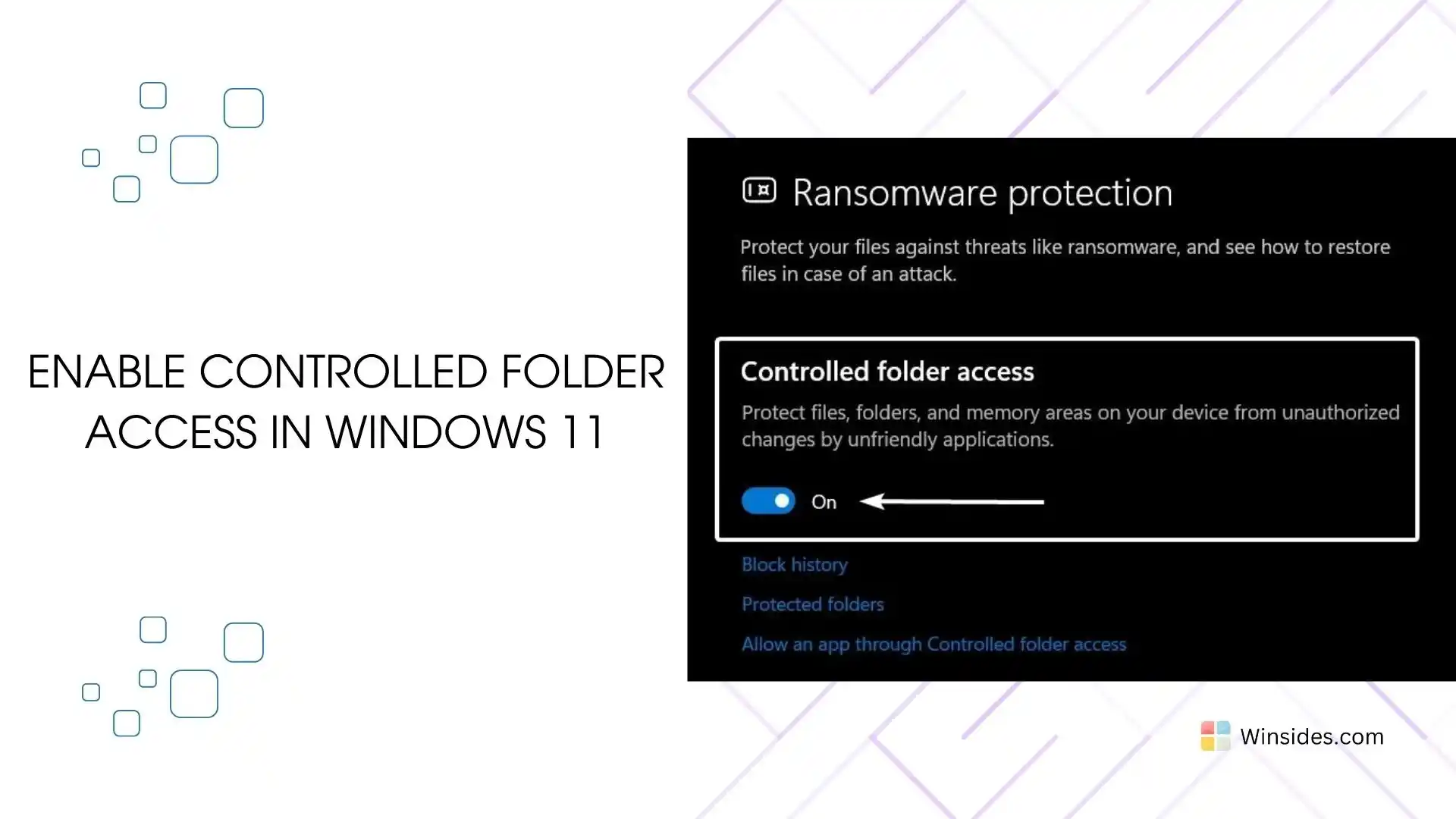
How to Enable Controlled Folder Access in Windows 11?

Controlled Folder Access in Windows 11: It is a security feature in Windows 11 designed to protect your files and folders from unauthorized changes by malicious applications, such as ransomware. A protected folder is a directory safeguarded from unauthorized changes by untrusted applications, especially malware and ransomware. When a folder is protected, only trusted and […]

Read guide

Windows 11

70+ Windows 11 URI Commands You Can Access Through Run Window!

Windows 11 has a unique feature named URI Commands! URI stands for Uniform Resource Identifier, and it is used to open specific settings pages or perform actions on your Windows PC. You need to use these URI commands in the Run Dialog box or Run Window to access these tasks. You can simply launch the […]

Read guide

Windows 11

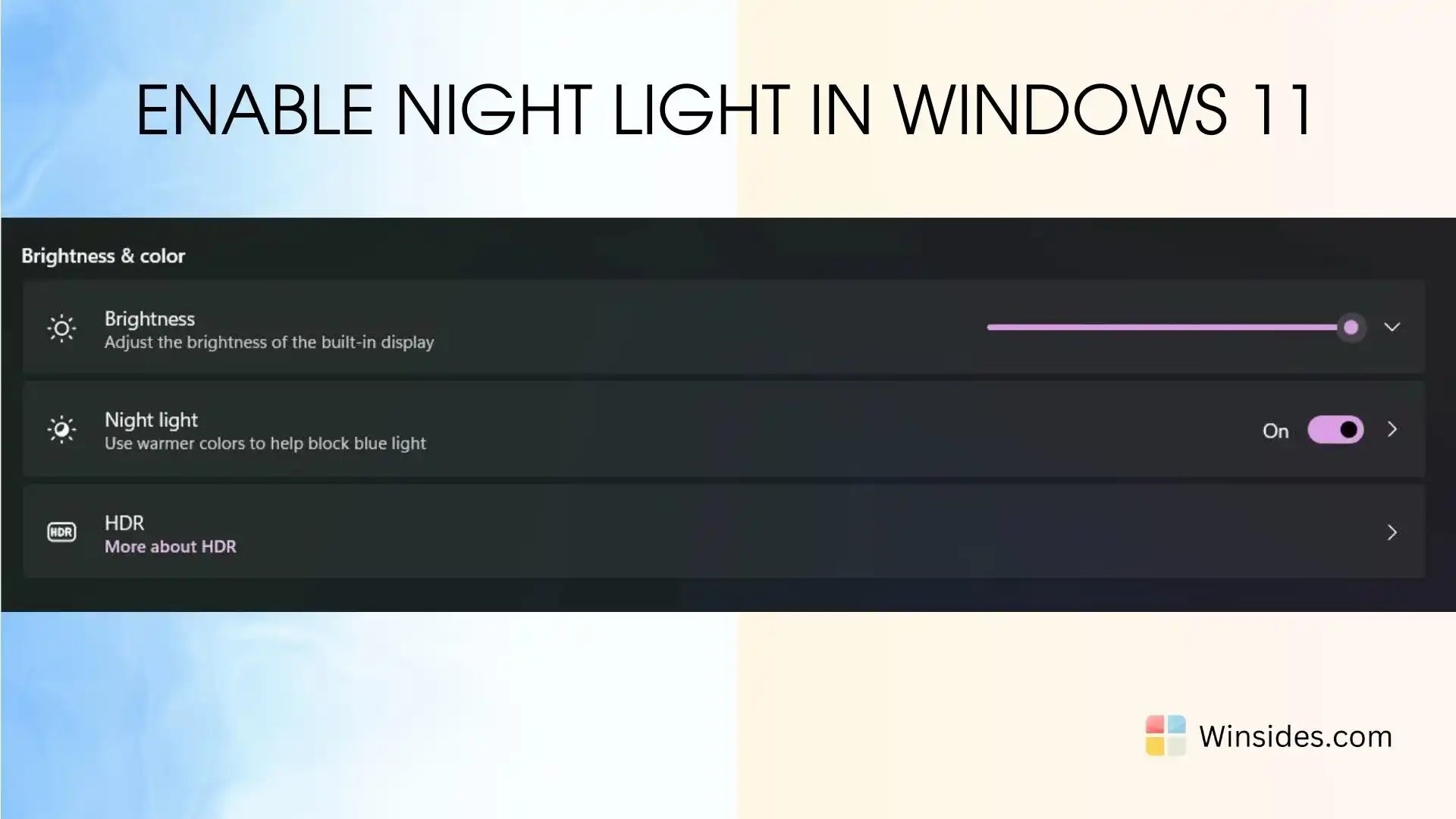
How to Enable Night Light in Windows 11?

Windows 11 Night Light: Night Mode in Windows 11 is a valuable feature designed to reduce eye strain and improve sleep quality by adjusting the screen’s color temperature to warmer tones during evening and night hours. This feature, also known as Night Light, helps mitigate the impact of blue light emitted from screens, which can […]

Read guide

Windows 11

Easy Upgrade Windows 10 to Windows 11

Upgrade from Windows 10 to Windows 11: Microsoft has announced that Windows 10 will reach the end of support on October 14, 2025. As we approach the end of an era for Windows 10, the current version, 22H2, and all editions of Windows 10 will continue to receive monthly security updates, ensuring users remain protected […]

Read guide

How To?

How to Check/View WiFi Signal Strength in Windows 11?

Everything was working fine until the internet connection suddenly weakened. As a web app developer who spends most of the day in front of a PC, a stable internet connection is essential. Using optical fiber internet shared by a WiFi device, it was frustrating to deal with a volatile connection. To ensure a constant internet […]

Read guide

Windows 11

How to Enable Windows Insider Program in Windows 11?

Enable Windows Insider Program in Windows 11: The Windows Insider Program is a community-based program developed by Microsoft that allows users to sign up for pre-release versions of Windows 11. It is designed to give participants early access to new features, improvements, and bug fixes before they are released to the general public. This article […]

Read guide

Windows 11

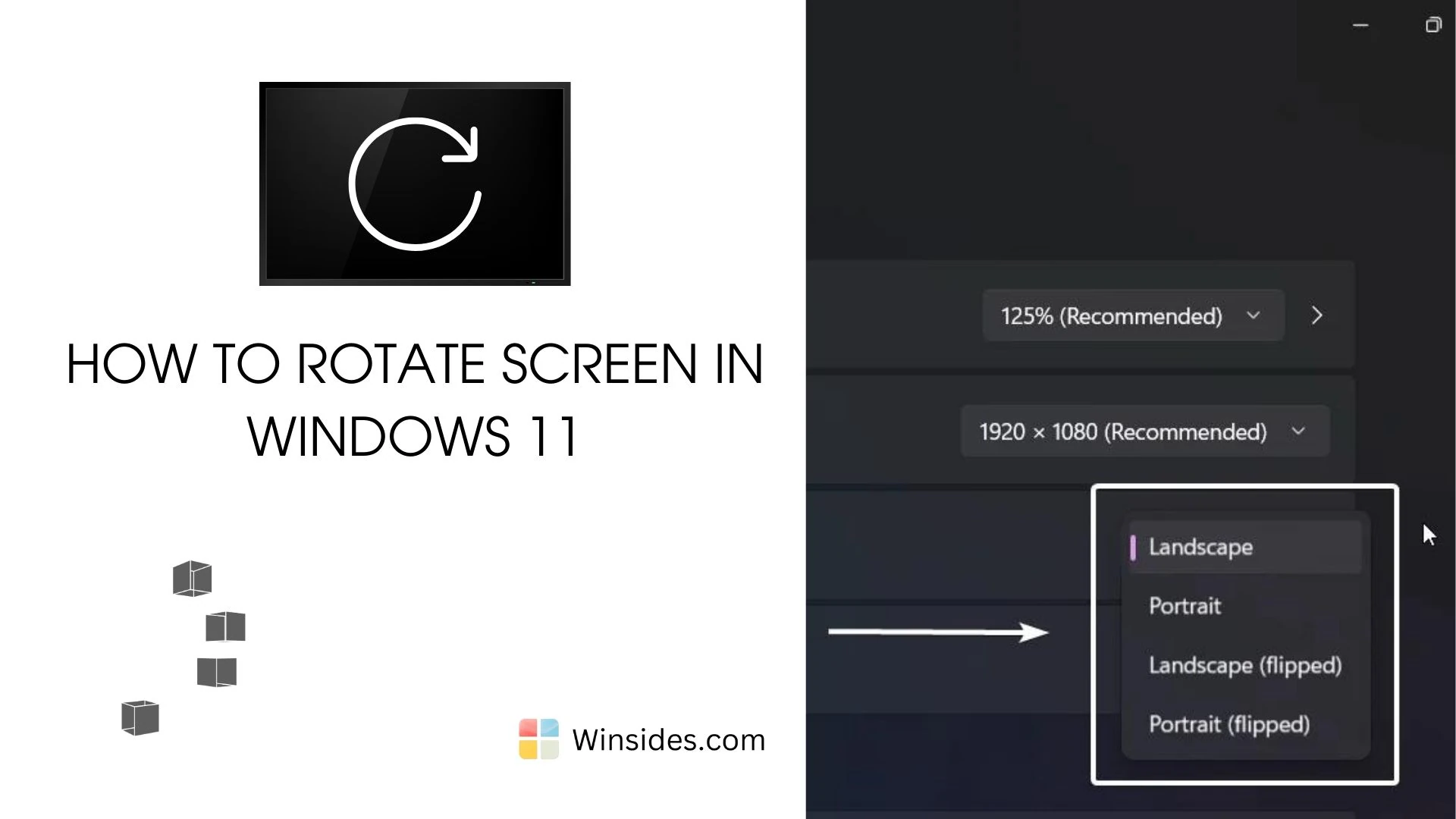
How to Rotate Screen on Windows 11 PC?

Rotating the screen on your Windows 11 PC can be incredibly useful for a variety of scenarios, whether you’re working on a presentation, reading documents in portrait mode, or setting up a multi-display workstation. In this guide, we’ll walk you through the straightforward method to rotate your screen in Windows 11, ensuring you can easily […]

Read guide

Windows 11

How to Turn Off Search Highlights in Windows 11?

I have been using Windows 11 for more than a year now, and I have always been distracted by the new search highlights feature. Some may find it effective, but for me, it is a kind of disturbance. It affects my productivity and somehow impacts my PC’s performance too. I personally like to keep my […]

Read guide

Windows 11

How to Disable Start Menu Ads in Windows 11?

Windows 11 is one of the most futuristic operating systems ever released. However, it does have some cons, and one of them is the presence of ads. If you have started using Windows 11, you may notice ads in various places, especially in the Start Menu. These ads are not exactly advertisements but rather recommendations […]

Read guide

Windows 11

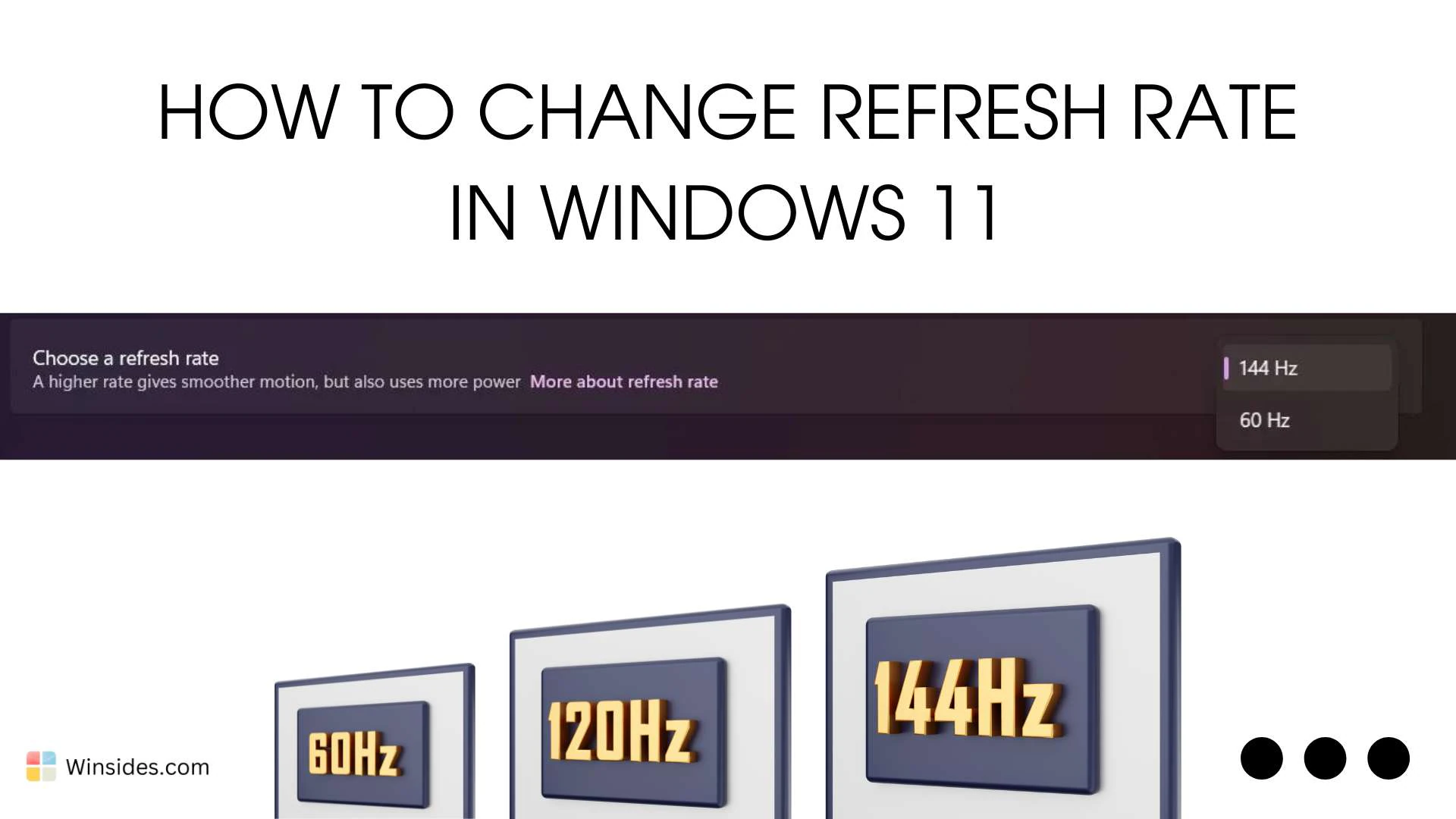
How to Change Refresh Rate in Windows 11 PC?

Change Refresh Rate in Windows 11: The refresh rate on your Windows 11 PC can significantly enhance your visual experience, providing smoother motion and reducing eye strain. The refresh rate, measured in hertz (Hz), dictates how often your screen updates per second. Higher refresh rates can be especially beneficial for gaming, video editing, and other […]

Read guide

Windows 11

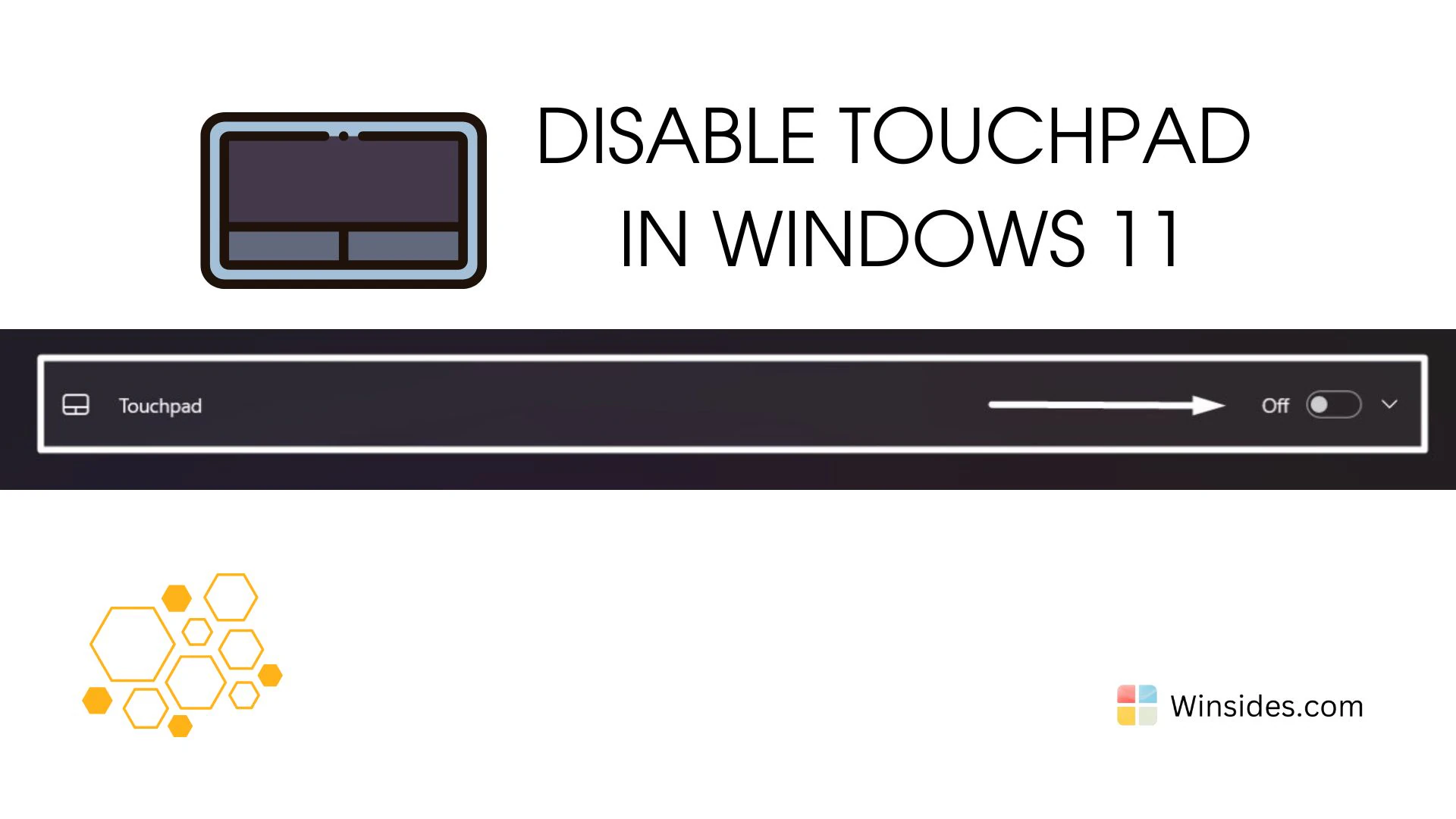
How to Disable Touchpad in Windows 11 PC?

Disable Touchpad in Windows 11: The touchpad is an essential component for navigating your laptop, but there are times when you might prefer to disable it. Whether you are using an external mouse for better precision, dealing with an unresponsive touchpad, or simply finding the touchpad a distraction while typing. This guide will walk you […]

Read guide

Windows 11

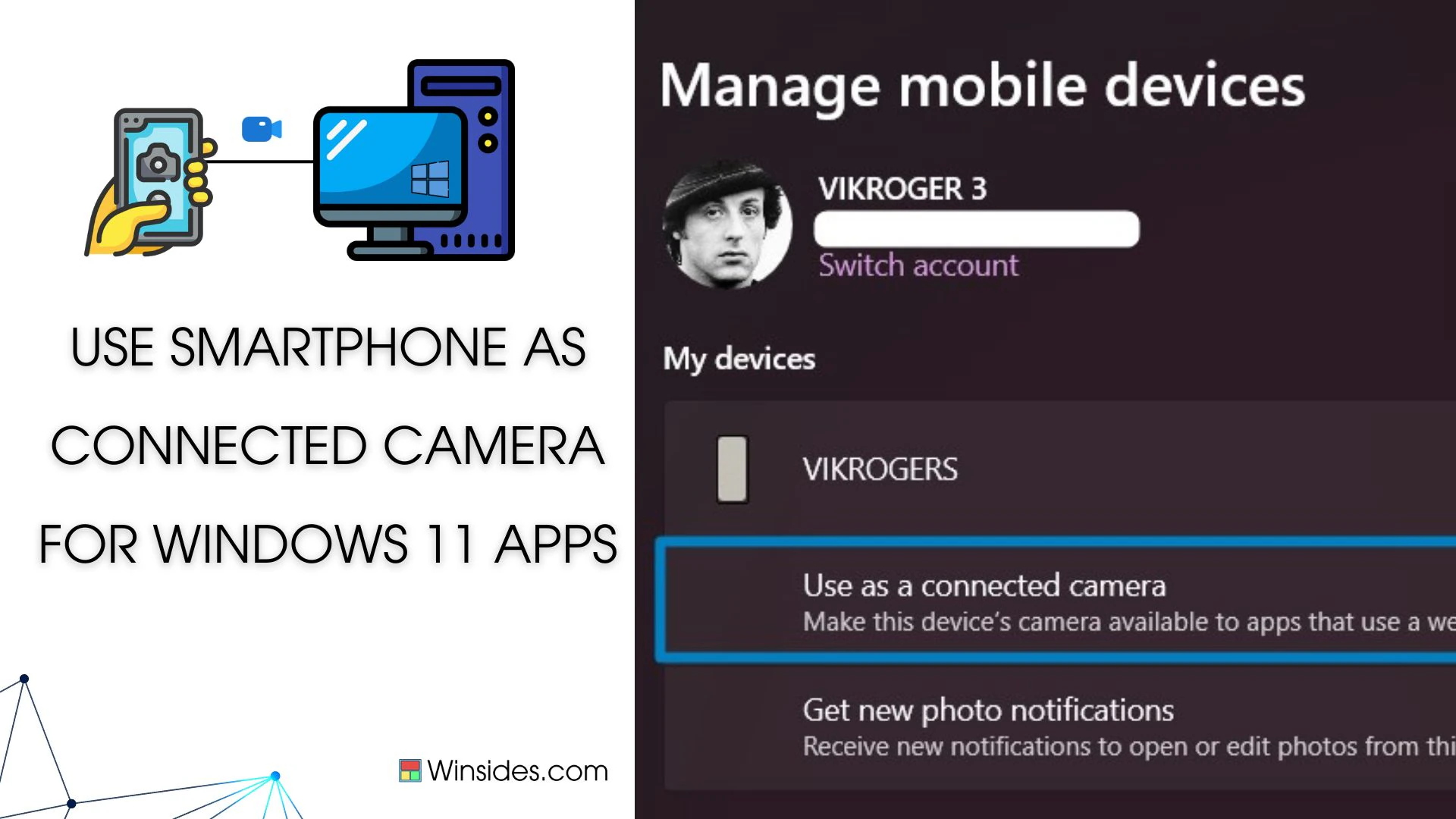
Use Smartphone Camera as Webcam for Apps in Windows 11

Use Smartphone Camera as Webcam for Apps in Windows 11: Why buy a webcam when you can use your smartphone as your webcam? Imagine a scenario where your computer or laptop lacks a built-in webcam, or perhaps the webcam’s quality leaves much to be desired. Fret not, as Windows 11 brings a game-changing solution: using […]

Read guide