Article tag

Tutorials

20 guides

How To?

8+ Methods to Change Brightness on Windows 11!

I work late nights because most of the users for the web apps I develop are in Tier 1 countries, which have a completely different time zone from mine. To make things easier, I prefer using dark mode when working at night. However, the brightness of my laptop still causes me headaches sometimes. To avoid […]

Read guide

How To?

4+ Easy Ways to Lock Your Screen in Windows 11!

I was watching my personal and family photos on my personal laptop at the office when, all of a sudden, my colleague came into my cabin without any announcement. I had to protect my private space among them, so I tried to close the albums immediately. However, the photos were in slideshow fullscreen mode, and […]

Read guide

How To?

4 Easy Ways: Check Windows Experience Index Score in Windows 11!

I’ve been using Windows since the Windows XP days. I still remember an update that came with Windows Vista, where you could check your PC’s Windows Experience Index score in the settings. This score gave you an idea of how well your PC was performing. Unfortunately, in Windows 11, you can no longer check your […]

Read guide

How To?

6 Best Ways: Show Folder Size in Windows 11 File Explorer!

Viewing the folder or file size is one of the most common tasks anyone performs when they need to check storage usage. Depending on the situation, there are different ways to view the size of a directory. While you may think there is only one or two methods to show folder sizes, there are actually […]

Read guide

Powertoys

How to Batch Rename Files using PowerRename in Windows 11?

PowerToys is a collection of helpful tools made by Microsoft to make using Windows easier and more efficient. These tools allow you to manage windows, change keyboard shortcuts, pick colors, rename multiple/bulk files at once, and more. PowerToys is open source, which means anyone can use and improve it. It is especially useful for people […]

Read guide

Video Tutorials

Video Tutor: List Windows Features using Command Prompt & Windows PowerShell

In this video tutorial, we will check out How to List All Windows Features using Command Prompt and Windows PowerShell. The following are the commands used in this video. CMD Command: PowerShell Command: Sort Enabled Windows Features using PowerShell: Sort Disabled Windows Features using PowerShell: Have Queries? If you have any queries about the above […]

Read guide

How To?

How to Hide/Unhide Drives or Volumes in Windows 11 PC? 5 Effective Ways!

As a web app developer working on multiple online apps and websites, my drives are filled with project files and future ideas. Recently, my PC’s graphics card malfunctioned, requiring me to visit the MSI service center for repairs. However, they requested my login password to address the graphics driver issue, which made me uncomfortable as […]

Read guide

How To?

How to Switch Between Windows in Windows 11?

Switching between multiple windows and applications is essential for a web app developer like me. I frequently use the ALT + Tab shortcut to switch between tabs, but this method has certain limitations. After conducting some research, I found that there are more advanced methods than the traditional shortcuts for switching between tabs and applications […]

Read guide

How To?

Find Your Windows 11 is 64-bit, 32-bit, or ARM using 8 Top Methods!

Is there any need to find the device architecture in Windows 11? Yes, there is a need to get to know about your device’s architecture type, there are three primary chip architectures available: 32-bit, 64-bit AMD, and 64-bit ARM. Most modern applications are developed for 64-bit systems, but Windows 11 still supports 32-bit devices. Key […]

Read guide

How To?

Enable Color Filter in Windows 11- 4 Easy Ways!

As a web app developer behind projects like IMGCentury, KlickAud, and Forhub.IO, I spend most of my time in front of a computer screen. The constant exposure to the bluish white light often causes me headaches and eye strain. I tried using glasses, but they weren’t effective for me, as I wasn’t accustomed to them. […]

Read guide

How To?

5 Ways: Show Hidden or Unhide Files & Folders in Windows 11 PC!

When I connected my external SSD to transfer files from my PC, I noticed that the SSD was using up space, but when I opened it, there were no visible files. I tried ejecting the SSD and reconnecting it to my PC, but the SSD still showed space being consumed, even though I couldn’t see […]

Read guide

How To?

Properly Eject USB or External SSD/HDD in Windows 11!

Everyone tends to remove external devices such as USB drives or external disk drives without using the safe removal option on a Windows PC. However, this practice can harm your device in the long run. This is because your operating system constantly communicates with connected external drives to retrieve information. Even if you close all […]

Read guide

How To?

How to Print Screen/ScreenShot Without PrintScreen Button in Windows 11?

Recently, my laptop’s PRNT SCRN button stopped working due to minor water damage. Unfortunately, I don’t have a backup external keyboard and don’t have the time to buy a new one right now. After doing some research, I discovered that it’s possible to take screenshots on a Windows 11 PC without using the PRNT SCRN […]

Read guide

How To?

How to Empty The Recycle Bin in Windows 11?

I was working on my PC and had to manage many sample and temporary files for web development projects. Once the projects were completed, I would delete the temporary files and images using a batch file to free up space on my laptop. However, I later realized that the batch file didn’t delete the files […]

Read guide

How To?

How to Restart File Explorer.Exe in Windows 11?

While working on a recent web app, I suddenly found that my Start menu stopped working. I tried various methods to fix it, but nothing seemed to work. Eventually, I came across a solution on the Winsides website, which suggested restarting File Explorer. Surprisingly, restarting File Explorer did the trick, and I found it quite […]

Read guide

How To?

How to Check Installed Windows 11 Edition?

Hello friends, it’s been a while! I’m back with a new tutorial. Microsoft launched Windows 11 a few years ago, and it comes in several editions such as Windows 11 Home, Windows 11 Pro, Windows 11 Pro for Workstations, Windows 11 Enterprise, Windows 11 SE for Education, Windows 11 Education, and Windows 11 in S […]

Read guide

How To?

How to Show Seconds in System Tray Clock Windows 11?

Have you ever been in a situation where every second counts, like timing a specific event or needing to synchronize actions down to the second? As a web app developer, I often work on multiple web applications hosted online. Recently, while updating the working algorithm for removing backgrounds using AI in one of my web […]

Read guide

How To?

How to Check DirectX Version Installed in Windows 11?

For my website (Winsides) YouTube channel, I was looking for the best video editing tools and found that Adobe After Effects and Adobe Premiere Pro were the top choices. I discovered that my device needs to meet certain software requirements. Both applications require a video graphics driver that runs on DirectX 12. While I’m sure […]

Read guide

How To?

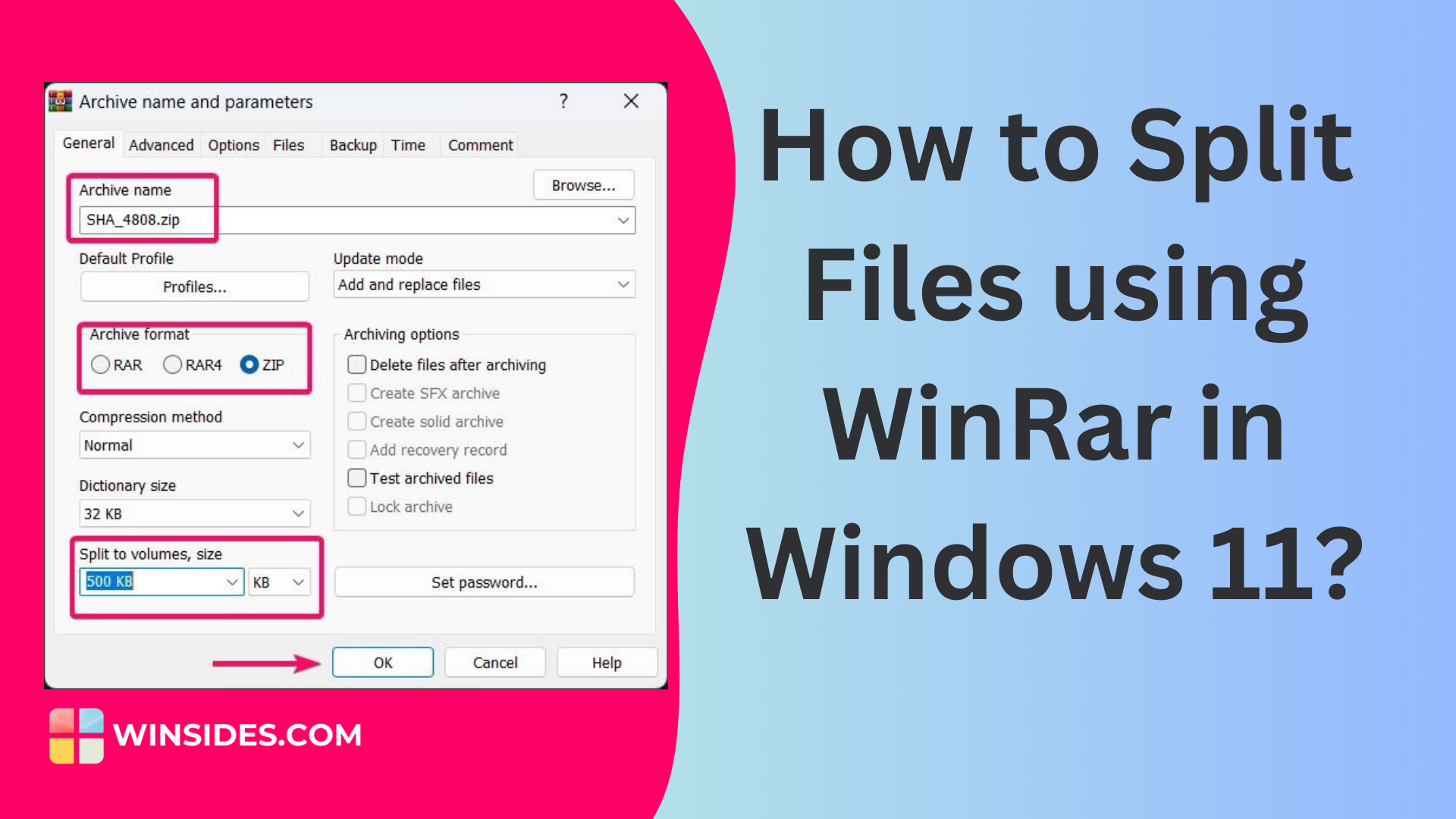
How to Split Files using Winrar in Windows 11?

Splitting a single large file is crucial when trying to upload and transfer it to someone. Most online platforms restrict the uploading of large files to save on their server bandwidth costs. While input bandwidth is often free, output bandwidth, especially for downloading large files, can be expensive. Many online file transfer websites limit single […]

Read guide

Windows 11

70+ Windows 11 URI Commands You Can Access Through Run Window!

Windows 11 has a unique feature named URI Commands! URI stands for Uniform Resource Identifier, and it is used to open specific settings pages or perform actions on your Windows PC. You need to use these URI commands in the Run Dialog box or Run Window to access these tasks. You can simply launch the […]

Read guide