
How to Enable Real-time Protection in Windows 11?

Enable Real-time Protection in Windows 11: This feature of Windows Security (formerly Windows Defender) in Windows 11 continuously scans your device for malware, spyware, and other potentially…
Read More
How to Allow an App through Windows Firewall?
Windows Firewall: It is a network security system designed to monitor and control incoming and outgoing network traffic based on predetermined security rules. It acts as a barrier between your…
Read More
Run Windows Defender Scan via Command Prompt on Windows 11
Windows Defender Scan via Command Prompt: It is an Integrated Advanced Security Feature from the Microsoft that protects our Windows 11 from various potential threats. There are different ways to…
Read More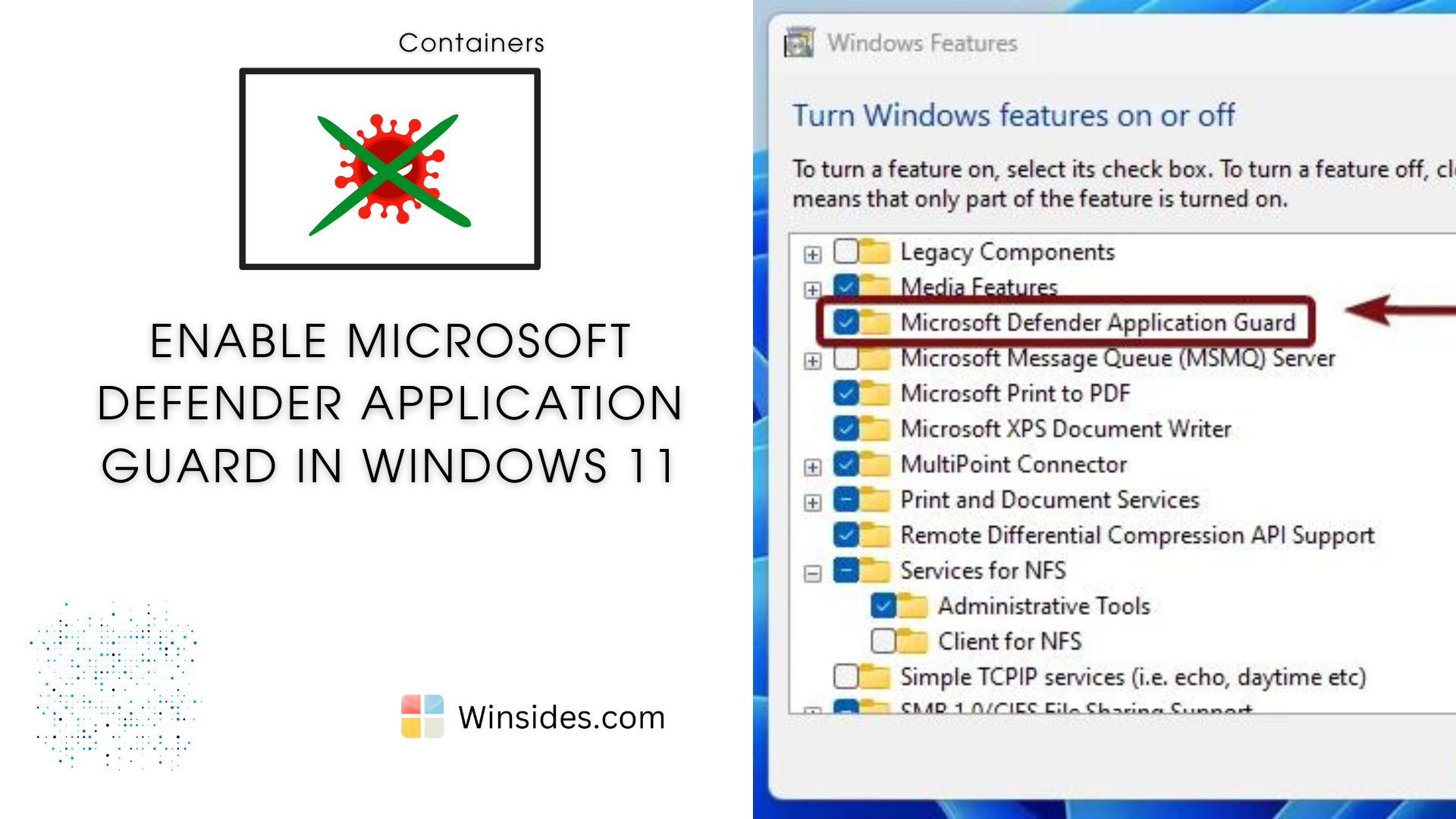
Enable Microsoft Defender Application Guard in Windows 11
Microsoft Defender Application Guard (MDAG) is a powerful security feature designed to protect Windows Enterprise environments from advanced threats such as malware, phishing, and cyber-attacks. It…
Read More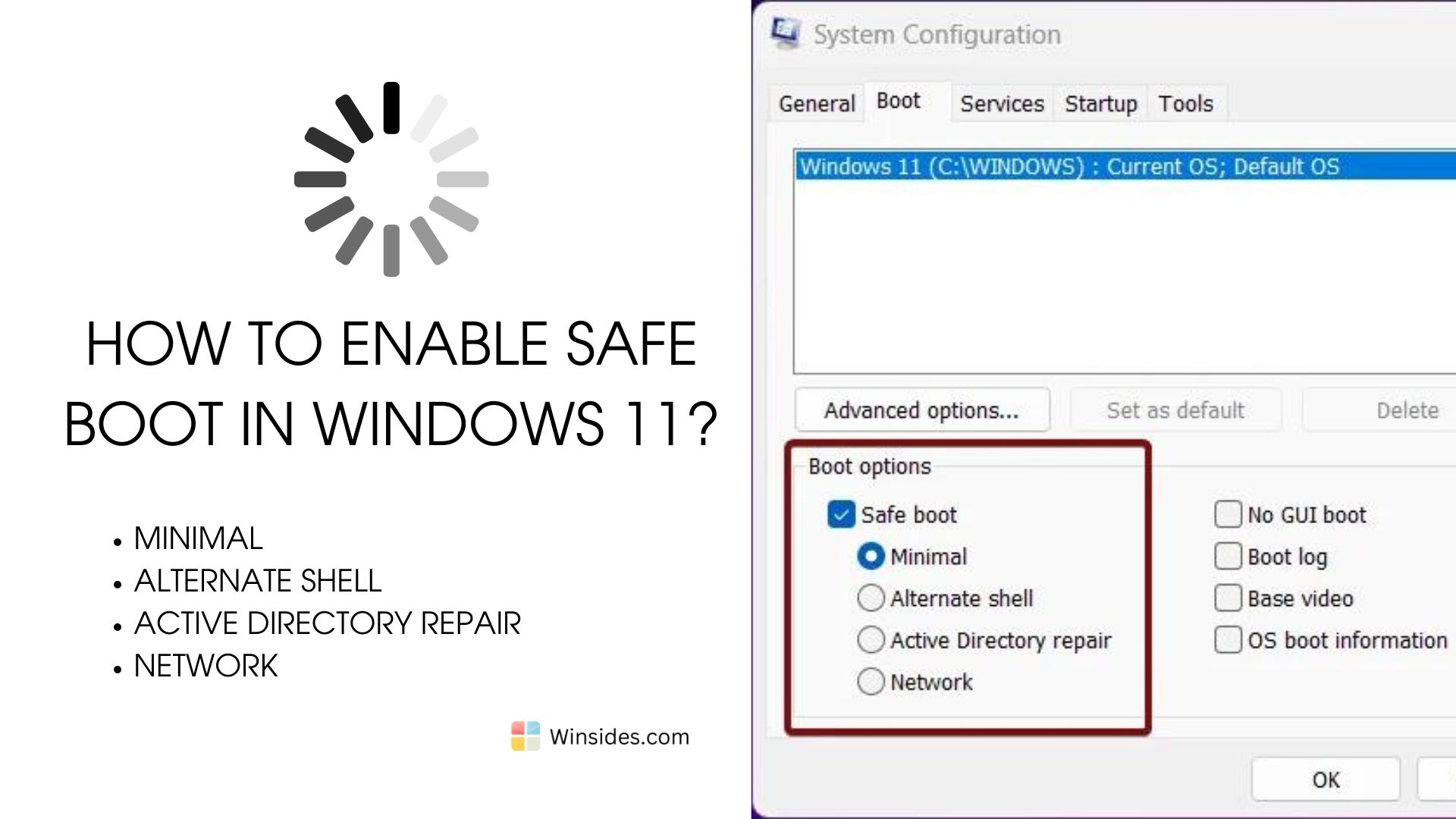
How to Enable Safe Boot in Windows 11?
Enable Safe Boot in Windows 11: The Safe Boot option in Windows 11 is a troubleshooting feature that allows you to start your computer with a minimal set of drivers and services. This mode is…
Read More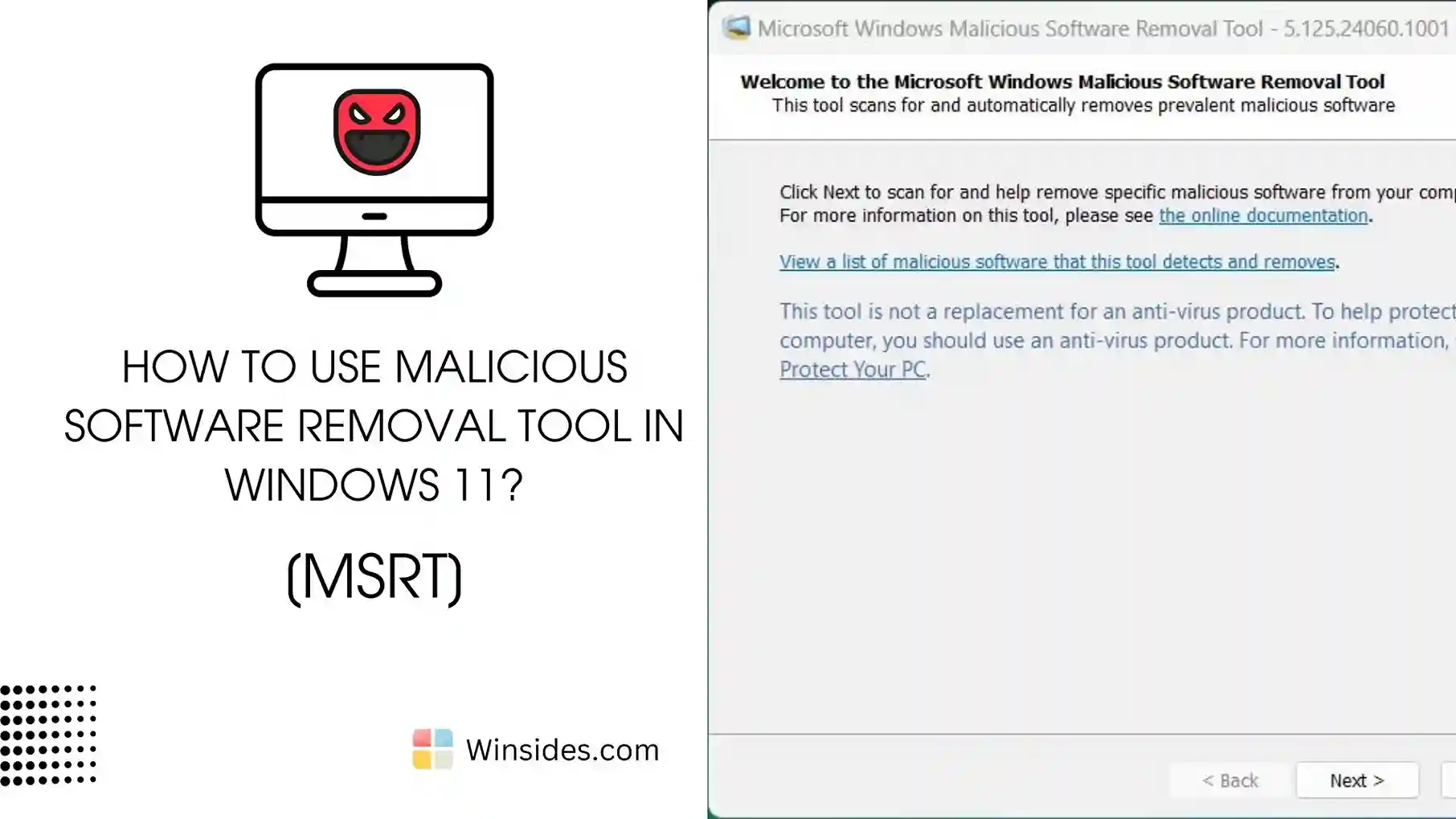
Malicious Software Removal Tool (MRT) in Windows 11?
MSRT Windows 11: The Microsoft Malicious Software Removal Tool (MSRT) is a free security utility provided by Microsoft to help users detect and remove specific prevalent malicious software from their…
Read More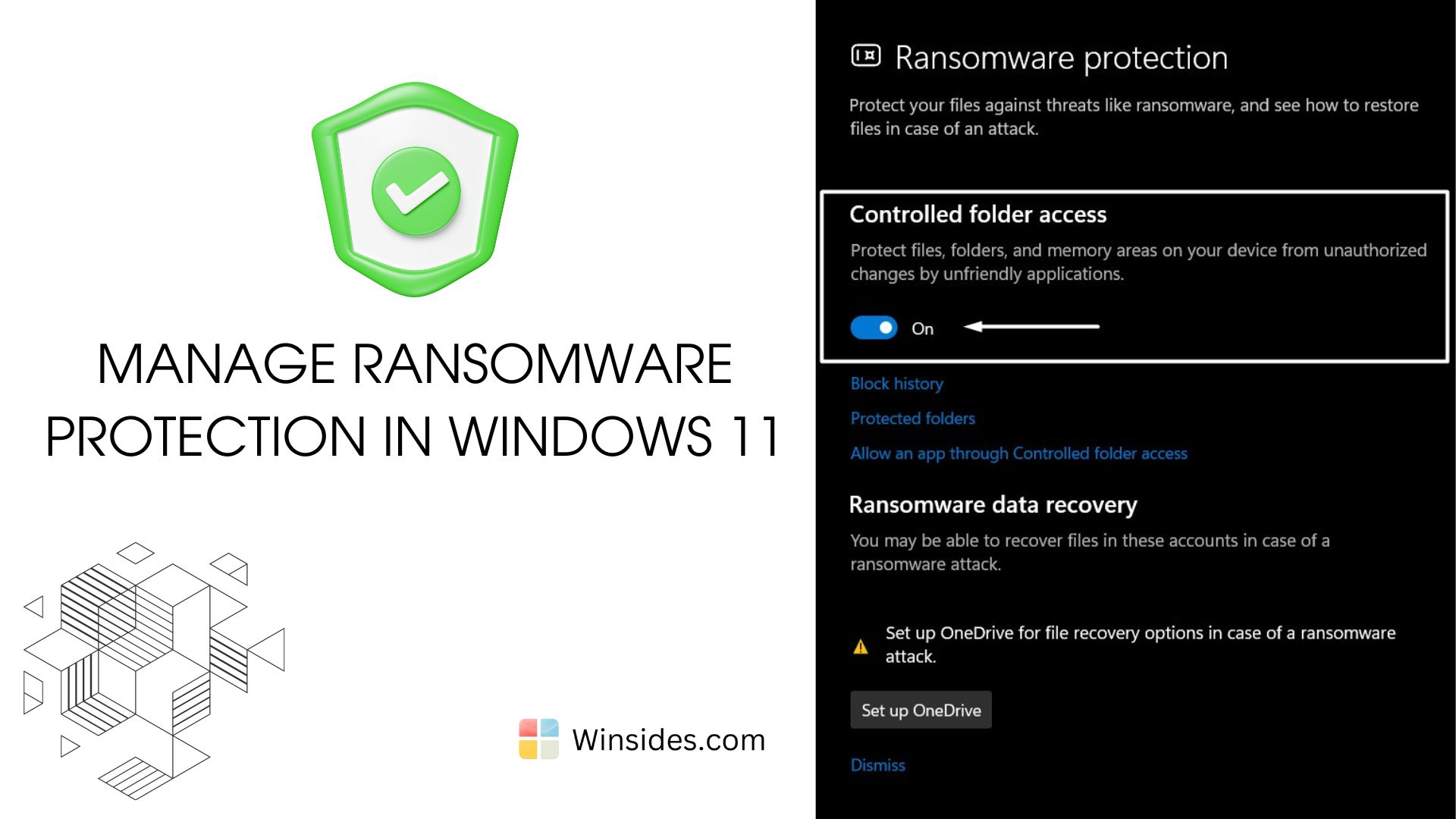
Manage Ransomware Protection in Windows 11?
Ransomware Protection in Windows 11: It is a malicious software (malware) designed to encrypt files on a victim’s computer or network, rendering them inaccessible until a ransom is paid. The…
Read More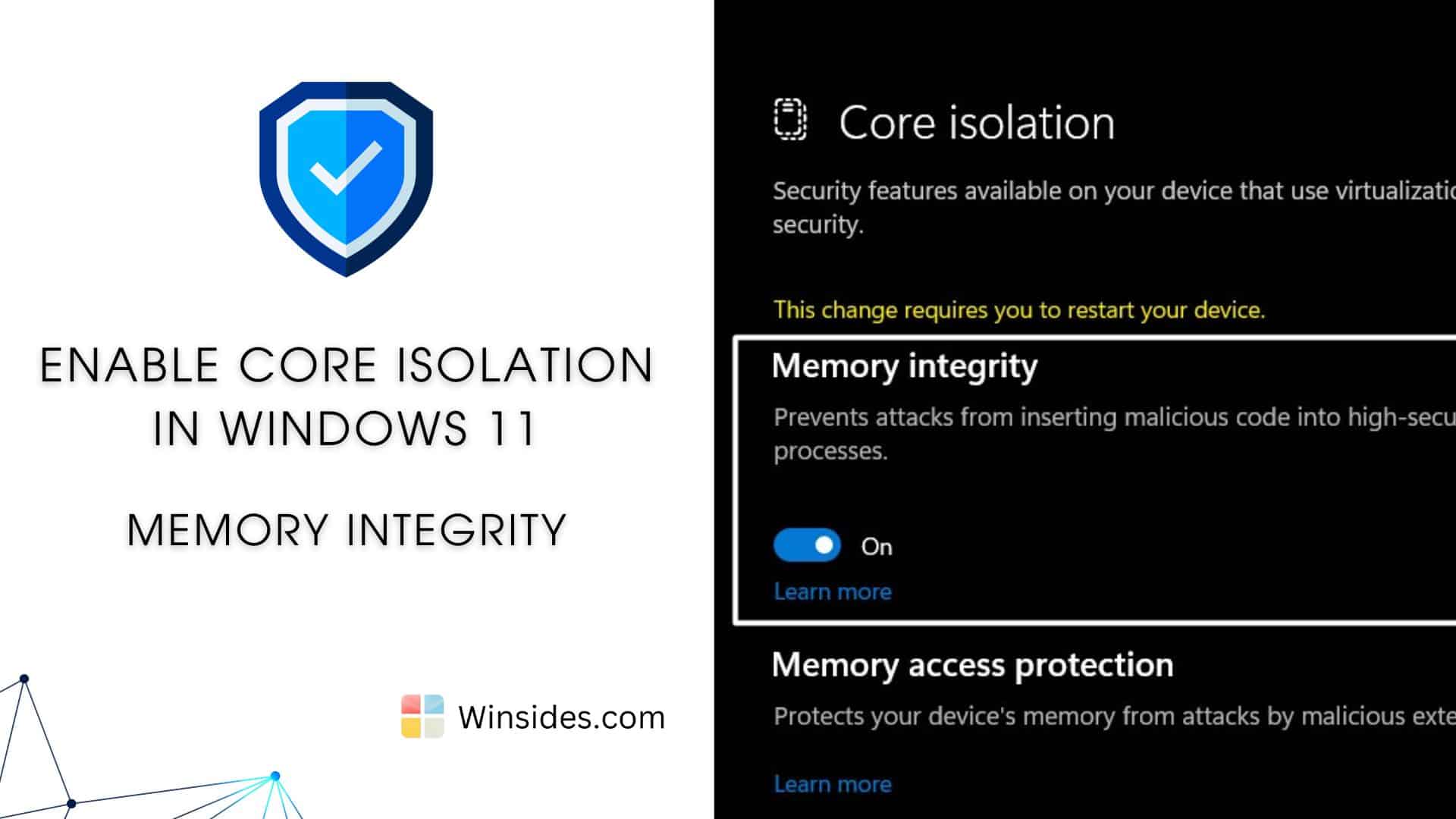
How to Enable Core Isolation in Windows 11?
Enable Core Isolation in Windows 11: Core Isolation protects critical parts of the Windows 11 operating system from attacks by using virtualization-based security (VBS). This creates a secure…
Read More