Enable Static Content Service in IIS in Windows 11

Static Content Service in Internet Information Services: The Static Content Service in Internet Information Services (IIS) on Windows 11 is designed to optimize the delivery of static content on…
Read More
4+ Easy Ways to Lock Your Screen in Windows 11!

I was watching my personal and family photos on my personal laptop at the office when, all of a sudden, my colleague came into my cabin without any announcement. I had to protect my private space…
Read More
Enable Application Development Features IIS in Windows 11
How to Enable Application Development Features IIS in Windows 11? Application Development Features: Discover the game-changing features of Internet Information Services (IIS) in Windows 11 for your…
Read More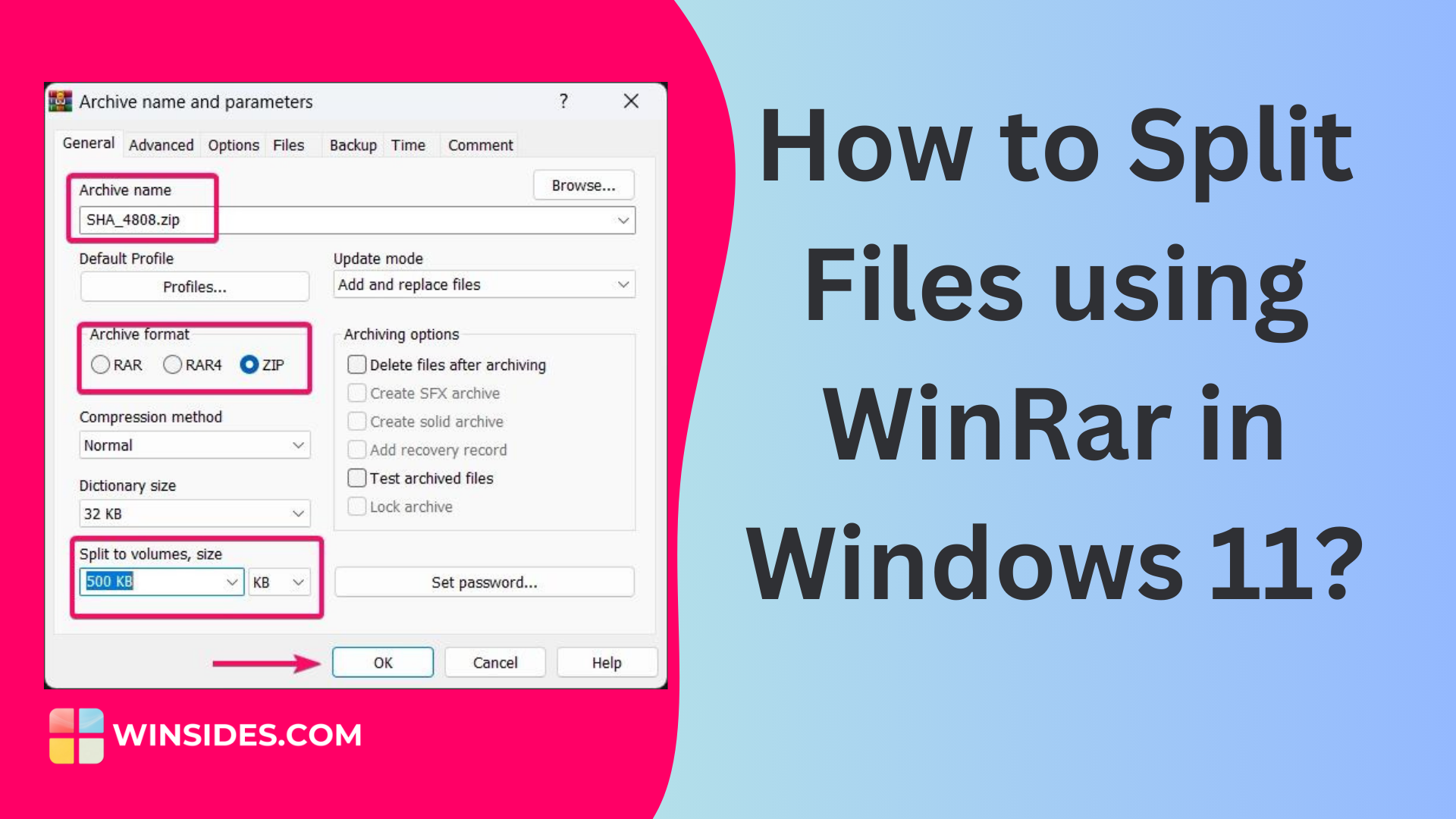
How to Split Files using Winrar in Windows 11?
Splitting a single large file is crucial when trying to upload and transfer it to someone. Most online platforms restrict the uploading of large files to save on their server bandwidth costs. While…
Read More
70+ Windows 11 URI Commands You Can Access Through Run Window!
Windows 11 has a unique feature named URI Commands! URI stands for Uniform Resource Identifier, and it is used to open specific settings pages or perform actions on your Windows PC. You need to use…
Read More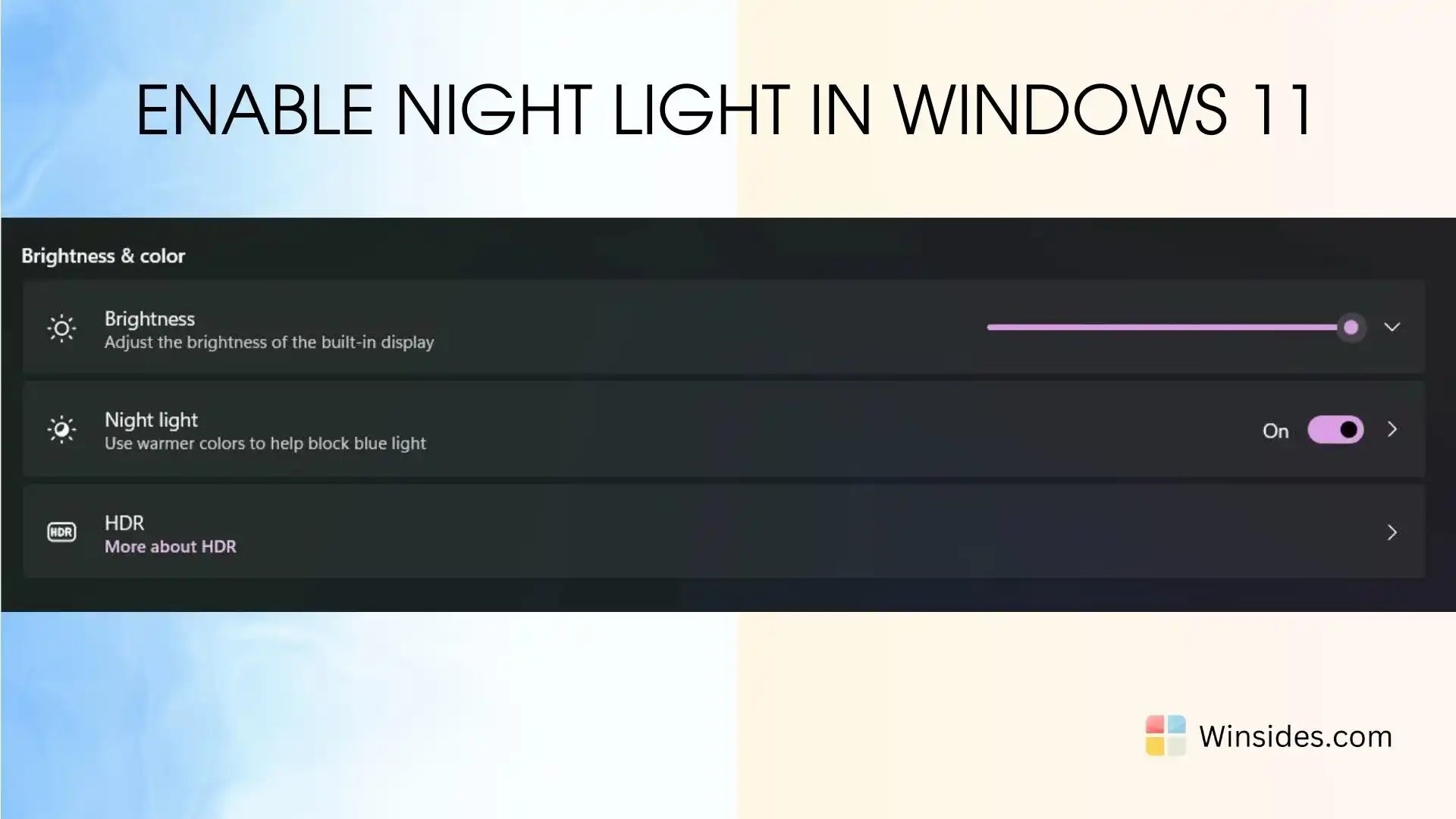
How to Enable Night Light in Windows 11?
Windows 11 Night Light: Night Mode in Windows 11 is a valuable feature designed to reduce eye strain and improve sleep quality by adjusting the screen’s color temperature to warmer tones during…
Read More
5+ Easy Methods to Delete Font Cache in Windows 11!
Before getting into the tutorial, it’s important to understand a little about the font cache in Windows 11. Cache is a technology that stores temporary files essential for software to work…
Read More
Enable Directory Browsing in IIS in Windows 11
Directory Browsing Service in IIS: This guide delves into the capabilities of the Directory Browsing Service in IIS on Windows 11, showcasing how it transforms your server into a user-friendly hub,…
Read More
How to Enable HTTP Errors Service IIS in Windows 11
HTTP (Hypertext Transfer Protocol) Error Service IIS in Windows 11: HTTP Errors Service: This guide explores the capabilities of the HTTP Errors Service in IIS on Windows 11, showcasing how it…
Read More
Enable Dynamic Content Compression in IIS, Windows 11
Dynamic Content Compression Performance Feature in Windows 11: Enable Dynamic Content Compression: Unleash the speed and efficiency of your web applications with Dynamic Content Compression in…
Read More