How Do You Open Windows Security in Windows 11?
Open Windows Security from Start or Privacy & security settings, understand the main protection areas, and close it without running a scan or changing protection.
Read guideArticle tag
8 guides
Open Windows Security from Start or Privacy & security settings, understand the main protection areas, and close it without running a scan or changing protection.
Read guideCheck whether Secure Boot is on, off, or unsupported in Windows 11 using System Information and Windows Security without changing firmware.
Read guideView the antivirus, firewall, and web-protection providers registered with Windows Security in Windows 11 and interpret each card safely.
Read guideCheck the Windows 11 Device Health Report and correctly interpret storage, battery, apps, Windows Time, green checks, and warnings.
Read guideWindows Defender Scan via Command Prompt: It is an Integrated Advanced Security Feature from Microsoft that protects Windows 11 from various potential threats. There are different ways to access Windows Defender on Windows 11, such as via the Control Panel, via the Windows Settings, etc. However, it is possible to run Windows Defender Scan via […]
Read guideEnable Core Isolation in Windows 11: Core Isolation protects critical parts of the Windows 11 operating system from attacks by using virtualization-based security (VBS). This creates a secure environment where essential system processes can run separately from the rest of the OS, making it much harder for malware to interfere. A key part of Core […]
Read guideEnable Real-time Protection in Windows 11: This feature of Windows Security (formerly Windows Defender) in Windows 11 continuously scans your device for malware, spyware, and other potentially harmful software. This feature ensures that threats are detected and removed in real time, providing ongoing protection against emerging threats. Real-Time Protection helps safeguard your system by automatically […]
Read guideWindows Firewall: It is a network security system designed to monitor and control incoming and outgoing network traffic based on predetermined security rules. It acts as a barrier between your computer and potential threats from the internet or other networks, helping to protect your system from unauthorized access and cyber-attacks. Windows Firewall was first introduced […]
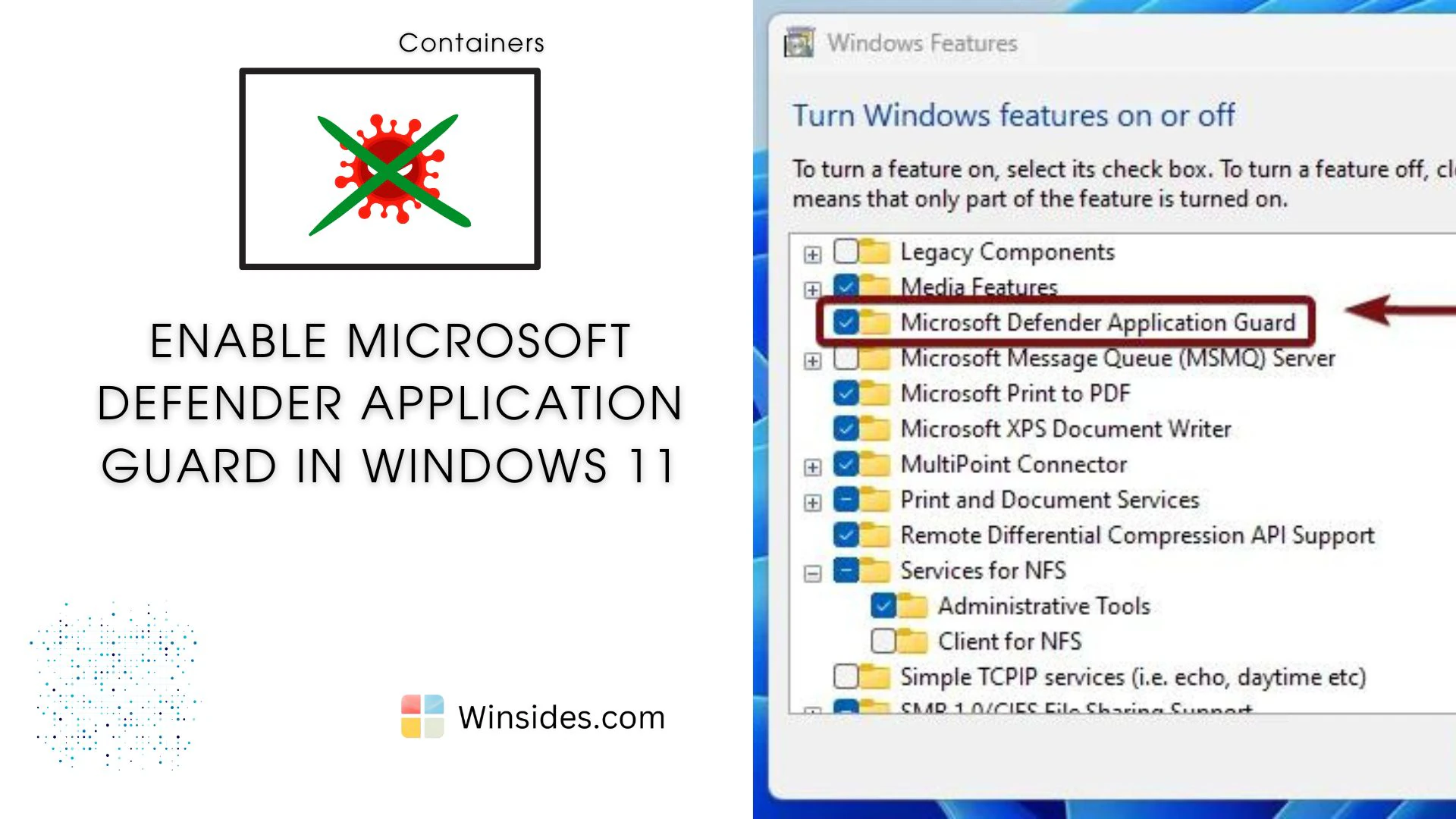
Read guideMicrosoft Defender Application Guard (MDAG) is a powerful security feature designed to protect Windows Enterprise environments from advanced threats such as malware, phishing, and cyber-attacks. It utilizes hardware-based virtualization to isolate potentially harmful tasks from the host operating system, ensuring that if a malicious attack occurs, it is contained and cannot affect the rest of […]
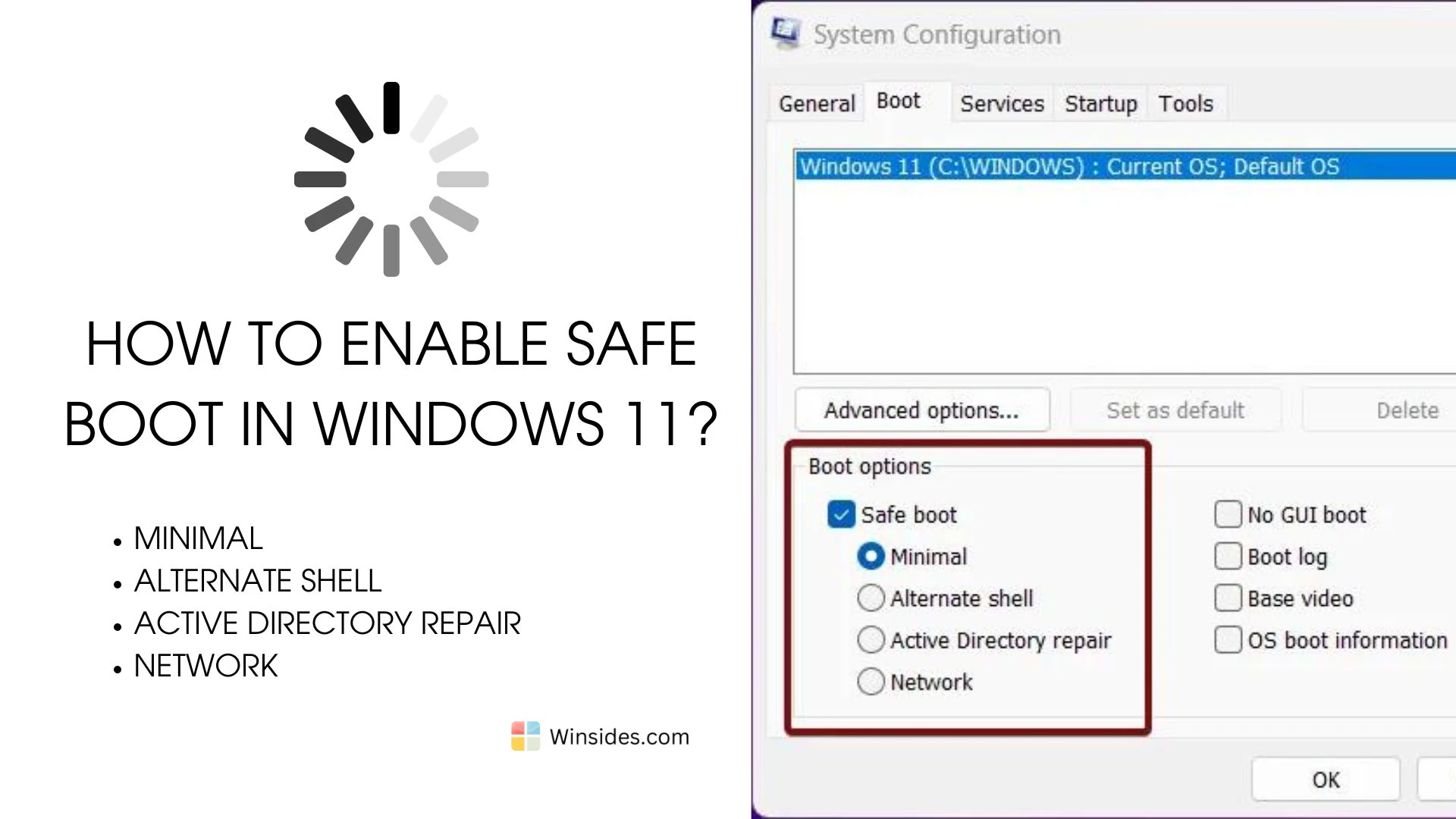
Read guideEnable Safe Boot in Windows 11: The Safe Boot option in Windows 11 is a troubleshooting feature that allows you to start your computer with a minimal set of drivers and services. This mode is designed to help diagnose and fix issues that might be preventing your system from starting normally or running correctly. By […]
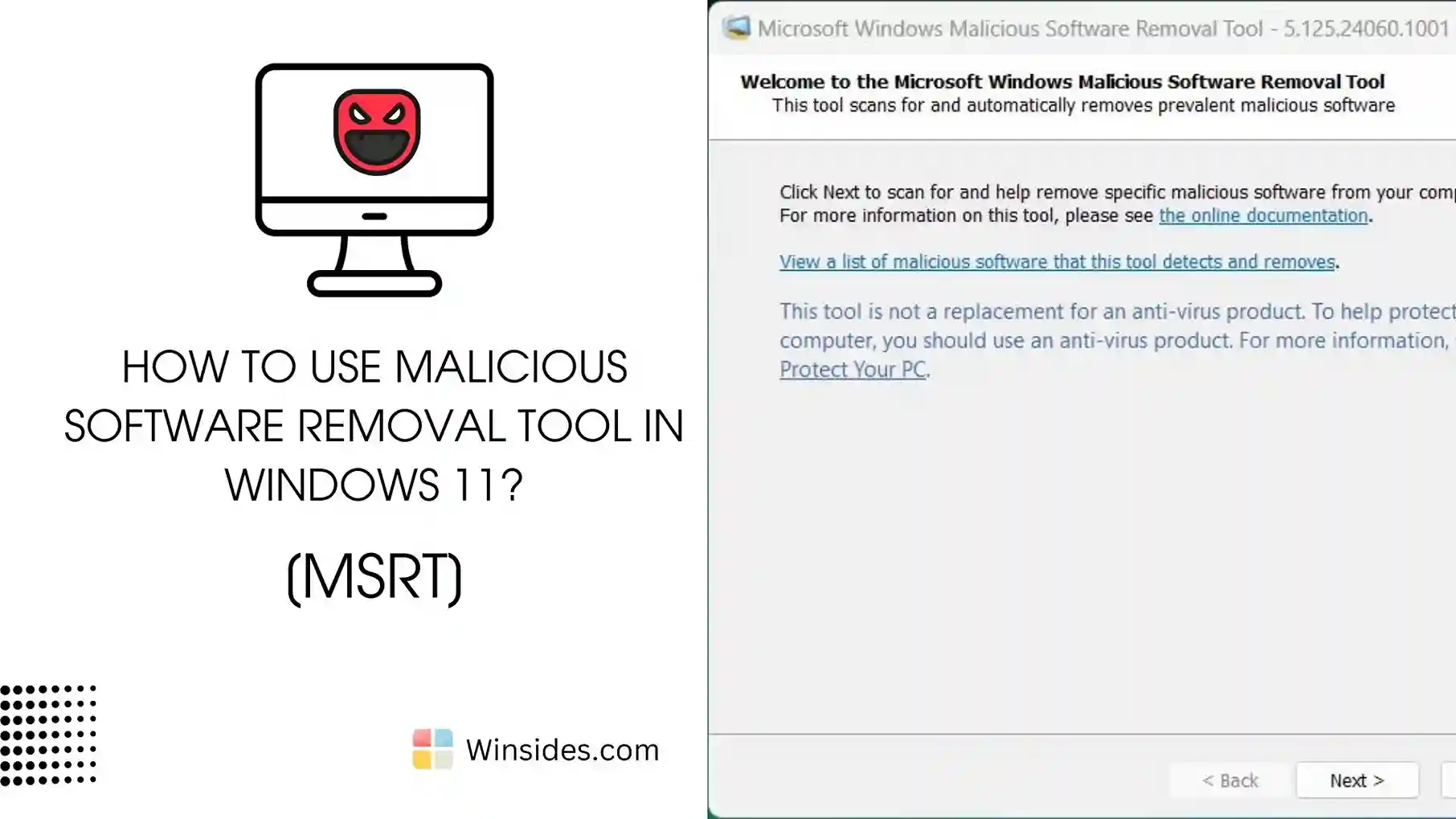
Read guideMSRT Windows 11: The Microsoft Malicious Software Removal Tool (MSRT) is a free security utility provided by Microsoft to help users detect and remove specific prevalent malicious software from their Windows systems. It is updated regularly and released as part of Windows Update on the second Tuesday of each month, commonly known as “Patch Tuesday.” […]
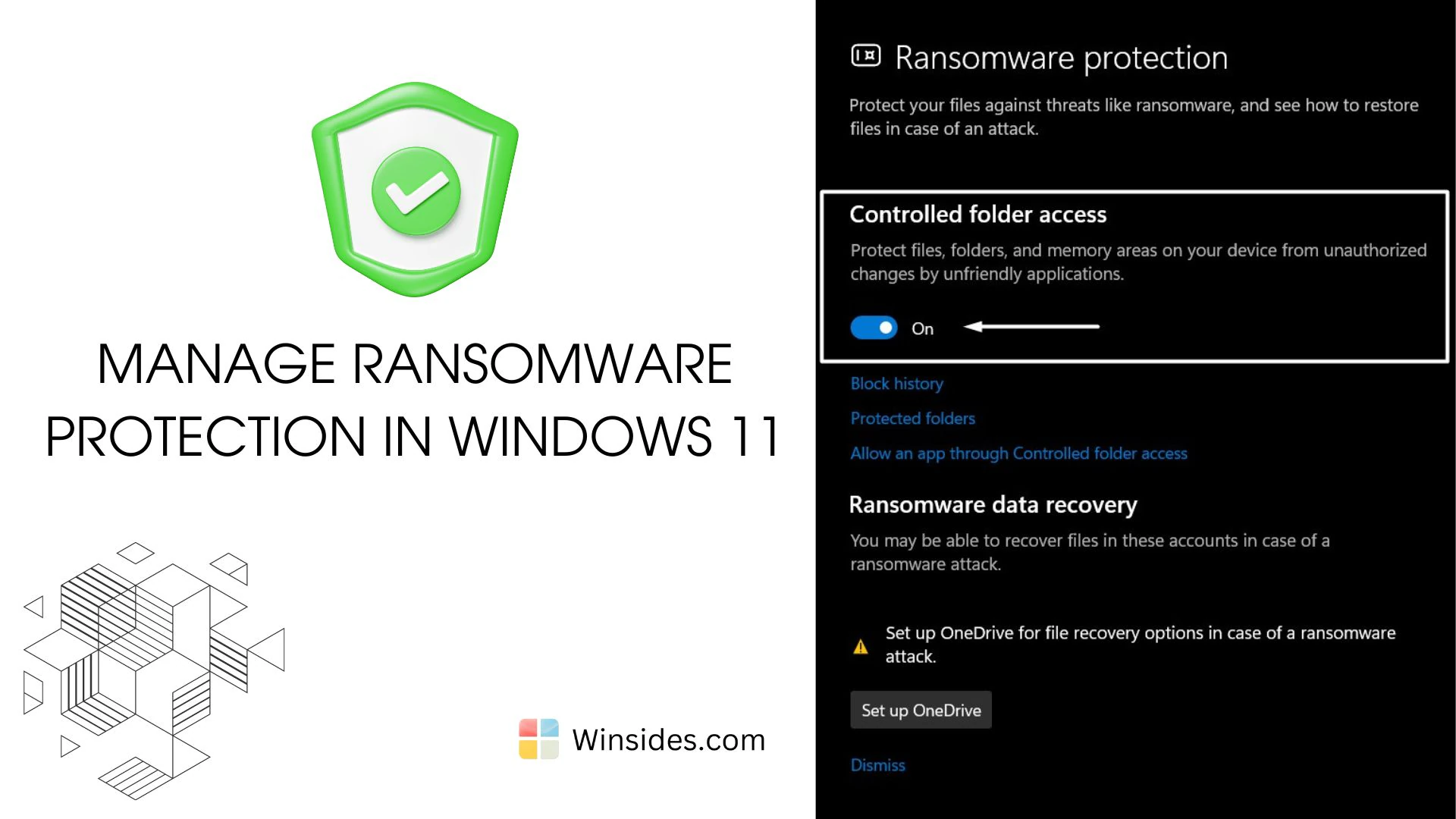
Read guideRansomware Protection in Windows 11: It is a malicious software (malware) designed to encrypt files on a victim’s computer or network, rendering them inaccessible until a ransom is paid. The attackers then typically demand payment in cryptocurrency to provide the decryption key and restore access to the encrypted data. Ransomware protection is crucial in Windows […]
Read guide