Enable “Recognize Non-Native Accents for this Language” on Windows 11

Recognize Non-Native Accents for this Language on Windows 11: Artificial Intelligence is taking up the game to the new level, and Global Conglomerates like Google, Apple, Microsoft, Amazon, etc have…
Read More
How to Enable HDR Video Streaming on Windows 11?
Have you ever wondered while playing a Game or Streaming a Movie on Netflix or Amazon Prime, and your Windows 11 Display seem more dull than normal? It is because the High Dynamic Range Settings are…
Read More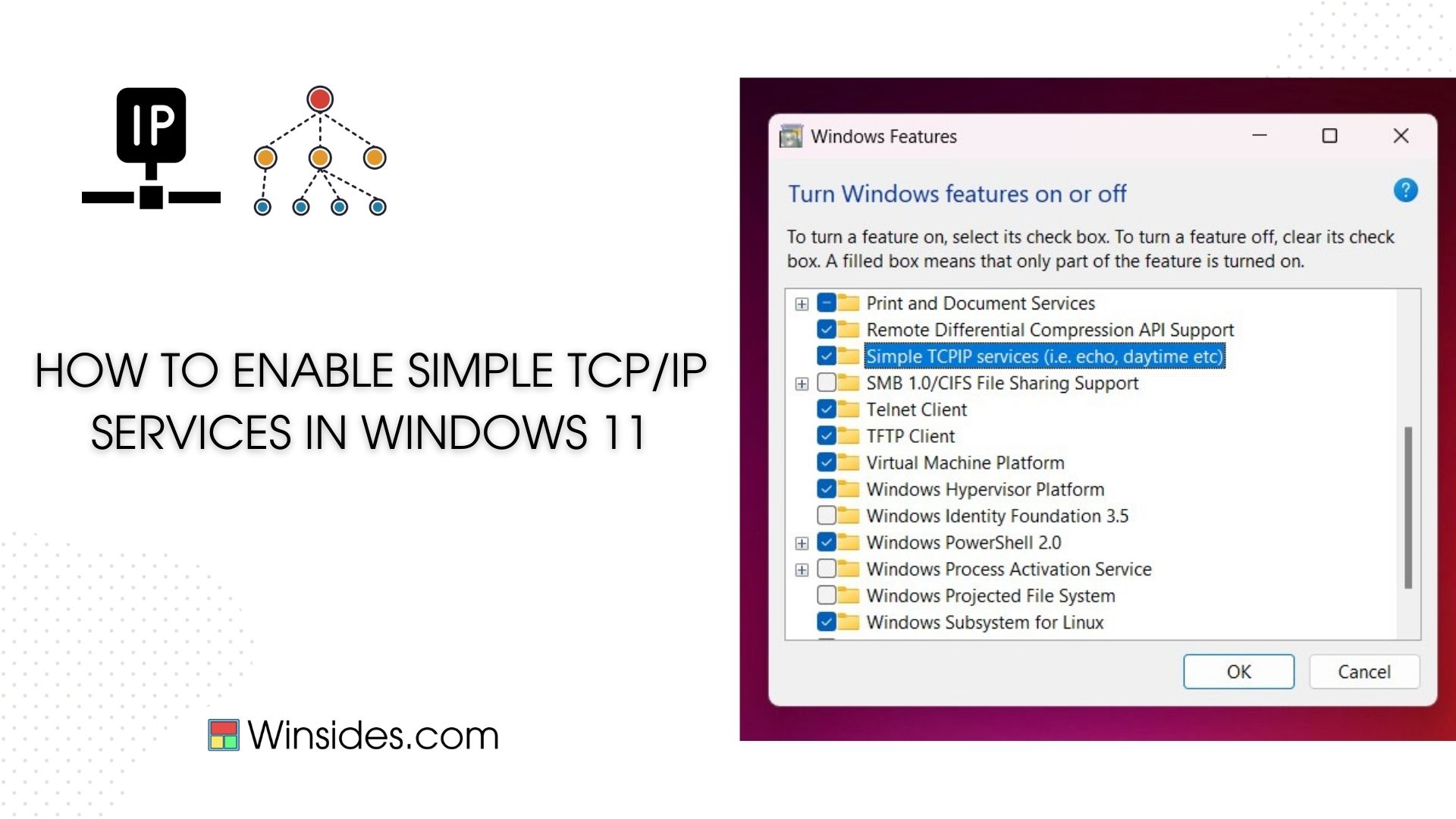
How to Enable Simple TCP/IP Services in Windows 11?
Enable simple TCP/IP Services in Windows 11: TCP/IP, the cornerstone protocol of the internet, is vital for accessing websites, sending emails, and connecting to various network resources. By…
Read More
Install Braille Display with Narrator on Windows 11
Braille Display with Narrator on Windows 11: Braille is a tactical writing system for visually impaired individuals to read and write. In 1824, it was developed by Louis Braille based on Six-dot…
Read More
How to Change Mouse Pointer Style on Windows 11?
Change Mouse Pointer Style on Windows 11: The first computer mouse was invented in 1964 by Douglas Engelbart at the Stanford Research Institute. However, it was commercially popularized by Apple when…
Read More
How to Use ODBC on Windows 11?
ODBC, the short form of Open Database Connectivity is a standard Application Programming Interface. It allows applications to connect to various database systems such as Data Analytics and Reporting,…
Read More
How to Run Disk Cleanup Utility as Administrator on Windows 11? 5 Best Ways!
Disk Cleanup Utility is an powerful Windows tool that helps users to free up disk space by removing unnecessary files. This tool allows you to perform the following options: Temporary Windows…
Read More
4+ Best Ways- Open Computer Management as Administrator on Windows 11!
Computer Management is one of the powerful tool which helps users to manage various aspects of their system, such as disk partitions, system performance, user accounts, and many more. Computer…
Read More
How to Run DiskPart as Administrator on Windows 11? 4 Easy Ways!
DiskPart is a powerful command line tool and it helps users to manage their hard drives partitions, and volumes with advanced precisions. From creating partitions to formatting drives and resolving…
Read More
How to Run Services.msc as Administrator on Windows 11? 5 Best Ways!
Services.msc is an important utility tool in Windows 11 that allows users to manage and configure system services. From starting or stopping services to changing their startup types, it provides a…
Read More