Adjust ClearType Text in Windows 11 is a useful feature from Microsoft that fine-tunes the fonts when connected to an external display for Screen Mirroring, Extended Displays, etc. Whether you are connecting your Windows 11 Laptop or PC to a Dell, HP, or Asus Monitor or Sony, Samsung LCD, or LED TV, Adjust ClearType Text […]
Adjust ClearType Text in Windows 11: I have a Sony Bravia LED TV in my office. It has been lying idle for quite a time, so I connected it to my laptop using an HDMI cable to have a bigger screen. To my surprise, the fonts looked very obscure, winsides.com users know that my primary […]
When I connected my external SSD to transfer files from my PC, I noticed that the SSD was using up space, but when I opened it, there were no visible files. I tried ejecting the SSD and reconnecting it to my PC, but the SSD still showed space being consumed, even though I couldn’t see […]
Everyone tends to remove external devices such as USB drives or external disk drives without using the safe removal option on a Windows PC. However, this practice can harm your device in the long run. This is because your operating system constantly communicates with connected external drives to retrieve information. Even if you close all […]
Recently, my laptop’s PRNT SCRN button stopped working due to minor water damage. Unfortunately, I don’t have a backup external keyboard and don’t have the time to buy a new one right now. After doing some research, I discovered that it’s possible to take screenshots on a Windows 11 PC without using the PRNT SCRN […]
Recently, my Asus Rog Gstrix 15 laptop powered by Windows 11, was running very slow during the startup of the OS, and a couple of apps opened, and notifications started appearing. I barely use these applications, and I prefer to use them only when I need them and that is when I decided to check […]
.NET Environment for Windows Process Activation Service: This optional feature is a component within the Windows Process Activation Service (shortly called WAS) that is crucial for managing and activating applications like Internet Information Services. When you enable the .NET Environment feature in WAS, it allows applications that are built using the .NET Framework to run […]
Configuration APIs in general are tools that allow developers to programmatically manage and modify the settings. In Windows Process Activation Service shortly called WAS, configuration APIs allow developers to create and manage Application Pools, Configure Sites and Applications, Set Protocols, and adjust security settings. This article will walk you through the steps of How to […]
This is one of the interesting features available in Windows operating systems. However, I want to caution you while using this No GUI Boot in Windows 11. It is primarily useful for users who want a faster and simpler boot experience. When this option is enabled, instead of seeing the familiar Windows logo and animation […]
Unbranded Boot in Windows 11 refers to a boot experience that removes the Windows logo and other branding during startup, shutdown, or when resuming from hibernation. It’s often used by OEMs (Original Equipment Manufacturers) to customize the appearance of the boot process or by those wanting a cleaner, minimalist boot screen. I use the Asus […]
I was working on my PC and had to manage many sample and temporary files for web development projects. Once the projects were completed, I would delete the temporary files and images using a batch file to free up space on my laptop. However, I later realized that the batch file didn’t delete the files […]
While working on a recent web app, I suddenly found that my Start menu stopped working. I tried various methods to fix it, but nothing seemed to work. Eventually, I came across a solution on the Winsides website, which suggested restarting File Explorer. Surprisingly, restarting File Explorer did the trick, and I found it quite […]
Hello friends, it’s been a while! I’m back with a new tutorial. Microsoft launched Windows 11 a few years ago, and it comes in several editions such as Windows 11 Home, Windows 11 Pro, Windows 11 Pro for Workstations, Windows 11 Enterprise, Windows 11 SE for Education, Windows 11 Education, and Windows 11 in S […]
Device Manager Shortcut in Windows 11: It is a system utility that allows users to view and manage the hardware devices installed on Windows PCs that can be handy for Power Users, IT Professionals, and System Administrators. It provides detailed information about each device, including its type, status, and the drivers used. Users can perform […]
PowerToys is a game changing utility developed by Microsoft, especially for Windows 11 users. With PowerToys, you can easily perform complex tasks. I’ve written tutorials on how to use the PowerRename and Color Picker utilities from PowerToys on Windows 11. In this news article, I’ve included a list of the new features added to version […]
When you adjust mouse pointer speed in Windows 11 can make a huge difference in how smoothly and quickly you get things done. DPI (Dots Per Inch) is a key metric in determining a mouse’s sensitivity. Not everyone uses their computer in the same way. Some prefer a faster, more sensitive cursor, while others value […]
Have you ever been in a situation where every second counts, like timing a specific event or needing to synchronize actions down to the second? As a web app developer, I often work on multiple web applications hosted online. Recently, while updating the working algorithm for removing backgrounds using AI in one of my web […]
For my website (Winsides) YouTube channel, I was looking for the best video editing tools and found that Adobe After Effects and Adobe Premiere Pro were the top choices. I discovered that my device needs to meet certain software requirements. Both applications require a video graphics driver that runs on DirectX 12. While I’m sure […]
Hyper-V is a native hypervisor feature in Windows 11 that allows you to create and manage virtual machines (VMs) on your computer. It lets you spin up different operating systems, whether it’s Linux, an older version of Windows, or even another instance of Windows 11, all without needing extra devices. eliminates the need for multiple […]
Enable Containers in Windows 11: This feature is super handy for developers and IT pros who need to test stuff, run different versions of an app, or play around with configurations without risking the stability of their main system. It’s more of a Pro, Enterprise, or Education edition kind of deal, aimed at those who […]
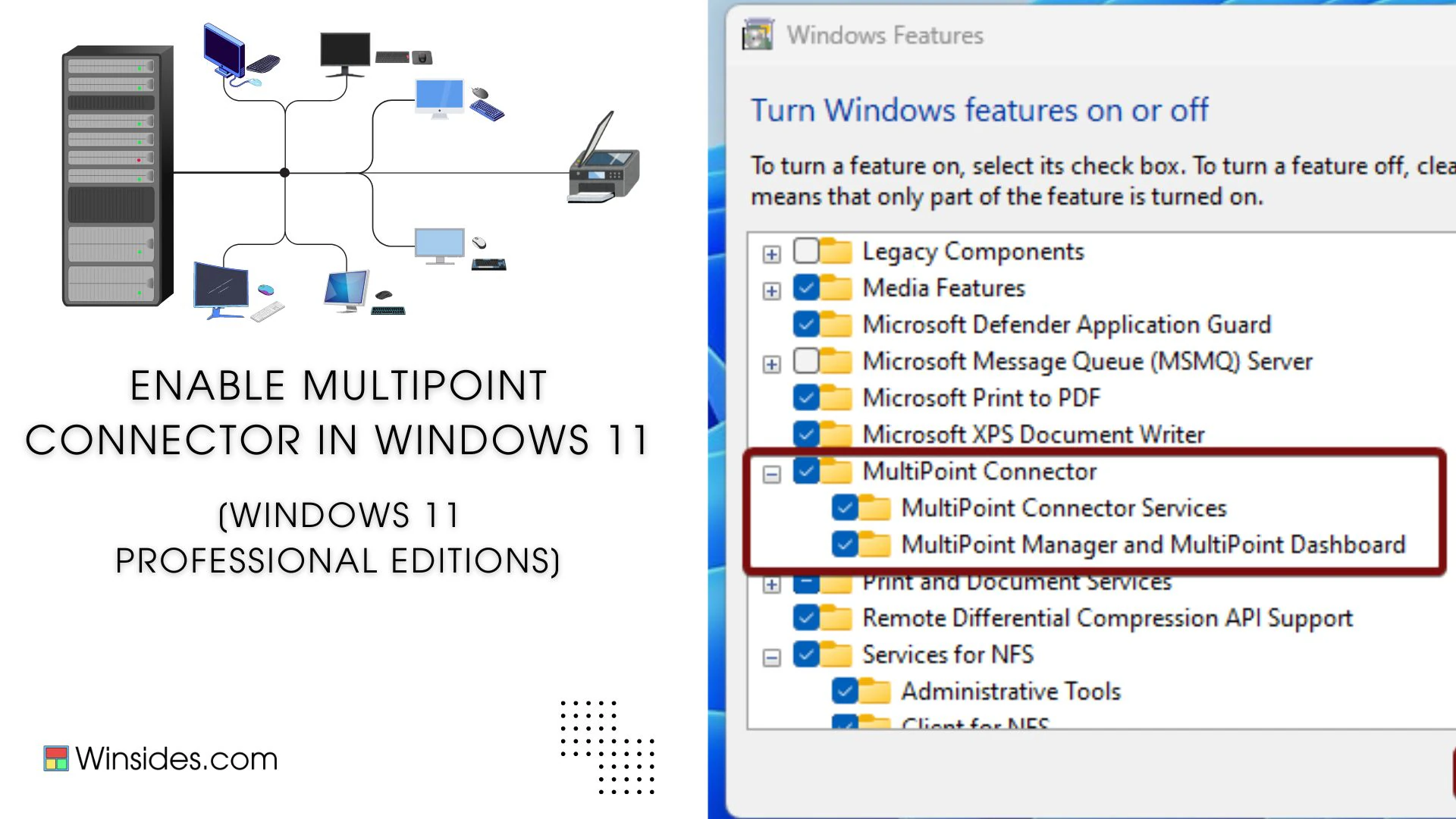
Enable MultiPoint Connector Services in Windows 11: It is a part of Microsoft Multipoint Services, which allows multiple users to connect to and share a single computer simultaneously, using separate monitors, keyboards, mice, and other peripheral devices. Imagine a classroom where every student needs to use a computer, but instead of having individual PCs for […]
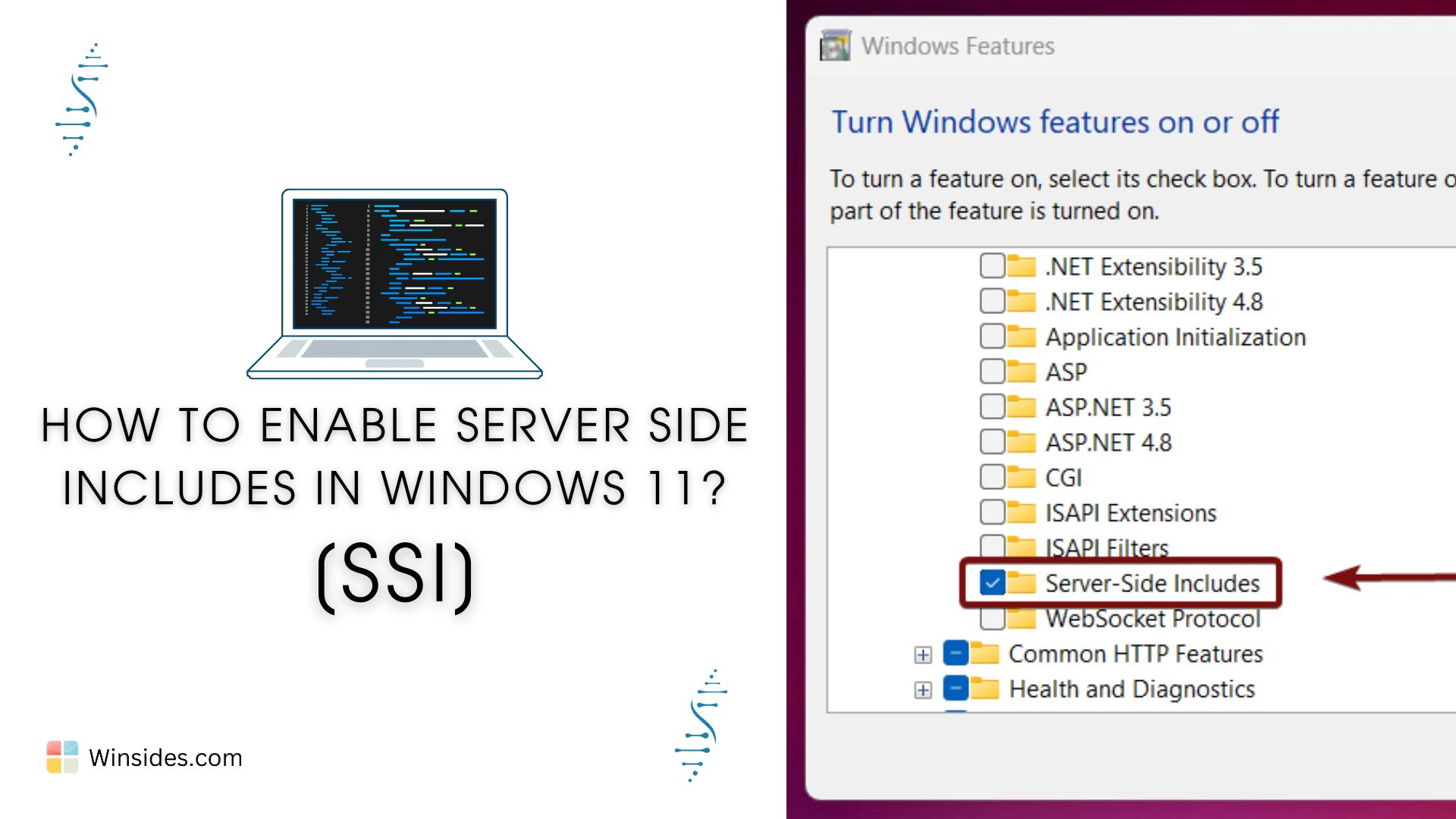
Imagine you’ve got a website with 50 pages, all sharing the same header, footer, or menu. If you need to update any of these elements, normally you’d have to edit all 50 pages, super tedious, right? Instead of editing each page every time you make a change, Server Side Includes, known as SSI, lets you […]
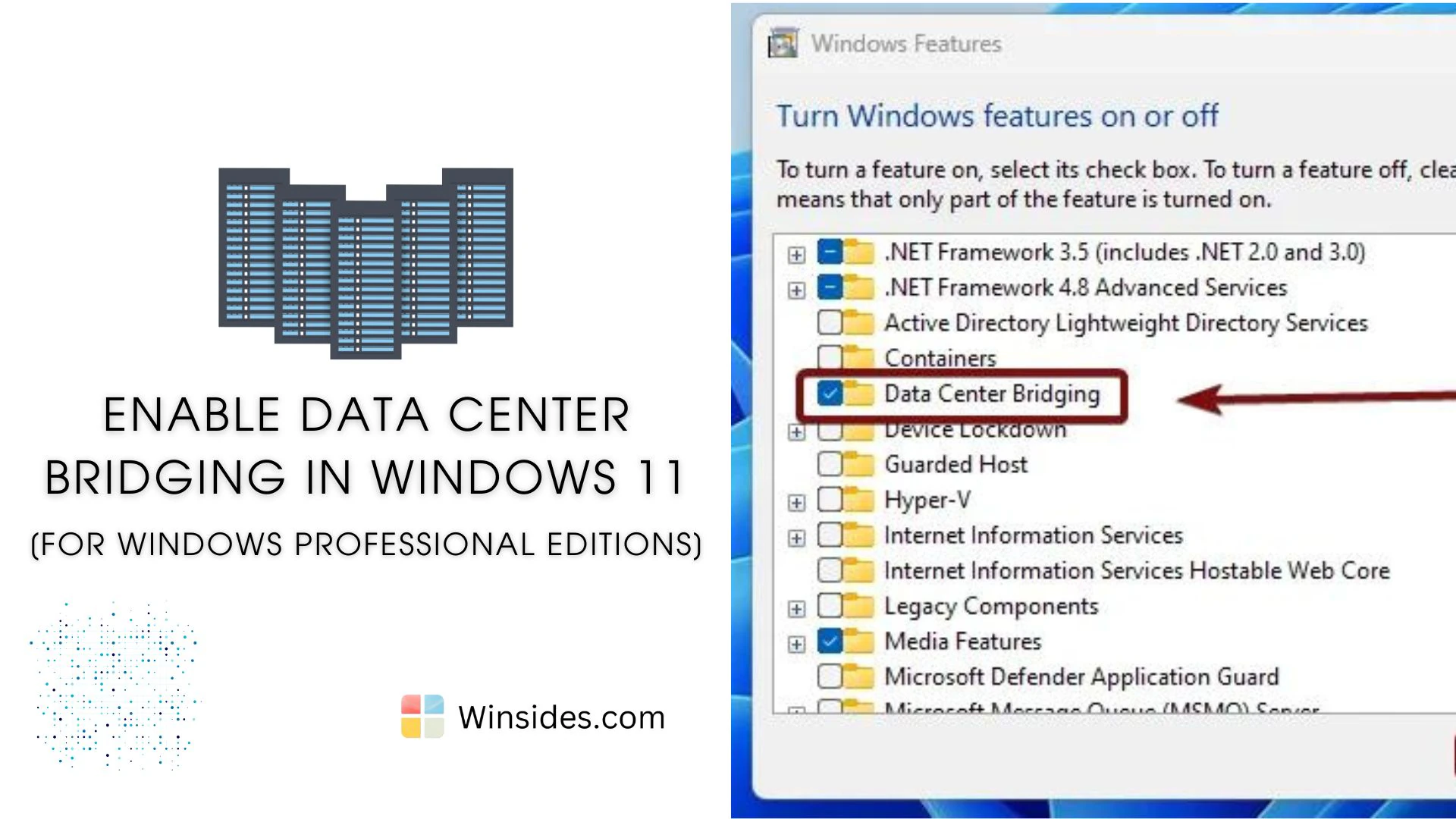
Data Center Bridging (DCB) is a suite of IEEE (Institute of Electrical and Electronics Engineers) standards designed to enhance Ethernet networks by providing lossless and low-latency data transmission. DCB is an optional feature in professional editions of Windows 11, such as Pro and Enterprise. This feature is particularly beneficial for data centers, ensuring that various […]
After the recent update from Windows 10 to Windows 11, users have faced a unique issue: Windows won’t shut down properly. This can happen due to many causes that I have listed below. To overcome this issue, I suggest you follow the 10+ methods to get rid of the Windows 11 shutdown issue. This problem […]
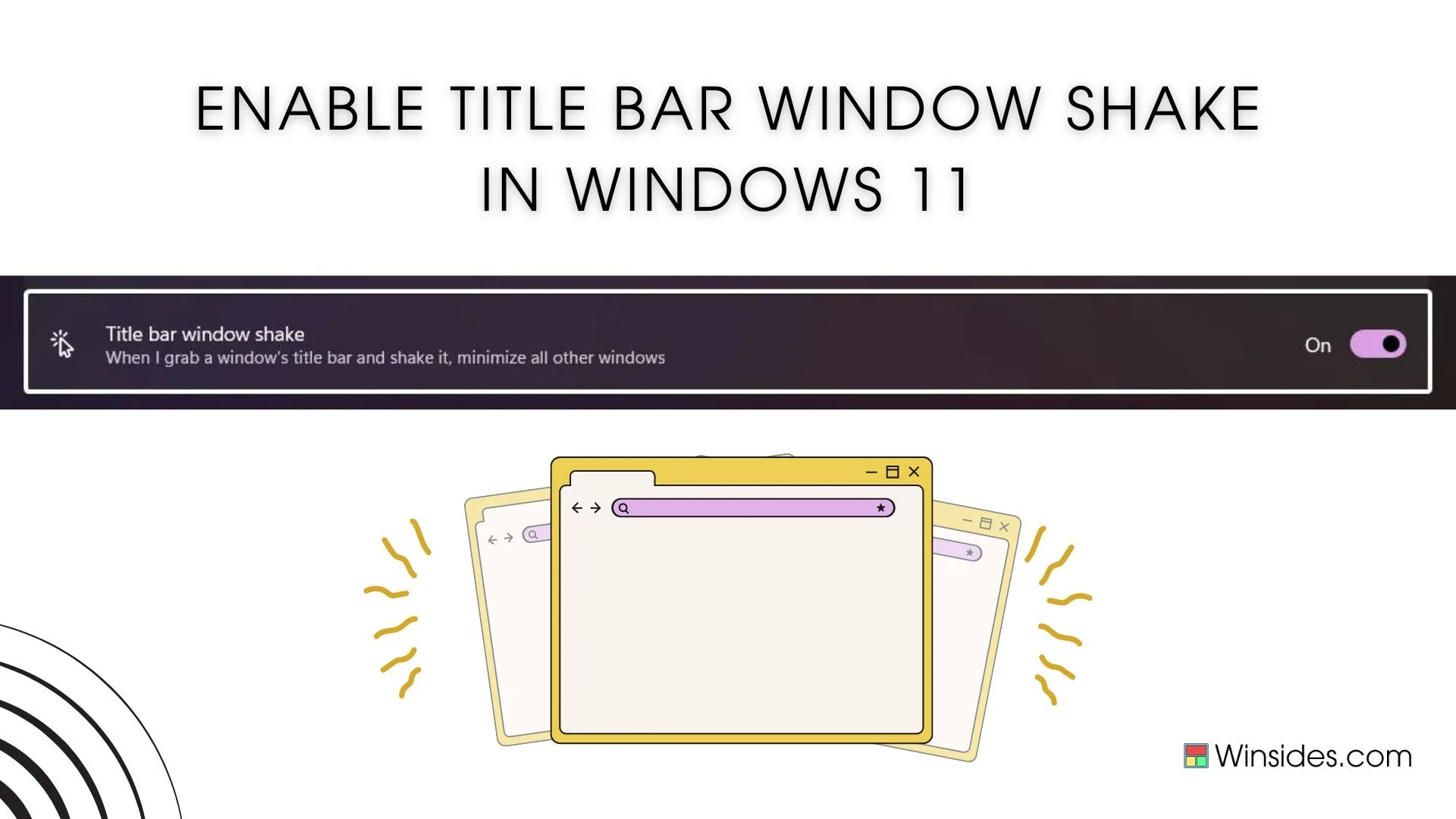
Title Bar Windows Shake, also known as Aero Shake, is a nifty feature introduced in Windows 7 and carried forward to Windows 11, allowing users to quickly minimize all open windows except the one they are working on. This feature can be particularly useful for those who often work with multiple applications and need to […]
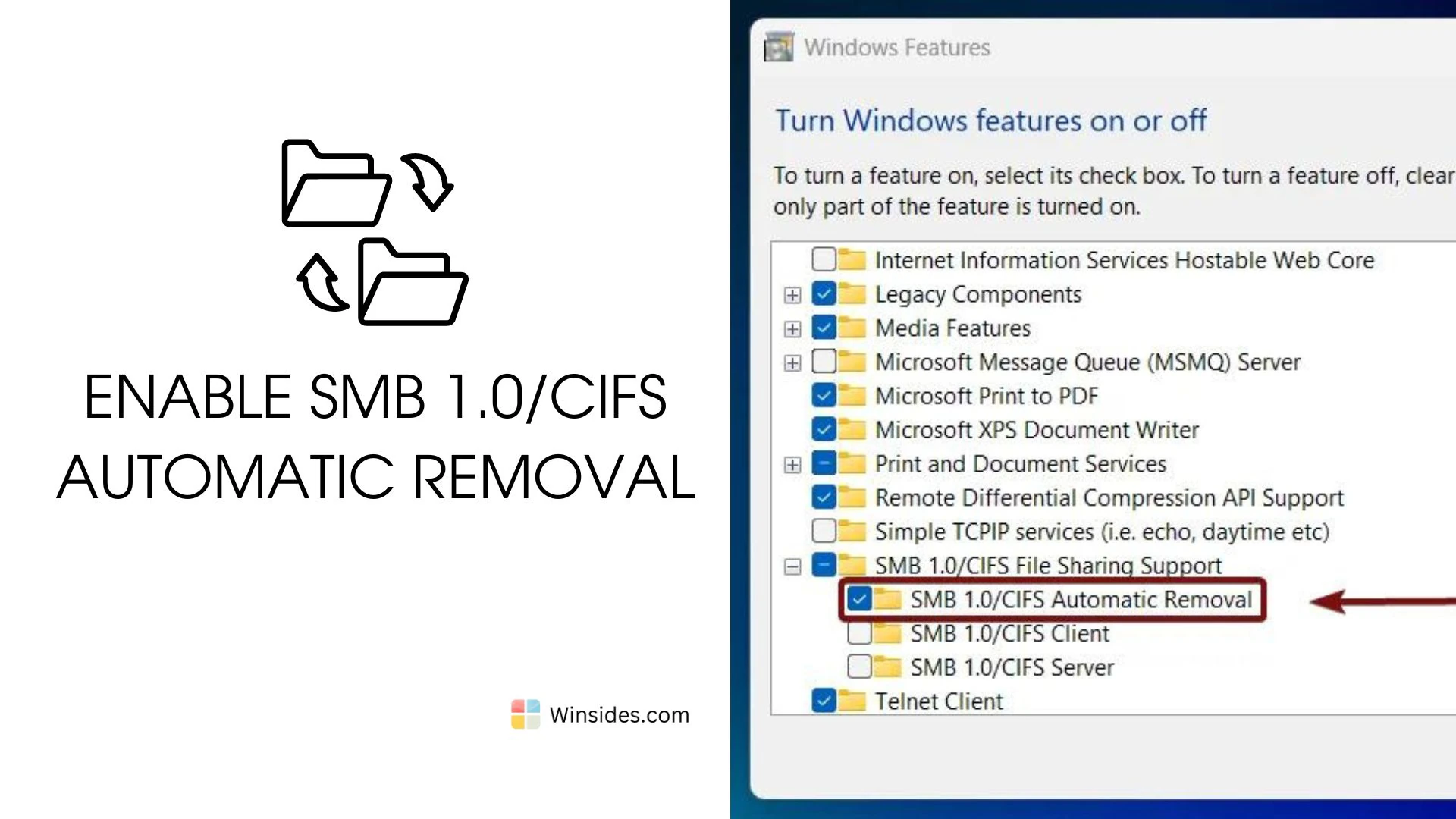
SMB 1.0/CIFS is an outdated protocol with known security vulnerabilities. These vulnerabilities have been exploited by ransomware and other malware, most notably in the WannaCry and NotPetya attacks and in general, cyber attacks. SMB 1.0/CIFS Automatic Removal is a feature in Windows 11 that automatically disables and removes the legacy Server Message Block (SMB) 1.0/CIFS […]
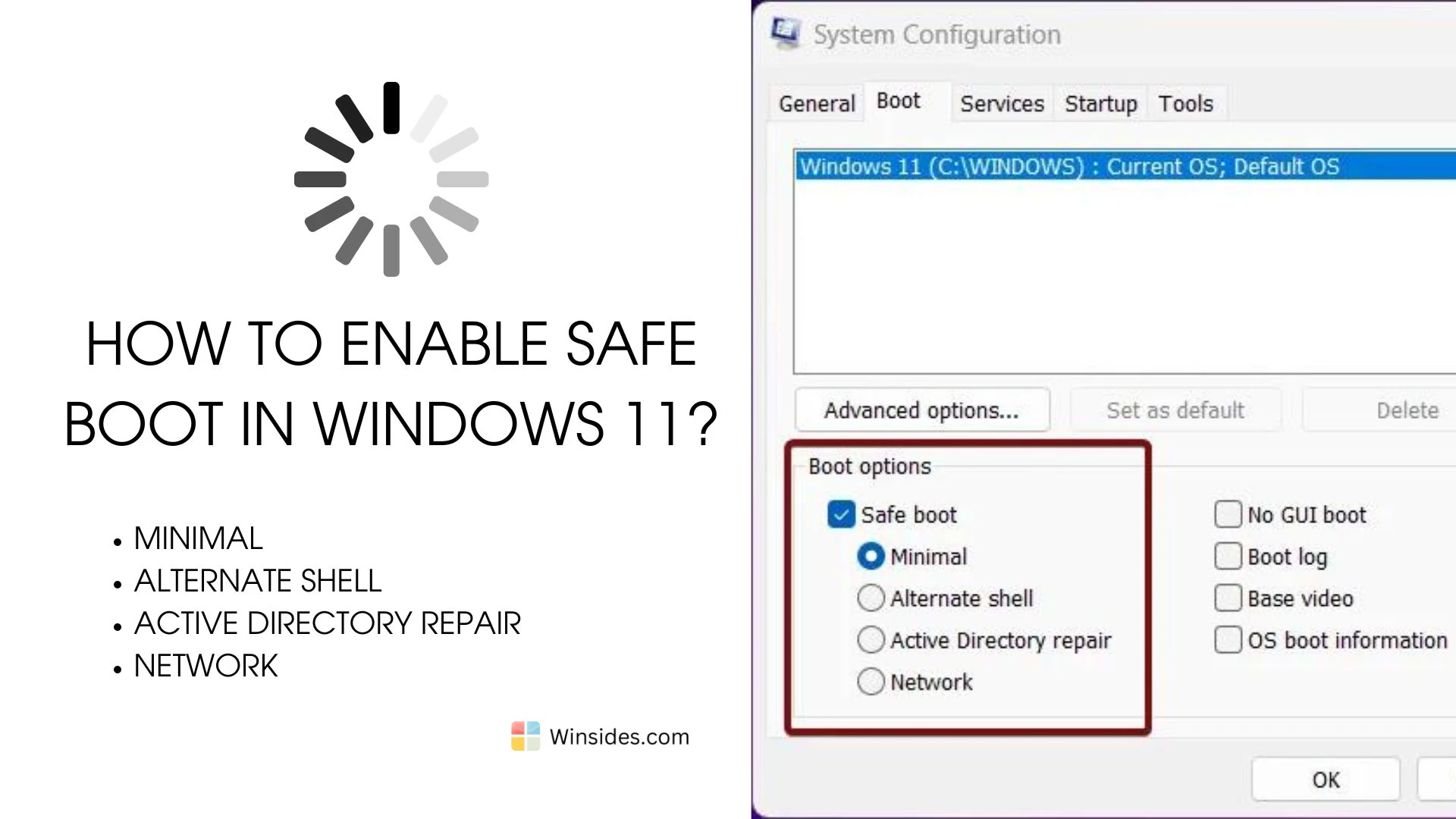
Enable Safe Boot in Windows 11: The Safe Boot option in Windows 11 is a troubleshooting feature that allows you to start your computer with a minimal set of drivers and services. This mode is designed to help diagnose and fix issues that might be preventing your system from starting normally or running correctly. By […]
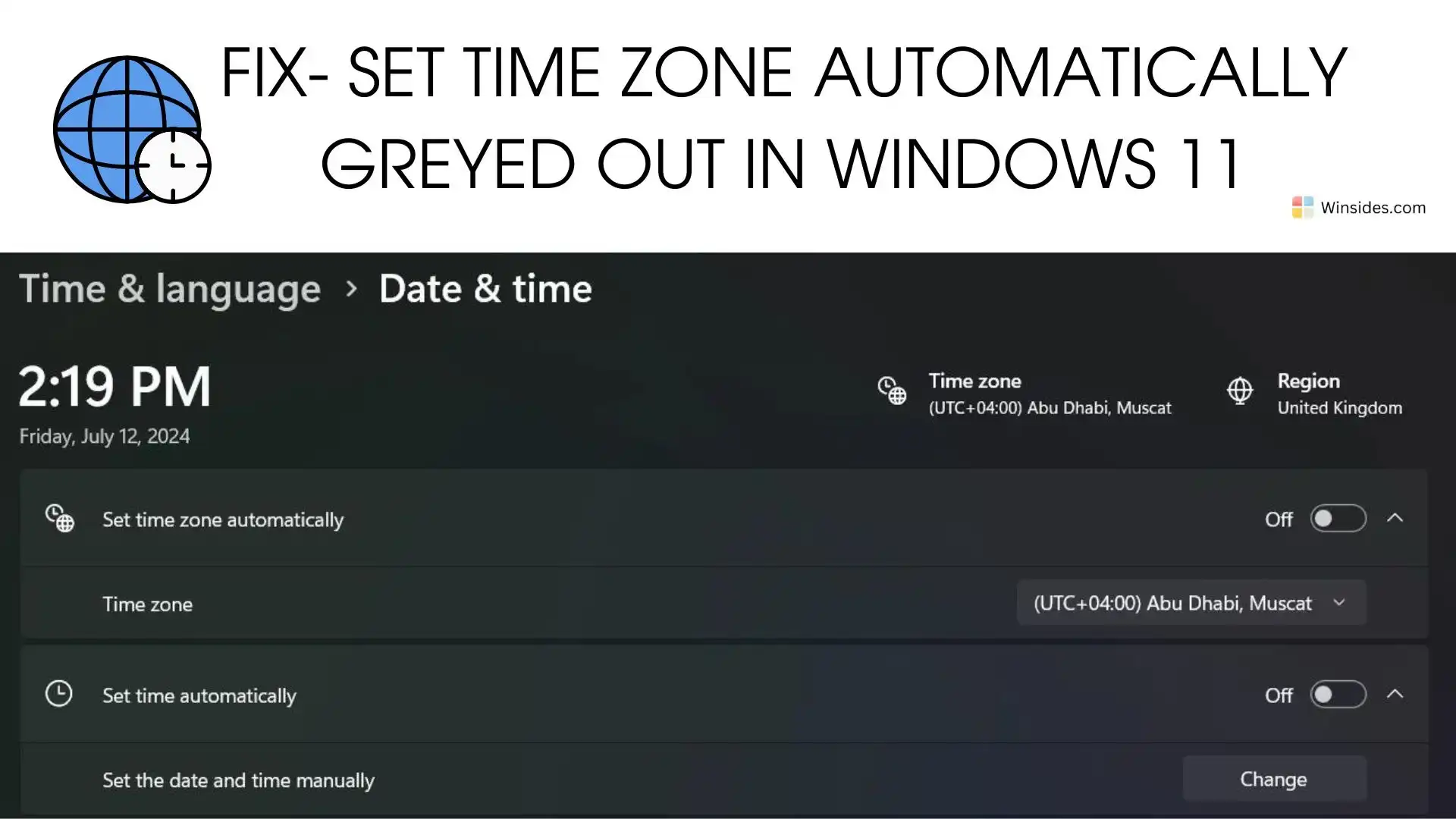
Set Time Zone Automatically Greyed out in Windows 11: Imagine traveling to a new city and expecting your Windows 11 device to adjust the time zone automatically, but you find that the “Set time zone automatically” option is greyed out. Frustrating, right? This common issue can disrupt your schedule, making it essential to find a […]
HTTP Redirection Service in IIS: Ever found yourself clicking on a link only to be met with a “404 Page Not Found” error? Enter the HTTP Redirection Service in Internet Information Services (IIS) on Windows 11—the unsung hero of web management. In the ever-evolving world of online content, ensuring that users effortlessly land on the […]
Static Content Service in Internet Information Services: The Static Content Service in Internet Information Services (IIS) on Windows 11 is designed to optimize the delivery of static content on websites. Static content typically includes elements like images, stylesheets, JavaScript files, and other resources that don’t change frequently. This guide delves into the world of Static […]