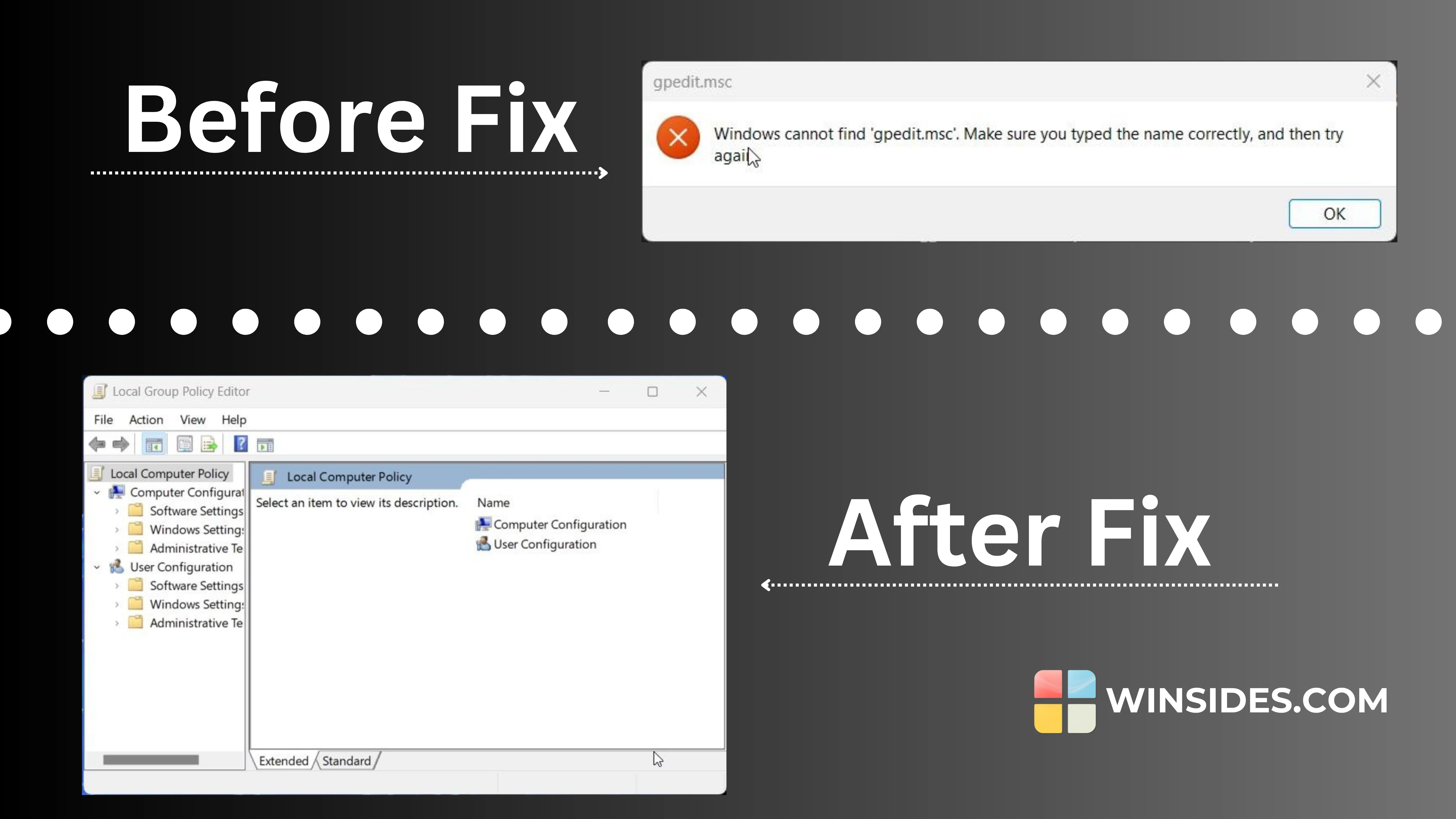
Instant 2 Steps Fix Windows Cannot Find ‘gpedit.msc’ in Windows 11

I recently encountered an issue on my Windows 11 PC where I tried to open the Group Policy Editor by typing gpedit.msc, only to be met with a frustrating error message: “Windows cannot find…
Read More
Instantly Remove Copilot from Taskbar without Disabling it!
Windows Copilot is a useful assistant built into Windows 11, providing quick access to features and tools to boost productivity. It sits on the taskbar, ready to help with tasks like web searches,…
Read More
How to Enable Windows Insider Program in Windows 11?

Enable Windows Insider Program in Windows 11: The Windows Insider Program is a community-based program developed by Microsoft that allows users to sign up for pre-release versions of Windows 11. It…
Read More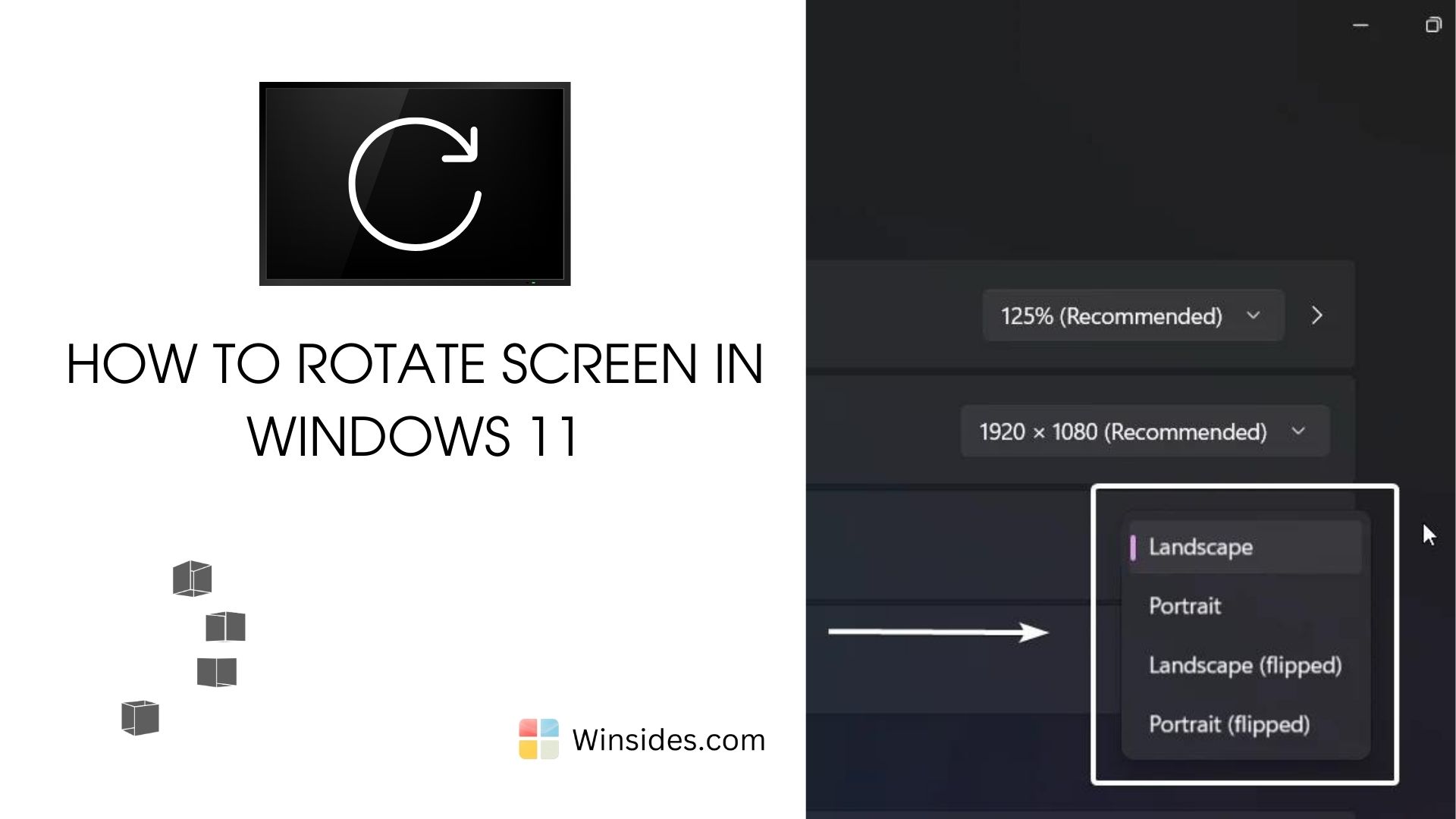
How to Rotate Screen on Windows 11 PC?
Rotating the screen on your Windows 11 PC can be incredibly useful for a variety of scenarios, whether you’re working on a presentation, reading documents in portrait mode, or setting up a…
Read More
How to Turn Off Search Highlights in Windows 11?
I have been using Windows 11 for more than a year now, and I have always been distracted by the new search highlights feature. Some may find it effective, but for me, it is a kind of disturbance. It…
Read More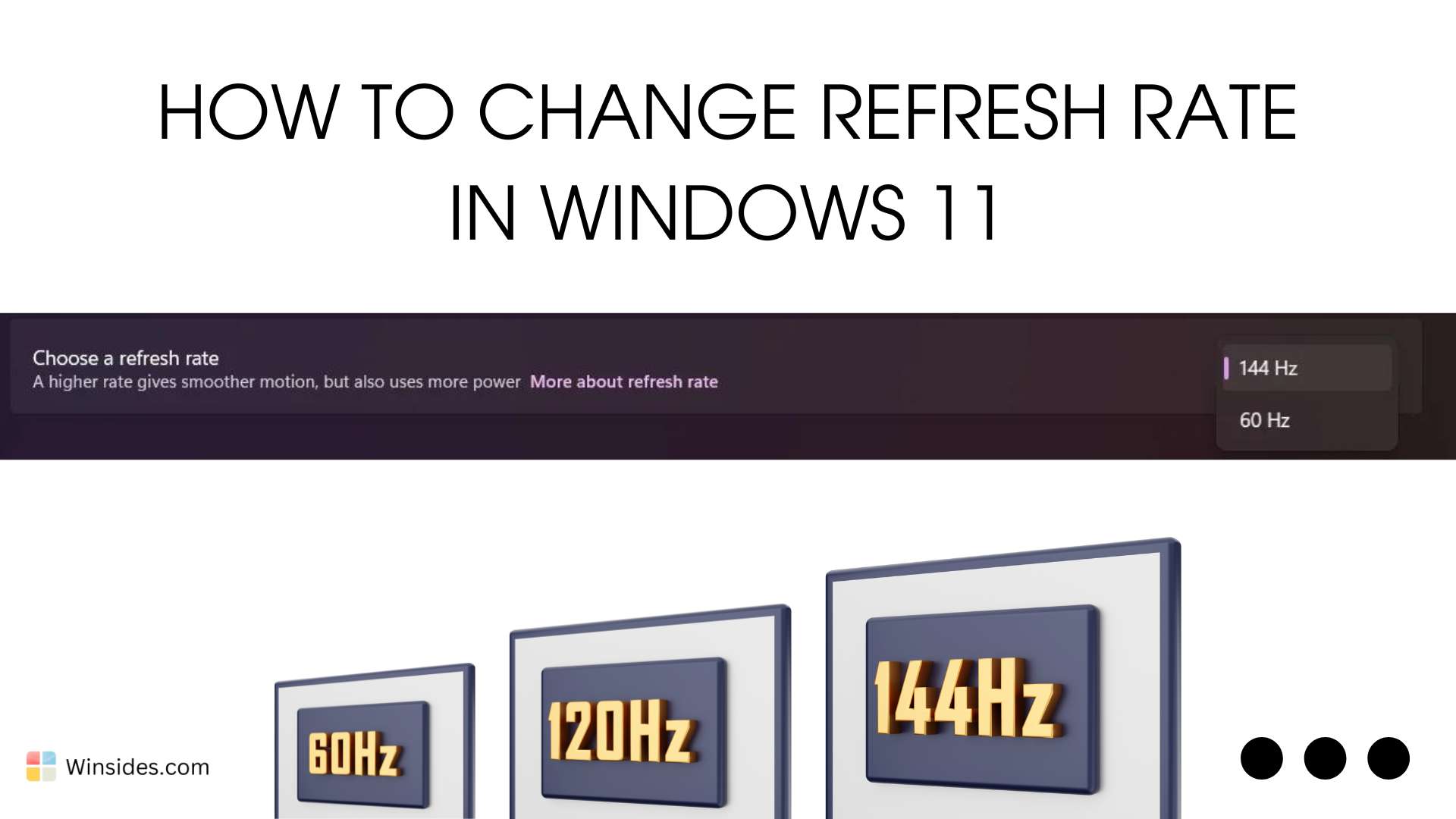
How to Change Refresh Rate in Windows 11 PC?
Change Refresh Rate in Windows 11: The refresh rate on your Windows 11 PC can significantly enhance your visual experience, providing smoother motion and reducing eye strain. The refresh rate,…
Read More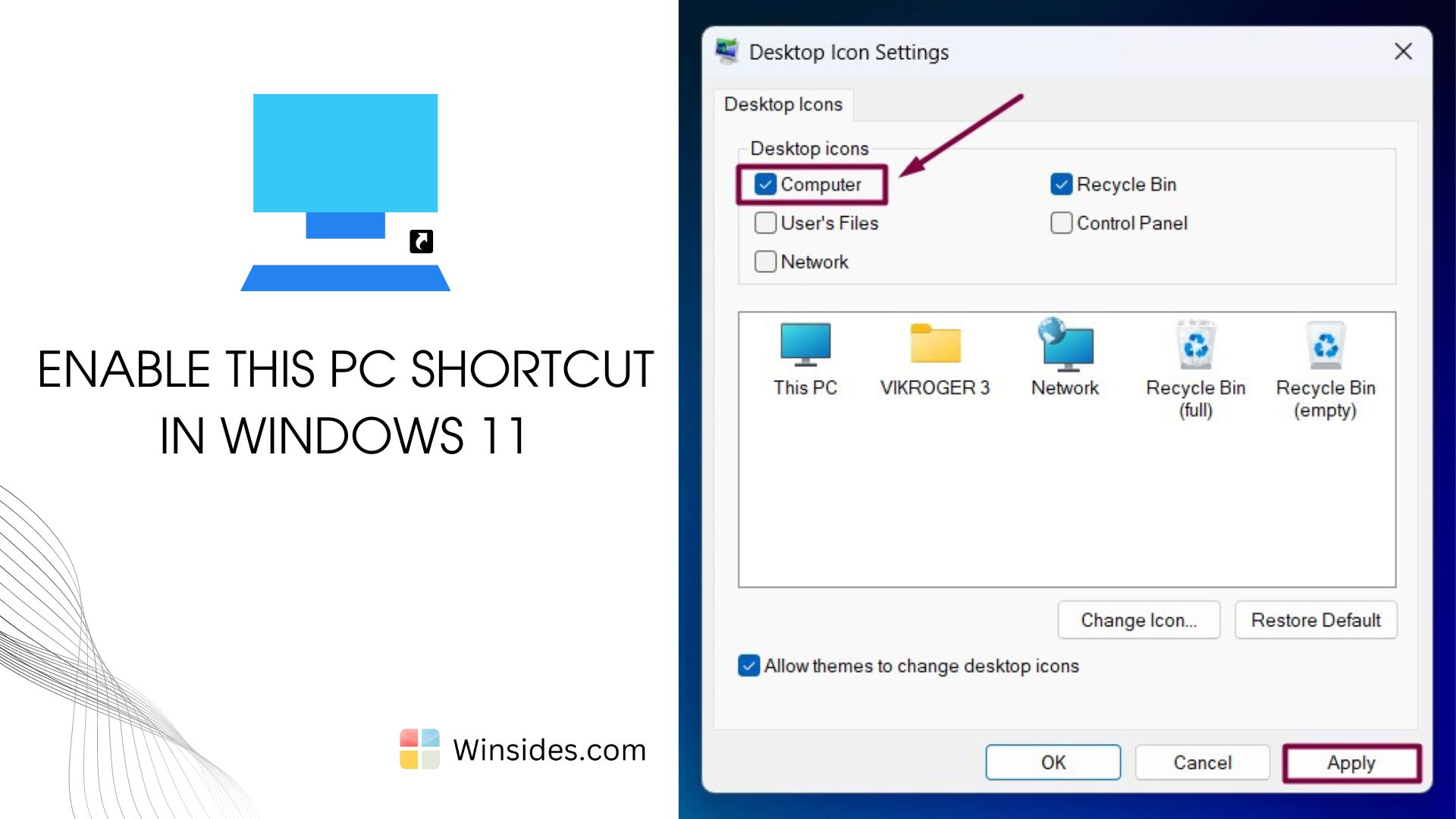
Enable This PC Shortcut in Windows 11 Desktop
The “This PC” shortcut has long been a staple of the Windows desktop, offering quick access to files and system settings. It is one of the most popular and convenient features that users…
Read More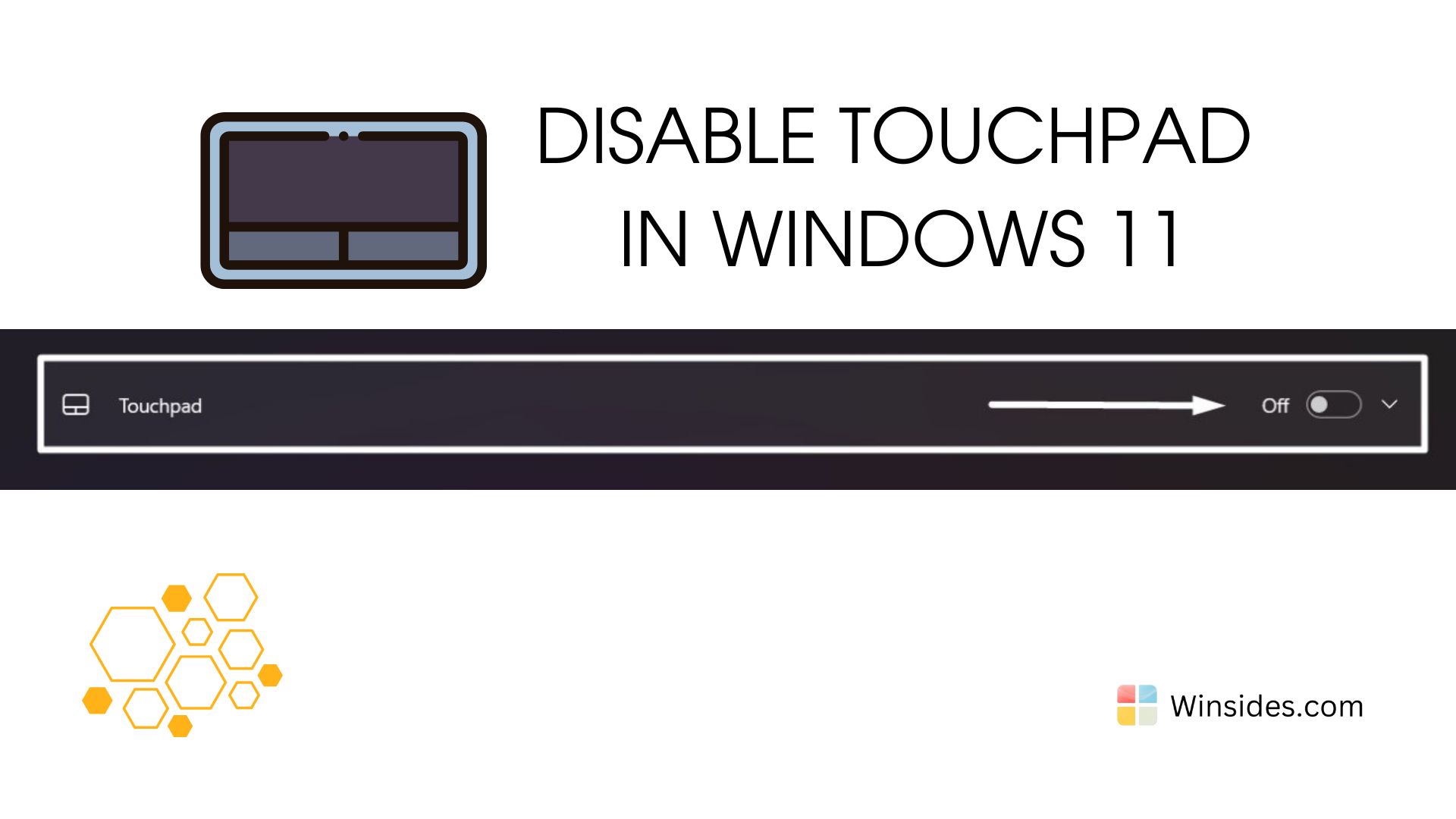
How to Disable Touchpad in Windows 11 PC?
Disable Touchpad in Windows 11: The touchpad is an essential component for navigating your laptop, but there are times when you might prefer to disable it. Whether you are using an external mouse for…
Read More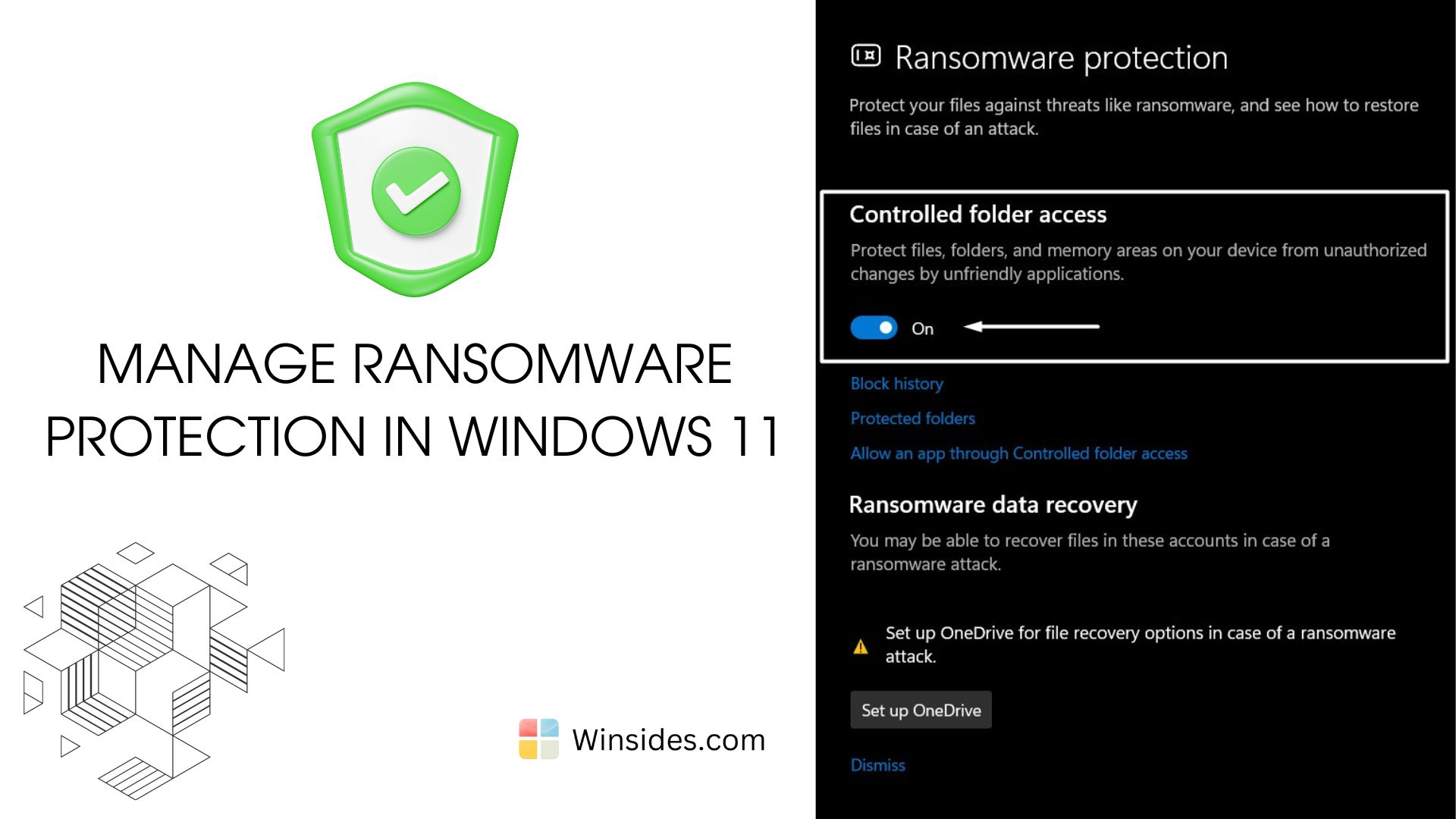
Manage Ransomware Protection in Windows 11?
Ransomware Protection in Windows 11: It is a malicious software (malware) designed to encrypt files on a victim’s computer or network, rendering them inaccessible until a ransom is paid. The…
Read More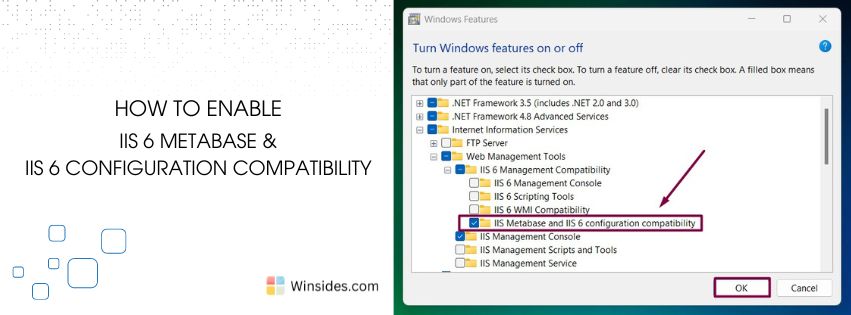
Enable IIS 6 Metabase and IIS Configuration Compatibility in Windows 11
IIS 6 Metabase and IIS Configuration Compatibility: The IIS 6 Metabase Compatibility feature enables users to utilize metabase, which is a hierarchical store for most IIS configuration settings in…
Read More