Windows 11
Explore the latest features and enhancements of the Windows 11 Operating System at Winsides.com. Whether you’re upgrading or just curious, we provide tips and tutorials to help you make the most of Windows 11’s innovative tools and seamless performance.
-
How to Empty The Recycle Bin in Windows 11?
I was working on my PC and had to manage many sample and temporary files for web development projects. Once…
Read More » -
How to Restart File Explorer.Exe in Windows 11?
While working on a recent web app, I suddenly found that my Start menu stopped working. I tried various methods…
Read More » -
How to Check Installed Windows 11 Edition?
Hello friends, it’s been a while! I’m back with a new tutorial. Microsoft launched Windows 11 a few years ago,…
Read More » -
How to Adjust Mouse Pointer Speed in Windows 11?
When you adjust mouse pointer speed in Windows 11 can make a huge difference in how smoothly and quickly you…
Read More » -

How to Install and Run X Server in Windows 11?
Run X Server in Windows 11: In our previous articles, we have covered a lot about virtualization, hypervisor platforms, containers,…
Read More » -
How to Show Seconds in System Tray Clock Windows 11?
Have you ever been in a situation where every second counts, like timing a specific event or needing to synchronize…
Read More » -
How to Check DirectX Version Installed in Windows 11?
For my website (Winsides) YouTube channel, I was looking for the best video editing tools and found that Adobe After…
Read More » -
How to Check .Net Framework Version in Windows 11?
I’m a Windows enthusiast and a web app developer. I recently upgraded my PC to the MSI Vector series and…
Read More » -

10+Methods to Fix Windows 11 Won’t ShutDown Issue(How to)?
After the recent update from Windows 10 to Windows 11, users have faced a unique issue: Windows won’t shut down…
Read More » -
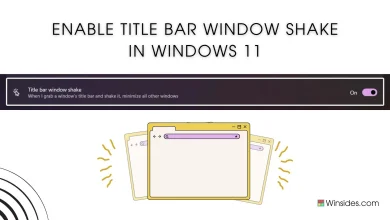
Turn on Title Bar windows Shake in Windows 11
Title Bar Windows Shake, also known as Aero Shake, is a nifty feature introduced in Windows 7 and carried forward…
Read More »