

Enable HTTP Activation on Windows 11: This feature in Windows 11 allows Windows Process Activation Service (WAS) to activate applications using HTTP protocols. It is particularly relevant for applications that are hosted in Internet Information Services (IIS) and utilize Windows Communication Foundation (WCF) services. It is listed under the .NET Framework in Windows features because it is part of the Windows Communication Foundation (WCF) services, which are components of the .NET Framework. This guide will walk you through the steps of enabling HTTP Activation in Windows using simple and straightforward steps.
Table of contents
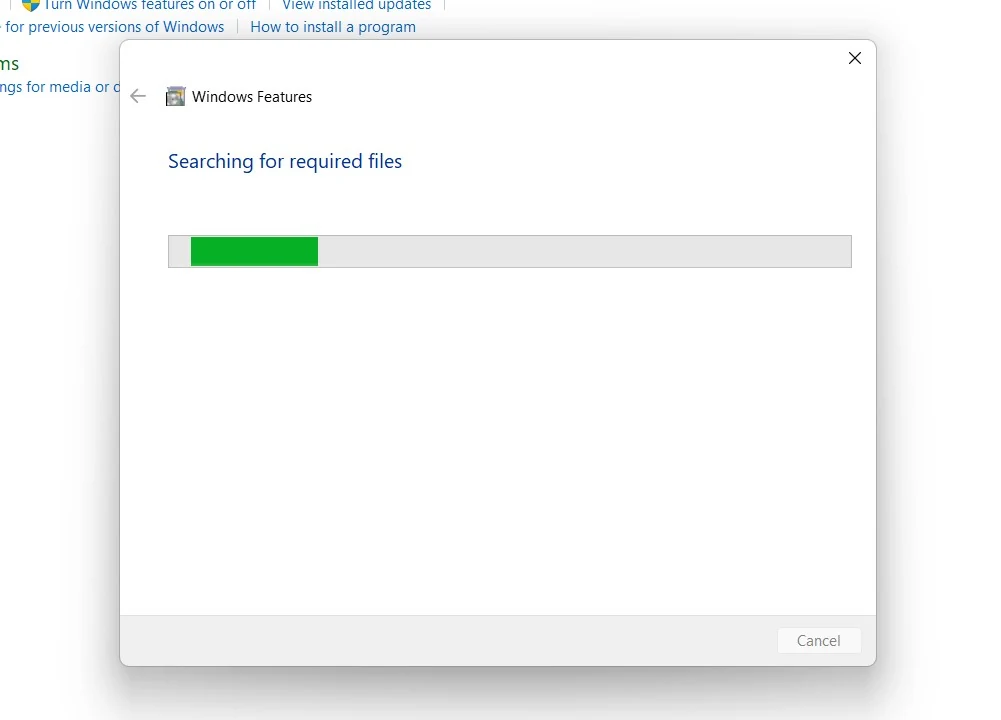
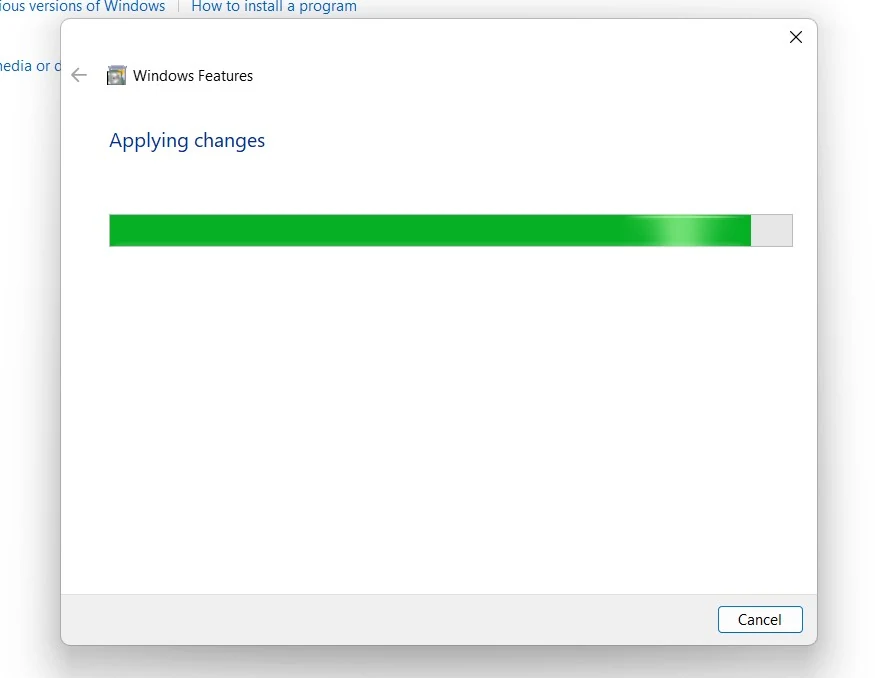
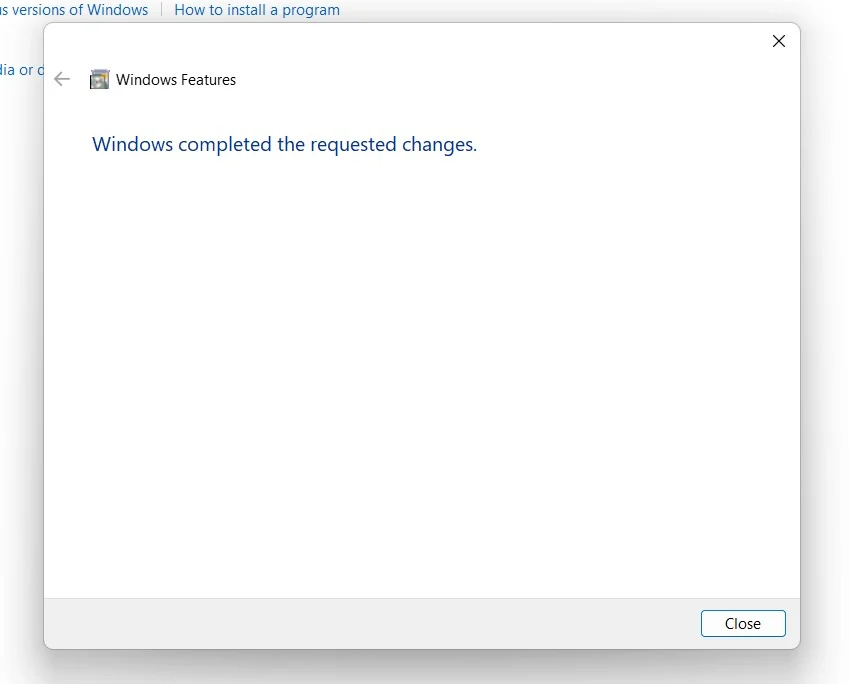
Steps to Enable HTTP Activation on Windows 11
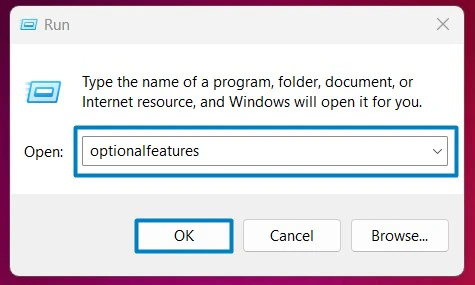
- Open the Run command box using the shortcut Win Key + R.
- Enter
optionalfeaturesIn the run command box.
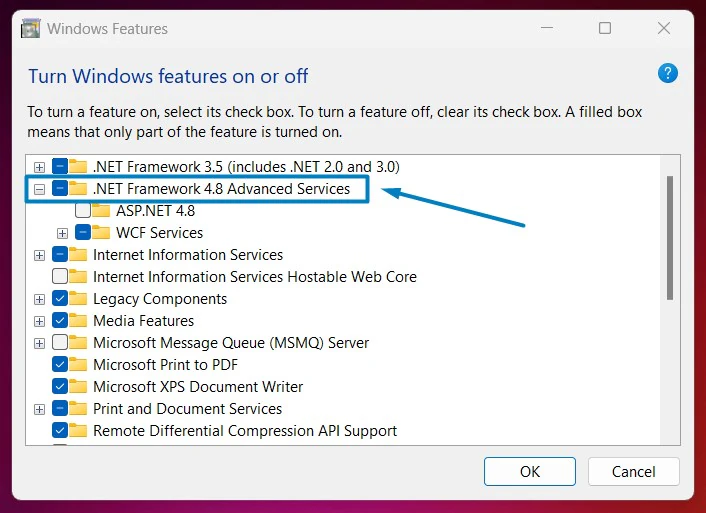
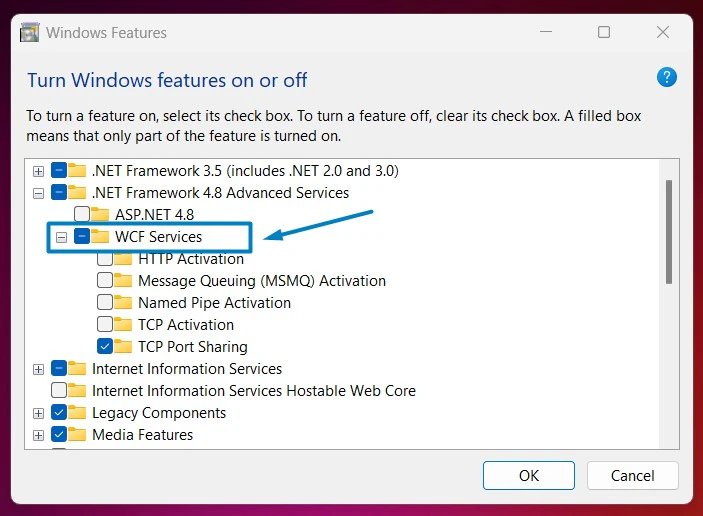
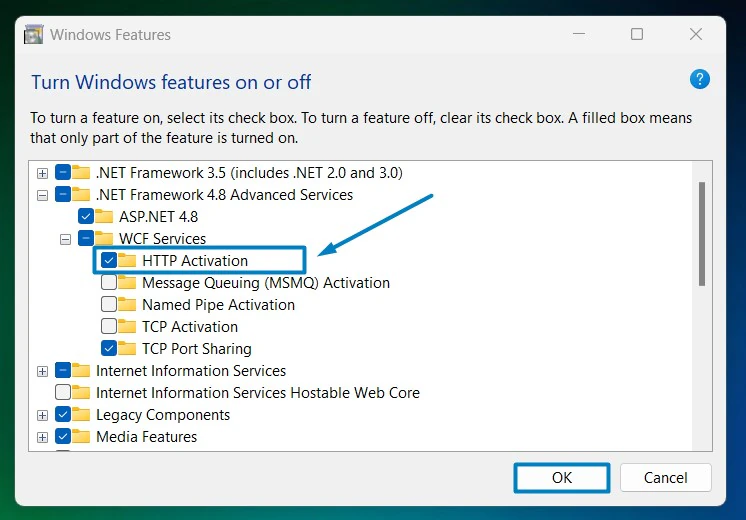
Integration with other Features:
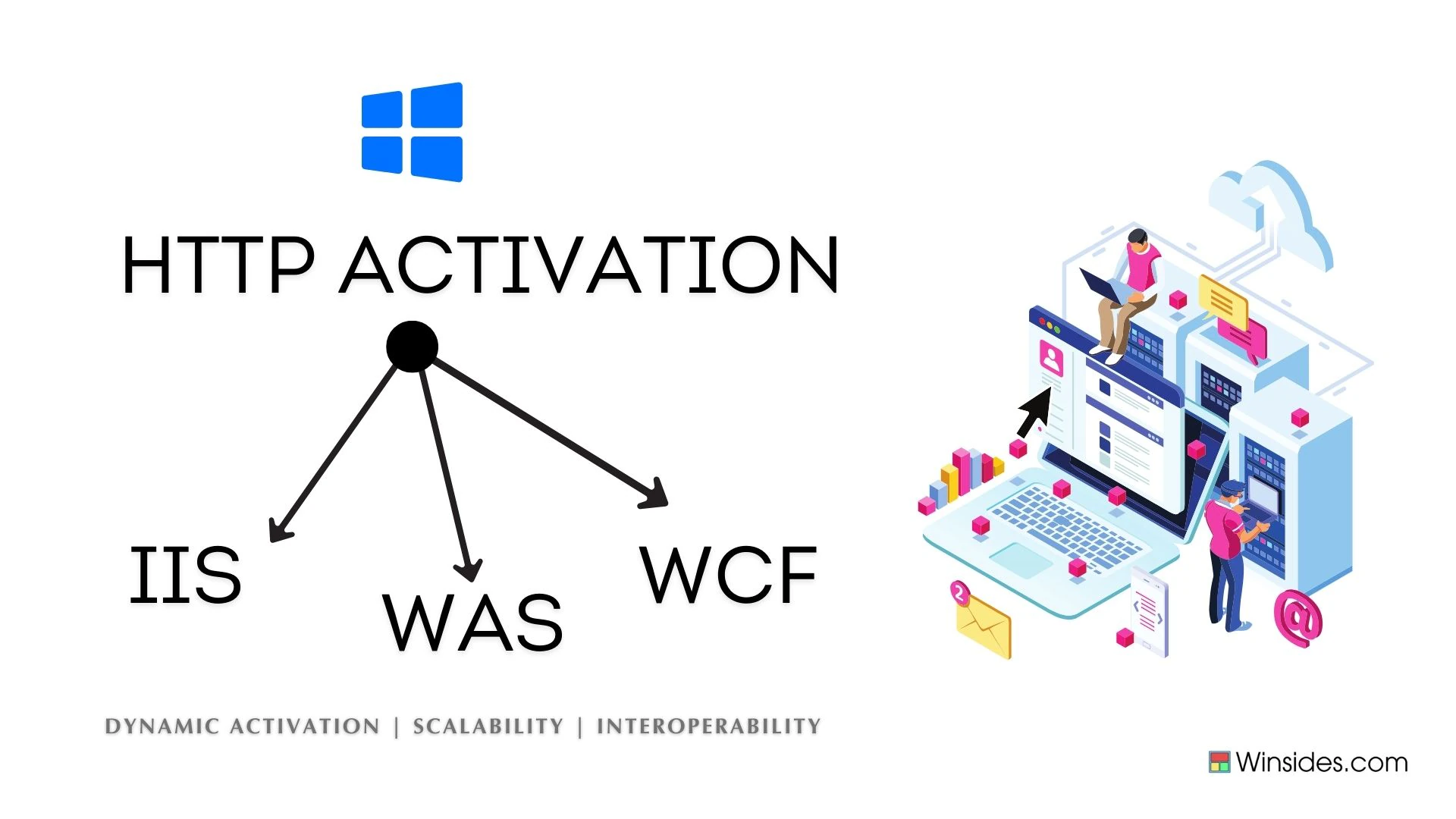
- Integration with Internet Information Services(IIS): HTTP Activation is closely integrated with IIS, allowing applications to be activated and managed through the web server.
- Windows Process Activation Service (WAS): WAS manages application pools and worker processes in IIS. With HTTP Activation, WAS can use HTTP protocols to start applications dynamically as requests are received.
- WCF Services: WCF is a framework for building service-oriented applications. HTTP Activation enables WCF services to be hosted and accessed via HTTP, providing a flexible and widely compatible way to communicate with these services.
HTTP Activation in Windows 11 paves the way for the Dynamic Activation of applications, allowing for better scalability and interoperability.
Frequently Asked Questions
Why is HTTP Activation listed under .NET Framework features?
It is a component of the Windows Communication Foundation (WCF), which is part of the .NET legacy. Even though Windows 11 uses modern .NET versions, many enterprise applications still rely on these .NET 3.5 or 4.8 WCF protocols to communicate between different parts of a software suite.
What is the benefit of using Activation over a “Started” service?
The primary benefit is Resource Management. By using HTTP Activation, the operating system doesn’t have to keep dozens of specialized services running in RAM 24/7. It only spins up the process when it’s actually needed, which is vital for maintaining performance on Windows 11 machines that host multiple background tasks.
Does it work with other protocols like TCP or Named Pipes?
Yes, but those have their own “Activation” checkboxes (Non-HTTP Activation). HTTP Activation specifically handles traffic over ports 80 and 443. If your application uses a custom port or a different protocol (like net.tcp://), You would need to enable the corresponding activation feature for that protocol.
Is HTTP Activation a security risk?
It doesn’t create a new vulnerability on its own, but it does mean your computer is “listening” for specific types of data. Since it is often tied to older .NET frameworks, you should ensure your Windows 11 is fully updated to have the latest patches for the WCF engine.
Take away:
HTTP Activation in Windows 11 allows applications to dynamically respond to requests, improving resource management and ensuring efficient communication over HTTP protocols. This feature is essential for Developers and IT professionals looking to enhance their service-oriented applications within IIS.
Have Queries?
If you have any questions, kindly let us know in the comments. For more interesting articles, stay tuned to Winsides.com. Happy Coding! Peace out!







Community
Comments (0)